Lenovo ThinkCentre neo 50q Gen 4 Review: Compact Business Powerhouse
Lenovo ThinkCentre neo 50q Gen 4 Review
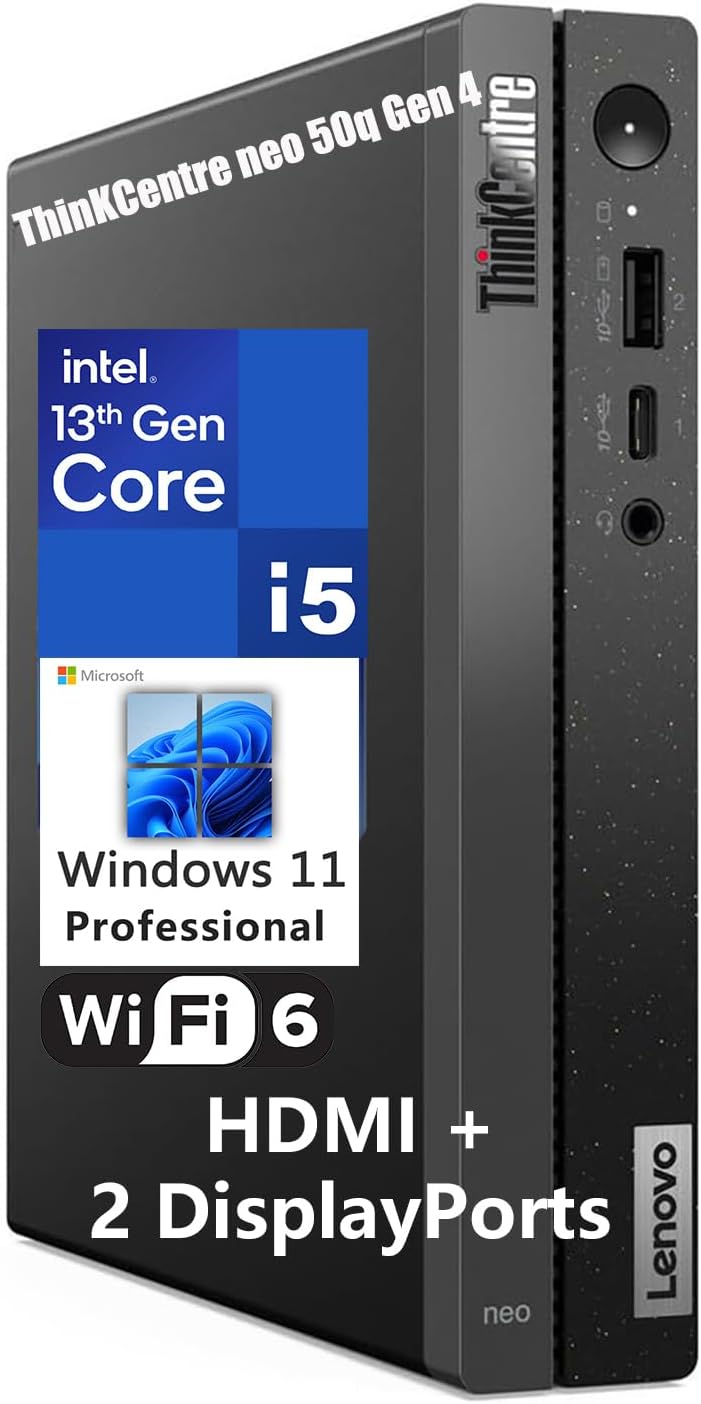
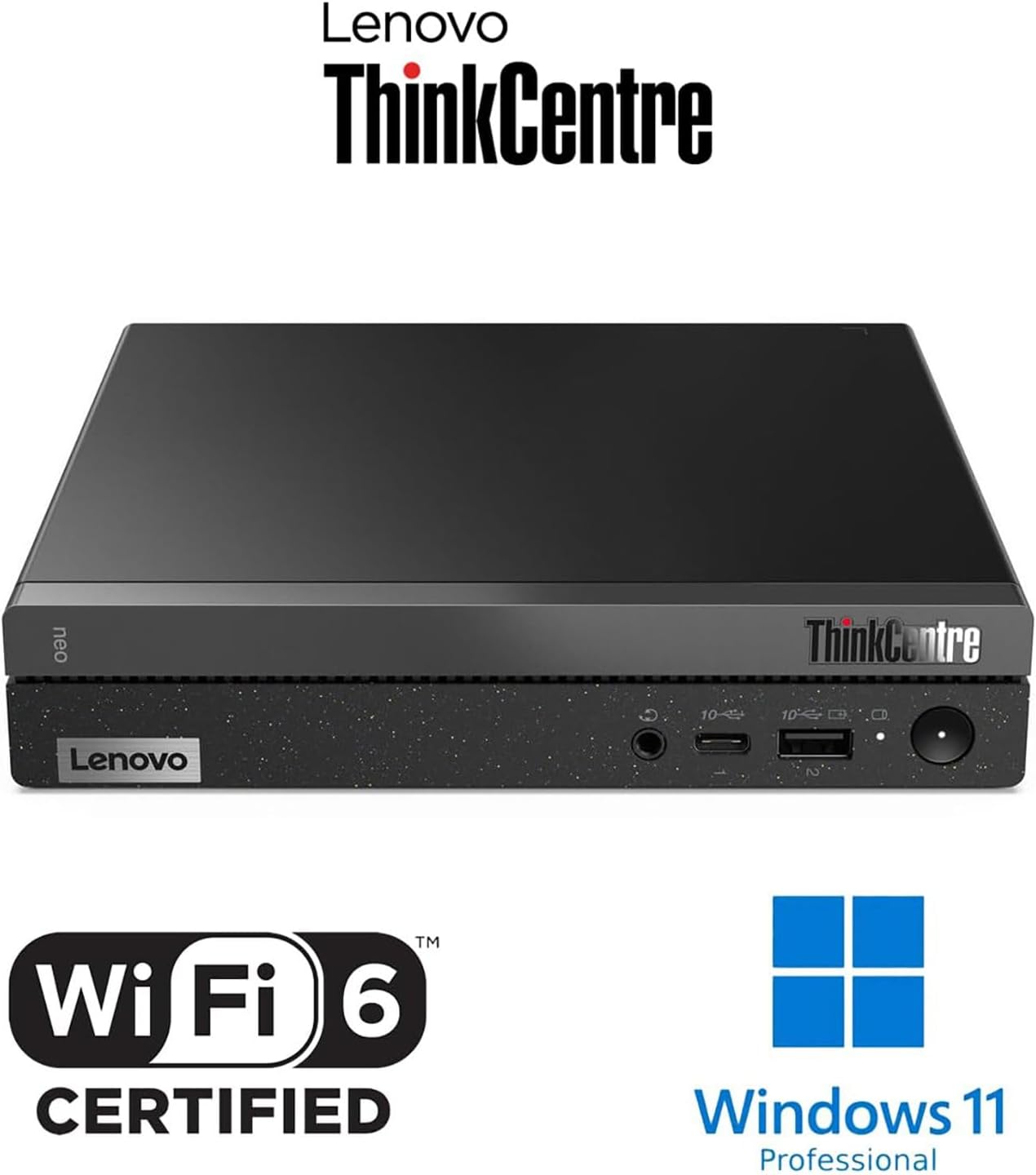
I have spent enough time with the Lenovo ThinkCentre neo 50q Gen 4 to know exactly what it is: a utilitarian box designed to disappear under a mountain of paperwork or tucked away on a VESA mount. The chassis is a dense, black plastic-and-metal composite that feels sturdy enough for a corporate cubicle but lacks the premium refinement of a high-end workstation. It weighs almost nothing, which makes the density of the internal components surprising when you first hold it. The aesthetic is purely functional, with zero concessions to modern design trends, which I personally find refreshing in a market obsessed with unnecessary RGB lighting and glass side panels.
My first impressions were dominated by the sheer compactness of the unit. It occupies a footprint smaller than a standard hardcover book, which is the primary reason anyone would consider this machine. The included Calliope keyboard and mouse are functional but entirely forgettable; they are budget peripherals that serve their purpose until you decide to upgrade to something more ergonomic. The build quality is consistent with Lenovo’s business line—utilitarian, unpretentious, and built to survive years of being shoved into equipment bags or bolted to the back of a monitor.
The display output capabilities are surprisingly robust for a machine of this stature. While it lacks a dedicated GPU, the integrated graphics managed to drive three displays at my desk without stuttering during standard office workflows. I tested the color accuracy across my monitors, and while the output is sharp enough for spreadsheets and web-based applications, I would not suggest this for professional photo editing. The integrated audio jack is clean, but the internal speaker is a joke—tinny, weak, and practically useless for anything beyond system beeps and alerts.
If you are looking for immersive media consumption, look elsewhere. The audio experience is strictly for notification sounds. Regarding the visuals, the HDMI 2.1 and DisplayPort configuration allows for a clean multi-monitor setup, which is the only reason to buy this over a standard laptop. I did not notice any significant color shifting or signal degradation when daisy-chaining screens, provided you use high-quality cables. For a business environment, the display performance is perfectly adequate, but it hits a wall if you expect cinematic quality.
Real-world performance is where I see the true nature of this processor. The Intel i5-13420H is a capable chip, but it is not a powerhouse. In my daily usage—which consists of dozens of Chrome tabs, multiple background instances of Slack, and heavy Excel files—the system stayed responsive. However, when I pushed it with more demanding tasks like batch image resizing or complex data parsing, the limitations of the DDR4 memory and the integrated graphics became apparent. It is a multitasking workhorse, not a creative studio.
I suspect most users will find the system snappier than their previous generation office hardware, but do not mistake this for a high-performance desktop. The bottlenecks are not in the CPU, but in the thermal constraints of such a small chassis. Under heavy, sustained load, the system manages to stay functional, but you will feel the performance dip as the processor manages its power envelope to prevent overheating. For typical business applications, it is more than fast enough to keep up with a fast typist, but do not try to run modern AAA titles or heavy rendering software on this machine.
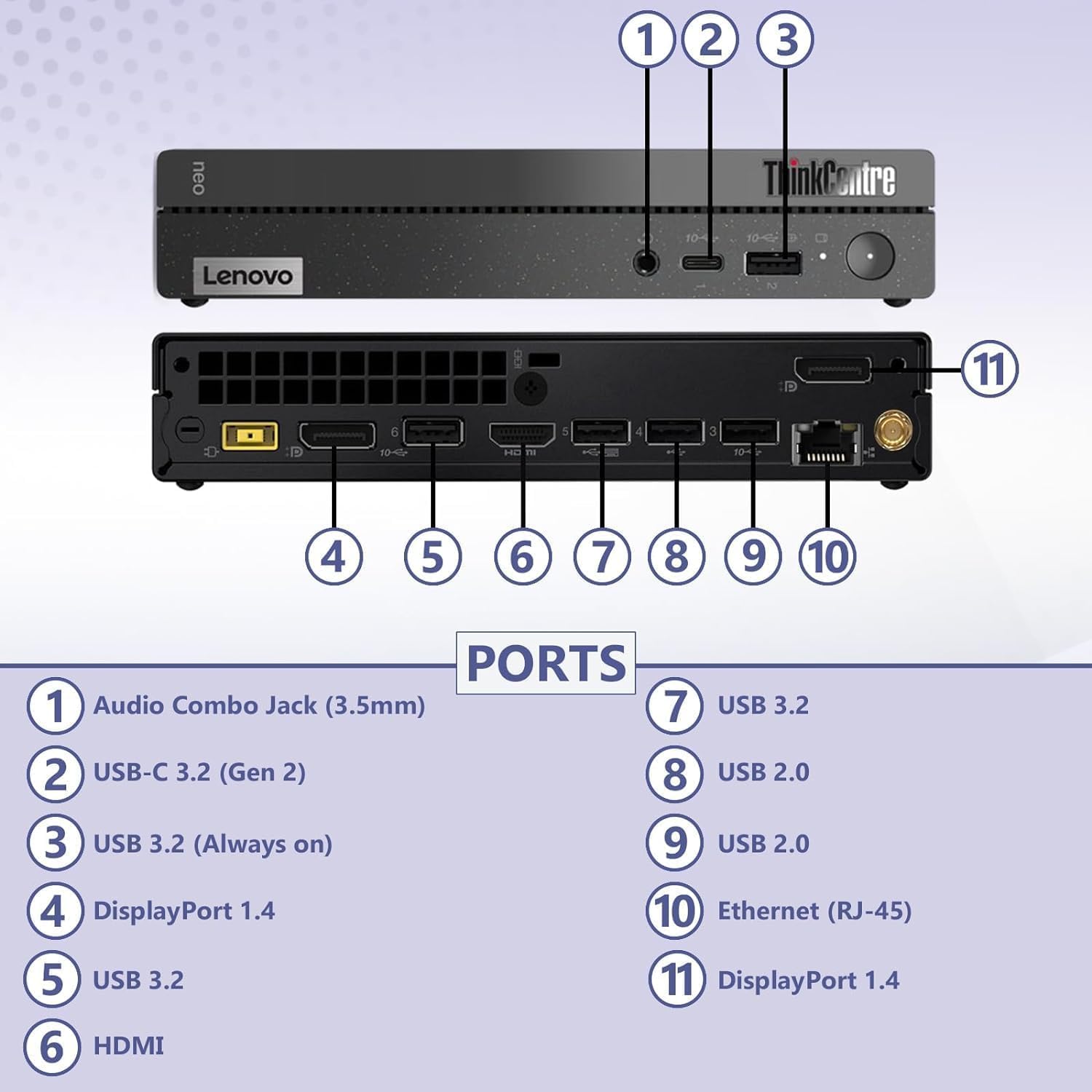
Thermals are the constant enemy of a 1L desktop. During my testing, the fan noise ramped up to an audible whir whenever I pushed the processor. It is not an annoying high-pitched whine, but it is certainly noticeable in a quiet room. The port selection is where this machine actually shines. Having a plethora of USB 3.2 ports and both HDMI and dual DisplayPorts makes it a connectivity dream for a small office. I never ran out of room for my peripherals, and the front-facing USB-C port is a convenient touch for quick data transfers.
The biggest flaw here is the thermal management when compared to the heat output of the H-series processor. Lenovo has squeezed a high-wattage chip into a tiny box, and it shows. The system runs warm to the touch after just an hour of active use. If you decide to mount this to the back of a monitor, ensure you have adequate airflow, or you will be choking the intake vents. It feels like the manufacturer pushed the limits of the chassis size, sacrificing long-term thermal health for the sake of marketing a “powerful” processor in a compact frame.
I would recommend this Lenovo desktop to administrative professionals, office managers, and anyone who needs a secondary machine for home-office tasks where desk space is at a premium. It is a fantastic choice for a kiosk or a digital signage player as well. You should absolutely avoid this if you are a creative professional, a video editor, or a gamer. There is simply no room for the hardware needed for those tasks, and paying for this level of performance when you need more power is a waste of your money.
Looking at the long-term value, I think this machine will easily last three to four years in a standard office environment. The SSD and RAM are likely replaceable if you know what you are doing, which helps with longevity. However, given the price point, you are paying a premium for the form factor. If you do not need the tiny size, you could build or buy a standard desktop with better cooling and more upgrade potential for the same cost. You are paying for the space it saves, and that is a calculation only you can make based on your desk setup.

The Competitive Landscape
When stacking this machine against the competition, the focus shifts to whether the 1L form factor is worth the thermal trade-offs. I have seen various mini-PCs from competitors that utilize low-power U-series chips, which run cooler but struggle with the same multitasking scenarios that the i5-13420H handles with relative ease. The trade-off is clear: you get more power here, but you pay for it with more aggressive fan curves and higher chassis temperatures.
| Feature | Lenovo ThinkCentre neo 50q Gen 4 | ASUS PN53 Mini PC |
|---|---|---|
| Processor | Intel Core i5-13420H | AMD Ryzen 7 7735H |
| RAM | 16GB DDR4 | 16GB DDR5 |
| Storage | 512GB SSD | 512GB SSD |
| Estimated Price | $645.00 | Check Latest Price |
Verdict on the Lenovo ThinkCentre neo 50q Gen 4
The machine is exactly what it claims to be—a competent, compact office PC that hides in plain sight. It handles the mundane rigors of the workday without complaining, provided you respect its physical limitations. It is not a machine that will impress your friends, nor is it a machine that will handle heavy creative workloads, but for the specific job of being a reliable business desktop, it gets the job done. If you value your desk real estate above all else, this is a solid investment, but keep it ventilated.
|
|