HP Stream 14 Review: A Budget Laptop for Everyday Tasks
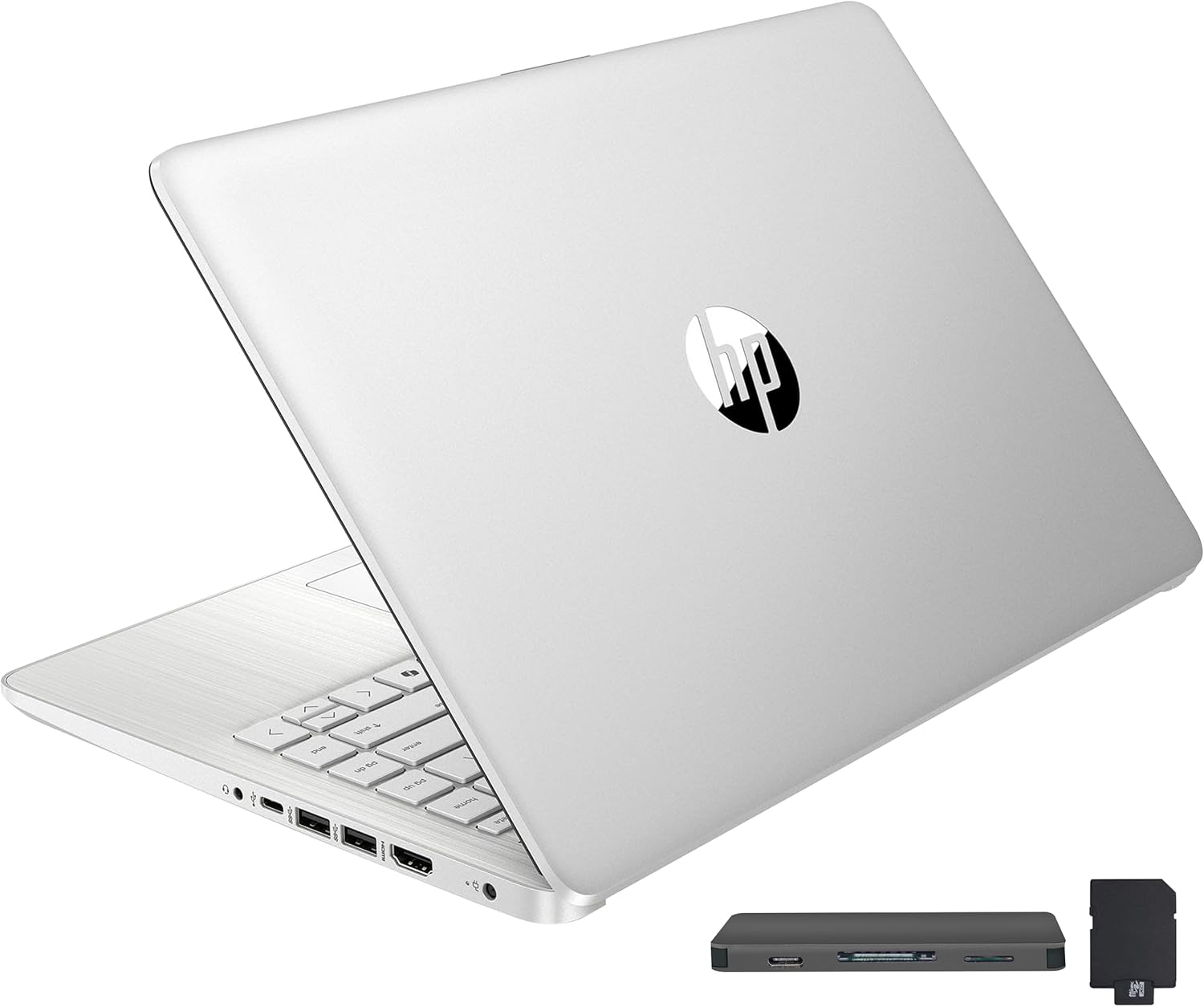
I unboxed this HP Stream 14 expectantly, only to be immediately reminded of why ultra-budget laptops are a minefield of compromises. At three hundred dollars, you expect corners to be cut. HP did not just cut corners here; they sliced off entire edges. This machine targets students and casual browsers, but the raw hardware reality tells a far more frustrating story.
A Cheap Chassis and the Illusion of Storage
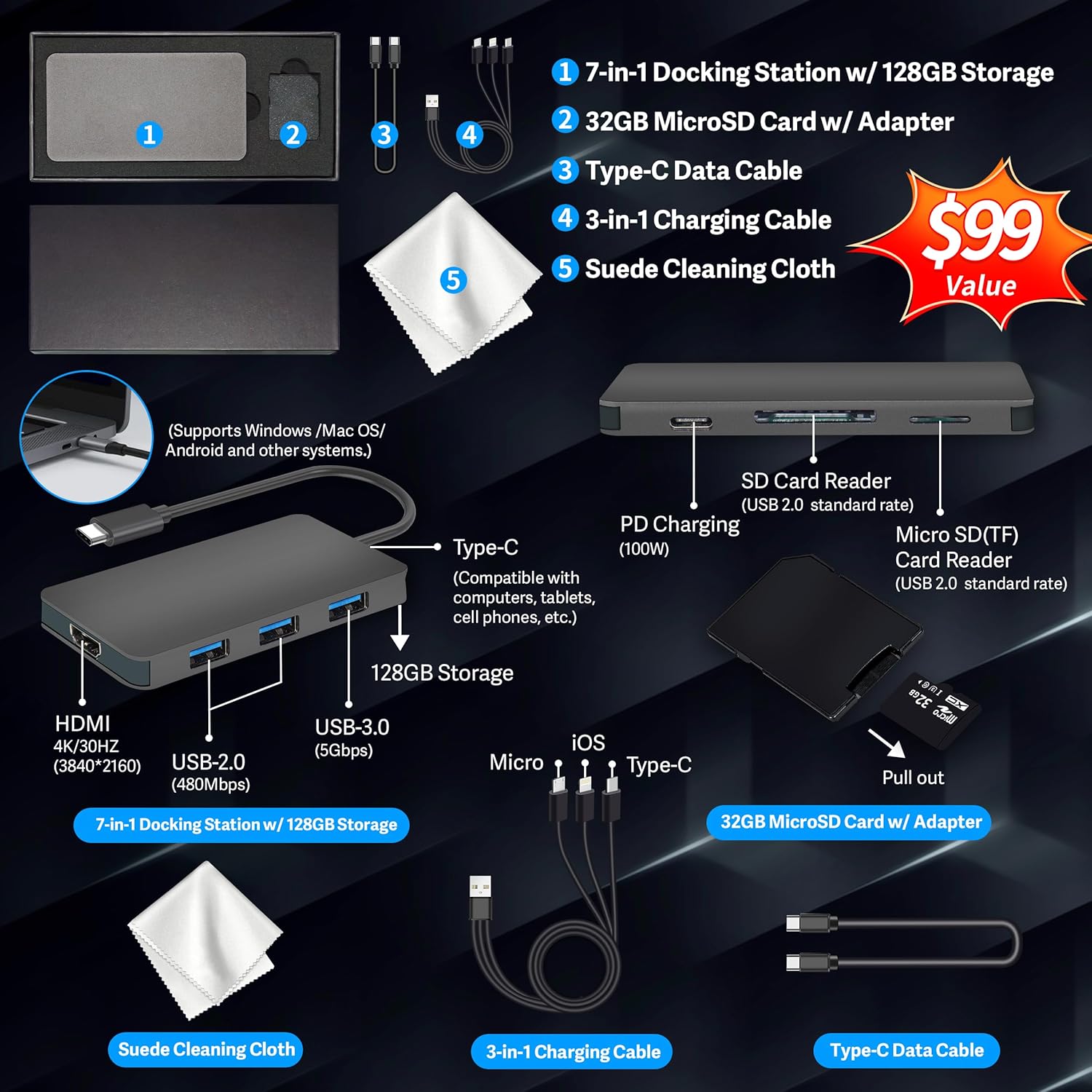
The silver plastic shell looks clean from a distance. Pick it up, and the flexing chassis immediately betrays its budget nature. The 14-inch BrightView screen is highly reflective and suffers from narrow viewing angles. If you do not sit directly in front of it, colors wash out instantly. HP advertises 288GB of storage. Do not let that number fool you. Only 128GB is internal UFS storage, which is barely faster than an old mechanical hard drive. The other 160GB is bolted on via an external docking station accessory set. It is a clunky workaround to make a spec sheet look impressive.
The Celeron Bottleneck and S-Mode Restrictions
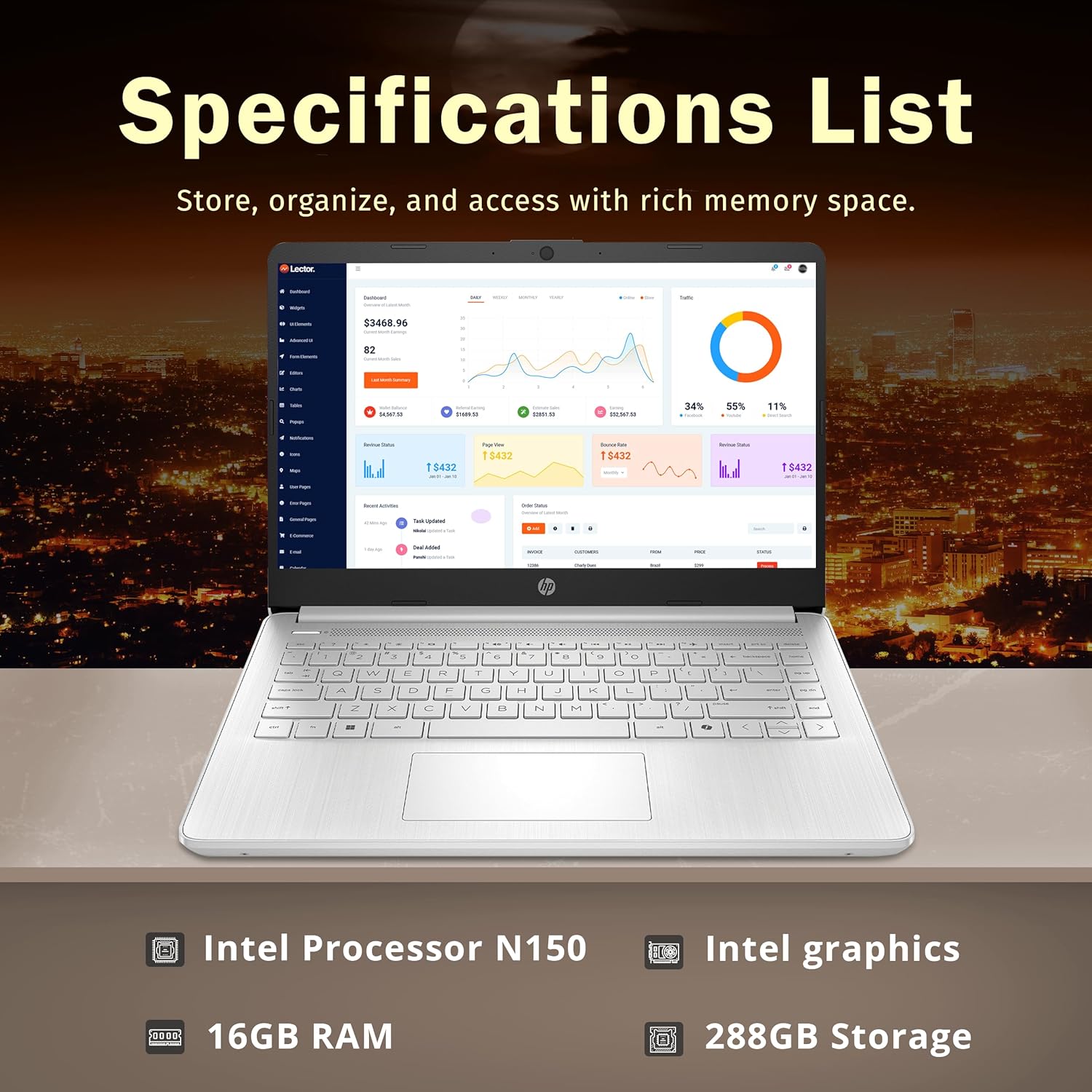
Inside, the Intel Celeron N4120 processor struggles under load. HP paired it with 16GB of RAM, which helps keep basic web tabs open, but the processor itself is a bottleneck. Opening more than four active web pages causes noticeable stuttering. Windows 11 S-Mode is enabled by default, locking you into the Microsoft Store. You will want to switch out of S-Mode to install normal programs, but doing so exposes just how weak this CPU is. This laptop is built for basic document writing and video streaming, nothing more.
| Specification | HP Stream 14″ (This Product) | Lenovo IdeaPad 1 14″ |
|---|---|---|
| Processor | Intel Celeron N4120 (Quad-Core) | Intel Celeron N4020 (Dual-Core) |
| RAM | 16GB DDR4 | 4GB DDR4 |
| Storage | 288GB (128GB UFS + 160GB Docking Station Set) | 128GB eMMC |
| Display | 14″ HD BrightView (1366 x 768) | 14″ HD Anti-Glare (1366 x 768) |
| Operating System | Windows 11 Home in S Mode | Windows 11 Home in S Mode |
| Included Software | 1-Year Microsoft Office 365 Personal | None / Trial Only |
| Estimated Price | $308 | $220 |
A Worrying Trend of Dead Batteries
Battery life is where this budget build completely falls apart. While lightweight and easy to throw in a backpack, multiple user reports point to a severe quality control issue. Several buyers received units where the battery refused to hold a charge out of the box, turning this portable laptop into a permanent desktop tethered to the wall. If you get a functional battery, it lasts long enough for basic office work, but the risk of receiving a dud is high.
| Pros | Cons |
|---|---|
|
|
Who Should Avoid This Machine?
Avoid this laptop if you need to run heavy software, edit photos, or require a reliable battery for off-grid travel. The Celeron N4120 cannot handle modern multitasking efficiently. If you need something for basic typing and have a constant power outlet nearby, it might suffice. Otherwise, look elsewhere.