HP Pro Tower 29
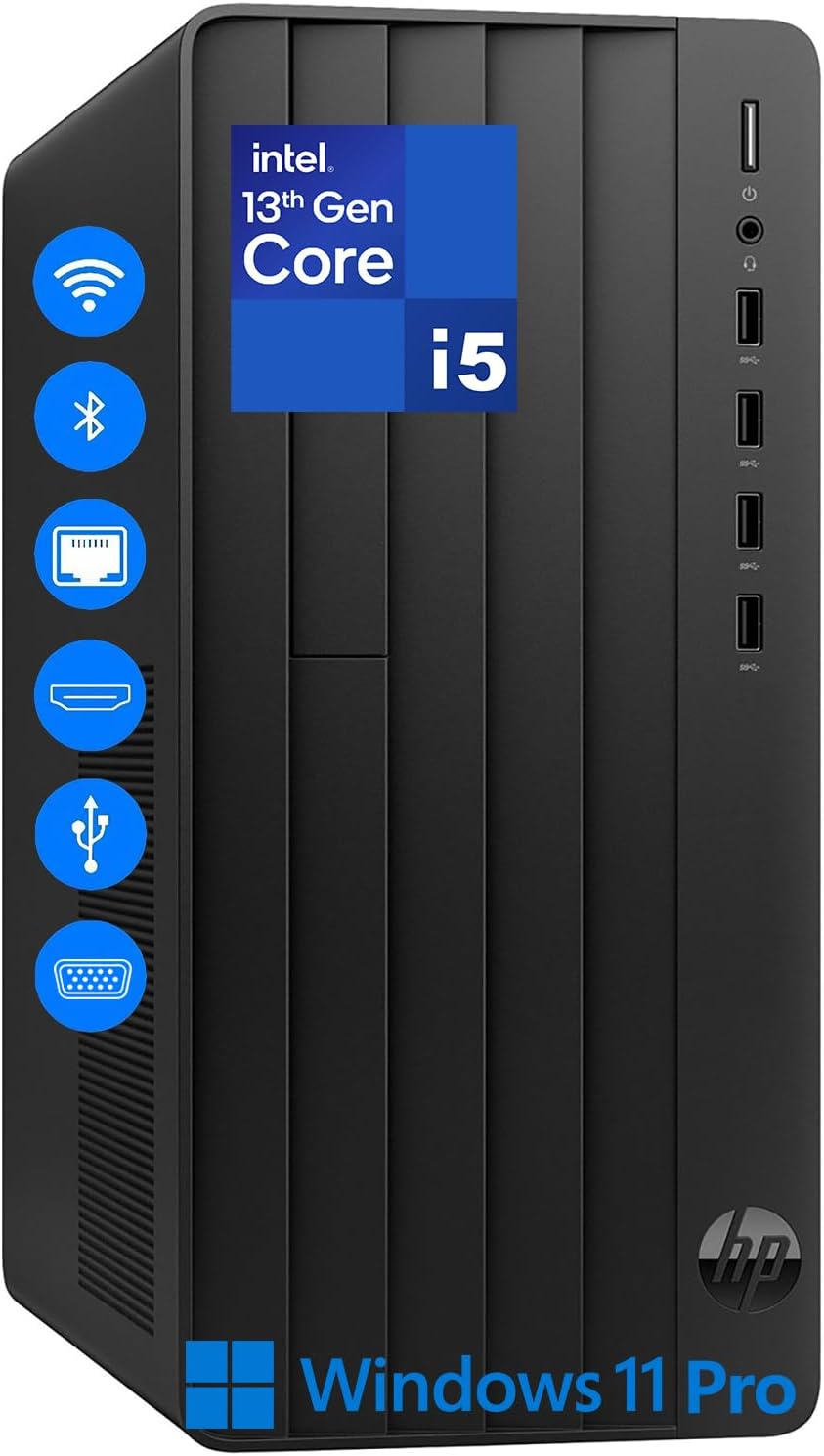
I unboxed this HP Pro Tower expecting another sluggish, bloated office machine, but the 14-core Intel i5-13500 immediately shattered that expectation during heavy multitasking. This is not your typical underpowered corporate desktop. HP crammed a serious amount of processing power into a basic black chassis, though they made some glaring sacrifices to keep the price under five hundred dollars.
If you are looking for a sleek, silent powerhouse that can double as a high-end gaming rig, stop reading now. This machine is built for raw data processing, endless browser tabs, and heavy office workflows. It does those jobs exceptionally well, but the corners cut to achieve this price point are obvious the moment you look under the hood.
A Raw 14-Core Muscle Car in a Plain Cardboard Box
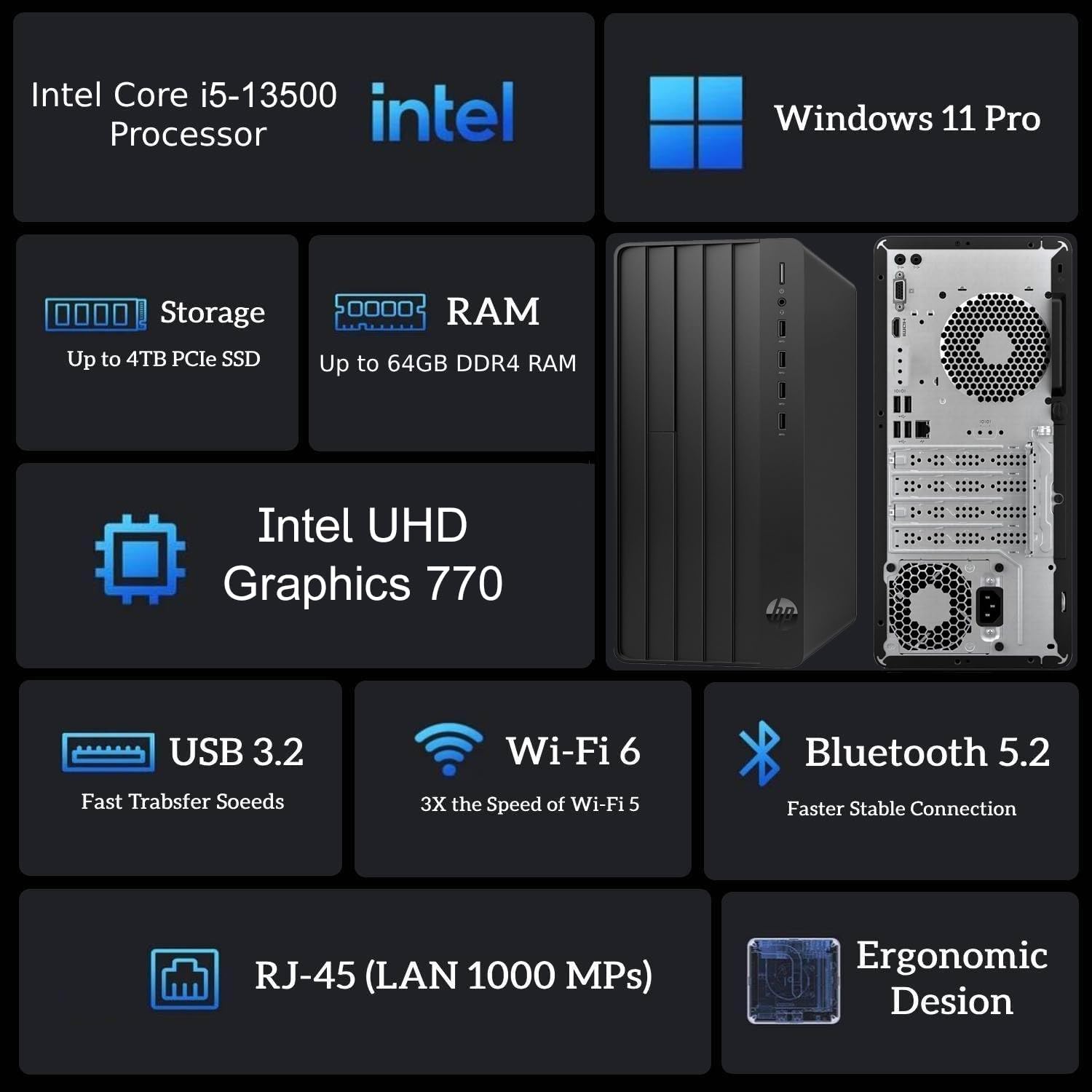
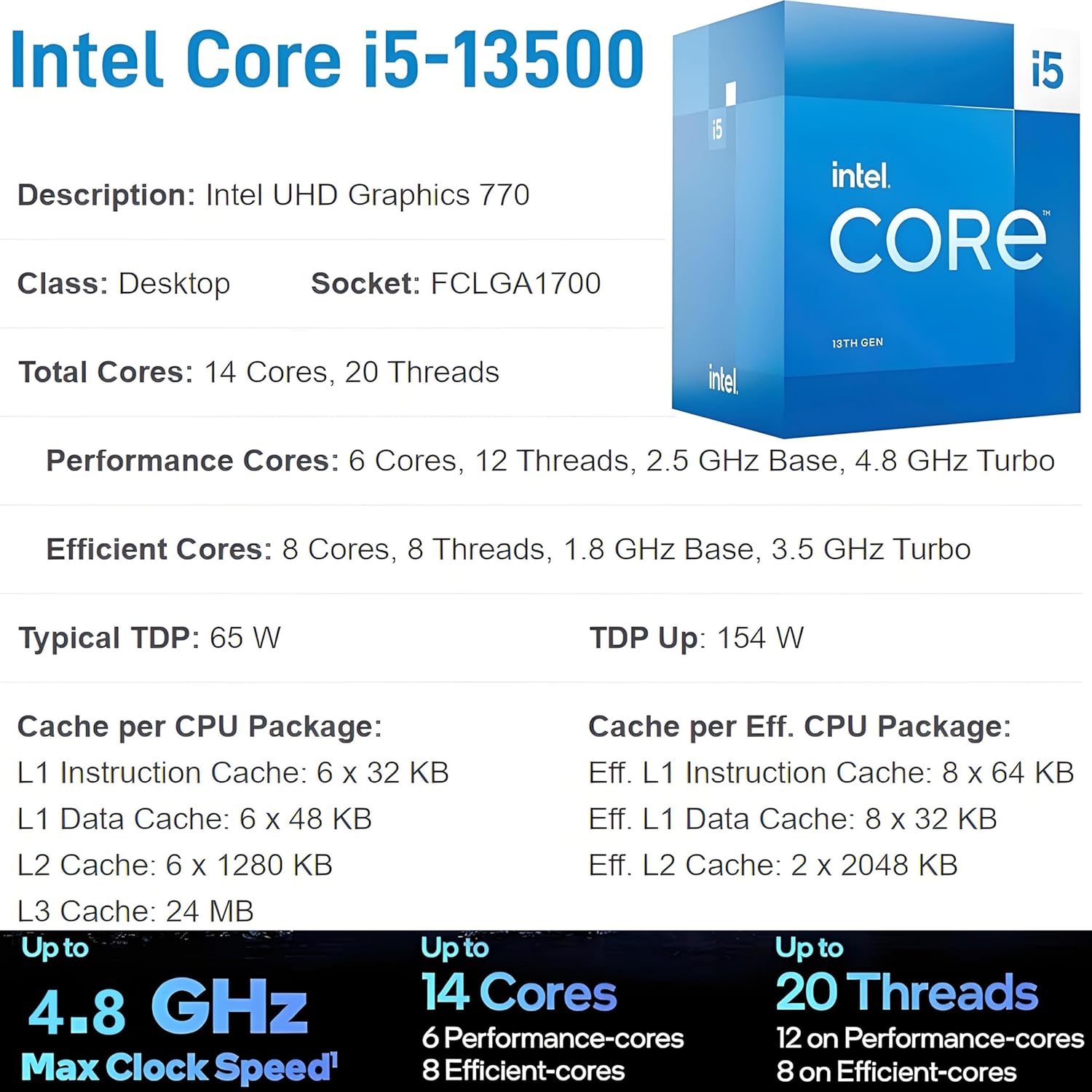
The heart of this machine is the Intel Core i5-13500. Do not let the “i5” moniker fool you. This processor features 14 cores (6 Performance cores and 8 Efficient cores) and 20 threads. In plain terms, it shreds through massive Excel spreadsheets, code compilation, and database management without breaking a sweat.
HP paired this capable CPU with 32GB of DDR4 RAM. While I would have preferred modern DDR5, the sheer volume of memory compensates for the older standard. I loaded up thirty active Chrome tabs, a massive PDF editor, and a local database server simultaneously. The system did not stutter. The 1TB PCIe NVMe SSD provides fast boot times and instant file access, though HP used a budget drive that slows down slightly during massive, multi-gigabyte file transfers.
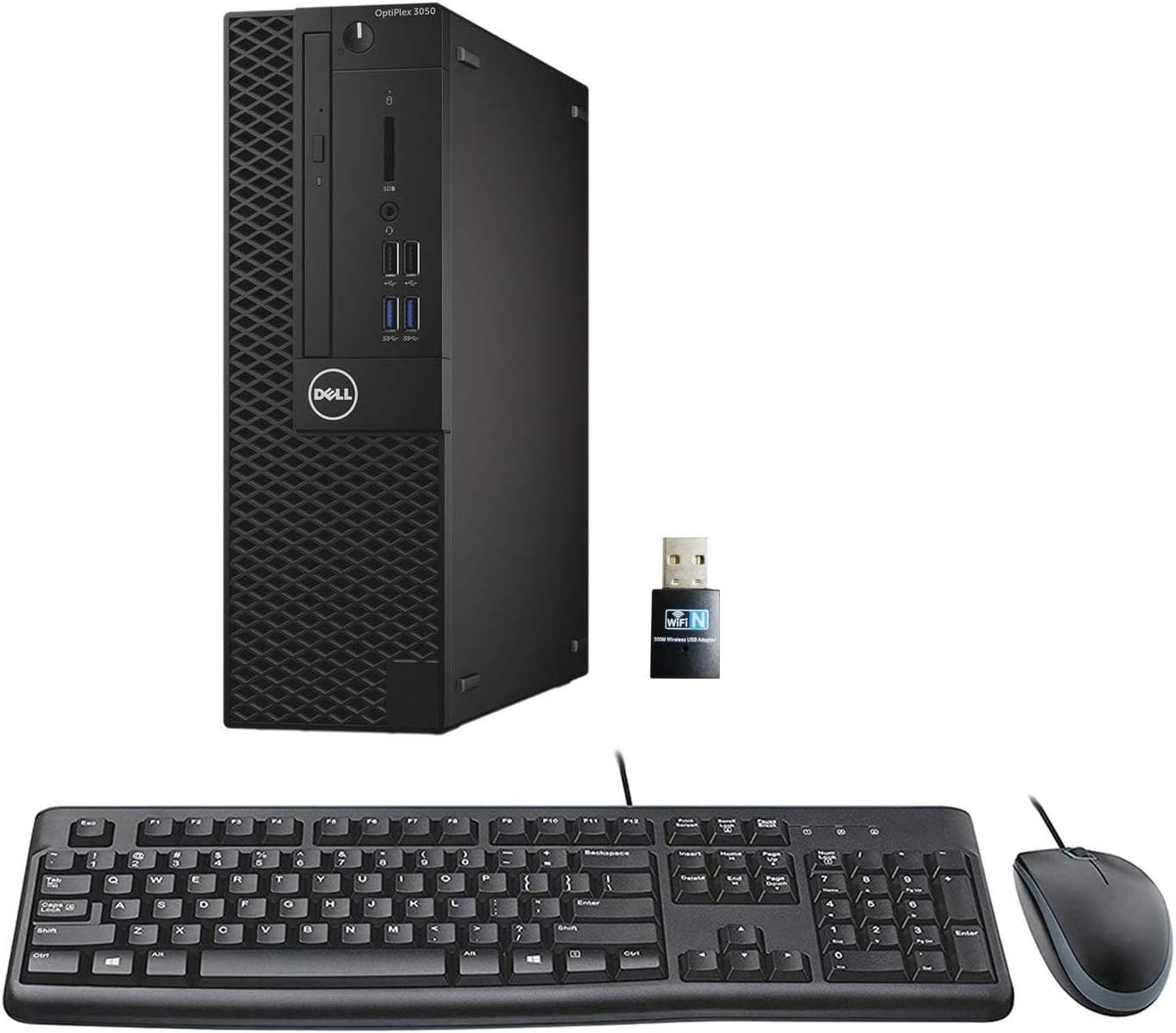
| Feature | HP Pro Tower Business Desktop | Dell OptiPlex 7010 Tower |
|---|---|---|
| Processor | Intel Core i5-13500 (14 Cores, 20 Threads, up to 4.8 GHz) | Intel Core i5-13500 (14 Cores, 20 Threads, up to 4.8 GHz) |
| Memory | 32GB DDR4 SDRAM | 16GB DDR4 SDRAM |
| Storage | 1TB PCIe NVMe M.2 SSD | 512GB PCIe NVMe M.2 SSD |
| Graphics | Intel UHD Graphics 770 | Intel UHD Graphics 770 |
| Operating System | Windows 11 Pro | Windows 11 Pro |
| Connectivity | Wi-Fi 6, Bluetooth 5.3, Gigabit Ethernet | Wi-Fi 6E, Bluetooth 5.3, Gigabit Ethernet |
| Estimated Price | $482 | $699 |
The 180-Watt Bottleneck and the Sad State of Integrated Graphics
The Intel UHD Graphics 770 chip inside this tower is strictly for display output, not performance. If your daily work involves rendering 3D models or editing 4K video with heavy effects, this machine will crawl. It is perfectly fine for driving multiple monitors—and yes, you can run three screens using the onboard ports—but do not expect to play modern AAA video games on this.
The biggest limitation of this entire build is the proprietary 180-watt power supply. This tiny power brick limits your upgrade options to almost zero. You cannot simply buy a mid-range graphics card like an Nvidia RTX 4060 and plug it in; the power supply cannot handle it, and the proprietary HP motherboard layout makes swapping the power supply next to impossible. You are locked into what you buy.
Retro Connectivity Meets Modern Wireless Speeds
HP clearly designed this tower for legacy office environments while trying to keep home-office users happy. On the back, you get a strange mix of old and new. There is a VGA port next to the HDMI port. Some IT departments still running fifteen-year-old monitors will love this, but for most modern users, it is a waste of space.
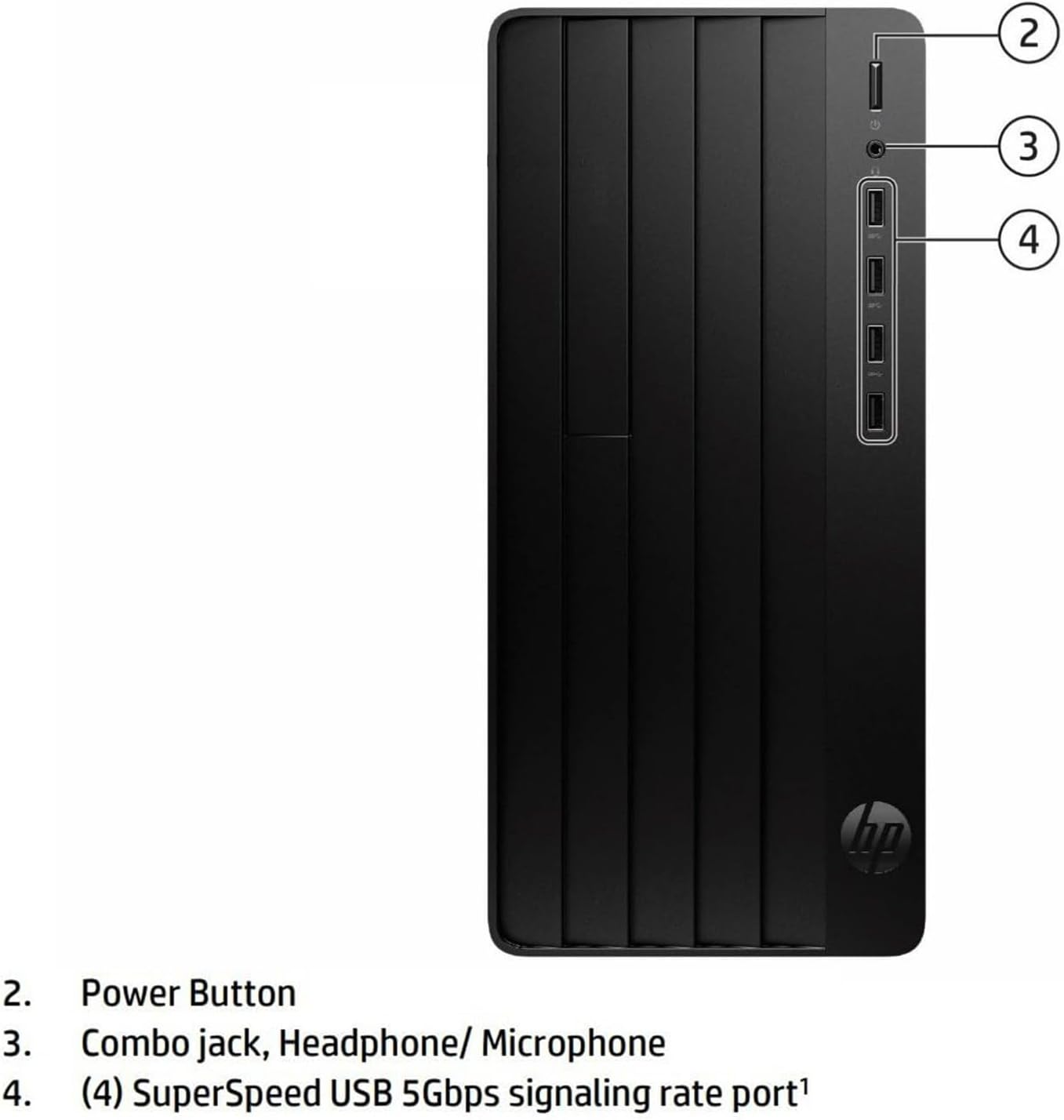
Thankfully, the wireless connectivity is up to date. The Realtek Wi-Fi 6 card and Bluetooth 5.3 provide stable, fast wireless connections. I noticed excellent signal retention even when placed far from my router. The front panel features four fast USB Type-A ports, which makes plugging in flash drives and external hard drives easy, but the lack of a USB-C port on the front is a annoying omission in 2024.
| Pros | Cons |
|---|---|
|
|
Who Should Avoid This System and Where the Cuts Were Made
To hit the $482 price point, HP stripped away all luxury. The chassis is basic plastic and thin metal. It feels cheap to the touch. Under heavy processing loads, the internal cooling fan spins up with a noticeable, high-pitched whine.
Furthermore, the retail package is barebones. You get a basic HP wired keyboard, but no mouse is included in the box. The audio is driven by a basic Realtek ALC3867 codec that sounds flat and tinny through headphones.
Avoid this computer if you want a machine that can grow with you. The lack of expansion headroom, the proprietary motherboard, and the weak 180W power supply mean this desktop will end its life with the exact same specs it has today. But if you need a fast, reliable office computer with massive multitasking capabilities right out of the box, the raw CPU power makes it an incredible value.