HP 15.6 Laptop Review: Affordable Performance for Students and Work
The HP 15.6 Laptop Review: Why Budget Hardware Needs a Reality Check
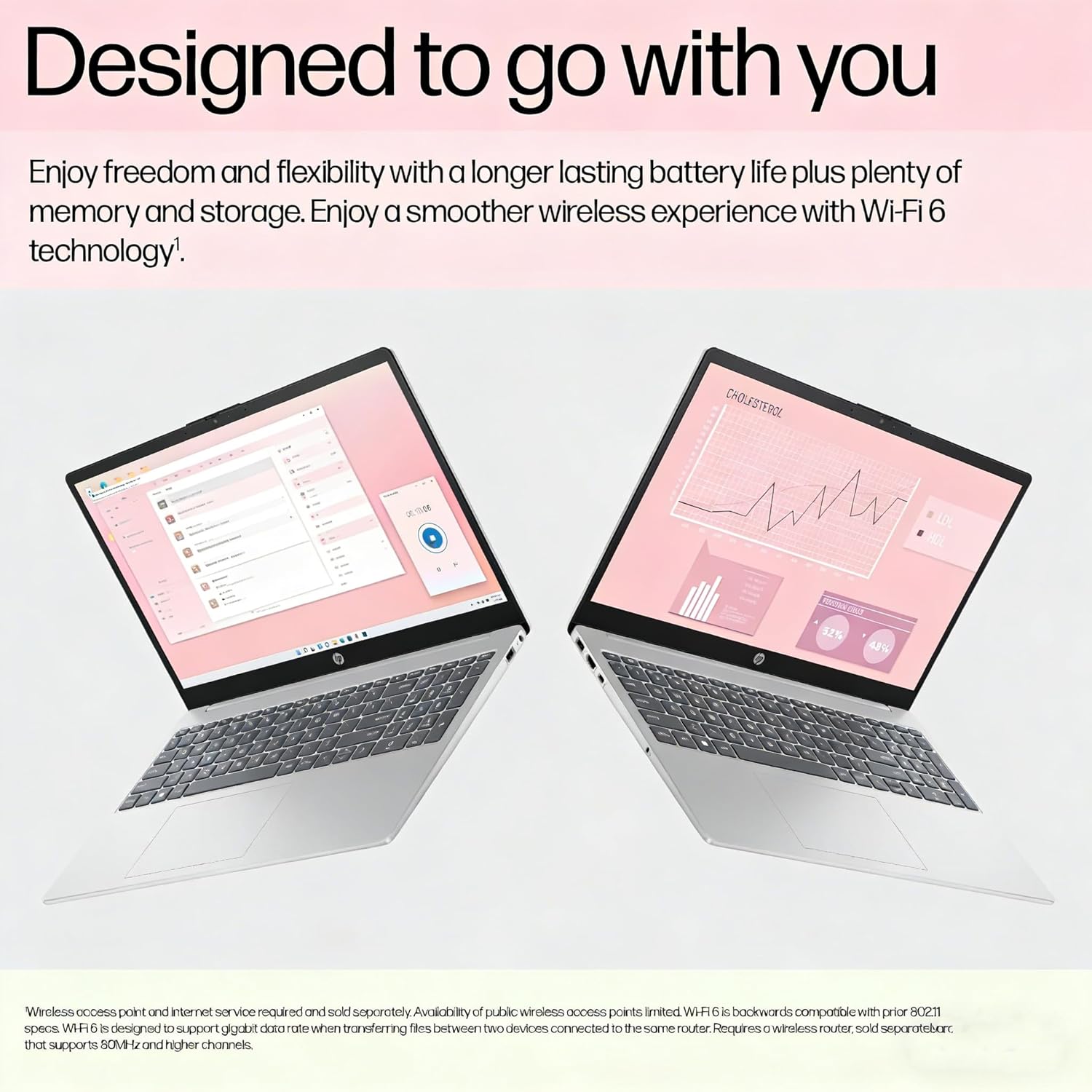
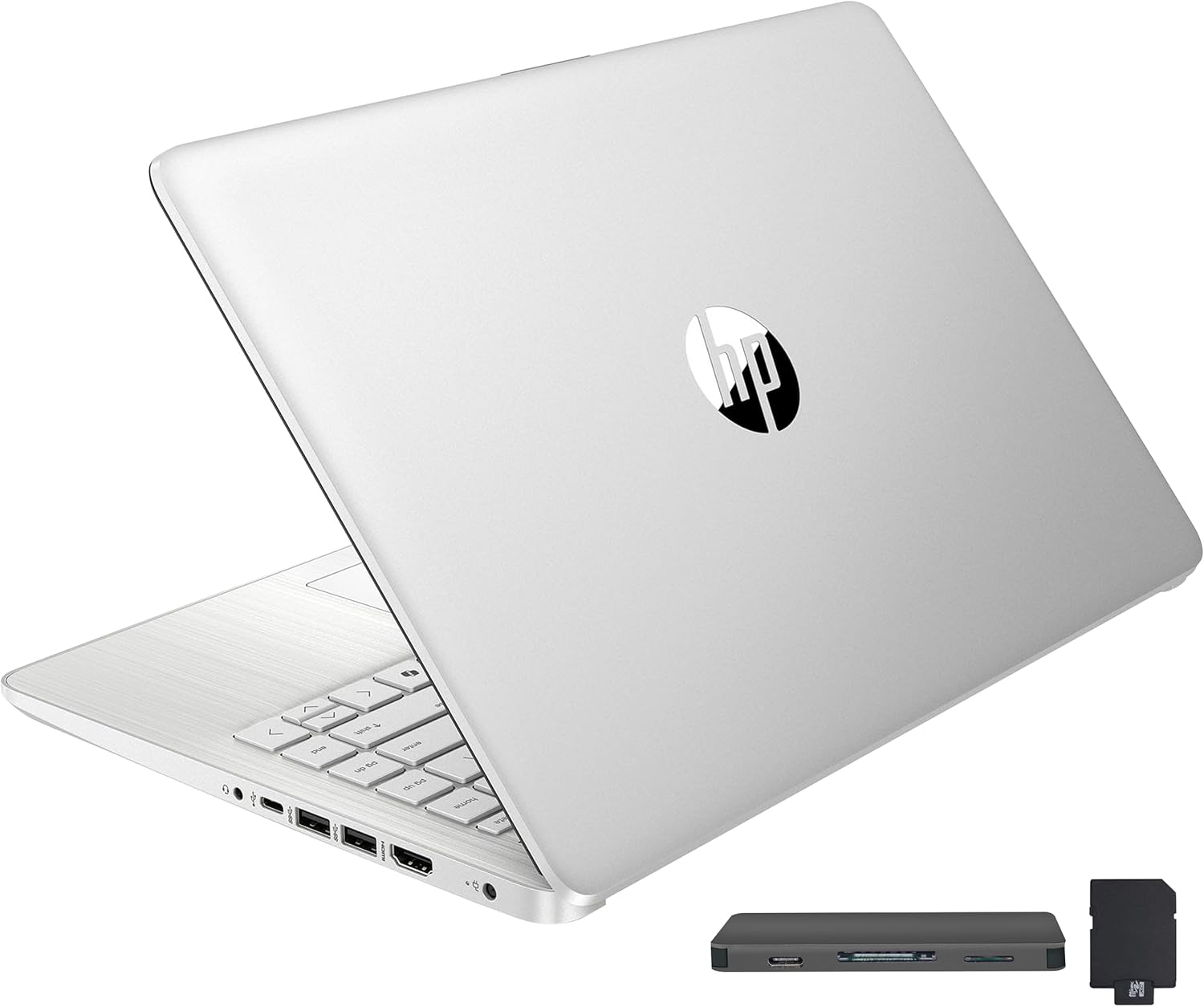
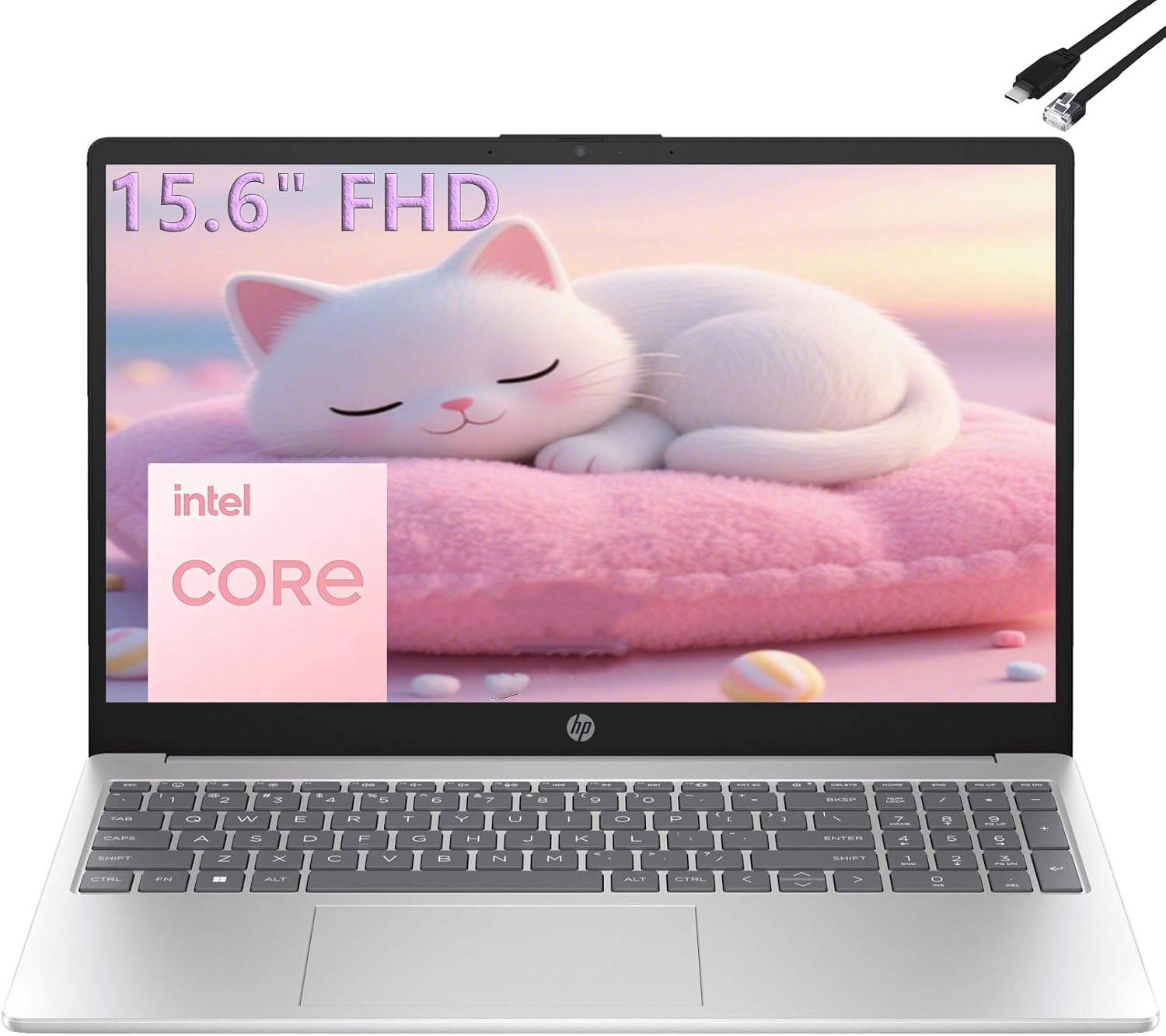
I have spent enough time with the HP 15.6 Laptop to know exactly what it is trying to be and where it inevitably falls short. My first impression, as I pulled it from the box, was one of functional minimalism. The chassis is undeniably plastic, lacking the structural rigidity of premium aluminum machines, yet it manages a weight profile that is manageable for a student hauling it between lecture halls. It feels like a tool built for a specific price point rather than a luxury item meant to sit on a mahogany desk, which is exactly what I expected given the current market positioning of this hardware.
Aesthetically, the device is clean, almost sterile, with a matte finish that avoids fingerprint smudges better than glossier, more expensive alternatives. The hinge feels adequate, though I would not recommend treating it roughly, as there is a slight flex in the lid when pressure is applied. For a device meant to inhabit the backpack of a student or the home office of someone on a tight budget, the build quality is honest. It does not pretend to be something it is not, which is a rare trait in today’s market.
Display and Audio Quality: A Compromise in Clarity
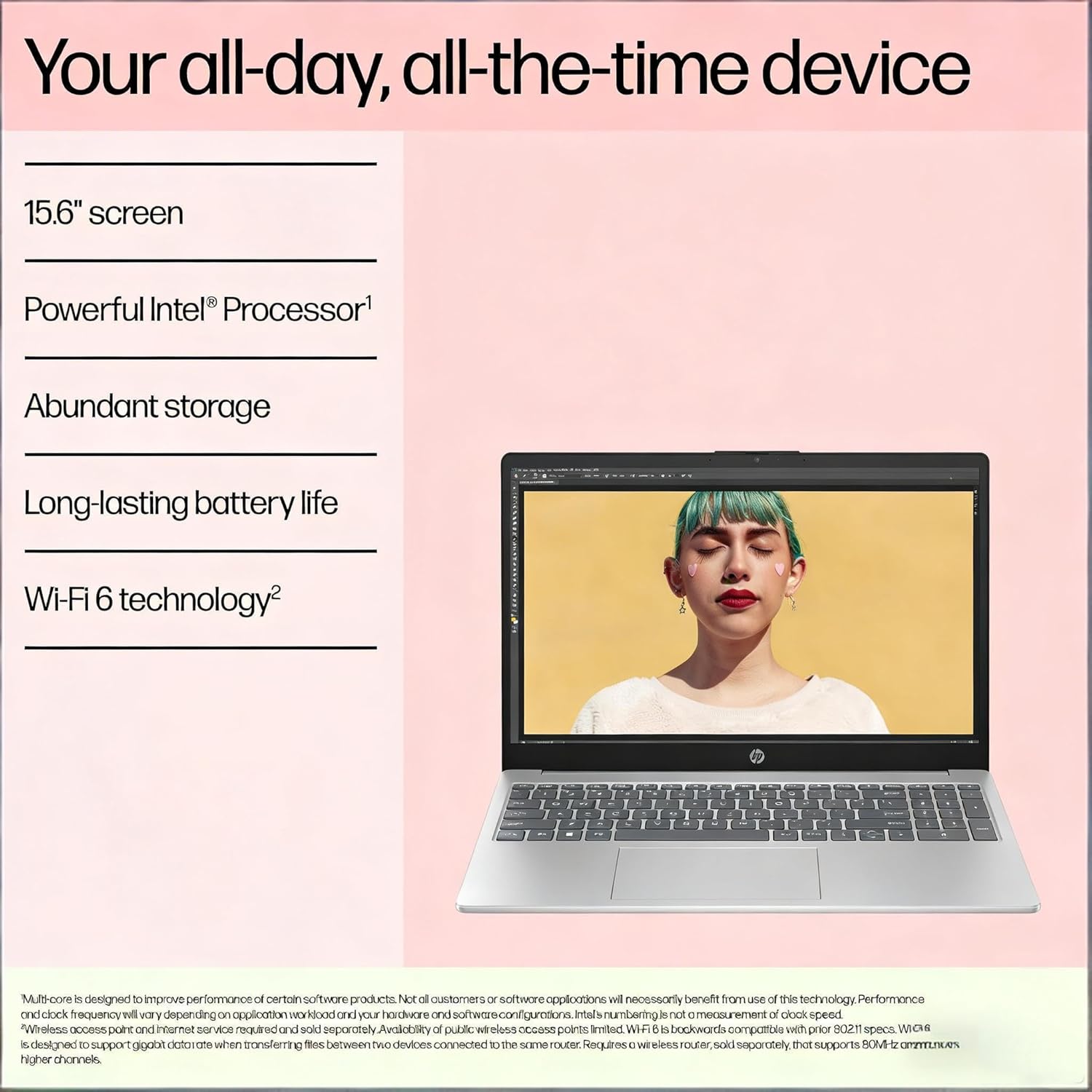
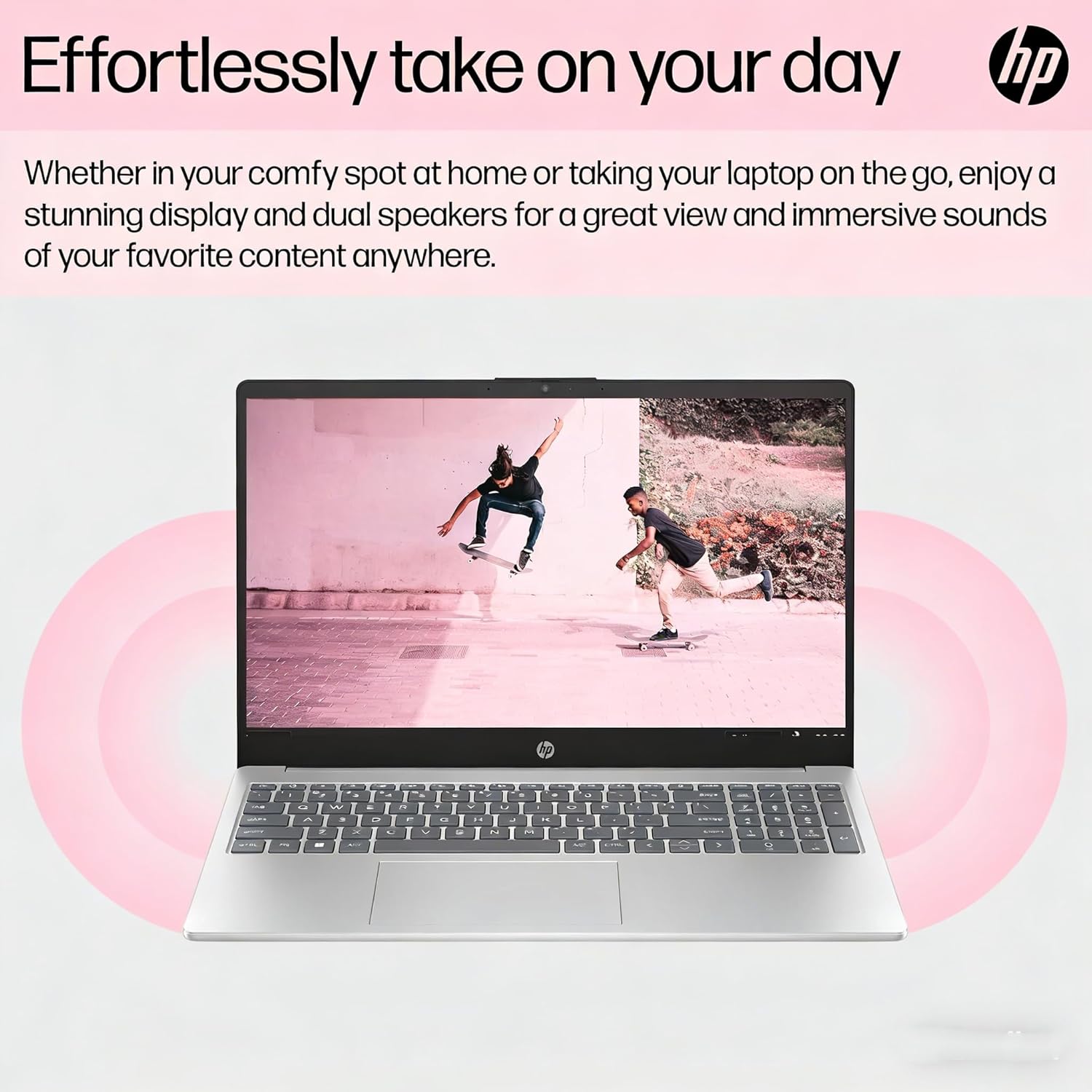
The 15.6-inch FHD anti-glare display is serviceable for documents and web browsing, but do not mistake it for a color-accurate panel suitable for creative work. Under artificial office lighting, the brightness levels feel merely sufficient, and the color reproduction lacks the vibrance I have come to demand from modern hardware. The panel suffers from narrow viewing angles, meaning you will need to adjust the lid constantly to find the sweet spot where the contrast does not wash out. It is perfectly fine for typing out a research paper, but it is not an immersive media consumption experience.
Audio is handled by dual speakers that provide enough volume for a quiet room, but they fail to deliver any meaningful depth or low-end presence. High-frequency sounds can become tinny if you crank the volume past the midpoint, and the lack of bass makes them poor candidates for music production or high-fidelity listening. They are designed for Zoom calls and system alerts, not for cinematic immersion, and I found myself reaching for a pair of wired headphones almost immediately during my time testing the audio output.
Real-World Performance and Efficiency
The Intel N100 processor is a chip that demands patience. In my daily workflow—which involves juggling multiple browser tabs, a word processor, and a messaging client—the machine remains responsive as long as I do not ask it to do everything at once. If you try to push it with complex multitasking or heavy background processes, you will feel the bottleneck. It handles light productivity tasks with a sense of stability, but it never feels lightning-fast. It is a slow and steady workhorse, not a high-performance stallion.
I noticed that the system handles basic web-based apps remarkably well, likely helped by the 16GB of RAM which provides more breathing room than the 8GB baseline found in other budget machines. However, launching larger desktop applications feels sluggish, and you should expect a slight delay when waking the machine from sleep or loading intensive scripts on web pages. It serves its purpose for a student or a home office user who sticks to the basics, but anyone expecting a powerhouse will be disappointed.
Battery Life, Thermals, and Connectivity
Battery life is acceptable for a typical workday, provided you aren’t running high-brightness settings and aggressive background tasks. I found that I could get through a solid stretch of writing and browsing without hunting for an outlet, which is the primary requirement for this class of device. The cooling system is mostly silent, though under sustained synthetic loads, the fan becomes audible as a faint whine. The chassis stays relatively cool to the touch, which is a testament to the low power draw of the processor inside.
Connectivity is where this machine shows its practical side. Having a full-size keyboard with a numeric keypad is a significant benefit for anyone handling data entry, and the port selection covers the essentials. I am pleased to see enough USB ports to accommodate a mouse and a peripheral without needing a dongle. The inclusion of an Ethernet port is a nice touch for students or office workers who prefer a hardwired connection for stable video calls, though the Wi-Fi 6 performance proved stable enough in my testing that I rarely felt the need for the cable.
The Biggest Flaw
The most glaring issue that HP is clearly trying to hide is the display’s color gamut and panel quality. By focusing on the FHD resolution label, they distract from the fact that the actual visual experience is mediocre. The colors feel muted, and the peak brightness is underwhelming, which makes the laptop feel dated the moment you open it in a well-lit environment. It is an area where budget cuts are painfully obvious to anyone who has used a premium IPS panel.
Beyond the screen, the chassis materials are another point of contention. While they keep the weight down, they feel inherently cheap. This is a machine that will likely show wear and tear quickly, and the “plastic feel” is something you simply have to accept for the price. If you are looking for long-term durability in terms of physical aesthetics, this model is not designed to look pristine for years to come.
Target Audience and Verdict
This laptop is for the student who needs a machine to type papers, watch lectures, and manage emails, or for the family that needs a central hub for web browsing and online services. It is not for anyone interested in media editing, professional gaming, or heavy multitasking. If you are a power user, do not waste your time—you will outgrow the hardware in a matter of weeks, and the frustration of waiting on the processor will outweigh the cost savings.
In terms of long-term value, this is a “use it until it dies” device. You are paying for a machine to get you through a specific phase of your life, not a long-term investment that will retain performance relevance in three or four years. If you value low cost above all else and have very modest computing needs, it is a functional tool. If you value speed, display quality, or build premiumness, look elsewhere.
Comparing the Hardware Landscape
When measuring this machine against its peers in the sub-three-hundred-dollar category, it holds its own by prioritizing memory capacity over flashy features. While other manufacturers might try to lure you with lower RAM counts or inferior storage configurations, this specific setup at least provides enough headroom for Windows 11 to breathe, even if the processor is the limiting factor.
| Feature | HP 15.6″ FHD Laptop (2026) | Acer Aspire 3 |
|---|---|---|
| Processor | Intel N100 | Intel Core i3-N305 |
| RAM | 16GB | 8GB |
| Storage | 512GB SSD | 256GB SSD |
| Estimated Price | $273 | Check Latest Price |
Final Verdict
I cannot call this machine perfect, but I can call it honest. It achieves a specific price-to-performance ratio that is difficult to find elsewhere, even if it requires the user to lower their expectations regarding speed and screen quality. For the target demographic, it provides exactly what is advertised: a basic, functional, and portable way to get work done without breaking the bank.
|
|