Dell 27 All-in-One Review: Sleek Performance and Immersive Display
The Dell 27 All-in-One Review
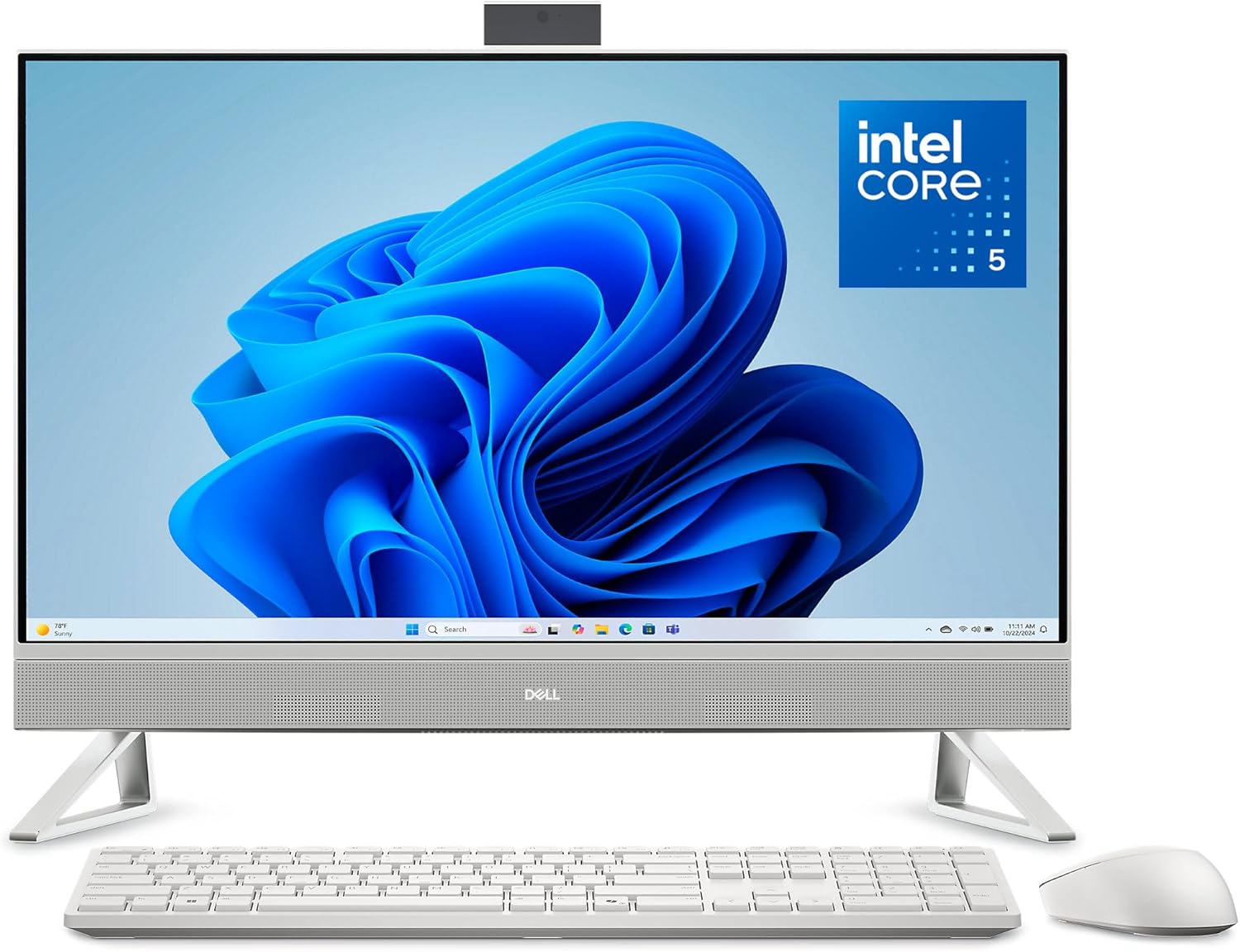
I have spent enough time with the Dell 27 All-in-One to know exactly what it is: a polished, minimalist piece of hardware that prioritizes desk real estate over raw, unbridled power. When I first pulled this machine out of the box, the first thing that struck me was the deliberate reduction in footprint. Dell clearly aimed for a clean aesthetic that hides the complexity of a desktop inside a slim chassis. The build quality feels rigid, and the white finish is professional enough for a home office, though the plastic-heavy construction reminds me that this is firmly a consumer-grade unit rather than a premium workstation.
Setting this up was trivial. The stand design is clever, providing a specific cutout for the keyboard to slide underneath, which is a rare bit of functional design in a market obsessed with form over utility. It is light enough to shift around on my desk, but I noticed a slight wobble when typing aggressively. If you value a clutter-free environment, you will appreciate the effort here, but do not expect the heavy-duty, metal-alloy feel you might get from professional-grade enterprise gear.
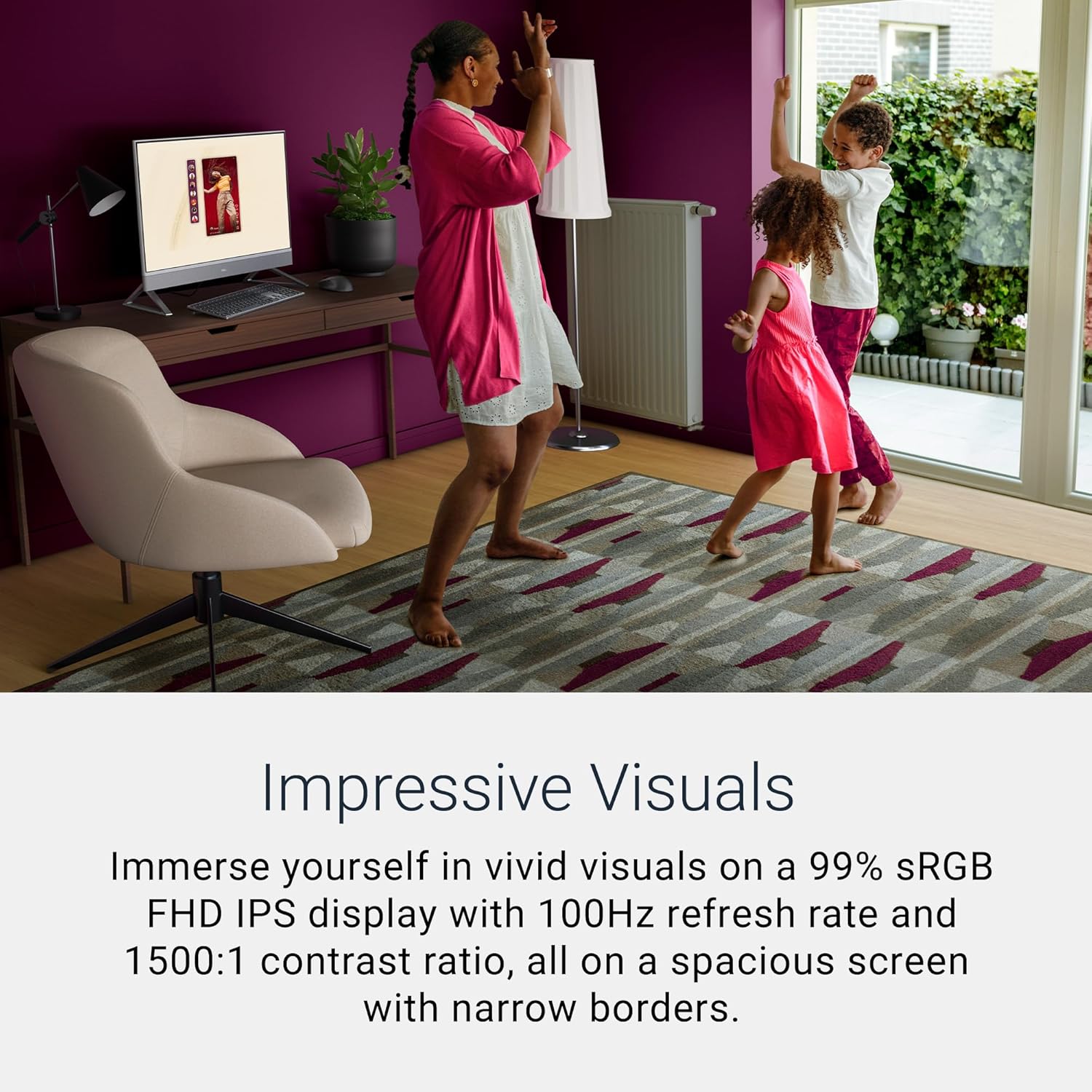
The display is the focal point of the Dell 27 All-in-One, and it is a mixed bag. The IPS panel offers decent color reproduction, hitting that sRGB target quite well for general content consumption and office applications. However, at this price point, sticking to a 1080p resolution on a 27-inch panel feels dated. Stretching a full HD resolution across that much screen real estate leads to a noticeably lower pixel density compared to modern standards. While I found the contrast levels acceptable for standard video work, I missed the sharpness of higher-resolution alternatives.
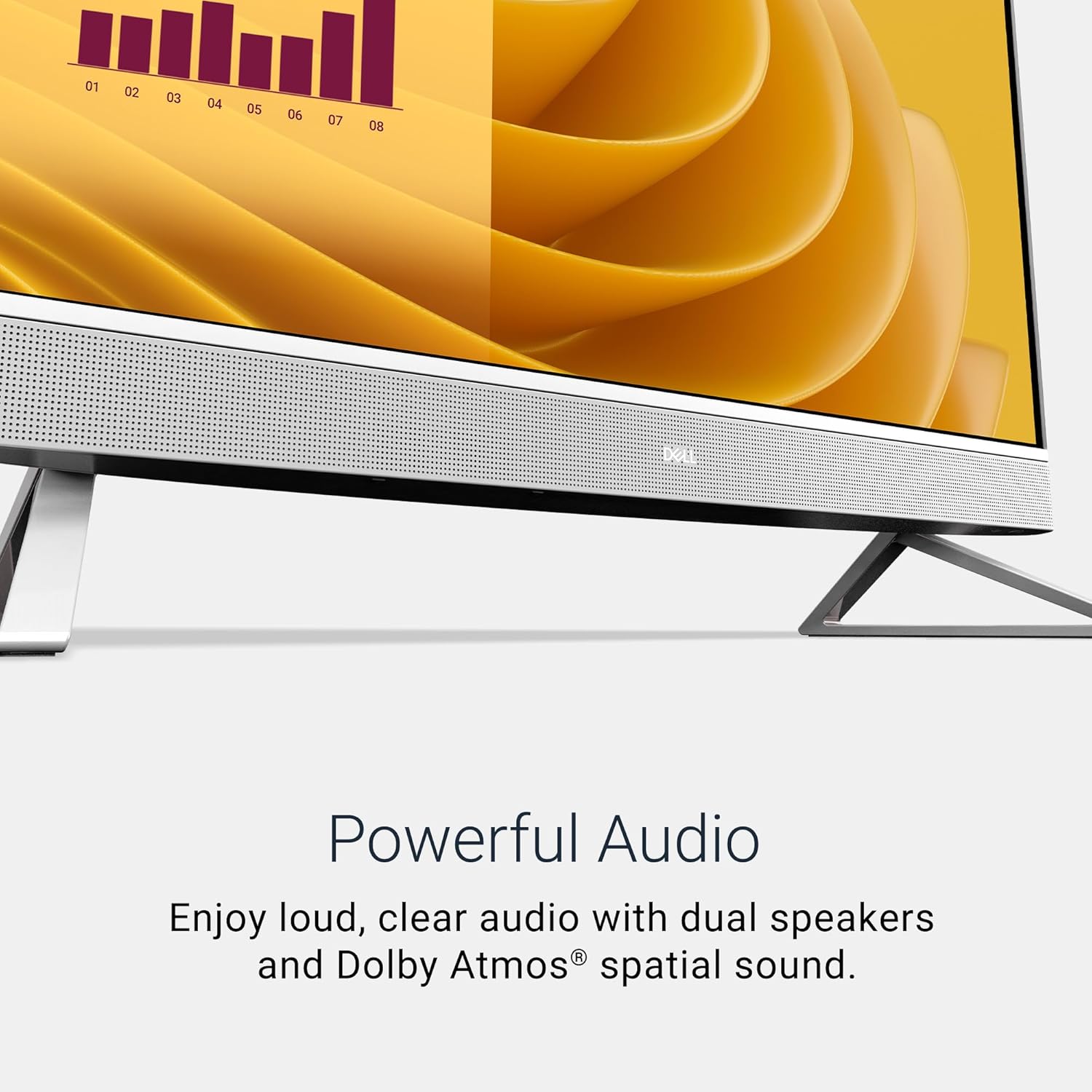
Audio is another area where I have reservations. The speakers are tucked into the chassis and offer clear, intelligible sound for video calls, but they lack the depth required for a true multimedia experience. The Dolby Atmos branding is present, but physics is unavoidable; the thin speakers simply cannot move enough air to produce a convincing soundstage. They are perfectly fine for Zoom calls, but I would not rely on them for music production or immersive gaming.
When it comes to real-world performance, the Intel Core 5 120U processor does exactly what a power-efficient chip is meant to do: handle daily multitasking without breaking a sweat. During my time testing this, I had multiple browser tabs open, a few spreadsheets running, and a messaging client in the background. The system remained snappy and responsive under this typical office load. I did not experience any jarring lag or system hangs, which speaks well to the integration of the internal components.
However, once I pushed the hardware into more intensive scenarios—such as exporting high-resolution photo batches or running complex data queries—the limitations of the integrated Intel Graphics became apparent. This is not a workstation intended for rendering or heavy design work. It handles the basics with ease, but if you start expecting high-level creative performance, you will find the bottleneck quickly. The 16GB of RAM is sufficient for today’s standards, but given that this is an all-in-one, you are effectively locked into the current performance ceiling for the life of the machine.
Thermally, this machine is surprisingly quiet during idle and light tasks. Dell has optimized the fan curves to favor silence, which is a welcome feature for a home office environment. When I subjected the processor to sustained synthetic loads, the fans did kick up into a noticeable hum, though they never reached an irritating frequency. The trade-off, of course, is that the system throttles early to keep internal temperatures from becoming an issue. It is a conservative thermal strategy that prioritizes longevity and quiet operation over peak clock speeds.
Connectivity is limited. I found myself reaching for a USB hub almost immediately, as the port selection is sparse. You get the basics, but there is no room for expansion or specialized peripheral chains. The onsite service plan is a decent safety net, especially for users who aren’t tech-savvy, but I would prefer better port accessibility over a service contract any day. The pop-up camera is a nice touch for privacy, and the 5MP sensor is significantly better than the grainy webcams I see on most competing desktops.
The biggest flaw here is the value-to-performance ratio. Dell is banking heavily on the convenience of the all-in-one form factor to justify a price point that, frankly, could buy you a much more capable tower and a superior standalone monitor. By choosing this hardware, you are actively paying a premium for the aesthetics and the integrated nature of the chassis while accepting a mid-tier processor and a low-resolution display. Dell is clearly cutting costs on the panel resolution and the internal cooling capacity, hoping that the average user won’t notice the difference.
I would recommend this machine only to a specific type of user: the professional or student who needs a reliable, “set-it-and-forget-it” system for administrative tasks, video calls, and web browsing. If you are a designer, a video editor, or a power user, stay away. You will be frustrated by the lack of resolution and the thermal ceilings within months. This is a machine for the user who wants a clean desk above all else and views their computer as an appliance rather than a creative tool.
In terms of long-term value, I have my doubts about the three-year outlook. While the 16GB of DDR5 RAM provides some headroom, the 1080p display will feel increasingly obsolete as software interfaces continue to scale for higher resolutions. The processor is adequate for today, but it will likely feel sluggish once operating system overhead and web applications continue to grow in complexity. You are essentially paying for a system that will be functionally usable for three years, but you will likely feel the urge to replace it by year four.

The Competition and Verdict
When I place this machine against traditional desktop towers or alternative all-in-one options from the competition, the picture becomes clearer. You aren’t just buying a computer; you are buying a lifestyle design choice, and that comes with clear performance compromises that other systems simply don’t force you to make.
| Feature | Dell 27 All-in-One (ec27250) | HP Pavilion 27 All-in-One |
|---|---|---|
| Display | 27″ FHD IPS | 27″ FHD IPS |
| Processor | Intel Core 5 120U | Intel Core i5 |
| RAM | 16GB DDR5 | 16GB DDR4 |
| Storage | 512GB SSD | 512GB SSD |
| Estimated Price | $1,325 | Check Latest Price |
Final Verdict
The Dell 27 All-in-One is a competent, beautifully styled machine that fits perfectly into a modern, minimalist home office. It succeeds at being a distraction-free, quiet, and reliable tool for everyday tasks. However, it fails to offer the power or visual fidelity that a discerning user should expect at this price point. If you prioritize aesthetics and desk space, you will be satisfied; if you prioritize performance, look elsewhere.
|
|