Dell 24 All-in-One Review: Sleek Performance and Immersive Display
A Candid Dell 24 All-in-One Review
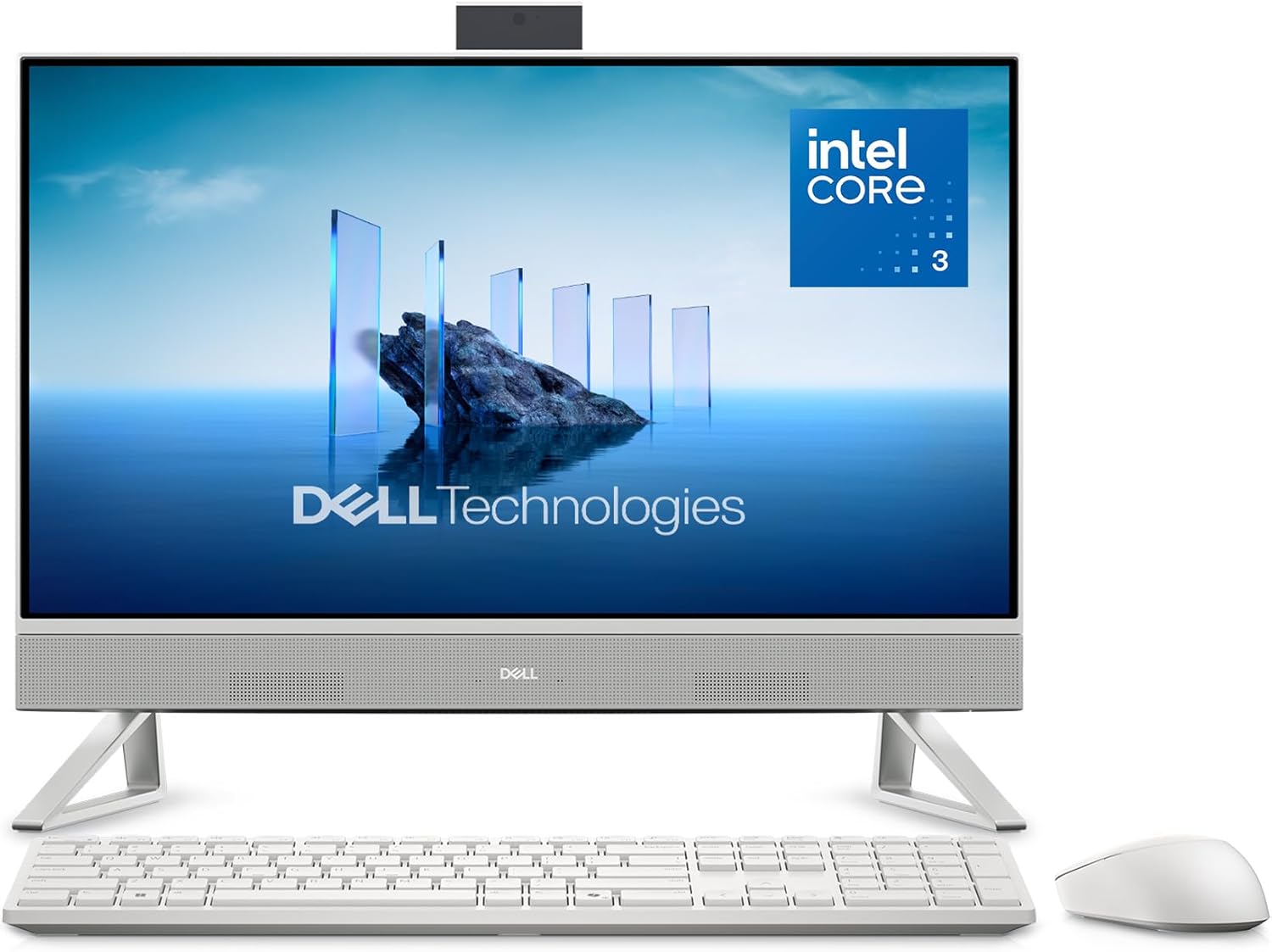
I have spent enough time with the Dell 24 All-in-One to understand exactly what it is: a minimalist machine designed for a specific slice of the market that prioritizes desk space over raw power. When I pulled this unit out of the box, I was struck by the aggressive simplicity of the design. The white chassis feels undeniably plasticky, a reality of the price point that Dell does not try to hide. It is lightweight, which makes it easy to position, but it lacks the structural density I prefer in a permanent workstation.
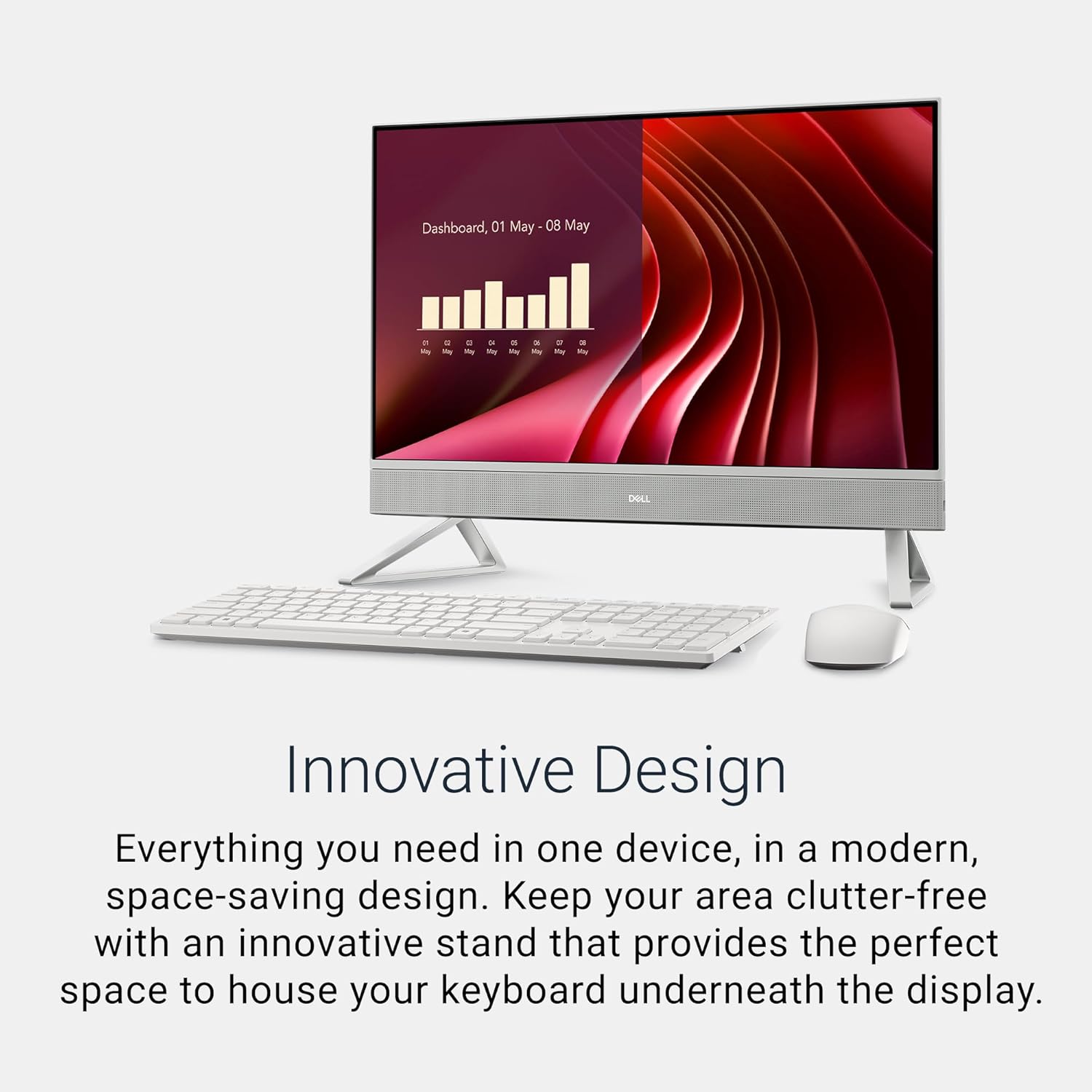
My first impressions centered on the aesthetic integration of the stand. It is functional, providing enough tilt to avoid glare, but the plastic hinge feels like it might lose its rigidity after a few years of constant adjustments. While the visual profile is clean and modern, the materials do not scream longevity. It sits on the desk with a low center of gravity, which is helpful, but do not expect the premium tactile feedback you would get from an aluminum chassis.

Display and Audio Observations
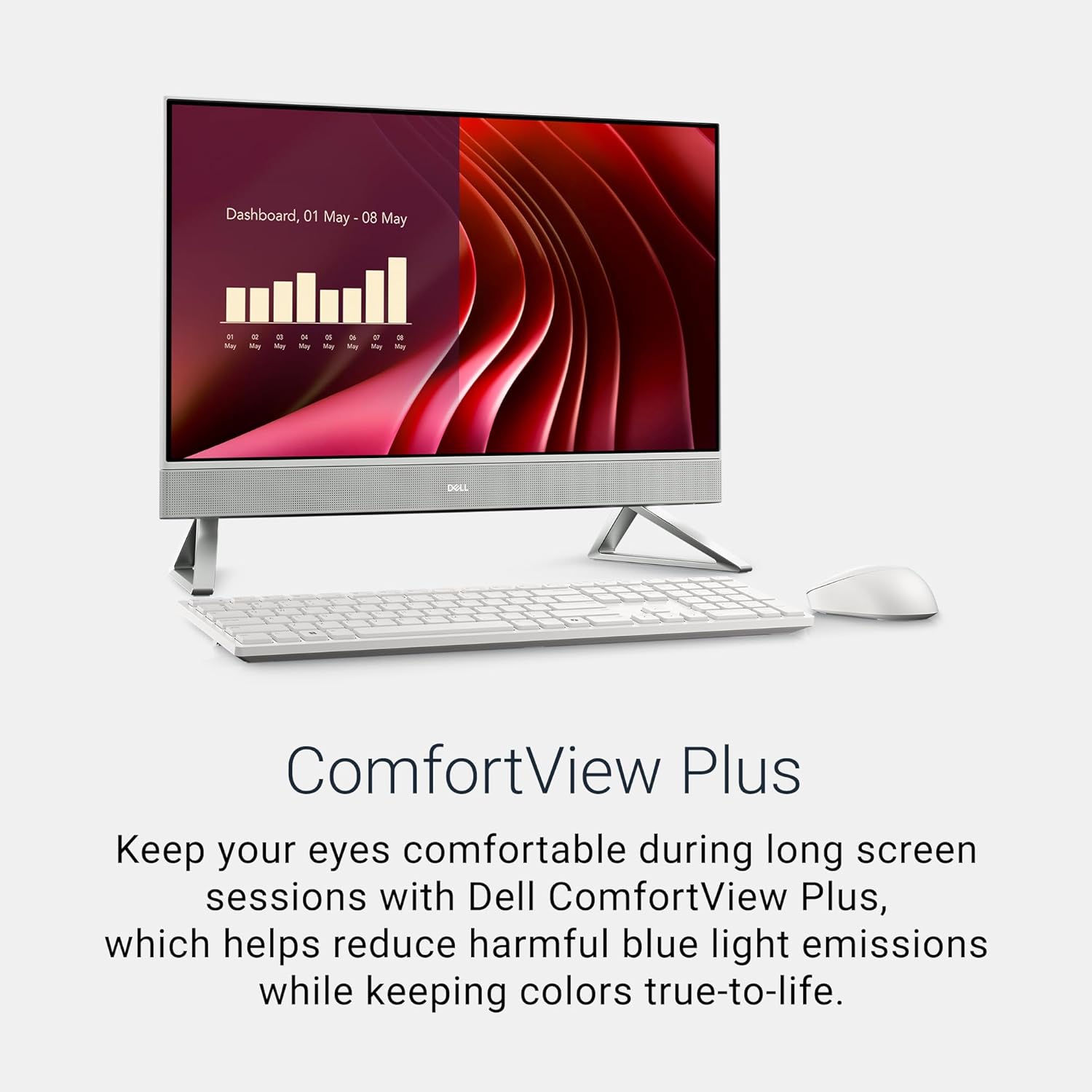
The FHD IPS panel on this machine is adequate for office productivity. When I pushed the brightness to its maximum, it handled ambient room light well enough, though it is clearly not designed for professional photo editing. The color reproduction is serviceable, showing decent depth in sRGB-heavy tasks, and the narrow bezels do add a sense of modernity. I found the ComfortView Plus feature helpful during late-night writing sessions, as it prevents the harsh eye strain often associated with lower-end panels.
Audio is always a weak point in these slim profiles, and this model is no exception. The speakers are integrated into the bottom chassis, and while they reach a volume level sufficient for a small office, they sound thin. The Dolby Atmos spatial sound is a marketing label rather than a physical reality, as the small drivers cannot reproduce the necessary bass response for a truly cinematic experience. For voice calls, it works; for music, you will want external speakers.
Real-World Performance Analysis
Under the hood, the Intel Core 3 Processor 100U behaves exactly how you would expect from an entry-level mobile-class chip. In my testing, it handles basic office suites and web browsing without a stutter. However, the moment I opened a dozen browser tabs alongside a video call and a background sync, the system showed its limitations. It is not designed for heavy multitasking, and the 8GB of RAM is the primary bottleneck here. You will notice a slight delay when switching between memory-intensive applications.
I found the storage speed to be adequate for launching Windows and standard software, but file transfers involving large media archives felt sluggish. If you are a user who keeps dozens of apps open, this machine will remind you of its power constraints early and often. It is a machine for singular focus; if your workflow relies on heavy multitasking or creative suites, you will be waiting on this hardware to catch up to your input.
Thermal Management and Connectivity
Thermal management is surprisingly quiet, though this is likely because the processor is not being pushed to extreme limits. During sustained usage, I noticed the fan speed ramp up slightly, but it never became an intrusive buzz. The heat dissipation is managed through the rear vents, which do their job well enough that the bottom edge of the display never became uncomfortably warm during long work sessions.
The port selection is where I find the most frustration. Dell has opted for a minimalist approach that forces you into a dongle-heavy existence if you have older peripherals. For a desktop replacement, the lack of accessible, high-speed ports on the front or side is a design oversight that forces me to reach behind the unit constantly. Connectivity is limited, and if you are planning to add extra storage or high-speed peripherals, you are going to be tethered to a hub.
The Biggest Flaw
The most glaring issue with this machine is the soldered, non-upgradable RAM. By limiting the system to 8GB, Dell has effectively placed a shelf life on the user experience. As Windows 11 evolves and web applications become more resource-heavy, 8GB will soon transition from “bare minimum” to “insufficient.” It is a blatant cost-cutting measure that forces you to buy a new machine rather than upgrading the current one.
Secondly, the external power brick is an annoyance. For an “All-in-One” that markets itself on decluttering your space, having a large, clunky power brick dangling under your desk is a contradiction. It defeats the purpose of the clean aesthetic. I suspect this was done to keep the main unit thin, but I would have preferred a slightly deeper chassis with an internal power supply and upgradable memory modules.
Target Audience and Verdict
This Dell 24 All-in-One is built for the casual home user—the person who needs a system for email, tax documents, schoolwork, and streaming. If you are a student or a retiree who values a clean, cable-free desk and simple setup, this is a reasonable choice. The onsite service support is a significant value add for those who are not tech-savvy and want peace of mind.
However, professionals, gamers, or power users should absolutely avoid this. If you value longevity, the ability to upgrade your components, or raw processing power for high-intensity work, look elsewhere. You are paying for the brand and the convenience of a pre-built desk setup, not for cutting-edge performance or future-proofing.
Long-Term Value Assessment
Is the price justified for three years of use? For the average home user, perhaps. The build quality, while plastic, is sturdy enough to sit on a desk for years, and the inclusion of onsite service mitigates the risk of a hardware failure. If you view this as a disposable appliance to be replaced every few years rather than a permanent workstation, the cost is manageable.
However, compared to a modular desktop setup, the value proposition is thin. You are essentially paying a premium for the form factor. Once the software requirements outpace the 8GB of RAM, this machine will become a burden. If you buy this, do so with the understanding that you are trading future flexibility for present-day desk space.
Comparative Reality
When weighing this against the alternatives in the desktop market, it is clear that the Dell 24 All-in-One occupies a middle ground that is increasingly crowded by mid-range laptops plugged into external monitors. While the display is fine, a separate monitor and a mini-PC would offer more power and better repairability for a similar price point.
| Feature | Dell 24 All-in-One (ec24250) | HP Pavilion 24 All-in-One |
|---|---|---|
| Display | 23.8″ FHD IPS, 99% sRGB | 23.8″ FHD IPS |
| Processor | Intel Core 3 100U | Intel Core i5 |
| RAM | 8GB DDR5 | 16GB DDR4 |
| Estimated Price | $1,025 | Check Latest Price |
Final Verdict
My final assessment is that this system is a compromise. It does exactly what it says on the box, but it does so without any ambition to be more than a basic utility machine. If you need a clean desk and low complexity, it will serve its purpose. If you demand performance, look elsewhere.
Pros
|
Cons
|