GEEKOM GeekBook X16 Pro Review: Ultra-Light Performance Laptop
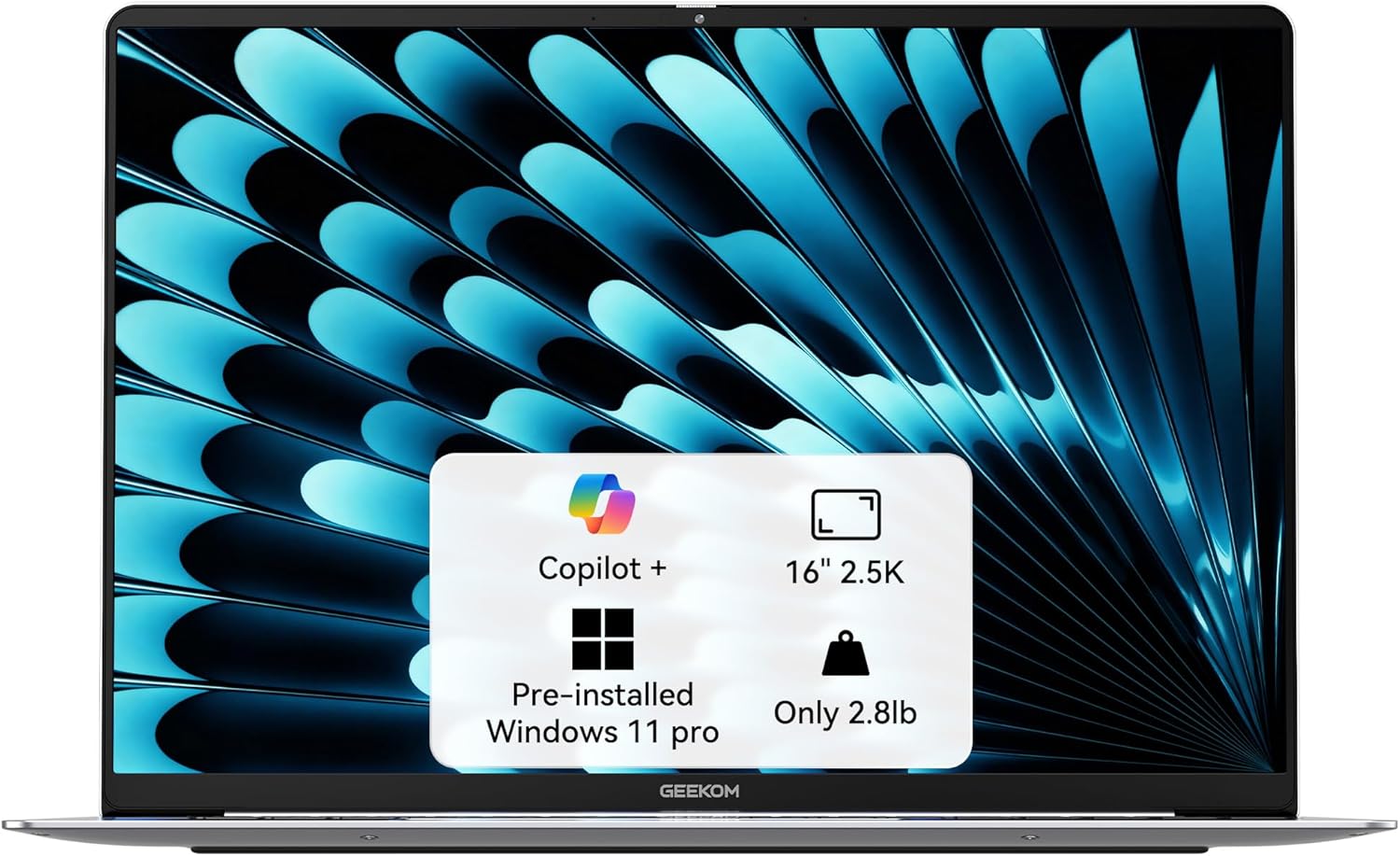
GEEKOM GeekBook X16 Pro Review: A Critical Look
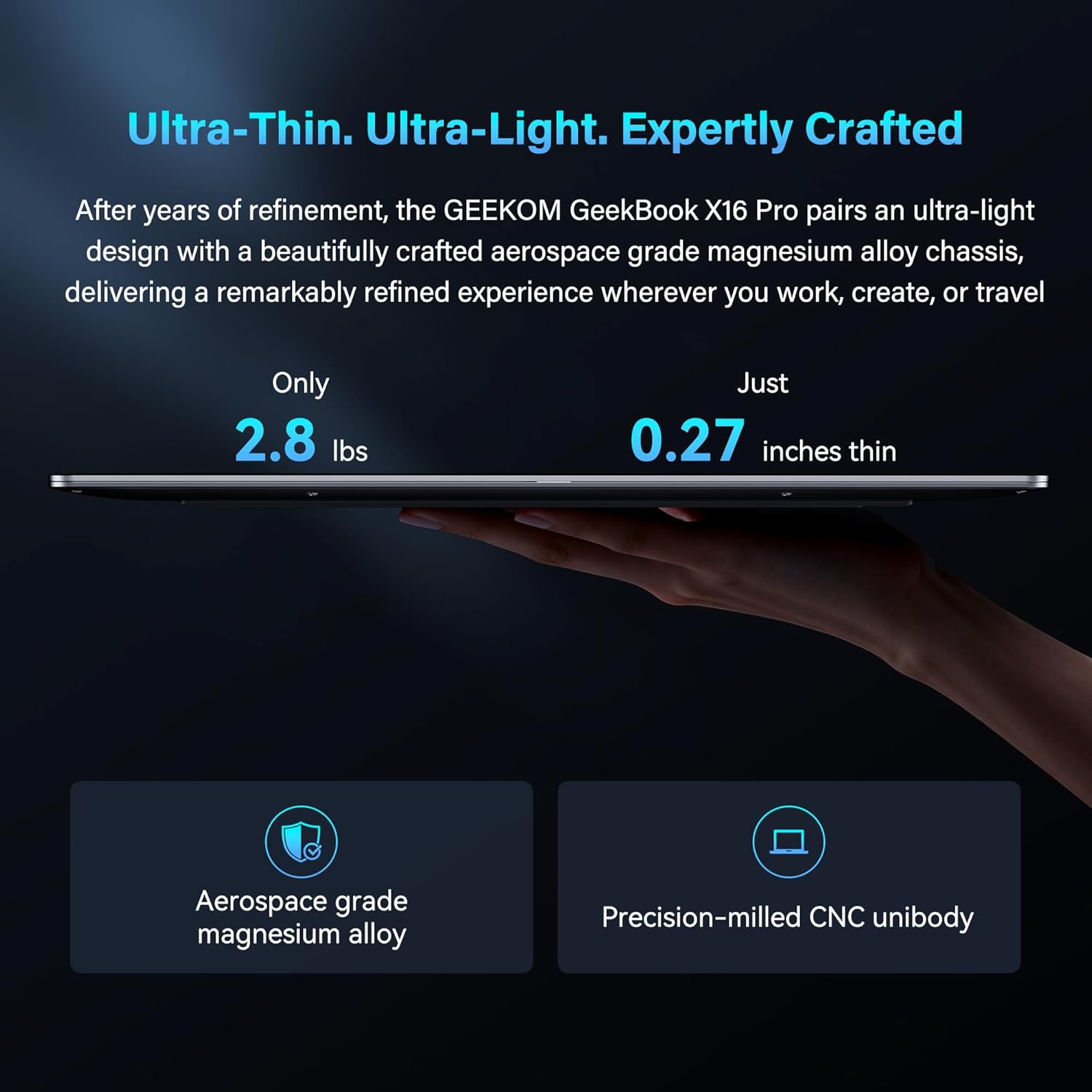
My initial encounter with the GEEKOM GeekBook X16 Pro left me with a mixture of confusion and genuine intrigue. On the surface, the “Titanium Gray” magnesium alloy chassis feels significantly lighter than I expected for a sixteen-inch device, clocking in at that claimed 2.8-pound mark. The tactile experience of the CNC-milled unibody is far from the cheap, hollow plastic I see in other budget-tier machines. It has a rigid, dense quality that resists flexing under pressure, which is a rare sight for a company transitioning from mini PCs to full-size mobile computing.
However, the aesthetic choice is somewhat derivative. It screams “industrial minimalist” in a way that feels safe rather than inspired. While the coating does a decent job of repelling the oil from my fingertips, the edges feel a bit sharp when digging into the wrists during extended typing sessions. It is a portable machine, certainly, but it lacks the refined ergonomic polish one finds in top-tier ultraportables from established giants. It feels like a high-quality prototype that successfully made it to mass production.
Display and Audio: The Visual Paradox
The 16-inch IPS panel on this laptop is a standard-issue winner for office productivity. The 2.5K resolution paired with a 16:10 aspect ratio provides exactly the vertical workspace I crave when juggling spreadsheets and browser windows. Colors appear adequately saturated and consistent across the viewing angles, though I wouldn’t bet my professional creative reputation on its absolute color accuracy for print-ready design work. The 400-nit peak brightness is sufficient for indoor fluorescent lighting, though I find it struggles to maintain clarity when working near a bright window on a sunny afternoon.
The audio department is where I start to lose patience. GEEKOM touts the DTS:X Ultra sound, but the reality is thin, tinny, and devoid of any real low-end presence. At higher volumes, the speakers exhibit audible distortion that makes dialogue in video calls sound harsh and artificial. It is functional for casual YouTube consumption, but if I am trying to enjoy music or a film, I am reaching for my headphones within minutes. The spatial effect provided by the software enhancement is largely a gimmick that fails to compensate for the physical limitations of the small drivers.
Performance in the Real World
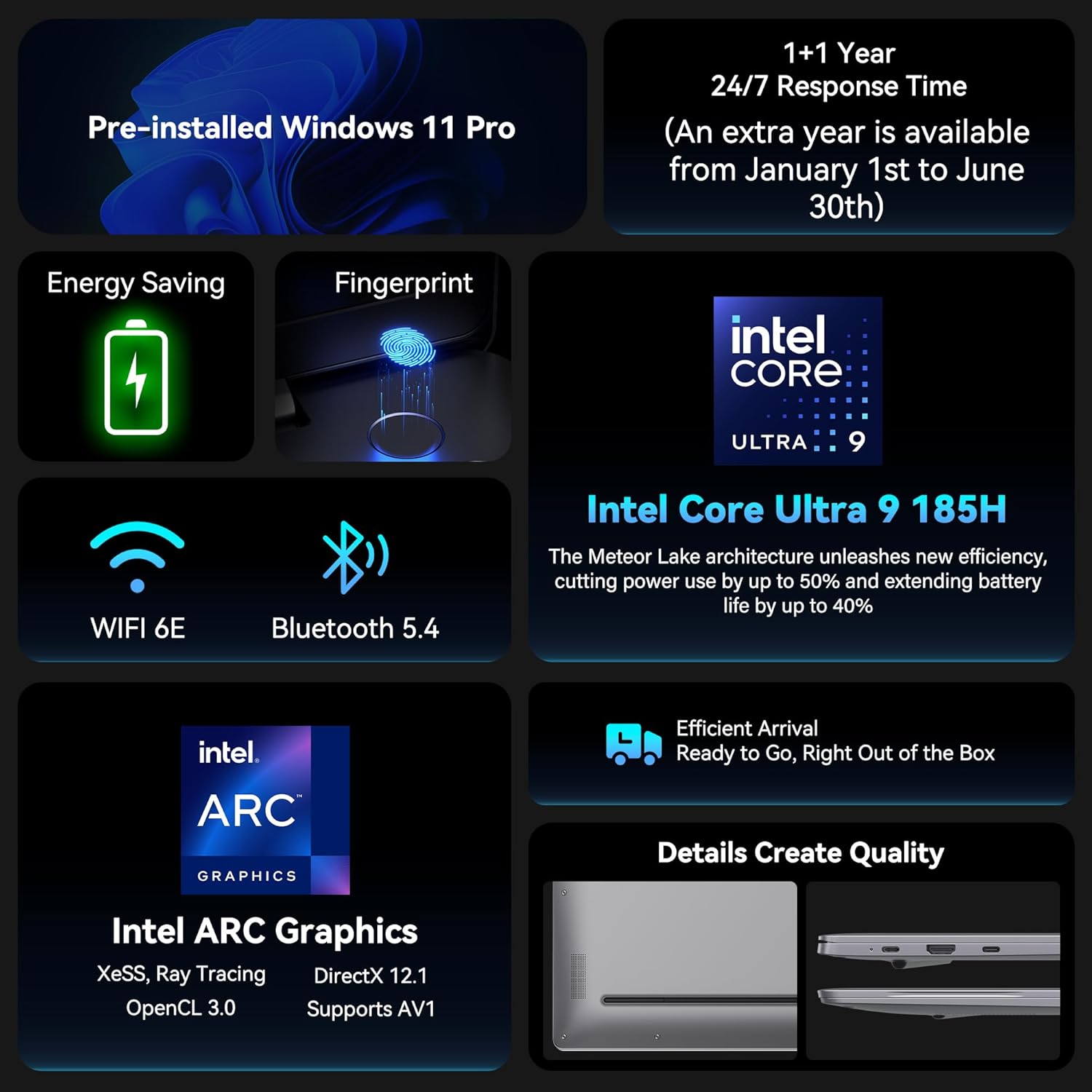
Pushing the Core Ultra 9 185H processor through my daily workflow—which involves dozens of active browser tabs, heavy document editing, and occasional light image manipulation—reveals the strength of the internal silicon. The 32GB of LPDDR5x memory is the saving grace here; I rarely encountered a bottleneck while multitasking. It handles the “AI” features pushed by Windows 11 with enough competency that I didn’t feel like the NPU was just a marketing sticker, though I am still waiting for a killer app that makes the NPU truly indispensable for my routine.
That said, I did notice the system stutter when switching between high-intensity applications if the thermal management isn’t keeping up. The “IceBlade” cooling system is audible under stress, producing a high-pitched whine that can be distracting in a quiet room. It does not crash, and it stays stable, but don’t expect the smooth, sustained performance of a desktop workstation. It is a capable mobile computer that handles spikes in work well, but it is not a machine designed for prolonged, heavy rendering tasks.
Battery, Thermals, and Connectivity
The battery life is an area where manufacturer claims and reality diverge significantly. While the 77Wh battery is physically substantial, achieving anything close to 17 hours is a pipe dream in any realistic usage scenario. With moderate brightness and a standard workload, I found myself hunting for the charger well before the workday ended. It is a “half-day” laptop for power users, though it might scrape through a light day of pure email and text entry if you aggressively throttle screen brightness and connectivity.
Thermal performance is acceptable, but the chassis gets noticeably warm above the keyboard area when the fans spin up. I appreciate the port selection, specifically the USB4 support which allows for decent dock compatibility. However, placing some of these ports so far forward on the side chassis makes cable management an absolute mess if you are using a mouse on the right side. It is a connectivity-rich machine that lacks a sensible plan for how a user actually sits at a desk.
The Biggest Flaw
The fatal flaw in this machine is the keyboard and trackpad integration. While the chassis is premium, the input devices feel like an afterthought. The key travel is inconsistent, and the feedback is mushy, lacking the crisp, tactile “click” I require for high-speed typing. It feels like the budget that should have gone toward a world-class keyboard was diverted entirely into the processor specifications to make the spec sheet look impressive to uninformed buyers.
Furthermore, the trackpad is prone to accidental ghost touches and the palm rejection software feels poorly calibrated. In a professional environment, this is a massive oversight. Manufacturers often hide this by highlighting the CPU and RAM, but a laptop is a tool I interact with through the keyboard and trackpad. When those components are subpar, the entire experience of using the machine suffers regardless of how fast the processor inside is.

Target Audience and Verdict
I would recommend this GEEKOM GeekBook X16 Pro to the student or office worker who prioritizes raw processing power and memory capacity above all else. If you are a heavy data user who rarely travels far from a power outlet and uses an external keyboard, this machine offers a high-value proposition. It packs a lot of silicon for the price tag, and for those specific use cases, it is a logical purchase.
Conversely, I would tell anyone who writes for a living or works in high-pressure creative fields to avoid this. If your work requires a sublime typing experience, perfect color accuracy, or all-day battery life without carrying a bulky charger, this will only cause you frustration. You are paying for the CPU, not the refinement of the user experience.
Long-Term Value
Assessing the value of a machine like this over a three-year window requires looking at the chassis integrity and the OS update path. The magnesium build is a strong point for durability, and the high-end RAM and SSD specifications should keep the system feeling responsive for at least a few years of software updates. However, I worry about the cooling fans and the battery longevity.
If you treat it as a stationary desktop replacement that you occasionally move, you will likely get your money’s worth. If you plan to haul it in a bag daily, the potential for port damage and the degradation of the battery will likely make this a two-year device rather than a three-year companion. It is a solid mid-tier performer, but it does not reach the level of a long-term investment piece.
Evaluating the Competitive Landscape
When I place this machine against its primary rivals, the trade-offs become incredibly clear. You are essentially sacrificing refinement and battery optimization for a higher tier of raw compute power. Compared to the leading ultrabooks, the GeekBook X16 Pro feels like a raw performance play, whereas the competition focuses on the “holistic” experience.
| Feature | GEEKOM GeekBook X16 Pro | ASUS Zenbook 16 OLED |
|---|---|---|
| Processor | Intel Core Ultra 9 185H | Intel Core Ultra 9 185H |
| RAM | 32GB LPDDR5x 7500MHz | 32GB LPDDR5x |
| Storage | 2TB SSD | 1TB SSD |
| Display | 16″ IPS 2.5K 120Hz | 16″ OLED 3.2K 120Hz |
| Estimated Price | $1,153 | Check Latest Price |
Final Verdict
The GEEKOM GeekBook X16 Pro is a machine that prioritizes the internal hardware sheet over the human element of computing. It is fast, it is powerful, and it is reasonably priced for the components included, but it lacks the polish required to be a truly elite device. If you can live with mediocre input peripherals and a battery that needs coddling, it is a capable workhorse.
|
|