Lenovo IdeaPad Pro 5 Review: Powerful OLED Laptop for Creators
Lenovo IdeaPad Pro 5 Review
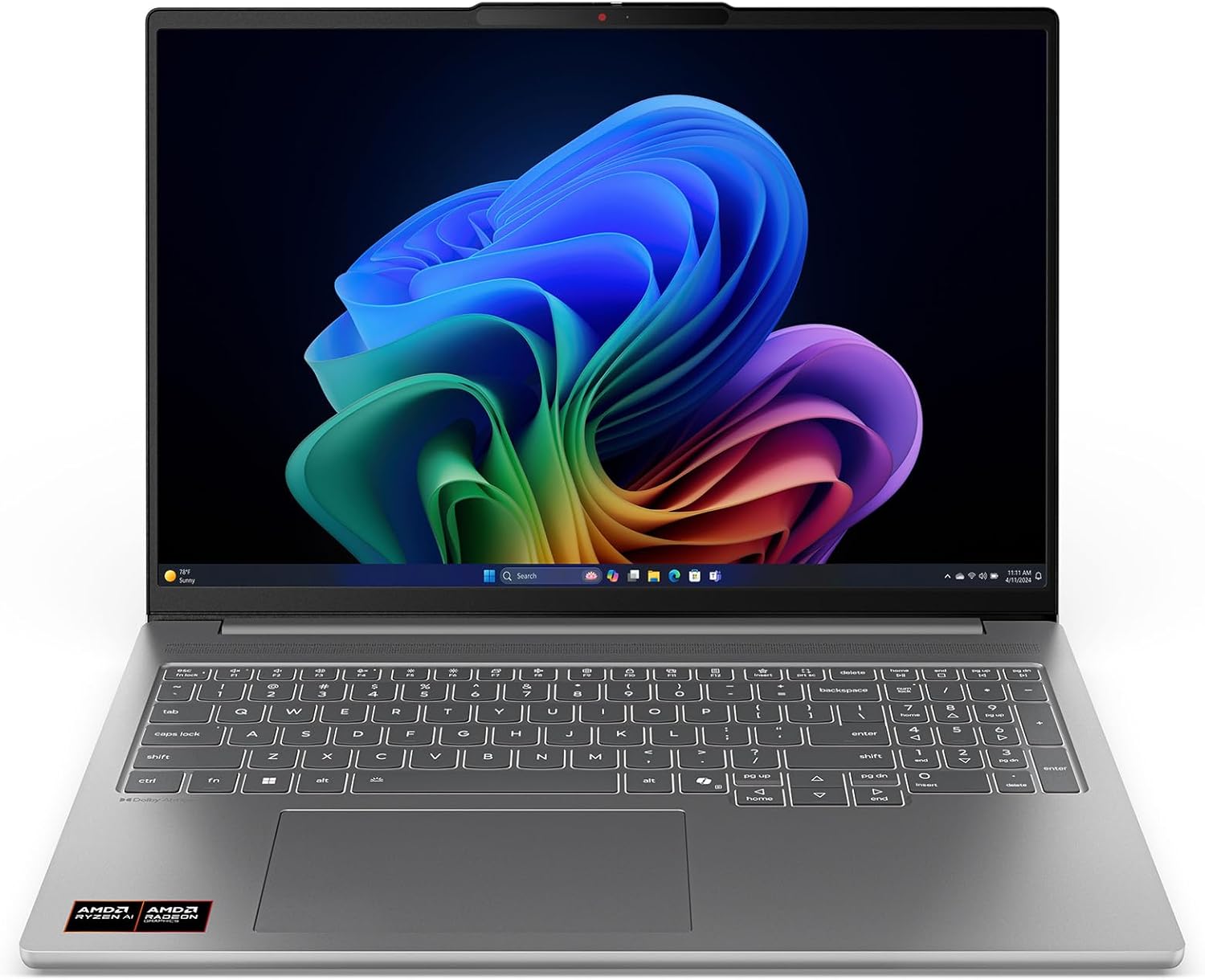
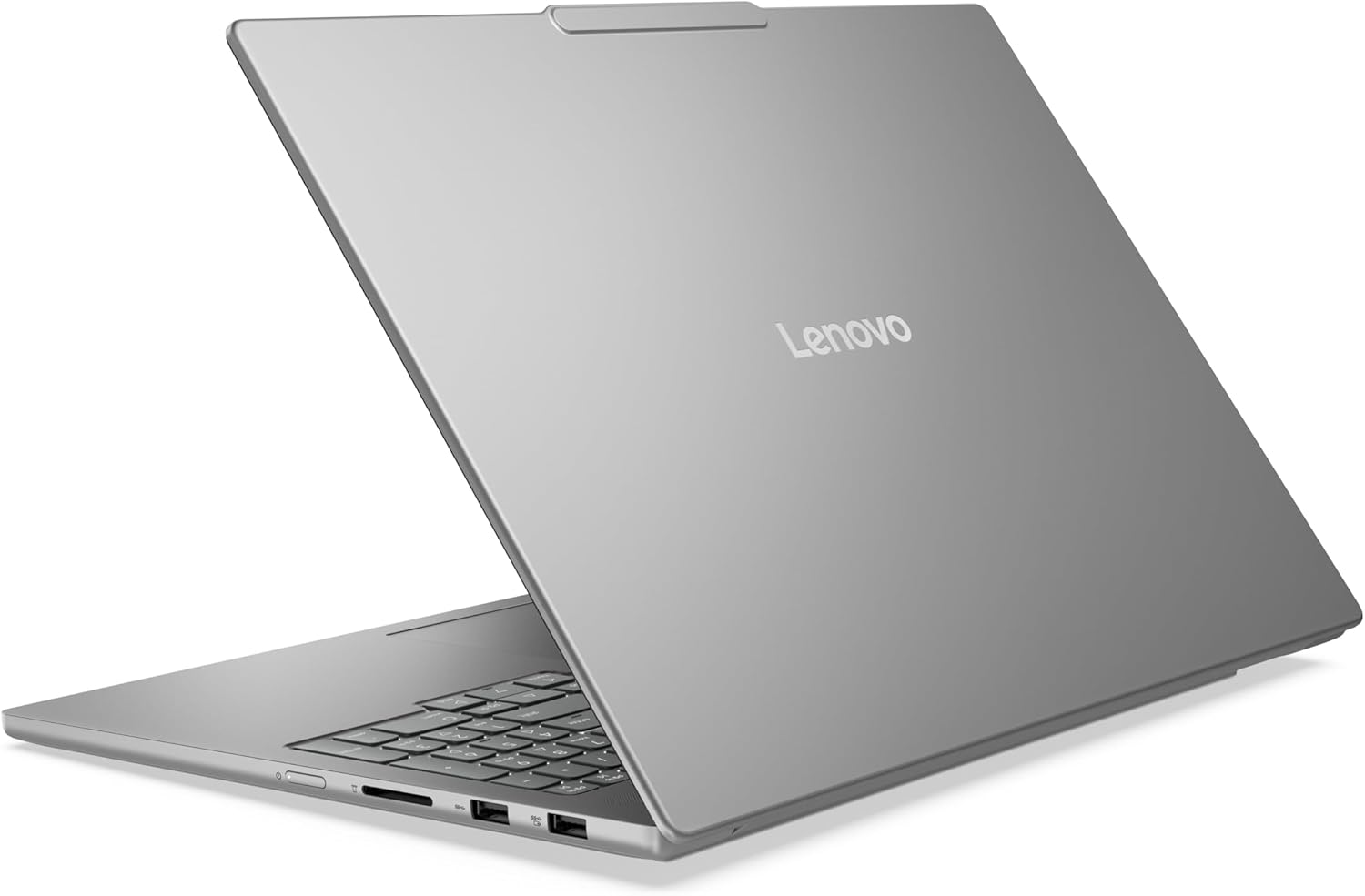
I have spent enough time with the Lenovo IdeaPad Pro 5 to know exactly where the corners were cut. When you pull this machine out of the box, the first thing that hits you is the weight. It feels substantial, leaning toward a density that suggests internal rigidity, yet the chassis is clearly utilizing a blend of aluminum and reinforced composites rather than a full unibody metal construction. The Luna Grey finish is a magnet for fingerprints, and if you are the type of person who wipes down their gear daily, you will find yourself perpetually frustrated. The hinge resistance is tuned well, allowing for a one-finger lift that feels sturdy without the annoying screen wobble common in mid-tier plastic builds.
My initial impressions were mixed. While the aesthetic is professional and muted, there is a certain clinical sterility to the design. It does not scream luxury; it screams utility. The trackpad is spacious, though the click mechanism lacks the crisp, satisfying tactile feedback found on more expensive workstations. It is functional, but it lacks personality. I found the keyboard deck to be firm with very little flex under pressure, which is a significant improvement over previous iterations of this series, but the key travel feels slightly shallow for my personal preference.

Display and Audio Realities
The OLED panel is the primary reason anyone would look at this laptop. In my testing, the contrast ratios are predictably infinite, making deep blacks look like ink. The 2.8K resolution on a 16-inch screen provides incredible sharpness, and the 120Hz refresh rate makes scrolling through long documents or editing timelines feel buttery. However, do not be fooled by the marketing; the peak brightness in high-ambient light environments is merely adequate. If you are sitting near a window on a bright afternoon, you will be fighting reflections more often than you would like.
As for the audio, it is a classic case of physics limitations. The speakers are bottom-firing, and while they carry a decent amount of volume, the low-end is practically non-existent. Mids are clear enough for video calls, but if you are hoping to use this for serious media production without headphones, you are going to be disappointed by the lack of soundstage depth. Highs can become slightly piercing at maximum volume, and there is a noticeable thinness to the overall output that reminds me this is a mid-market chassis, not a premium audiophile device.
Real-World Performance Analysis
In practice, the Ryzen AI 7 350 processor handles the heavy lifting of multitasking with ease. I threw several browser instances, a memory-intensive IDE, and a few background utilities at it, and the system did not stutter. It is a capable engine for day-to-day productivity. Where I noticed the limitations was in sustained creative workflows. When rendering high-bitrate video or compiling complex code, the system eventually finds its ceiling. The performance is consistent, but it does not feel instantaneous in the way more expensive, top-tier silicon does.
The RTX 5050 is a strange inclusion. It is clearly meant to provide an entry-level jump into GPU-accelerated tasks, and in that regard, it succeeds. It manages light editing and gaming at moderate settings well. However, if you are expecting this to be a powerhouse for 3D modeling or intensive machine learning, you will find the memory and core limitations hitting you hard. It is a balancing act that Lenovo has managed, but it is not a replacement for a true workstation-class machine.
Battery, Thermals, and Connectivity
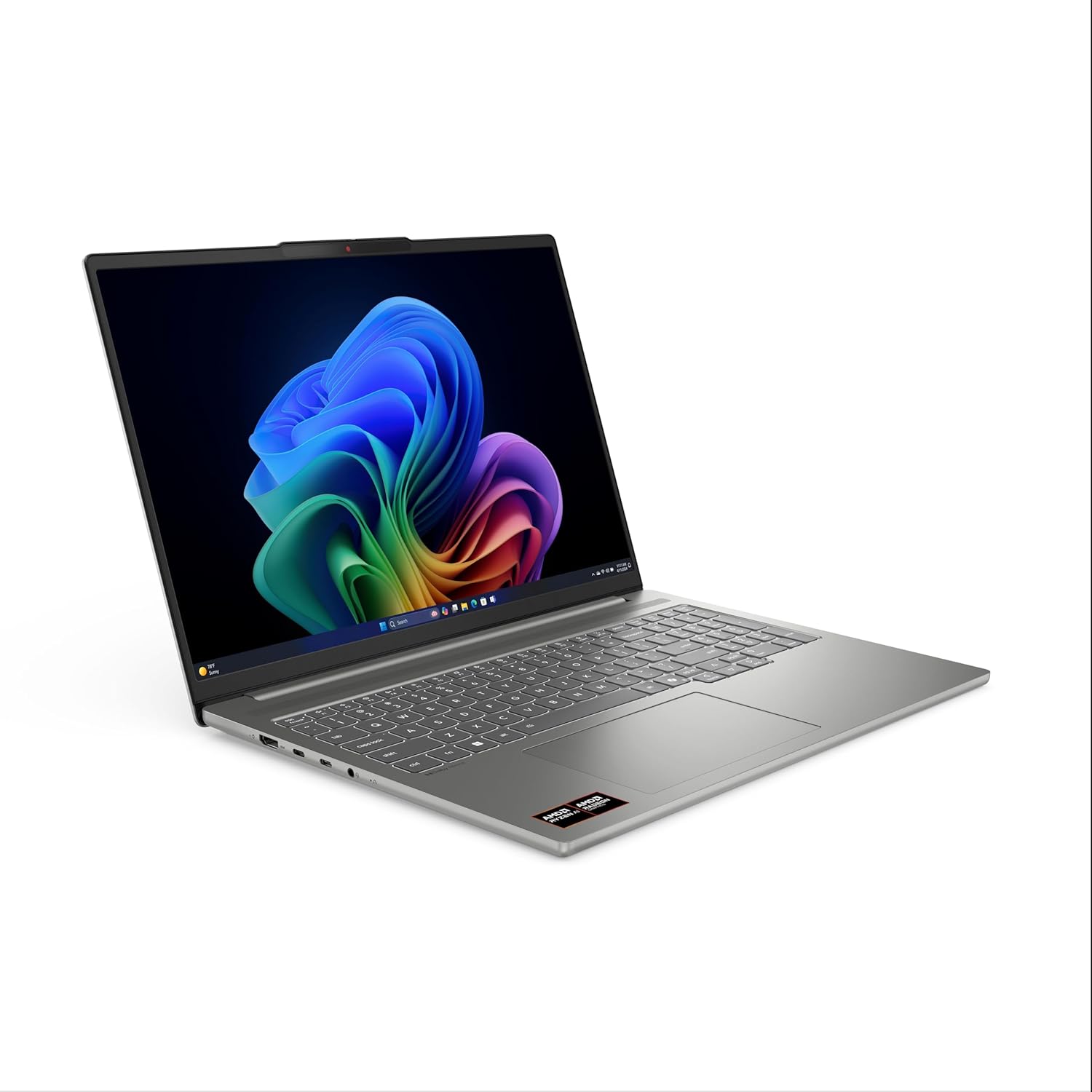
Connectivity is where this laptop actually shines. Having the full suite of ports—USB-A, USB-C, and a dedicated SD card reader—removes the need for those hideous dongles that clutter my desk. It is a practical choice that I wish more manufacturers would prioritize. The placement of the ports is logical, keeping cables out of the way of your mouse hand, which is a minor detail that drastically improves my quality of life during long work sessions.
Thermally, the device is aggressive. When you push the GPU, the fans spin up to a noticeable whine. It is not the worst fan profile I have heard, but it is definitely intrusive in a quiet room. The heat dissipation is concentrated near the exhaust vents, which stay warm to the touch. As for the battery, you can expect a standard workday of light office tasks, but if you pull on the discrete graphics, the runtime plummets significantly. Do not plan on leaving your charger at home if you intend to do anything beyond basic document editing.
The Hidden Compromises
The biggest flaw here is the long-term reliability of the internal cooling solution and the choice of materials. Lenovo has clearly prioritized meeting a price point rather than longevity. The internal plastic fan housing and the thermal paste choice suggest that after two years of heavy use, you will likely see a decline in thermal efficiency. They are banking on the fact that users will trade up before the thermal degradation becomes catastrophic.
Furthermore, the soldered memory configuration is a major point of contention. While 16GB is fine today, it is barely the floor for professional creative work. By soldering it directly to the board, they have effectively placed an expiration date on this machine. Once your workflow outgrows 16GB, you cannot upgrade; you have to buy a new laptop. It is a calculated move to drive future sales at the expense of user flexibility.
Target Audience and Verdict
This laptop is for the student or the semi-professional creative who needs a balance of portability and power. If you are a designer, a junior developer, or a content creator who needs a reliable screen and decent port selection, this fits the bill. However, if you are a power user who expects this machine to handle five years of heavy rendering or professional-grade video editing, you are looking in the wrong place. Avoid this if you are a professional needing long-term upgradeability or if you are hyper-sensitive to fan noise.
For the price, the value is decent, but not exceptional. You are paying for the screen and the modern chip. If you can find it on a heavy discount, it is a solid buy for a three-year cycle. If you are paying full MSRP, you might want to look at competitors that offer better chassis materials or easier repairability. It is a competent machine that does exactly what it advertises, but it lacks the soul and build quality to be a true long-term companion.
Comparison and Final Thoughts
The competitive landscape is crowded, and while this device holds its own, it often loses out to machines that prioritize build quality over screen-first marketing. Below is how I see it stacking up against the current market alternatives.
| Feature | Lenovo IdeaPad Pro 5-2025 | ASUS Vivobook Pro 16X OLED |
|---|---|---|
| Display | 16″ 2.8K OLED 120Hz | 16″ 3.2K OLED 120Hz |
| Processor | AMD Ryzen AI 7 350 | Intel Core Ultra 9 |
| Graphics | NVIDIA GeForce RTX 5050 | NVIDIA GeForce RTX 4070 |
| Estimated Price | Check Latest Price | Check Latest Price |
Verdict on the Lenovo IdeaPad Pro 5
Ultimately, my experience with this laptop leaves me with a sense of guarded approval. It is a workhorse that understands its place in the market, providing enough speed and visual clarity to satisfy most users. It isn’t going to set your world on fire with its build quality, and the lack of upgradable RAM is a bitter pill to swallow, but as a total package, it is difficult to find a more well-rounded machine for the standard professional user. If you value a great display above all else, you will be happy here. If you value longevity and build integrity, you may want to keep looking.
|
|





