Dell 15 Review: Is This Everyday Laptop Worth It?
Dell 15 Review
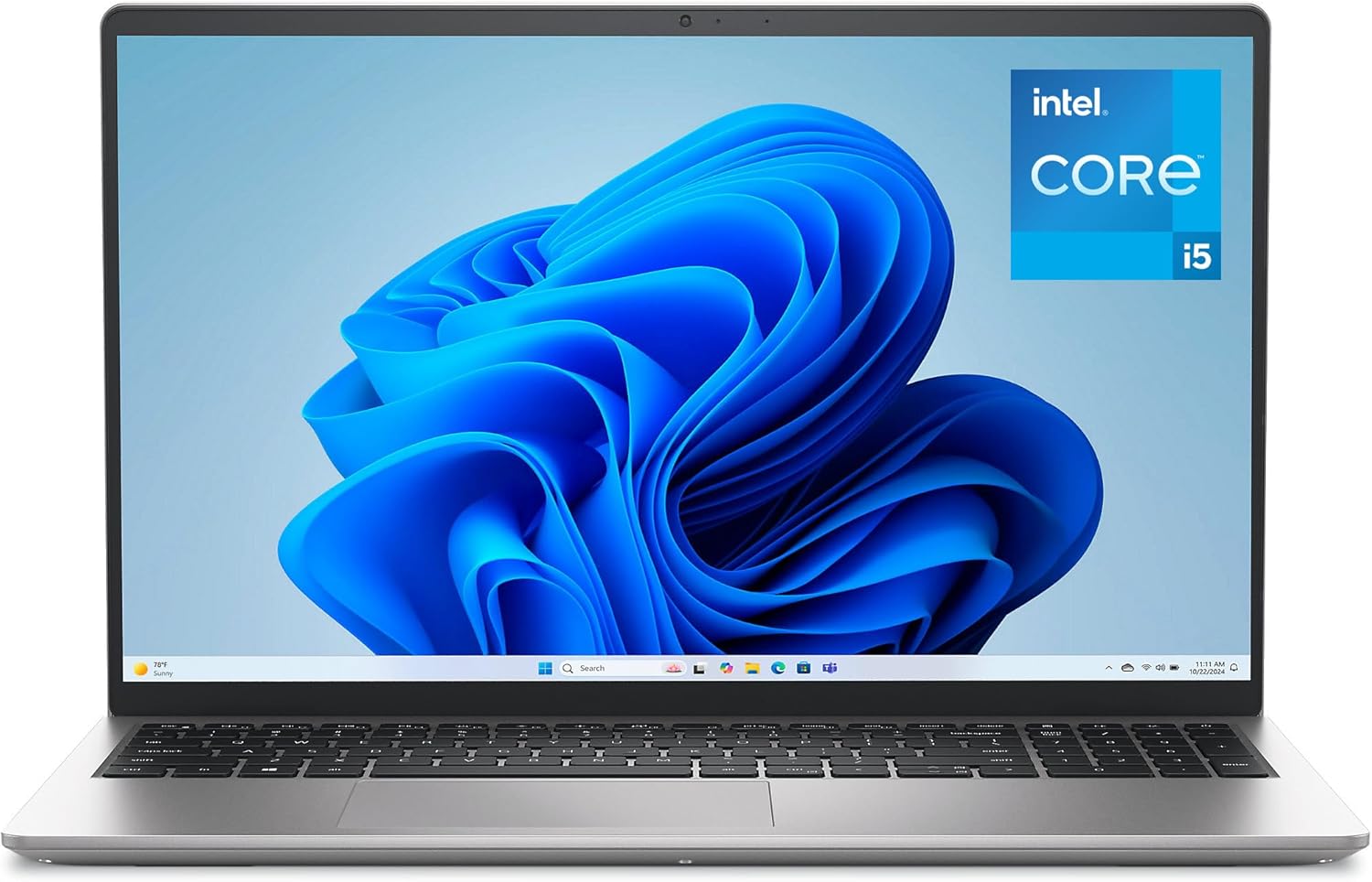
My first encounter with the Dell 15 reveals a chassis that leans heavily into utilitarian pragmatism rather than premium aspiration. The Platinum Silver finish attempts to mask the plastic construction, but the moment you lift the lid, the flex in the chassis is impossible to ignore. It is not an offensive device to look at, but it lacks the rigidity one expects when spending hard-earned money on a machine meant to survive a daily commute.
Weight-wise, the machine is manageable for a 15-inch form factor, sitting comfortably in a standard backpack without causing shoulder fatigue. However, the hinge mechanism, while marketed as an ergonomic lift, feels somewhat hollow. While it does elevate the keyboard deck to a more natural typing position, the resistance is inconsistent, leading to a display panel that wobbles if you so much as type with any degree of force.

Display and Audio Realities
The 120Hz FHD panel on this Dell 15 is a strange inclusion for a productivity-focused machine. While the higher refresh rate makes cursor movement and window scrolling feel buttery, the color accuracy is mediocre at best. You are getting a panel that struggles with sRGB coverage, resulting in muted tones that make professional photo editing an exercise in frustration. It is perfectly adequate for spreadsheets and web browsing, but it fails to impress if you consume high-definition media.
Audio is where the corners are most visible. The downward-firing speakers lack any semblance of bass, producing a tinny, hollow sound signature that distorts noticeably at anything above 70% volume. I found myself reaching for headphones almost immediately. If you are planning to use this for video calls, ensure you have a decent headset, as the internal speakers will make your colleagues sound like they are trapped inside a tin can during a rainstorm.
Real-World Performance Observations
Under the hood, the Intel Core i5-1334U is a capable chip for basic office productivity, but it hits a wall quickly. During my testing, multitasking with twenty browser tabs, a background Slack instance, and a heavy PDF editor caused the system to stutter. The 16GB of RAM helps mitigate this, but the processor architecture prefers bursty, short-term tasks over sustained, heavy lifting. Do not expect this laptop to handle video rendering or complex data compilation.
The storage experience is similarly middle-of-the-road. Opening applications happens quickly enough, but there is a noticeable lag when moving large batches of files or waiting for complex software suites to initialize. It is a machine designed for the “everyday” user who lives in a web browser and email client. If you try to push beyond those boundaries, the system will remind you exactly where it sits in the product hierarchy.
Battery, Thermals, and Connectivity
Battery life is highly dependent on your power settings. While Dell advertises long-lasting performance, my real-world testing shows that you will be hunting for an outlet by the early afternoon if you keep the screen brightness pushed up. The Express Charge feature is a nice safety net, but it does not fix the underlying reality that this battery capacity is mediocre for a modern 15-inch laptop.
Thermal management is passive and underwhelming. The fans kick in with an audible whine during even moderate software updates. If you place this on a soft surface like a bed or a couch, the intake vents are easily obstructed, leading to significant thermal throttling. Regarding ports, you have a functional, if uninspired, selection that covers the basics, though the lack of a high-speed Thunderbolt port limits your ability to dock into serious multi-monitor setups.
The Biggest Flaw
The elephant in the room is the build quality of the chassis. Dell has opted for cost-cutting materials that feel brittle in the hand. The palm rest area, in particular, attracts oils and smudges like a magnet, and the keyboard deck flexes under moderate pressure. It feels like a machine that will begin to show its age in terms of structural integrity long before the internal components actually fail.
Another major oversight is the webcam integration. Despite the marketing buzz around connectivity, the sensor is lackluster in low-light environments. Grain is constant, and the dynamic range is non-existent, meaning if you have a window behind you, your face will be a dark silhouette. It is sufficient for a casual Zoom call, but it is far from professional grade.
Target Audience and Verdict
If you are a student, a light office worker, or someone who just needs a portal to the internet, the Dell 15 will fulfill its duties. However, if you are a creative professional, a power user, or someone who values the tactile sensation of premium hardware, you should steer clear. This machine is built for the masses who need to hit a price point, not for those who demand excellence from their tools.
In terms of long-term value, I am skeptical. While the onsite service is a nice perk that provides a safety net for hardware failures, the physical depreciation of the plastic frame makes me doubt this will feel like a solid, reliable machine after three years of daily usage. You are paying for the badge and the support, not for a chassis that will withstand the test of time.
Competitor Comparison and Final Thoughts
Comparing this machine to its direct rivals in the price bracket shows that Dell has prioritized support over raw build quality. While other manufacturers might offer a slightly more rigid aluminum chassis or a better screen, they often lack the onsite service that Dell provides as a standard inclusion, which creates a difficult trade-off for the average consumer.
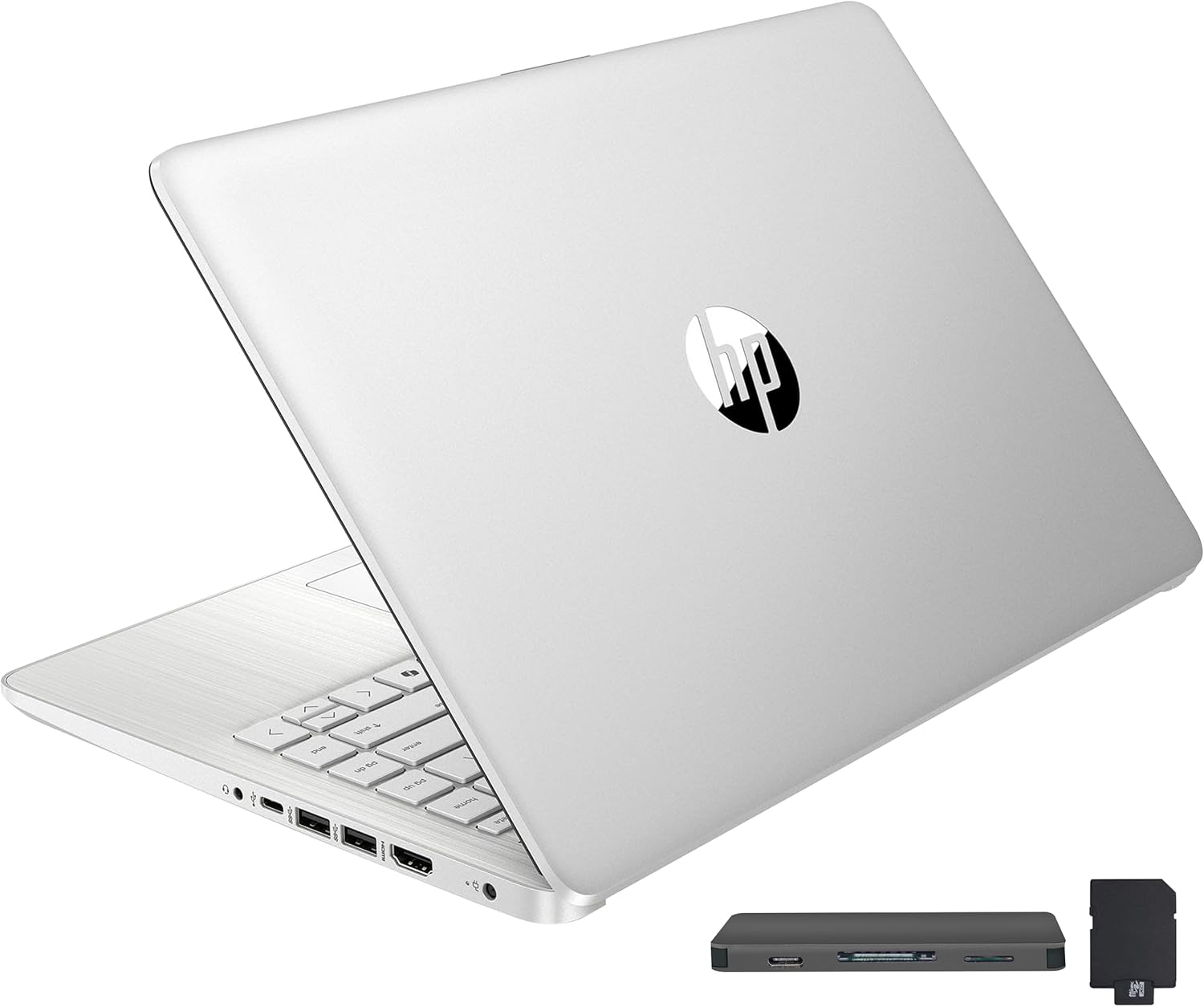
| Feature | Dell 15 Laptop (DC15250) | HP Laptop 15-dy5000 |
|---|---|---|
| Processor | Intel Core i5-1334U | Intel Core i5-1235U |
| Display | 15.6″ FHD 120Hz | 15.6″ FHD 60Hz |
| RAM | 16GB DDR4 | 8GB DDR4 |
| Estimated Price | Check Latest Price | Check Latest Price |
The Final Verdict
Ultimately, this device is a reliable workhorse for those who want a “set it and forget it” computing experience, provided their expectations are kept strictly in check. It does not excel in any single category, but it is competent enough to handle the mundane tasks of modern life without constant intervention.
|
|