HP Stream 14 Review: Affordable Performance and Features
HP Stream 14 Review: The Reality of Entry-Level Hardware
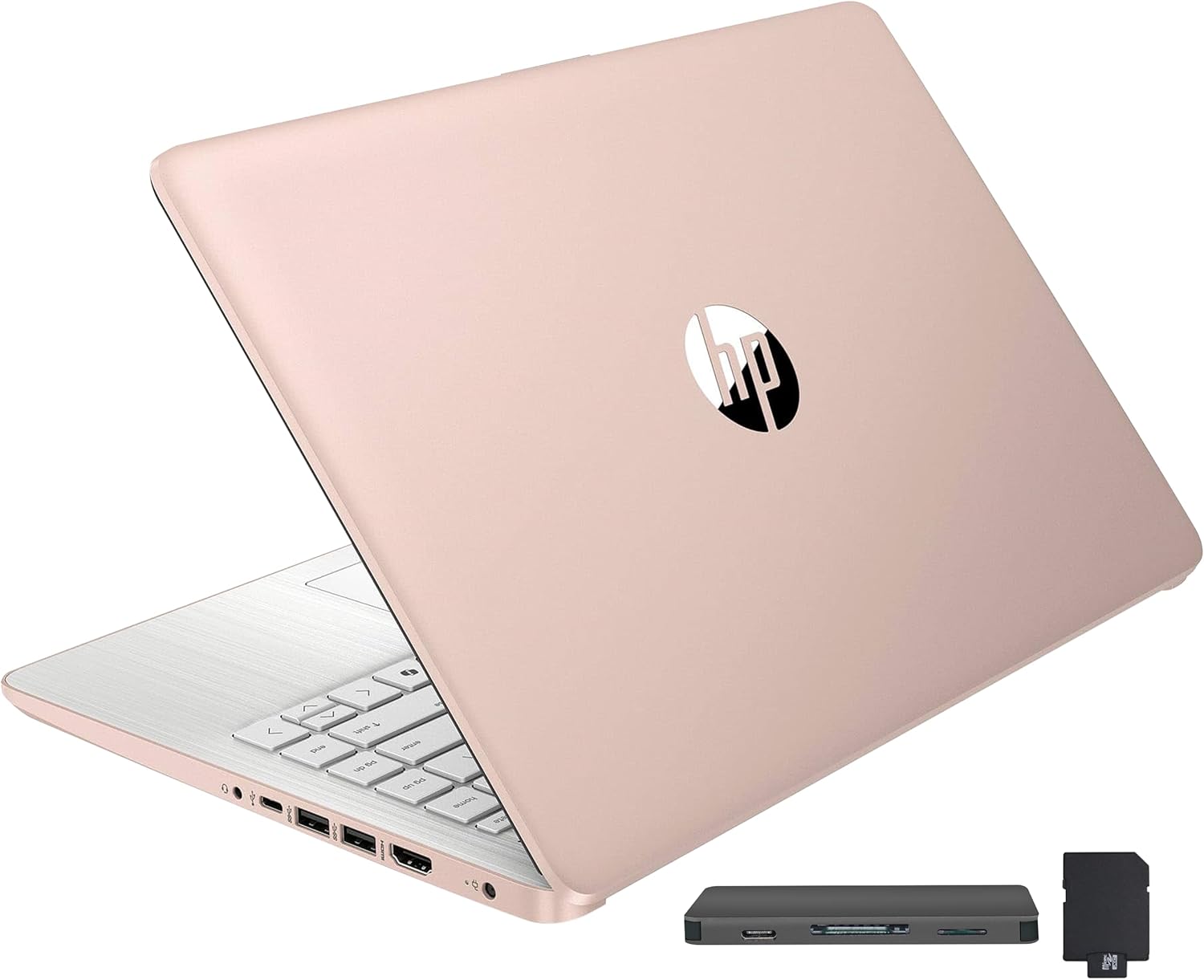
I have handled my fair share of budget hardware, and the HP Stream 14 Review confirms exactly what I expected: this is a machine built for a price point, not for power. Pulling this laptop out of the box, the immediate sensation is one of cheap, flex-prone plastic that feels hollow under the palm rest. It weighs just enough to feel substantial, but the chassis lacks the structural integrity one finds in mid-tier ultrabooks. The finish, while aesthetically passable from a distance, attracts fingerprints with alarming speed, making it look grimy within minutes of unboxing.
The design choices here prioritize cost-cutting over tactile satisfaction. I noticed the hinges have a slight wobble when typing on uneven surfaces, and the keyboard deck exhibits a disconcerting amount of give if you press down with any conviction. The gold aesthetic is clearly meant to mimic more expensive aluminum hardware, but the matte plastic texture is a dead giveaway of its budget origins. If you are looking for a premium feel, you are looking in the wrong place.
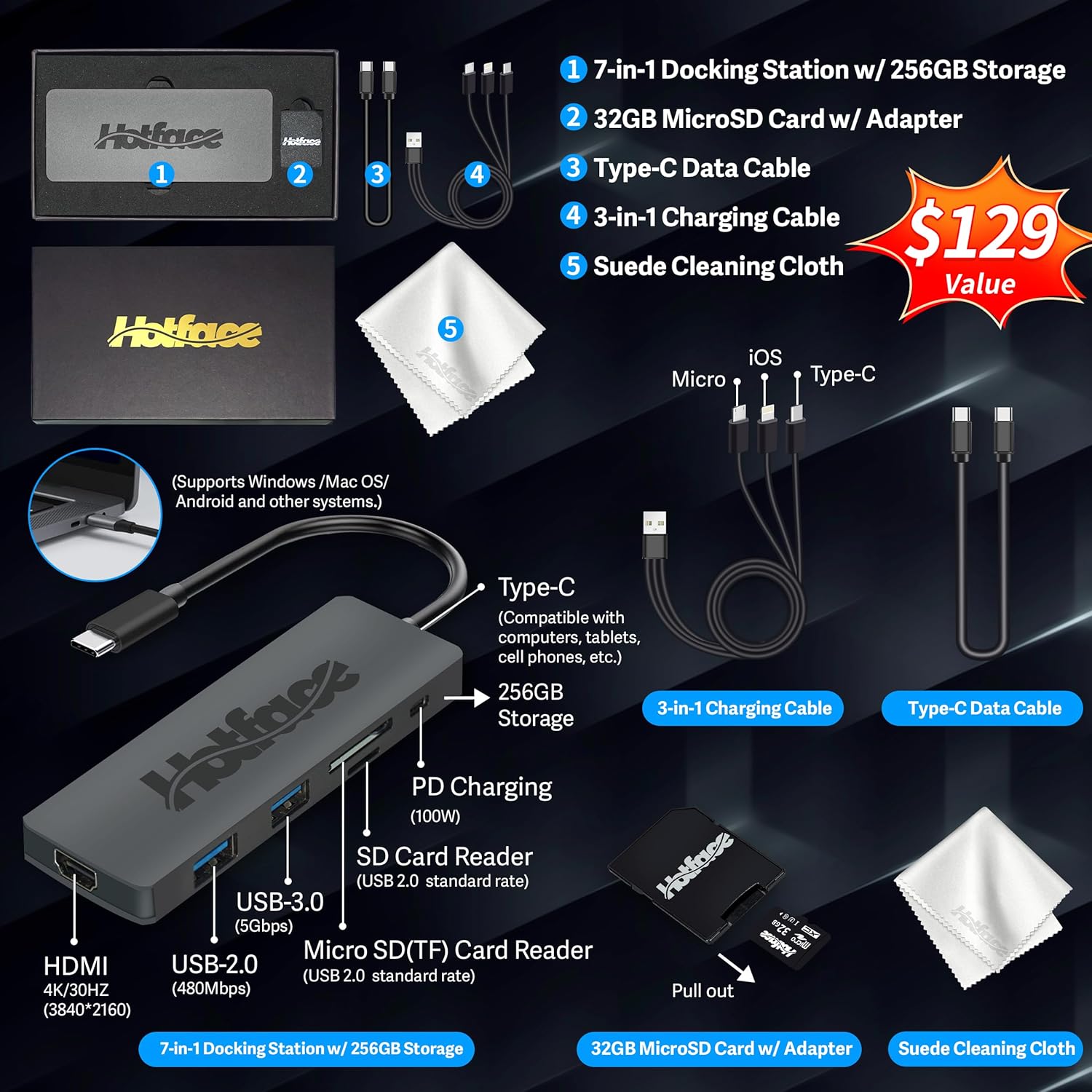
The display panel is a standard 14-inch HD unit that suffers from the usual limitations found at this price tier. Colors appear washed out and flat, and the brightness levels struggle to overcome even moderate office lighting. I found that I had to constantly adjust the tilt of the screen to find a viewing angle where the blacks didn’t turn grey or invert entirely. It is adequate for basic text editing or reading, but don’t expect to perform any serious color-grading or photo work here.
Audio is equally underwhelming. The internal speakers produce a tinny sound profile with a complete absence of low-end frequencies. At higher volumes, there is a noticeable distortion in the higher registers, making dialogue in video calls sound harsh and artificial. I found myself reaching for headphones almost immediately, as the onboard audio lacks the depth required for an enjoyable media consumption experience.
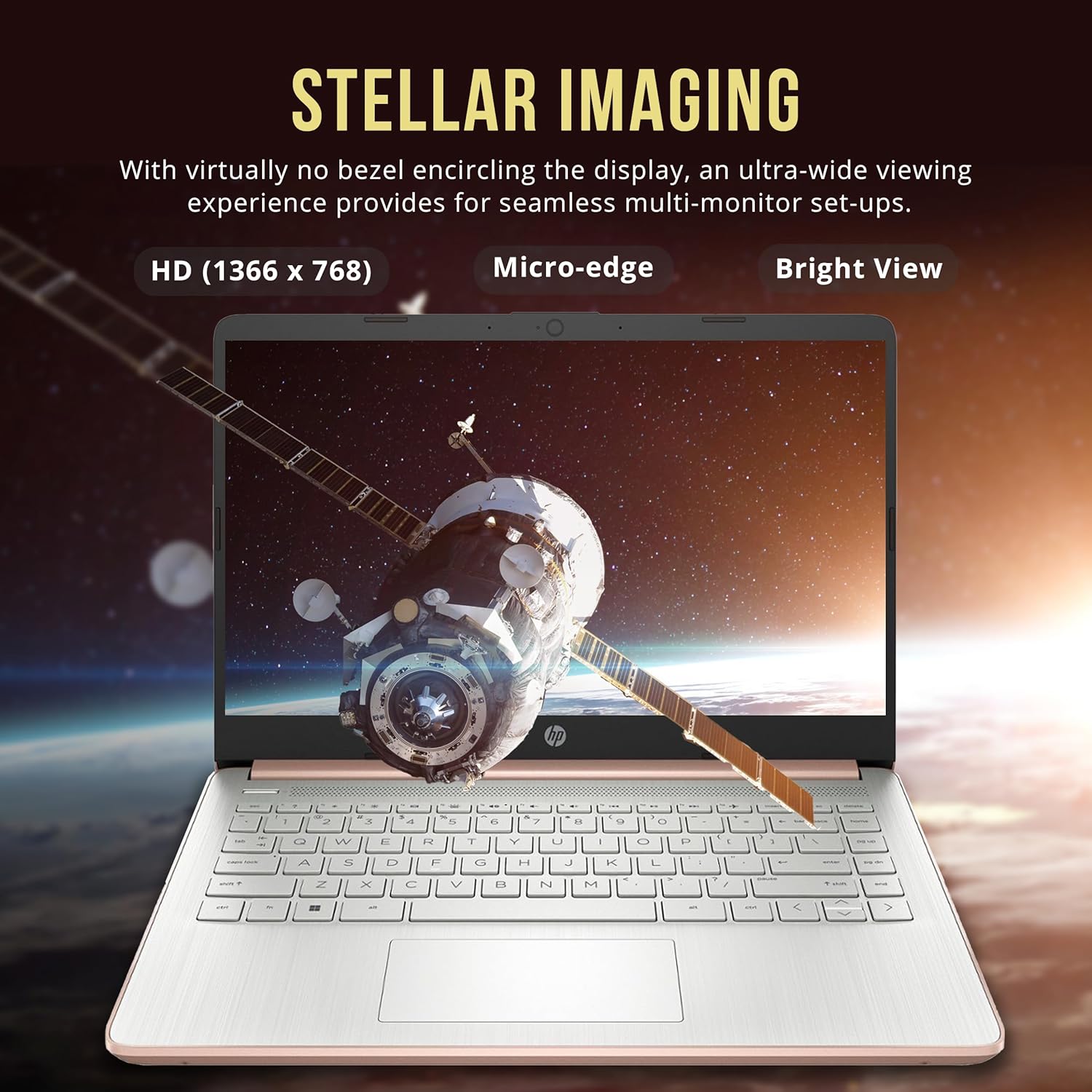
Performance is where this laptop hits its first major wall. The Intel Celeron processor is strictly for single-threaded, low-intensity tasks. While the added RAM helps keep multiple tabs open without immediate crashing, the system still stutters when you attempt to push it. I noticed significant lag when switching between heavy web applications, and the initial boot time is sluggish compared to modern SSD-equipped machines. It manages basic document creation, but heavy multitasking is clearly out of its league.
The storage situation is frankly a messy compromise. By relying on eMMC storage rather than a standard NVMe drive, file transfers and software installations feel like a trip back to the mid-2010s. While the bundled docking station tries to mask this by offering supplemental storage, it is an inelegant solution that clutters your workspace. I encountered several moments where the system hung momentarily simply while loading files from the external drive, which disrupts any sense of flow.
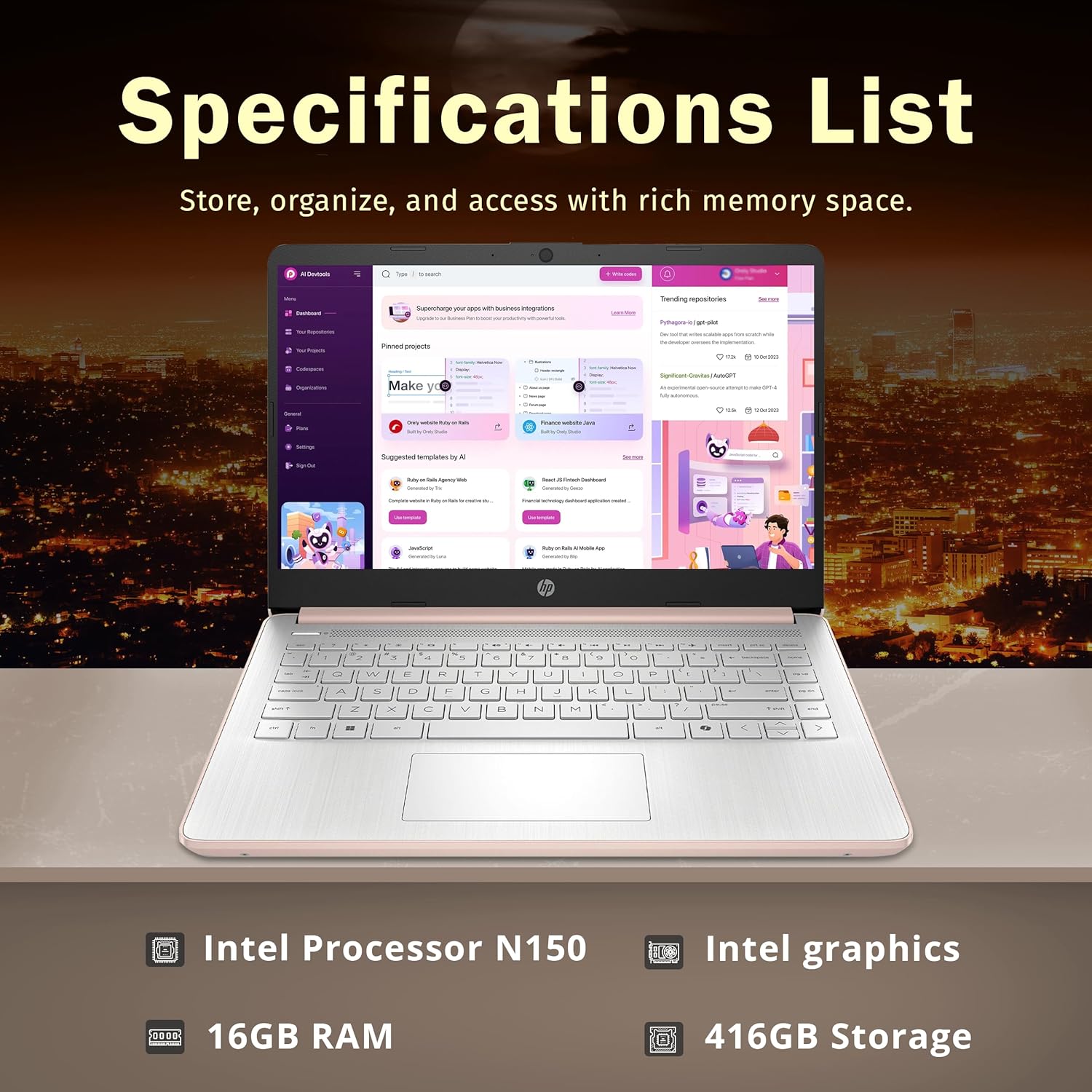
Battery life is highly dependent on how hard you push the hardware, but it is comfortably average. Under light productivity loads, you might get through a afternoon of work, but the battery depletes rapidly when streaming video or running updates. Thermals are managed passively, which means the laptop stays quiet, but the underside gets warm enough to be uncomfortable if used directly on your lap for long periods. You are limited by the available ports, and the lack of high-speed connectivity means you are tethered to the slow data transfer rates of the included hub.
Connectivity feels like an afterthought. The USB-C port is limited in its functionality, and the HDMI output does the bare minimum. I found the port placement to be awkward for cable management, leading to a tangled mess on my desk once the docking station was attached. It is a laptop meant for a stationary desk setup rather than a mobile, professional environment where constant plugging and unplugging is required.
The biggest flaw is the reliance on Windows 11 in S Mode coupled with eMMC storage. This combination feels like a cage; you are restricted in what software you can install, and the underlying storage technology effectively throttles the modern OS. The manufacturer is essentially selling you a “feature” in the form of a docking station because the internal storage is too small and too slow to handle modern data needs. This is a budget patch for a hardware architecture that is fundamentally outdated.
I believe this machine is targeted at students or casual users who need a machine for light internet browsing and schoolwork. However, I would absolutely urge power users, creative professionals, or anyone who values long-term system snappiness to avoid this. If you think you can handle professional workloads on a Celeron processor, you are going to be frustrated within the first hour of use.
Regarding long-term value, it is hard to justify the price over a period of three years. As software requirements continue to bloat, this hardware will likely struggle to keep up with basic browser updates within a relatively short timeframe. You are essentially paying for a stop-gap device rather than a lasting investment. Unless your budget is non-negotiable and you have no other options, your money is likely better spent on a refurbished higher-tier laptop.
Comparing the HP Stream 14 to Current Market Alternatives
When comparing this machine to other entry-level options, the market is currently saturated with laptops that offer better build quality and faster storage for a marginal price increase. The following comparison breaks down why this specific HP model struggles to maintain relevance in a competitive landscape where performance and longevity are becoming the baseline expectations for budget consumers.
| Feature | HP Stream 14″ | Acer Aspire 3 (Competitor) |
|---|---|---|
| Processor | Intel Celeron N150 | Intel Core i3 |
| RAM | 16GB DDR4 | 8GB DDR4 |
| Storage | 416GB (eMMC + Dock) | 256GB SSD |
| Estimated Price | $311.00 | Check Latest Price |
Verdict on the HP Stream 14
My final take is simple: this laptop is a compromise that eventually becomes a bottleneck for the user. While it provides the essentials for a very specific type of entry-level computing, the reliance on slow storage and low-tier processing limits its utility. If you need a reliable machine for the next several years, look elsewhere. If you need something for a child’s schoolwork or a basic secondary device, it might suffice, but do not expect a high-performance experience.
|
|





