HP 14 Review: Affordable Performance and Portability
A Candid HP 14 Laptop Review
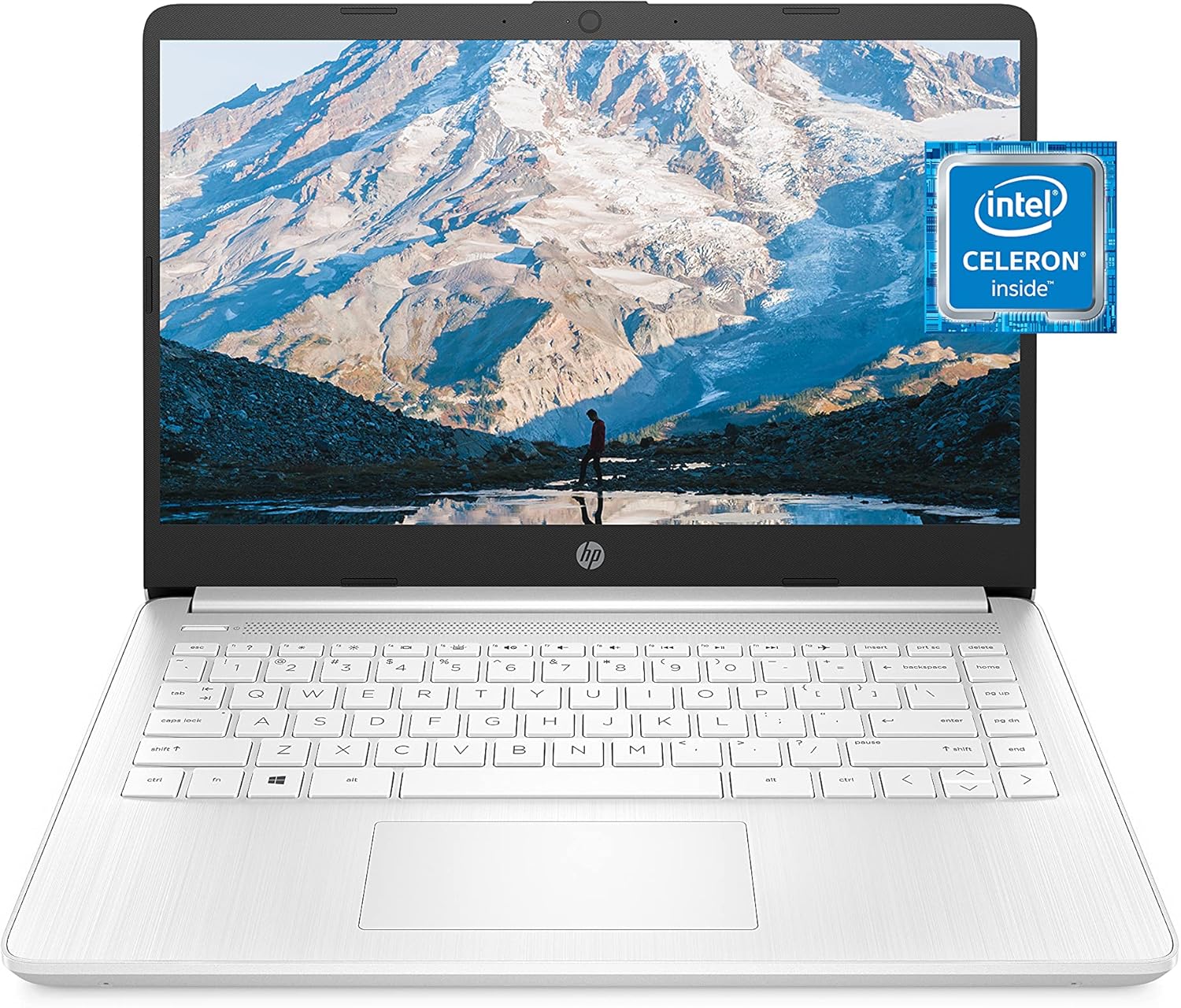
I have seen my fair share of budget hardware, and I will be the first to tell you that this HP 14 Laptop is an exercise in extreme compromise. When you unbox this device, you are immediately greeted by a chassis that screams plastic. It is lightweight, which is the only real benefit of the material choice, but it lacks any semblance of structural rigidity. The Snowflake White finish feels cheap to the touch, and the hinges show a concerning amount of flex the moment you lift the lid. It is clearly a machine built for a specific price point, and you can feel every penny saved in the construction quality.
My first impressions did not improve much once I got the device set up. The weight makes it portable enough to shove into a backpack, but I wouldn’t trust this plastic frame to survive a serious commute without a protective sleeve. It looks fine from a distance, but the moment you handle it, the illusion of a premium aesthetic evaporates. It is a tool for light, stationary tasks, not a robust companion for a nomadic lifestyle. Do not expect the density or build quality found in higher-tier ultrabooks; this is strictly an entry-level plastic shell.
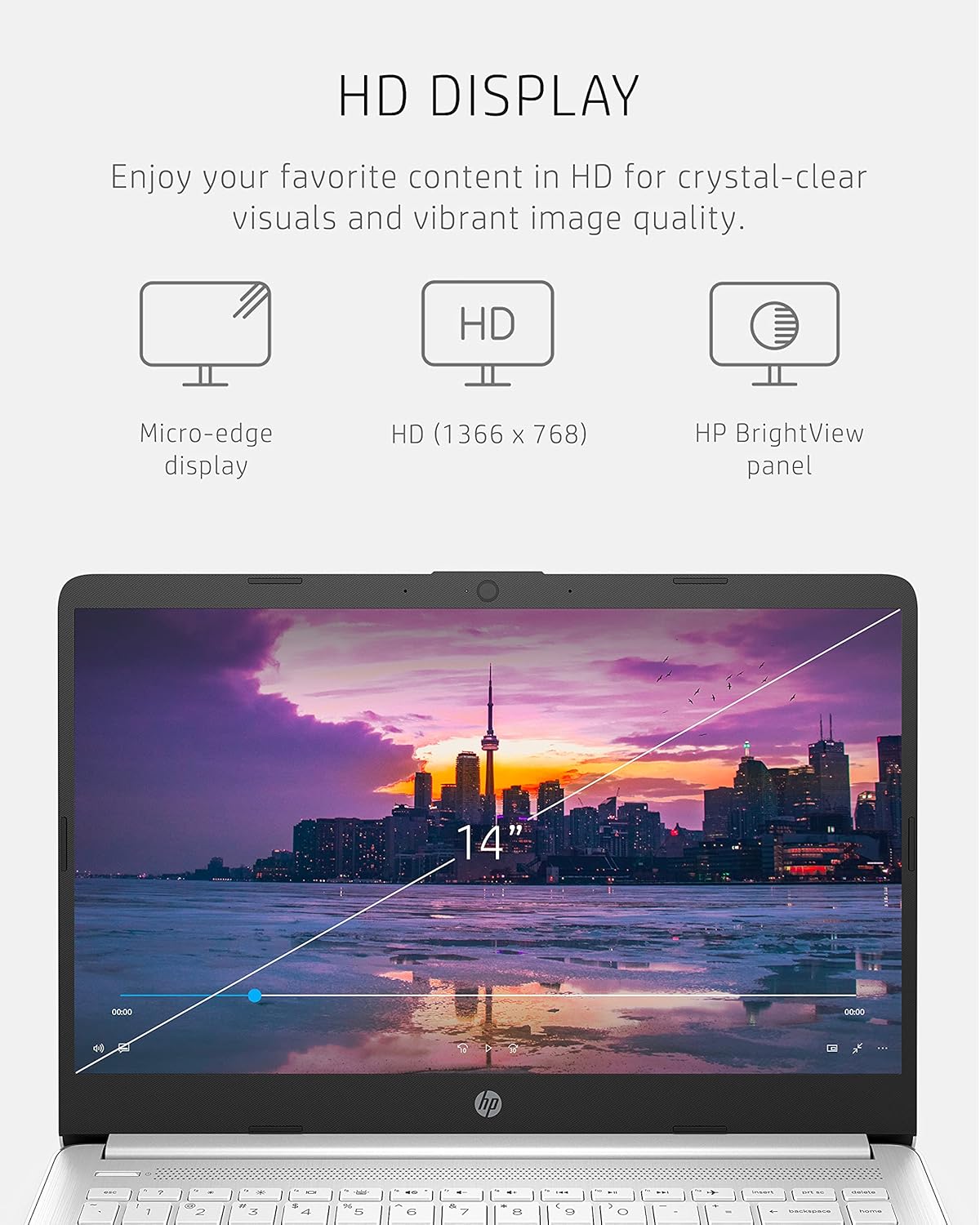
The display is perhaps the most disappointing aspect of this machine. With a resolution of 1366 x 768, you are essentially looking at a pixel density that feels a decade out of date. Text lacks crispness, and color accuracy is poor, leaning heavily toward washed-out tones that make media consumption a chore. The viewing angles are equally frustrating; if you are not positioned perfectly in front of the screen, the colors invert and contrast vanishes. It is a 14-inch panel that struggles to justify its own existence in the modern era.
Audio is equally lackluster. The onboard speakers lack any meaningful low-end response, resulting in a thin, tinny sound profile that distorts as soon as you push the volume above the halfway point. You will absolutely need headphones if you plan on watching anything more complex than a basic video call. The micro-edge bezels provide a modern look, but they cannot compensate for the poor quality of the panel they surround. It is a visual experience that serves basic functionality and nothing more.
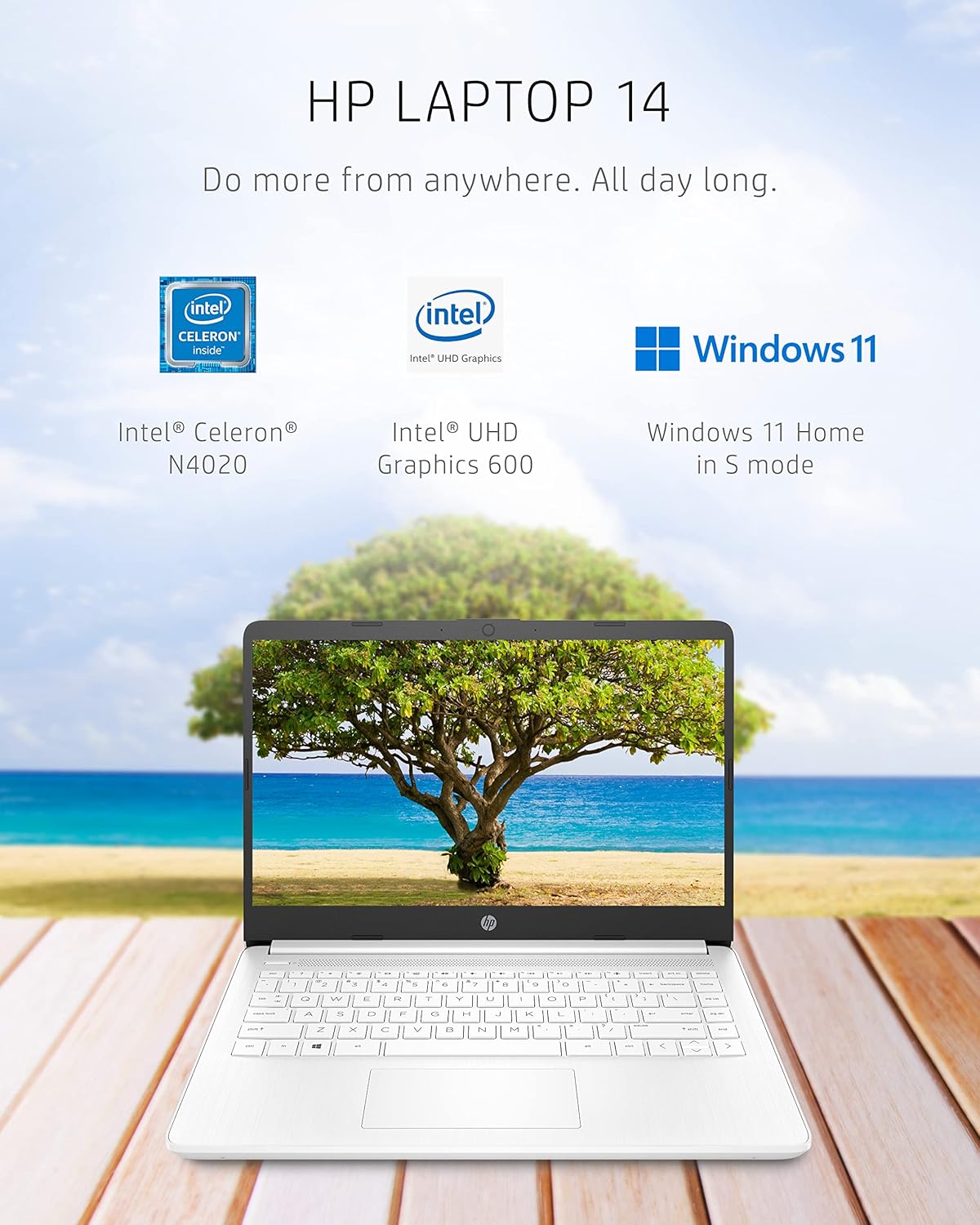
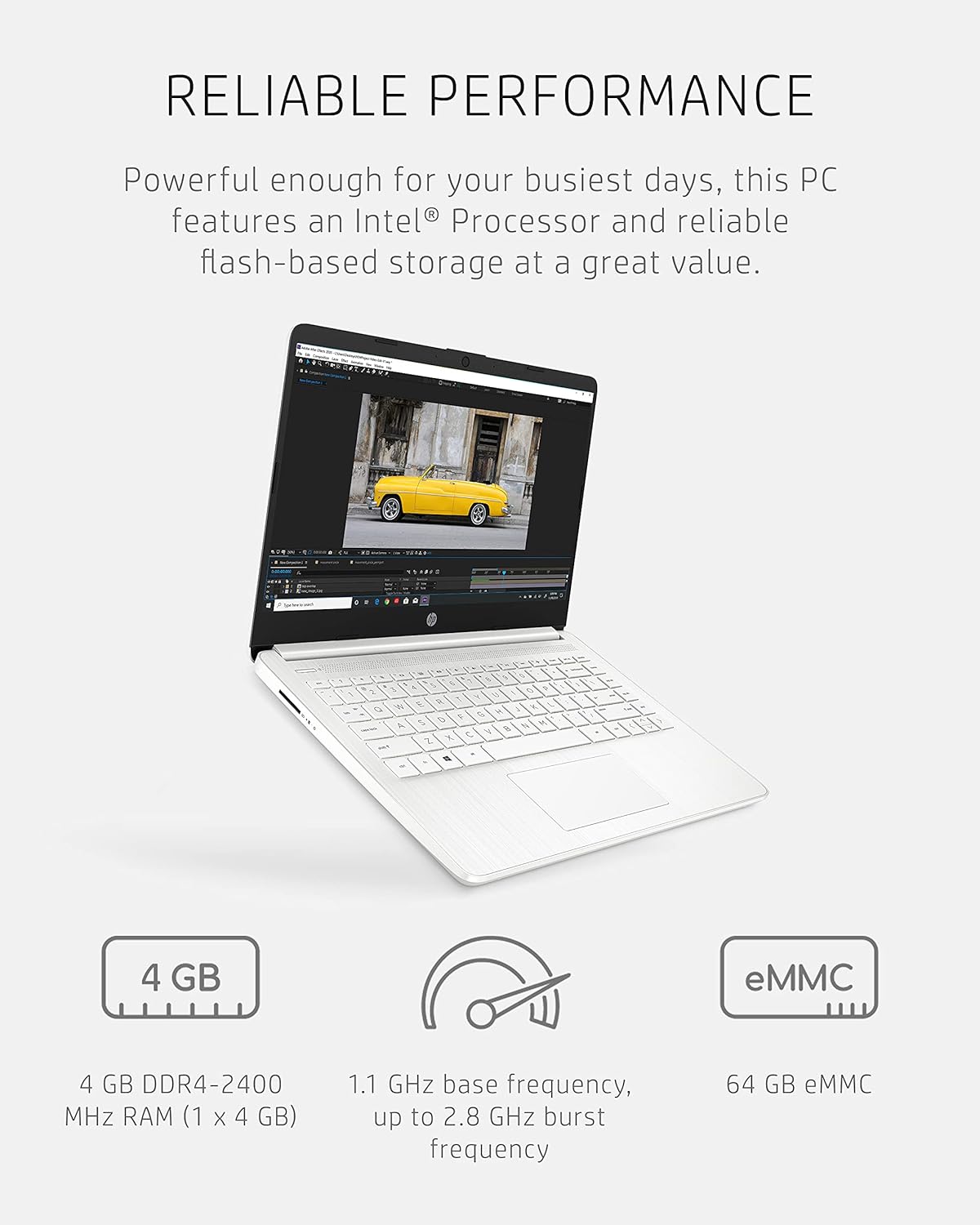
When it comes to real-world performance, I have to be blunt: the Intel Celeron N4020 is a bottleneck from the start. Multitasking is not something this device handles well. With only 4 GB of RAM, you are strictly limited to one or two browser tabs before the system begins to crawl. Attempting to run more intensive software is a futile exercise in waiting. You will find yourself staring at loading spinners far more often than you would like, and the overall system responsiveness is sluggish at best.
I pushed this laptop through basic office tasks, and it barely clears the bar for simple web browsing or word processing. If you are someone who keeps twenty tabs open or likes to edit photos, look elsewhere. The storage, an eMMC drive, is significantly slower than modern NVMe solutions, meaning boot times and application launches are sluggish. This machine is designed for very specific, very light workflows, and it will let you know immediately if you try to exceed those narrow boundaries.
Regarding thermals and battery life, the fanless design—or at least the ultra-quiet cooling—means you won’t hear much noise, but the chassis does get noticeably warm under prolonged use. It doesn’t reach dangerous levels, but it isn’t comfortable to keep on your lap for long. The battery life is adequate for a few hours of light document work, but do not buy into the marketing claims of all-day performance. Once you start streaming media or keeping your screen brightness up, that charge drops rapidly.
Connectivity is another area where the budget nature is obvious. You get a basic array of ports, but don’t expect Thunderbolt speeds or any versatility for modern peripherals. The Wi-Fi performance is strictly average, and I noticed occasional dropouts in areas where more expensive hardware maintains a stable connection. It is a functional set of inputs, but it is not built for a user who needs to plug in external monitors or high-speed drives on a regular basis.
The biggest flaw here is the combination of the 4 GB RAM and the 64 GB eMMC storage. HP is essentially selling you a machine that is obsolete out of the box for anyone with moderate productivity needs. The storage fills up almost instantly with Windows updates, leaving you with little room for actual files. It is an intentional trap designed to push you toward cloud storage, but even then, the hardware cannot handle the overhead of modern, bloated operating system updates effectively.
This is a product for a student or a casual user who only needs to browse the web and type basic documents. Anyone expecting to do serious work, light gaming, or content creation should absolutely avoid this machine. It is too limited, too slow, and too poorly built to serve as a primary computer for more than a few months before the frustration of its performance limitations sets in. If you have any professional or creative ambitions, this laptop will only hinder your progress.
In terms of long-term value, I have to be honest: you are paying for a short-term solution. While the price point is low, the lack of upgradable RAM or storage means this device will not survive three years of use in any meaningful way. Technology moves quickly, and this hardware is already behind the curve. You would be better off saving for a machine with at least 8 GB of RAM and an actual SSD, which would provide years of reliable service instead of this temporary fix.
The Competitive Landscape
When you compare this to other budget-tier machines, the limitations become even more apparent. While other entry-level options may offer similar processors, many competitors provide better chassis durability or slightly more accessible internals. You are paying for the brand name here rather than the performance density you might find elsewhere in the bargain bin market.
| Feature | HP 14 Laptop (14-dq0040nr) | Acer Chromebook 314 |
|---|---|---|
| Processor | Intel Celeron N4020 | Intel Celeron N4020 |
| RAM | 4 GB | 4 GB |
| Storage | 64 GB eMMC | 64 GB eMMC |
| Estimated Price | $164.00 | Check Latest Price |
Final Verdict
Ultimately, I cannot recommend this laptop for anyone beyond the most basic of needs. If you are on a strictly limited budget and your only task is to check email and write a few notes, it will function. However, the lack of longevity and the sheer frustration of its performance bottlenecks make it a poor purchase for anyone else. Spend more, get more, and avoid the headache that comes with entry-level hardware like this.
|
|





