HP All-in-One Desktop Review: 2025 FHD PC Performance Test
A Candid HP 2025 22″ FHD All-in-One Desktop Computer Review
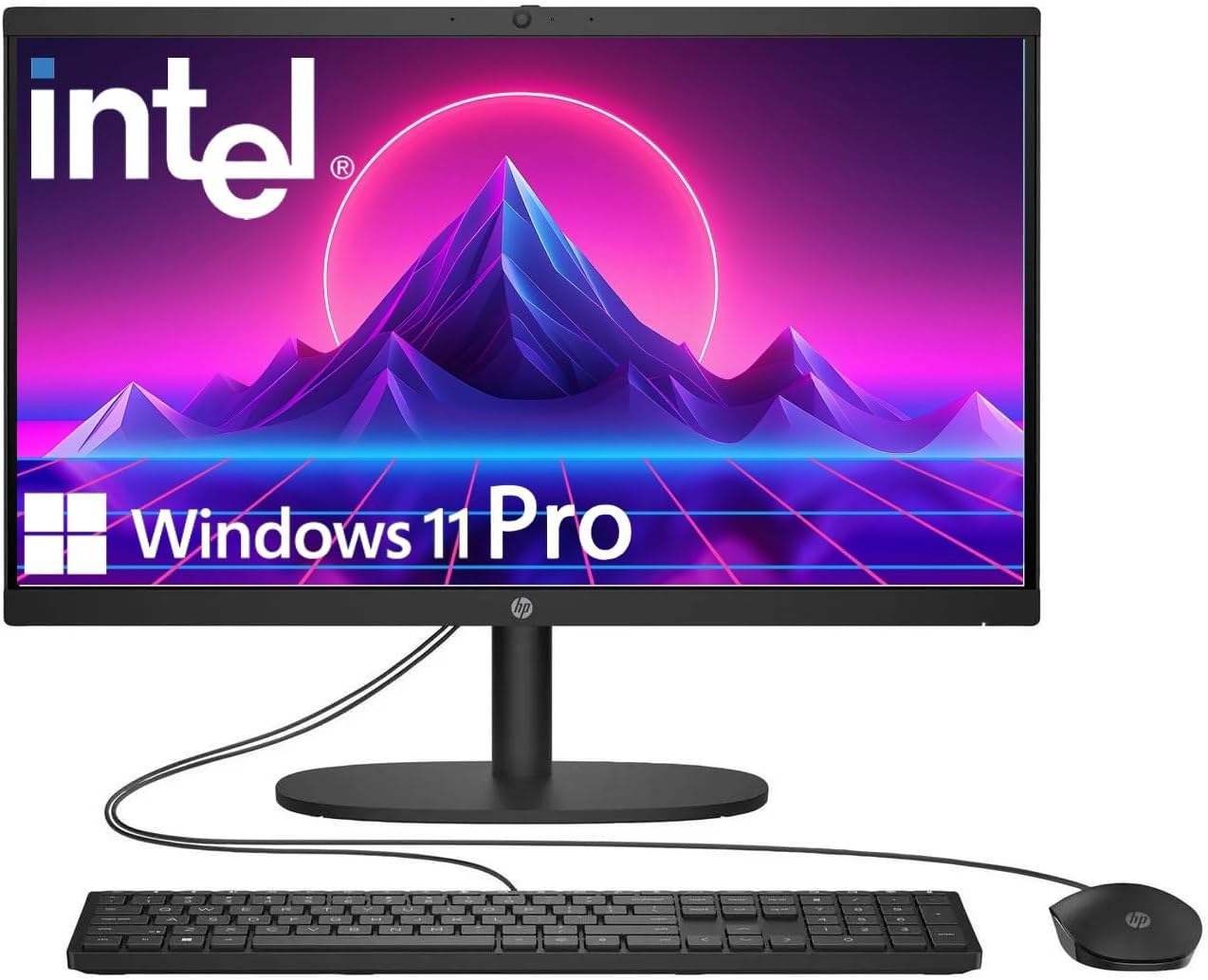
My initial encounter with the HP 2025 22″ FHD All-in-One Desktop Computer was met with a distinct sense of “seen it before.” The chassis is functional, utilitarian, and unapologetically plastic. It sits on the desk with a footprint that demands very little attention, which is arguably its best physical feature. The weight is manageable enough that I could adjust its position with one hand, though the stand lacks the premium tension one might expect from a higher-tier machine. It feels like a budget-conscious office solution designed to disappear into the background of a cubicle rather than stand out on a desk.
Upon unboxing, I noticed the peripherals included are strictly entry-level. The keyboard and mouse feel hollow, with a tactile response that reminds me of machines from a decade ago. While the aesthetic is clean enough to pass in a professional environment, the material choices prioritize cost-cutting over long-term durability. It does not feel like a piece of kit that will age gracefully, but for a machine that is intended to stay stationary, the build quality is sufficient to keep the screen upright and the ports accessible.

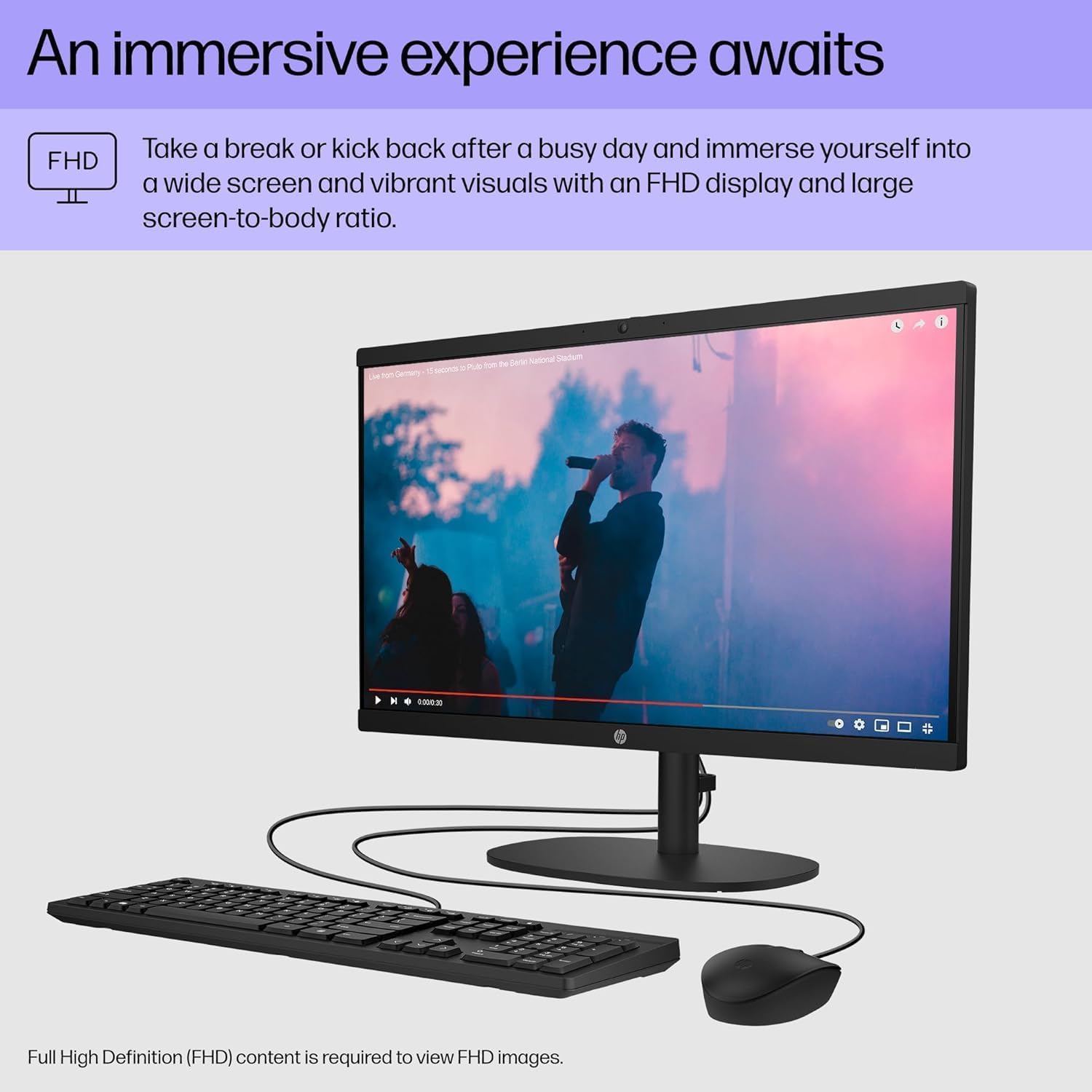
The display panel on this HP All-in-One is a standard 1080p implementation that provides acceptable clarity for text and web browsing. Color reproduction is fairly muted; do not expect to do any serious photo or video work on this panel. The anti-glare coating does a decent job of diffusing overhead office lighting, which is a mercy for long hours of document editing. However, the brightness peaks at a level that struggles if placed anywhere near a window, and the viewing angles are mediocre at best, washing out when you shift your eyes just a few degrees off-center.
Audio is handled by internal stereo speakers that occupy the bottom section of the bezel. To be blunt, these are serviceable for system sounds and the occasional video call, but they lack any meaningful depth or bass. At higher volumes, I noticed a slight tinny distortion that made voice audio sound brittle. If you plan on using this for media consumption, I strongly suggest investing in external speakers or a decent pair of headphones, as the integrated audio is strictly for utility, not enjoyment.
Real-world performance is where the reality of the Intel N100 chip hits hard. This is not a workstation, and pushing it beyond a few browser tabs and a word processor leads to immediate friction. I found that opening multiple heavy applications simultaneously causes noticeable lag in input registration. The system handles light multitasking, but if your workflow involves complex spreadsheets or constant switching between intensive browser-based tools, you will feel the bottleneck. It is a machine for singular focus, not for aggressive power users.
Under a typical office load, the machine remains quiet, though I did notice it struggling to keep up with background system updates. The responsiveness of the OS feels snappy enough during fresh boots, but once the system has been running for a few hours, the lack of overhead starts to manifest in sluggish window transitions. It performs exactly as the hardware tier suggests: it gets the job done for basic tasks, provided you do not ask it to do anything remotely demanding or complex.

Connectivity is sparse but functional. The inclusion of a Type-C port is a welcome addition, though its data-only limitation is a disappointment, as it prevents me from using it for display output. The port placement on the back is awkward, making it difficult to swap thumb drives or peripherals without spinning the entire unit around. The Wi-Fi 6 connectivity remained stable throughout my testing, which is one of the few areas where the hardware feels modern and reliable.
Thermals are handled surprisingly well due to the low-power nature of the internal silicon. The unit never felt hot to the touch, and the fan noise remained a faint hum that was easily drowned out by ambient room noise. However, the 128GB storage limit is a major pain point. In a modern computing environment, this is essentially non-existent. You will be forced to rely on cloud storage or external drives almost immediately, which feels like a significant oversight for a desktop intended for 2025.
The biggest flaw here is the storage bottleneck coupled with a non-upgradable nature that forces the user into a corner. HP has clearly designed this to be a throwaway device in the eyes of the manufacturer. By offering such minimal internal storage, they are essentially pushing users toward external solutions from day one. It is a budget-focused strategy that hampers the utility of the machine for anyone who keeps more than a handful of documents and basic software installed on their local drive.
Beyond the storage, the lack of physical height adjustability on the stand is a significant ergonomic failure. You are stuck with the viewing angle the factory gives you, which forced me to stack books under the base just to reach a comfortable eye level. It is a stark reminder that while this is an all-in-one, it is also a compromise machine that cuts corners everywhere, from the internal components to the physical chassis design.
This computer is aimed at the casual home user or a basic office setting where only one or two applications are open at a time. If you are a student, a retiree, or a business owner looking for a cheap, simple solution for point-of-sale or basic data entry, this fits. However, if you are a power user, a creative, or someone who keeps thirty browser tabs open, avoid this machine. You will be frustrated by the lack of headroom and the claustrophobic storage limits within a week of use.
Looking at the long-term value, I have serious reservations. While the price point is accessible, the hardware is already near its ceiling. You are not buying a machine that will grow with your needs over the next three years; you are buying a machine that is already at its limit. Unless your computing needs stay static and you are perfectly comfortable relying on external storage, the value proposition evaporates quickly. It is a stop-gap solution, not a long-term investment.
Market Standing and Comparisons
When stacking this unit against its peers in the budget all-in-one market, the distinction comes down to the trade-off between modern connectivity and raw horsepower. Competitor systems often lean into larger hard drives but fail to keep up with the networking standards that this machine boasts. While others might offer a slightly more robust build, they often lag behind in terms of the processor generation found here.
| Feature | HP 2025 22″ All-in-One | Dell Inspiron 24 All-in-One |
|---|---|---|
| Processor | Intel N100 | Intel Core i3/i5 |
| Display | 21.5″ FHD | 23.8″ FHD |
| RAM | 8GB DDR5 | 8GB/16GB DDR4 |
| Estimated Price | Check Latest Price | Check Latest Price |
Verdict on the HP Desktop
Ultimately, this machine is a specialized tool for people who require nothing more than a browser and a word processor. It is a tidy, quiet, and efficient machine that does exactly what it says on the box, provided your expectations are kept firmly in check. If you recognize the hardware limitations before purchasing, you will not be disappointed, but do not expect a high-performance experience from such entry-level components.
|
|





