ACEMAGIC Kron K1 Review: Powerful AMD Ryzen Mini PC
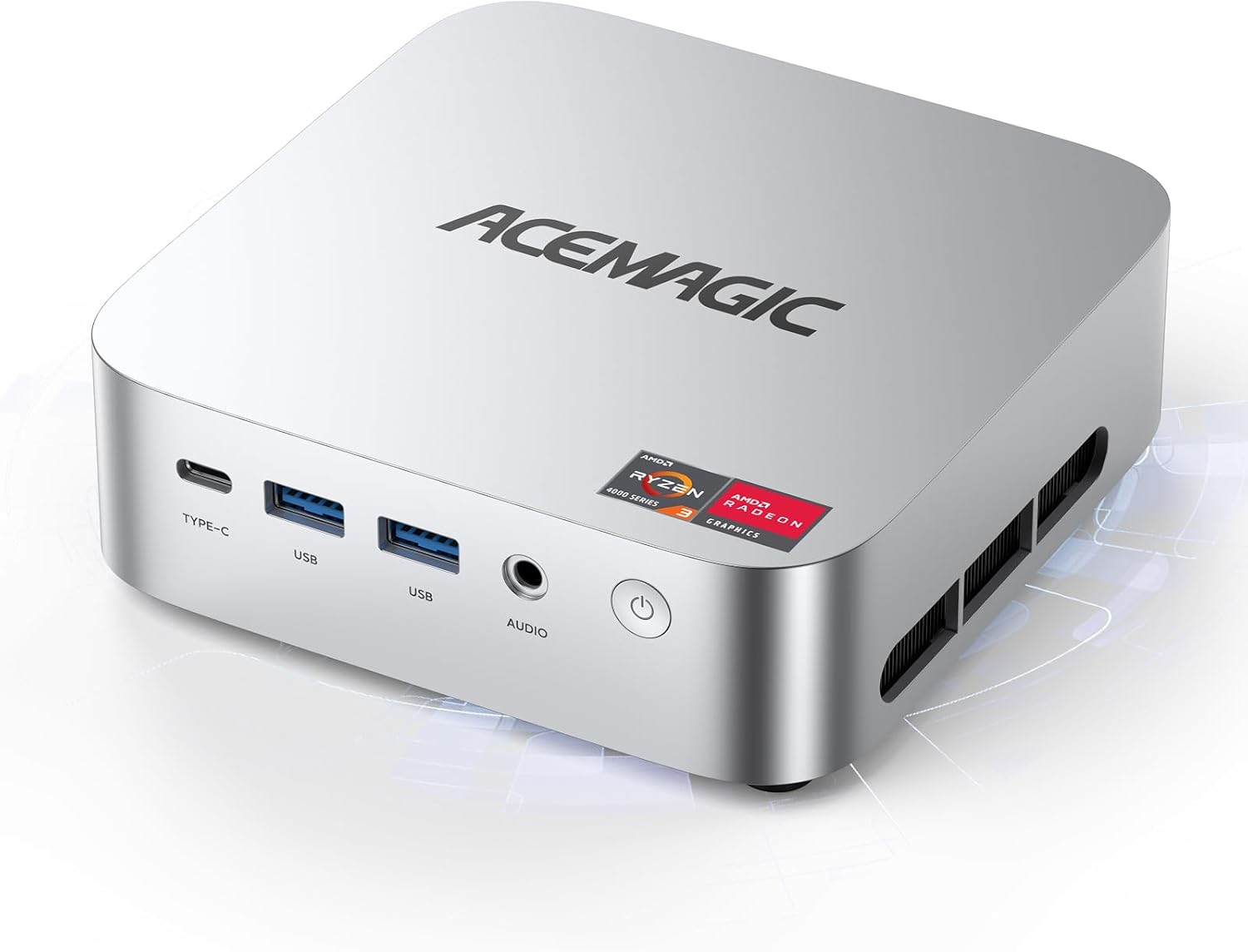
ACEMAGIC K1 Mini PC Review
My initial encounter with this machine was defined by its surprisingly dense footprint. When I pulled the ACEMAGIC K1 Mini PC from its packaging, the weight was the first thing to catch me off guard; it does not feel like a hollow plastic toy, but rather a functional block of hardware designed to occupy minimal desk real estate. The chassis utilizes a mix of plastic and metal that manages to avoid feeling exceptionally cheap, though it certainly isn’t winning any awards for premium industrial design. It sits understated on my desk, blending into the background of my workspace without the aggressive RGB lighting that plagues so many modern desktop alternatives.
Unboxing this unit confirms that the manufacturer prioritizes utility over flair. The package includes the essentials for a VESA mount, which is arguably the most practical way to hide this device behind a monitor. However, the surface finish is a magnet for fingerprints, and the boxy aesthetic feels a bit dated compared to the sleek, rounded edges seen in more expensive competitors. It is a utilitarian box meant to be tucked away, and my first impression is that it succeeds at being invisible until you actually need to power it on.
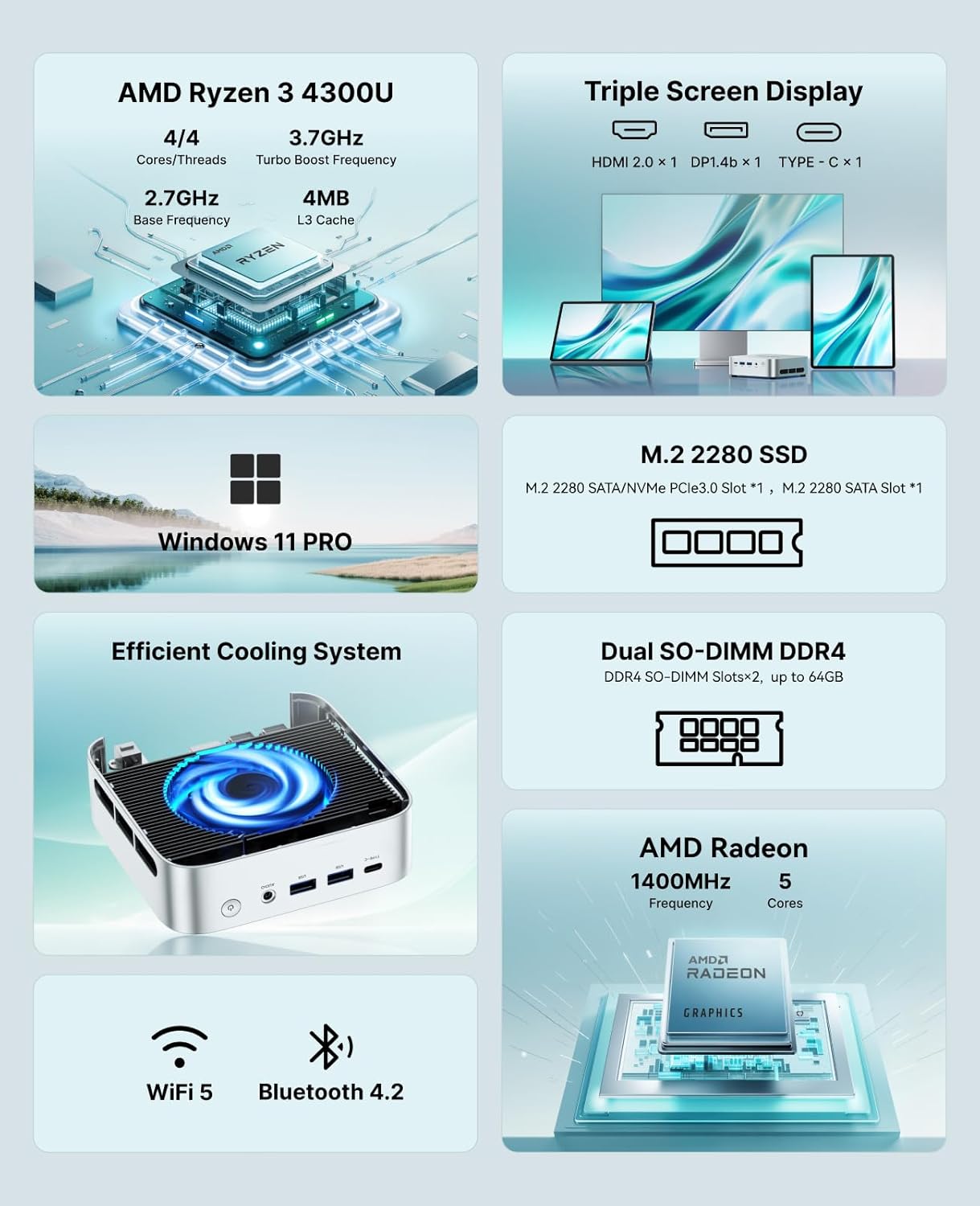
Regarding the display output and audio, I found the triple-monitor support to be the standout feature of this hardware configuration. Pushing three displays at 4K resolution is a heavy lift for an integrated graphics solution, but in my testing, the desktop environment remained snappy enough for standard administrative workflows. The color accuracy on the primary HDMI output was acceptable for basic media consumption, though I wouldn’t dare use this for color-graded video editing or professional photography work.
Audio is where the corners were clearly cut. The internal output through the 3.5mm jack is serviceable for conference calls or basic YouTube playback, but it lacks the depth and clarity required for any serious media setup. If you intend to use this as a home theater hub, you absolutely must route your audio through an external DAC or high-quality monitor speakers. The onboard sound signature is thin, and at high volumes, I detected noticeable distortion that quickly becomes fatiguing to the ears.
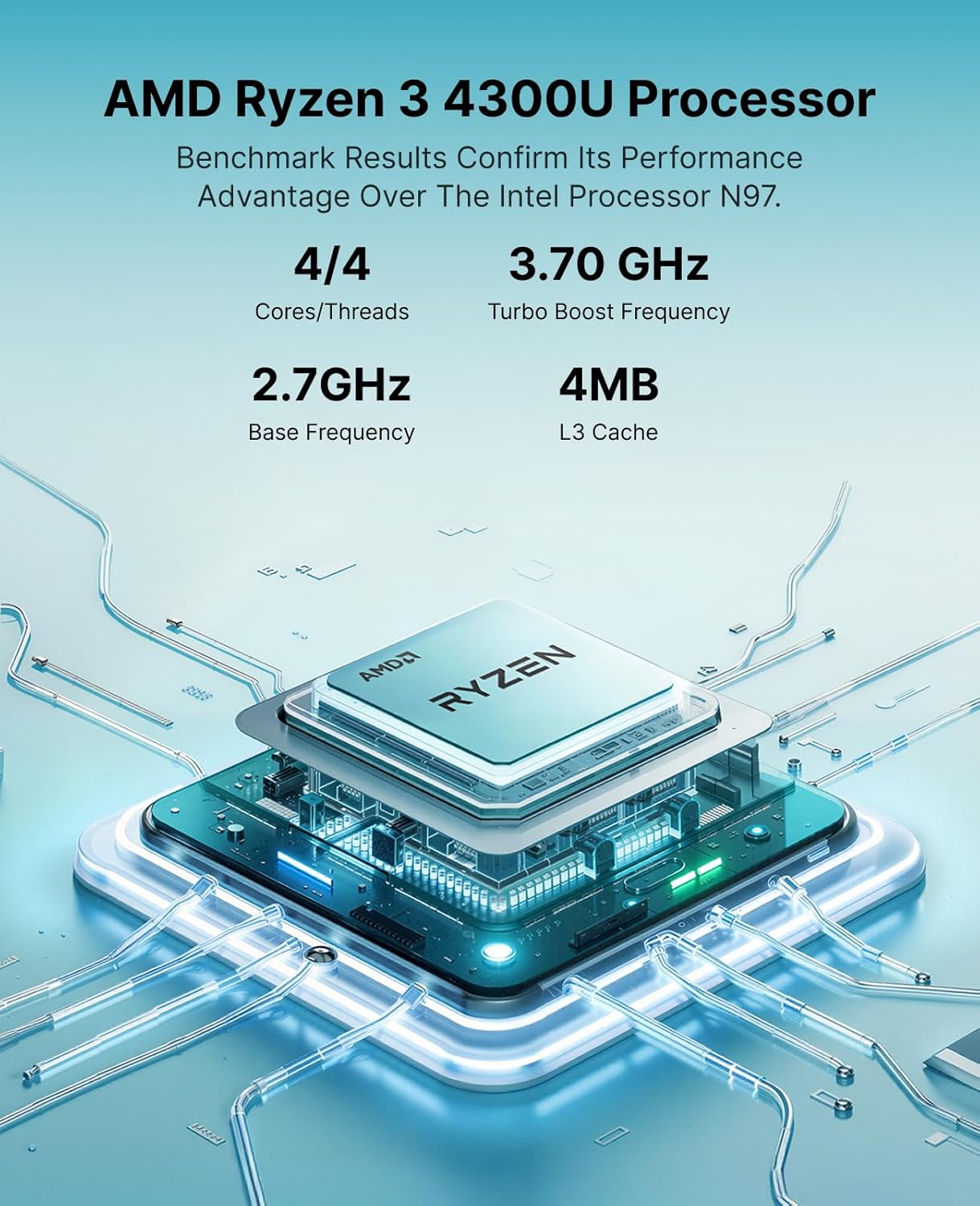
Daily performance on this device is a tale of two halves. When navigating basic office software, web browsers with a moderate amount of tabs, and standard document creation, the system feels snappy. The Ryzen 4300U is a competent processor for these specific tasks, and it handles switching between applications without the jarring lag that I associate with entry-level Celeron chips. However, the moment I attempted to push the system with heavier multitasking or data-intensive tasks, the 8GB of RAM became a glaring bottleneck.
I found that the system struggles when forced to juggle background processes alongside resource-heavy web applications. While the SSD ensures that startup times are rapid, the overall responsiveness dips once the memory headroom is exhausted. This is not a workstation replacement. It excels at being a dedicated terminal for specific workflows, but it is not built to be a powerhouse for content creators or developers running complex local environments.
Thermals and power delivery are managed in a way that suggests a focus on longevity over peak performance. Under sustained synthetic loads, the fan noise becomes audible, shifting from a near-silent hum to a perceptible whir. It is never deafening, but it is certainly present, which tells me that the cooling solution is working hard to keep the Ryzen chip from hitting its thermal ceiling. The port selection is surprisingly generous, providing enough connectivity to act as a proper hub, though the spacing between the USB ports is tight enough that bulkier thumb drives will likely obstruct adjacent slots.
I noticed that the power delivery through the USB-C port is a convenient addition, but it lacks the stability of the dedicated DC input for high-draw tasks. In terms of runtime, since this is a desktop unit, I observed that the power efficiency is quite good, keeping energy draw low during idle states. Just be aware that if you keep this in a small, poorly ventilated cabinet, the heat buildup will eventually result in aggressive thermal throttling, which will impact your frame rates and overall system speed.
The biggest flaw is the stingy 8GB memory configuration in a market where 16GB is rapidly becoming the minimum standard for a usable experience. By soldering or providing such a lean base configuration, the manufacturer effectively forces the end user to spend more money and time upgrading the RAM immediately upon purchase. This is a common tactic to keep the advertised “starting price” low, but it results in a compromised user experience out of the box that limits the potential of the Ryzen processor.
Furthermore, the build materials, while functional, rely heavily on a plastic construction that feels prone to scratching and wear over time. The company is clearly trying to hit a specific price point, and they have achieved it by cutting into the quality of the chassis and the base memory capacity. You are paying for the core processing capability, but the supporting components feel like they were chosen to meet a budget rather than a high-performance standard.
This machine is built for the office worker who needs a dedicated, low-profile terminal for word processing, email, and web-based tools. It is also a solid choice for someone looking to build a basic home theater PC where 4K media consumption is the primary goal. If you are a casual user who values a clean desk and simple setup, this fits that role well. However, anyone involved in gaming, video editing, or heavy software development should stay far away from this hardware; it will not satisfy your requirements.
Long-term value is moderate, provided you view this as a base for future upgrades. Out of the box, it offers enough performance to last for three years of basic tasks, provided you are patient with its limitations. If you plan to stick with the base 8GB of RAM, I expect the device to feel sluggish well before the three-year mark as software demands continue to rise. It is a cost-effective solution today, but it is not a “future-proof” investment by any stretch of the imagination.
Performance Comparison and Verdict
When weighing this against current mini PC alternatives, the value becomes clear when you look at the raw processing power versus the total cost of ownership. While other brands might offer a sleeker aesthetic, the specific efficiency of the Ryzen 4300U in this price bracket is difficult to ignore for business-centric applications.
| Feature | ACEMAGIC K1 Mini PC | Beelink SER3 |
|---|---|---|
| Processor | AMD Ryzen 4300U | AMD Ryzen 3200U |
| RAM | 8GB DDR4 | 8GB DDR4 |
| Storage | 256GB SSD | 256GB SSD |
| Estimated Price | $228.00 | Check Latest Price |
Final Verdict
This is a competent tool for a specific type of user, provided you understand its limitations. It is not an exciting piece of hardware, nor is it a high-end desktop replacement, but it executes its intended function with predictable reliability. If you can stomach the immediate need for a RAM upgrade and accept the utilitarian build, it serves its purpose as a reliable workhorse for basic computing.
|
|