HP Chromebook 14 Review: Affordable Performance for Work and School
The Reality of the HP Chromebook 14 Review
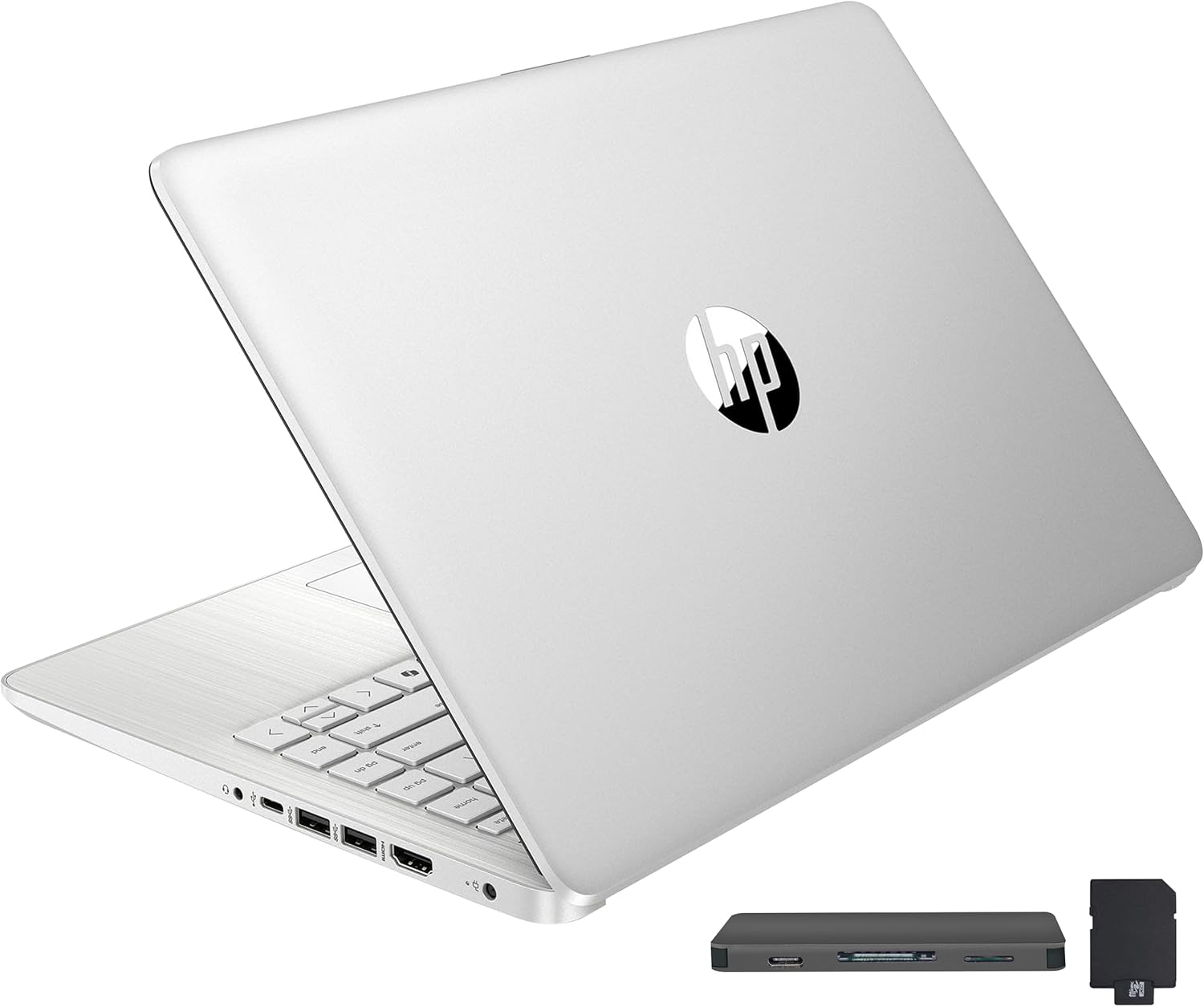
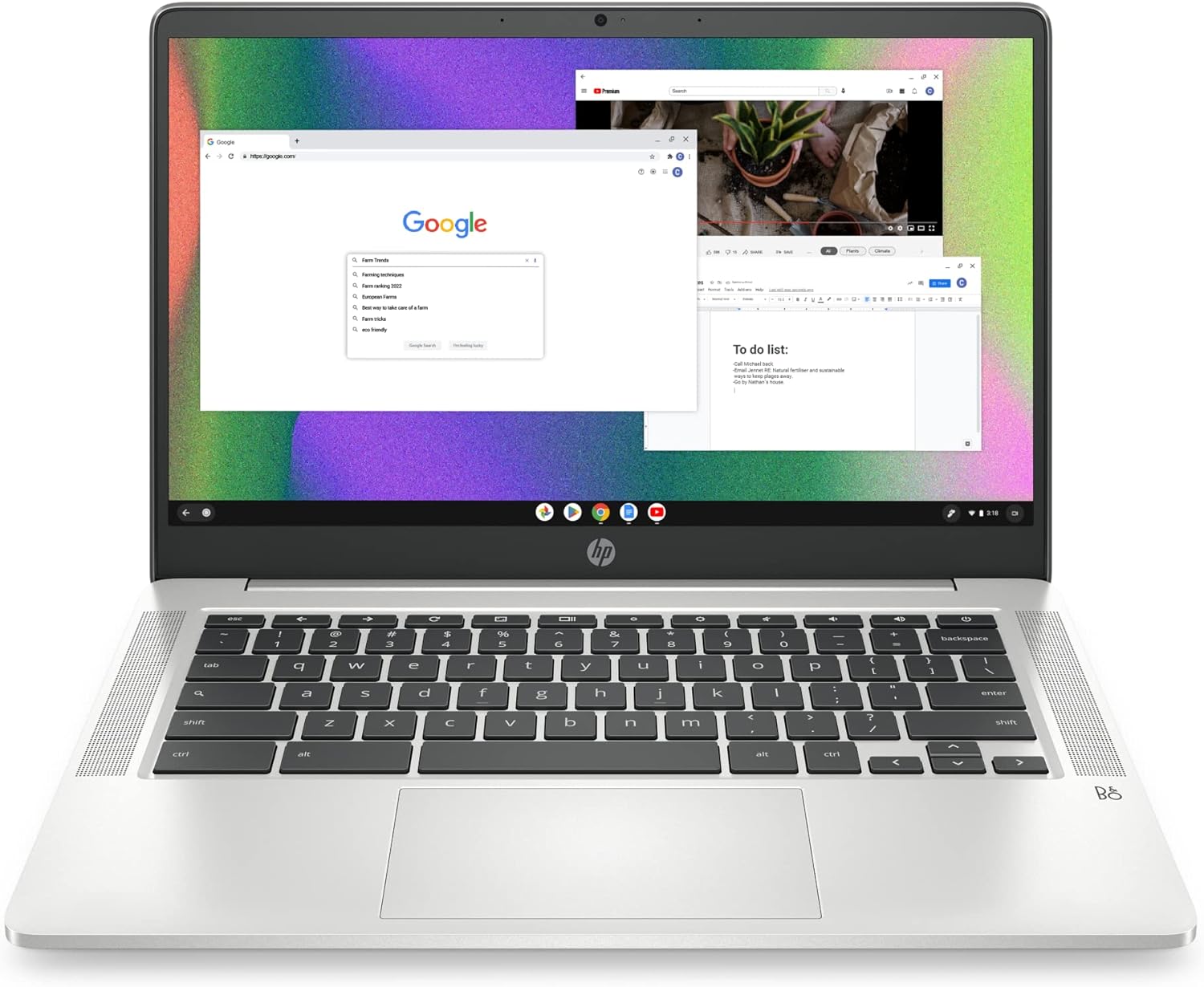
When I unboxed the HP Chromebook 14, I was immediately struck by the sheer lack of pretense in its design. It is a plastic-heavy chassis finished in a Mineral Silver tone that attempts to mimic the aesthetic of more expensive aluminum machines. While it feels sufficiently sturdy to survive being shoved into a school bag, the structural rigidity is clearly compromised by the thinness of the materials. The hinge mechanism has a slight wobble that concerns me regarding long-term durability, and the overall weight, while portable, feels somewhat hollow in the hands.
The first impressions continue with the tactile experience of the keyboard and trackpad. The keys possess a shallow, somewhat “mushy” travel distance that makes long-form typing sessions feel tedious rather than efficient. The trackpad, while functional, lacks the premium glass-like finish found on higher-tier ultrabooks, exhibiting a slight plastic friction that can be distracting during precise cursor movements. It serves its purpose for basic navigation, but it certainly does not invite long-term interaction.
[IMAGE_PLACEHOLDER_2]
Display and Audio Quality Observations
The 14-inch HD display is perhaps the most divisive component of this machine. At this price point, you are looking at a panel that lacks the pixel density and color vibrancy required for any form of serious media editing or high-fidelity content consumption. The brightness levels are adequate for dim indoor environments, but the moment you introduce natural light or a bright office space, the screen becomes a struggle to read. The anti-glare coating helps, but it cannot compensate for the washed-out contrast and limited viewing angles inherent in this display technology.
Audio performance is equally uninspired. The custom-tuned stereo speakers offer enough volume for a quiet room, but they fail to produce any meaningful depth. The mid-range frequencies are muddy, and the high-end tends to distort at anything above sixty percent volume. While they are sufficient for a quick Zoom call or a YouTube video, anyone seeking an immersive auditory experience will find themselves reaching for a pair of external headphones almost immediately.
Navigating Real-World Performance Bottlenecks
In my time using this device, the Intel Celeron processor paired with the limited memory consistently showed its age. While Chrome OS is inherently lightweight, multitasking with more than five tabs open in the browser results in noticeable input lag and stuttering transitions between applications. The system struggles significantly when trying to run multiple Android apps simultaneously, often forcing the background processes to suspend or reload entirely, which breaks my workflow.
I found that the storage speed, being eMMC, acts as a primary bottleneck for system responsiveness. Opening larger documents or loading heavy web-based applications takes a heartbeat longer than one would expect from a modern machine. It is perfectly capable of handling basic word processing and light web browsing, but trying to push this laptop into the realm of professional productivity is a recipe for frustration. It is a browser-first machine, and it reminds you of that fact whenever you demand a slightly more complex task.
[IMAGE_PLACEHOLDER_3]
Battery Life, Thermal Management, and Connectivity
Regarding thermals, the fanless design is a double-edged sword. On one hand, you get absolute silence, which is a rare treat. On the other hand, without active cooling, the chassis can become noticeably warm to the touch near the top of the keyboard deck when the processor is pushed during software updates or video streaming. It never becomes dangerously hot, but the lack of airflow means that performance will inevitably throttle to protect the internal components during sustained usage.
The battery life is serviceable, though it rarely lives up to the lofty marketing claims in a real-world scenario. I managed to get through a typical workday of light web activity before needing to reach for the power brick, but adding any high-drain tasks like video calls or media playback significantly shaves off that longevity. The connectivity options are sparse; you have the basics covered, but you will likely find yourself carrying a dongle if you have multiple peripherals to manage at once.
The Manufacturer’s Hidden Compromises
The biggest flaw here is the combination of the low-resolution panel and the restrictive 4GB of RAM. HP is betting that the average consumer will prioritize the low entry price over the long-term usability of the device. By including a display that does not meet modern standards for sharpness and a RAM configuration that is effectively the bare minimum for Chrome OS in the current year, they are building a machine that will feel obsolete much faster than necessary.
Manufacturers often hide the fact that these budget machines become sluggish as web standards evolve and browser overhead increases. You are essentially paying for a disposable computing experience. There is no path for upgrading the internal components, meaning you are locked into this performance ceiling for the entire life of the product. This lack of longevity is the silent cost buried beneath the attractive price tag.
Who Should Avoid This Purchase
This machine is strictly for students on a budget or users who need a dedicated “web terminal” for emails and simple document creation. If you are a power user, a creative professional, or someone who keeps thirty tabs open at all times, you should avoid this HP Chromebook 14 entirely. The hardware will simply not keep up with your demands, and you will find the experience consistently hindering your efficiency rather than facilitating it.
Those who prioritize display quality for movies or need a robust machine for intensive multitasking will also be left wanting. This is not a primary machine for anyone who relies on their computer to get high-stakes work done under deadlines. It is a secondary device, a “back-up” laptop that fills a specific, narrow niche of utility.
Long-Term Value Assessment
Looking at the value proposition for a three-year window, the math is questionable. While the initial investment is low, the degradation of the user experience over time due to hardware limitations makes it a difficult recommendation for anyone expecting a long-term companion. You are paying for a device that is essentially at its peak performance the day you take it out of the box, with only a downward trajectory for speed and usability as software requirements grow.
If you can find it for a significant discount, it serves a role as a temporary stopgap. However, if you plan on using this as your only computer for the next three years, I suspect you will find yourself wanting to replace it within eighteen months. The initial savings are quickly offset by the frustration of a machine that struggles to keep pace with basic modern demands.
| Feature | HP Chromebook 14 (14a-na0226nr) | Lenovo IdeaPad 3 Chromebook |
|---|---|---|
| Processor | Intel Celeron N4120 | Intel Celeron N4020 |
| RAM | 4 GB | 4 GB |
| Storage | 64 GB eMMC | 64 GB eMMC |
| Display | 14″ HD (1366 x 768) | 14″ HD (1366 x 768) |
| Estimated Price | $165.00 | Check Latest Price |
Verdict and Final Thoughts
Ultimately, this device is a basic tool designed for basic tasks. It succeeds in being an affordable entry point into the Chrome OS ecosystem, but it makes significant sacrifices in display quality, build materials, and processing headroom to hit that price point. It is reliable enough for a child’s schoolwork or a casual user’s web browsing, but it lacks the polish and durability to satisfy anyone accustomed to a higher standard of technology.
I would suggest looking for machines with at least double the RAM if you intend to keep this for any meaningful amount of time. If your needs are extremely light, this will suffice, but do not go into this purchase expecting a high-performance, long-lasting piece of hardware. It is a compromise from start to finish, and you should be fully aware of those trade-offs before committing your money.
|
|