Dell Inspiron 15 3530 Review: 13th Gen i5 Touchscreen Laptop
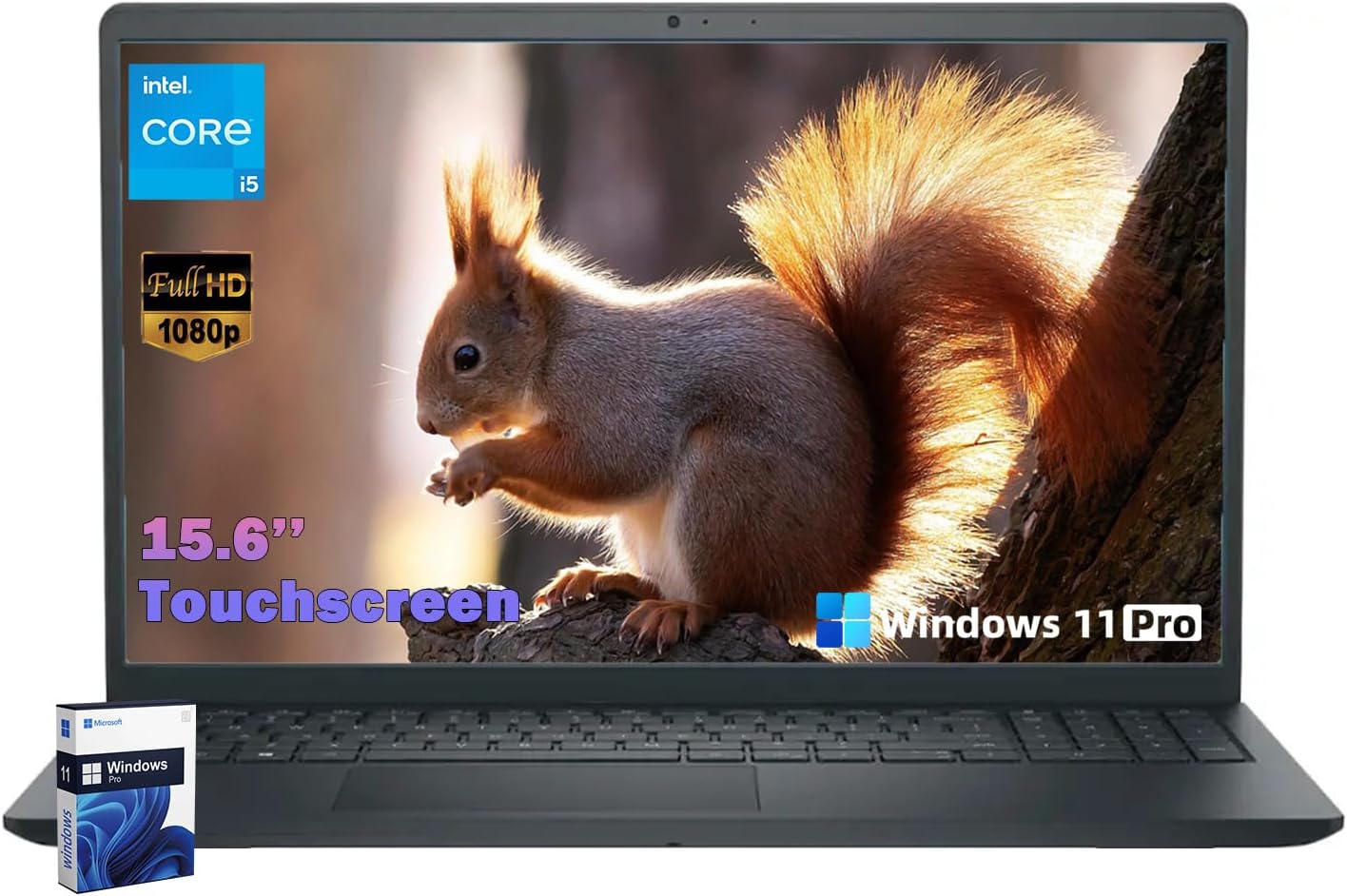
Dell Inspiron 15 3530 Review
I have handled enough budget-tier hardware to know exactly what to expect the moment I pull a machine out of its box. The Dell Inspiron 15 3530 is exactly what you get when a manufacturer decides that the chassis is an afterthought. The plastic housing feels hollow, and while it stays within the realm of “portable” at roughly 3.66 pounds, the flex in the lid and the deck is impossible to ignore. It is a utilitarian slab of carbon black plastic that prioritizes cost-cutting over any semblance of premium tactile feedback.
My first impressions are defined by the lack of structural rigidity. When I hold this laptop by one corner, I can feel the frame shifting under its own weight. The hinge design, while functional, lacks the dampening required for a one-handed open, meaning you are forced to use two hands every single time you want to wake the machine. It is a textbook budget build—functional for a student or a light-duty office worker, but certainly not something meant to survive a rugged lifestyle.
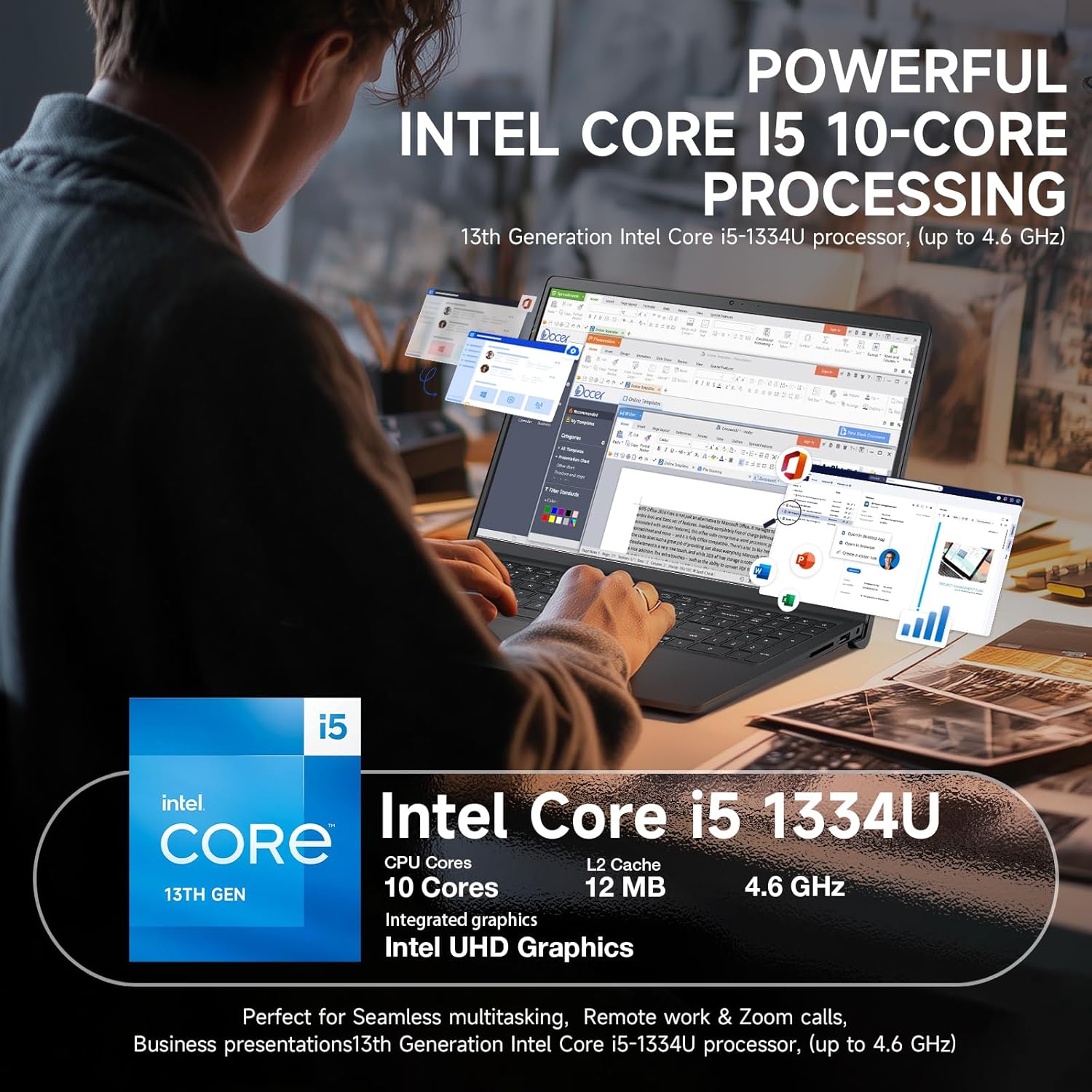
The display panel is perhaps the most mediocre aspect of this machine. With a brightness rating that struggles to push past dim indoor lighting, you will find yourself cranking the brightness to the maximum just to see details in a moderately lit office. The colors lack the saturation expected of modern panels, appearing washed out and leaning heavily into cool tones. While it is technically a full HD touchscreen, the digitizer layer adds a certain graininess that makes text look less crisp than it should on a 15.6-inch diagonal.
Audio is another area where I have to be blunt: it is tinny. The speakers are bottom-firing, which means if you use this on a bed or a soft surface, the sound profile becomes muffled and incoherent. Even on a hard desk, the stereo separation is nonexistent. If you intend to use this for Zoom calls or video consumption without headphones, you will likely be disappointed by the lack of depth and the sharp, piercing highs that result from pushing the volume beyond 60 percent.
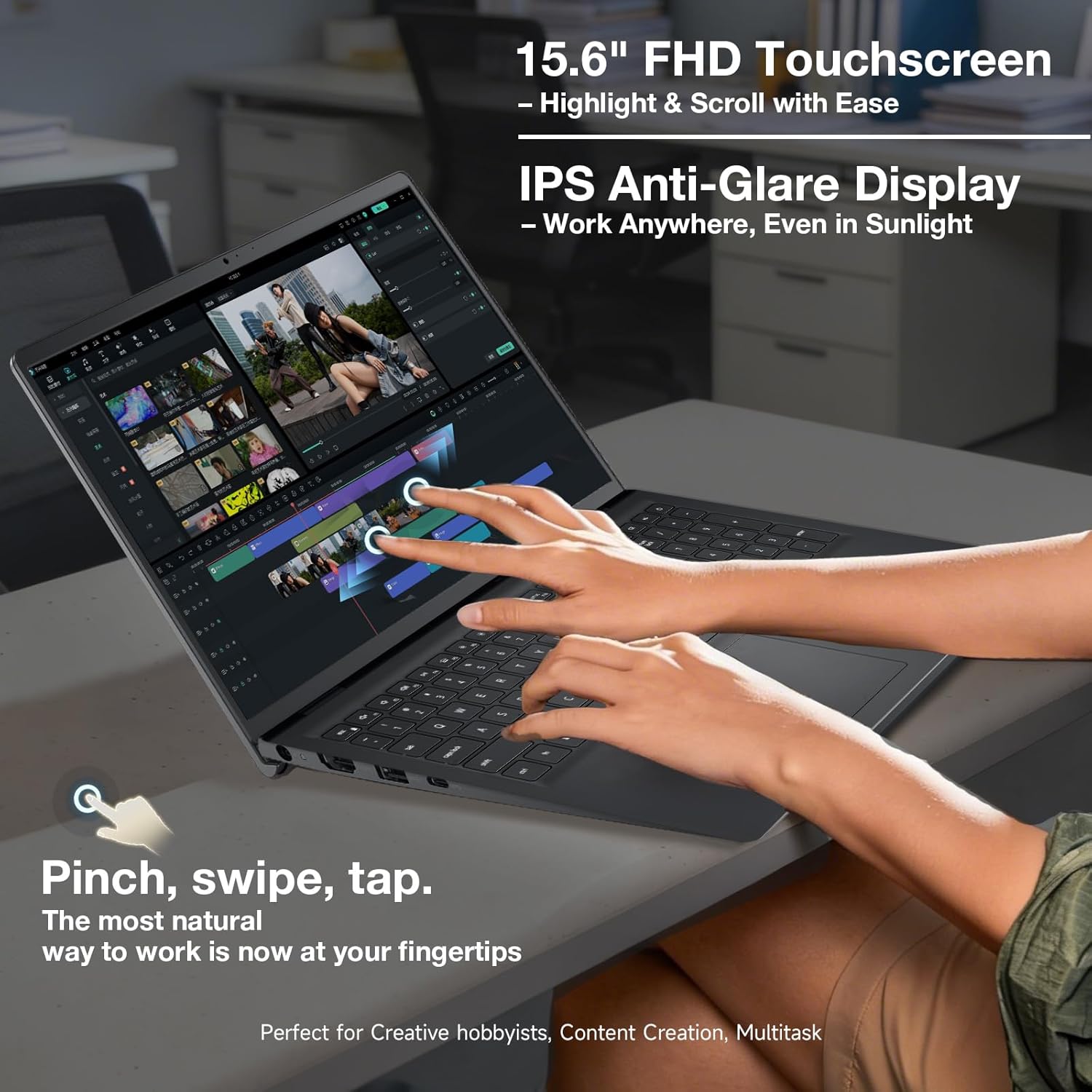
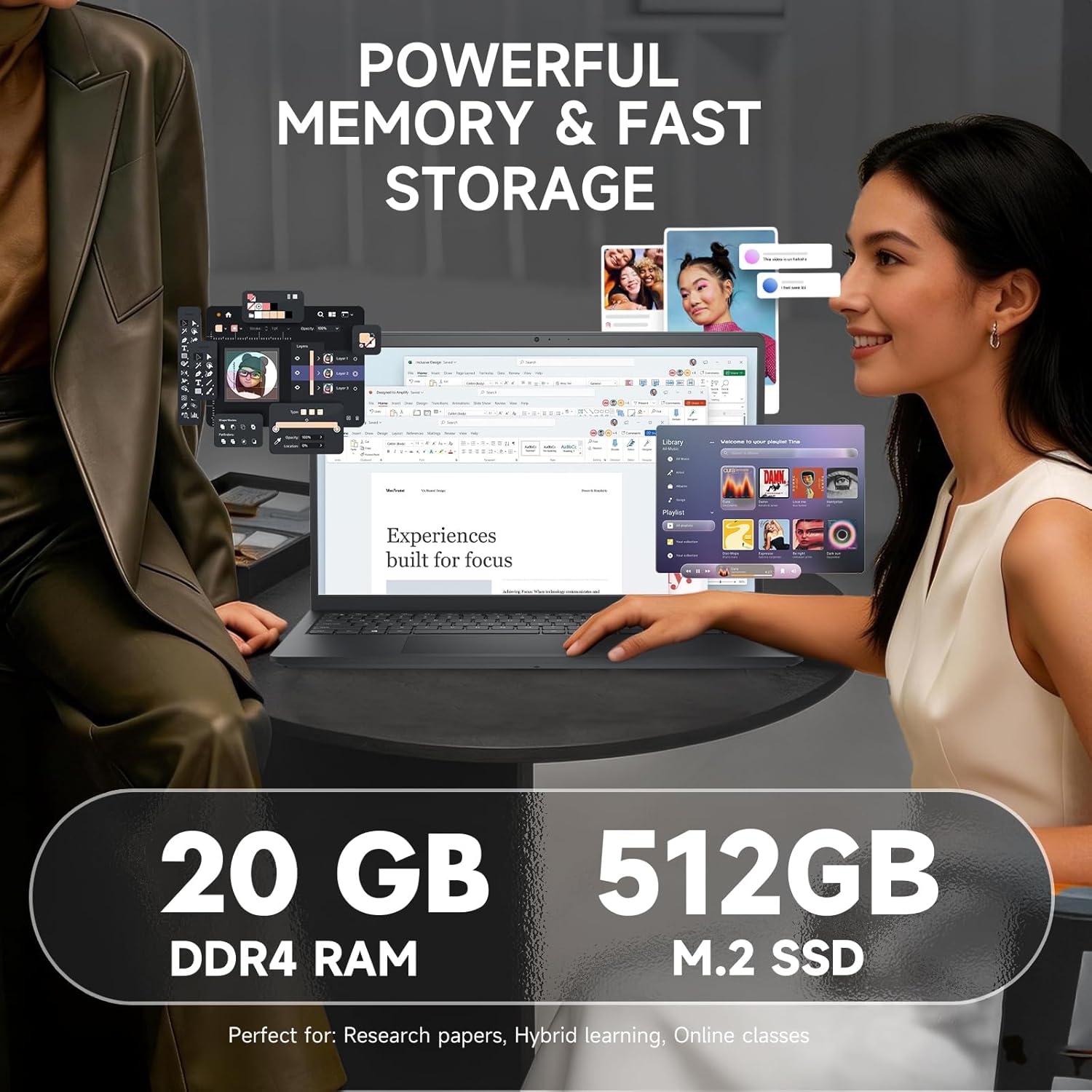
When it comes to real-world performance, the 13th Gen Intel i5-1334U is a tale of two architectures. During light multitasking—browsing the web with a dozen tabs open, drafting documents, or managing light spreadsheets—the machine is snappy enough. The 20GB of RAM helps significantly here; it allows for a bit more breathing room than the standard 8GB or 16GB configurations found in competitors. However, do not mistake this for a workstation. Once you throw a heavy PDF export or a complex macro sequence at it, the performance delta becomes apparent.
I noticed that the laptop struggles to maintain peak frequency under extended workloads. The processor hits a thermal ceiling quite quickly, and the system throttles back to preserve stability. It handles daily tasks without much fuss, but if you expect this to act as a production machine for video editing or heavy data processing, you will encounter significant lag. It is a “good enough” processor for the casual user, but it is not built to push limits.
Battery life is underwhelming by modern standards. Under actual usage—not the inflated numbers you see on a box—you are looking at a machine that needs to be tethered to a wall by mid-afternoon. If you are a student moving between lectures, carry your charger. The thermals are equally uninspiring; the single fan setup kicks on with a high-pitched whir that is distracting in a quiet room, and the bottom of the chassis gets uncomfortably warm during sustained loads.
The port selection is the bare minimum. While I appreciate the inclusion of an SD card reader, the reliance on a legacy USB 2.0 port in 2024 is laughable. The USB-C port is present, but it lacks the versatility of a full-featured Thunderbolt connection, limiting your ability to drive high-resolution external monitors or high-speed docks. It is a budget IO layout, through and through, designed for peripherals from five years ago.
The biggest flaw here is the cut-rate build quality hidden behind the “upgrade” sticker. Manufacturers often open these machines to stuff them with cheaper, non-branded RAM or SSDs to hit a price point. You aren’t getting premium internal components; you are getting the cheapest parts that still meet the technical specs. This leads to concerns regarding long-term reliability. When you buy this, you are paying for the Dell label, not for a chassis that will last half a decade.
This laptop is for the student who needs a machine for word processing and light research, or the office worker who needs a basic terminal for email and web-based apps. It is not for the power user, the creative, or anyone who values a premium typing or viewing experience. If you are looking for a reliable machine to survive three or more years of heavy travel or daily high-performance use, I would strongly advise looking elsewhere.
Regarding long-term value, the Dell Inspiron 15 3530 is a depreciating asset. The plastic will show wear, the hinge will loosen, and the thermal system will eventually be compromised by dust. For the price, you are paying for the convenience of an immediate, usable machine out of the box, but you are not investing in longevity. It is a temporary solution to a temporary problem.
The Competitive Landscape
When I hold this machine up against alternatives like the Acer Aspire series or entry-level HP Pavilion models, the differences are marginal. Most of these machines share the same plastic-heavy DNA and similar thermal limitations. The primary difference usually comes down to port selection and keyboard layout, but none of them truly stand out as high-quality hardware. It is a race to the bottom in this price bracket.
| Feature | Dell Inspiron 15 3530 | HP Laptop 15-dy5000 |
|---|---|---|
| Processor | Intel Core i5-1334U | Intel Core i5-1235U |
| RAM | 20GB DDR4 | 8GB DDR4 |
| Display | 15.6″ FHD Touchscreen | 15.6″ FHD Non-Touch |
| Estimated Price | Check Latest Price | Check Latest Price |
The Final Word
I find it difficult to recommend this machine for anyone who actually cares about their computing experience. It is a utilitarian tool that fills a gap for those on a tight budget, but it lacks the refinement required to be a “favorite” piece of technology. If you can save an extra few hundred dollars, you will find significantly better build quality and thermal management in the mid-range tiers.
|
|





