Microsoft Surface Laptop Review: AI-Powered Performance & Battery Life
Microsoft Surface Laptop Review
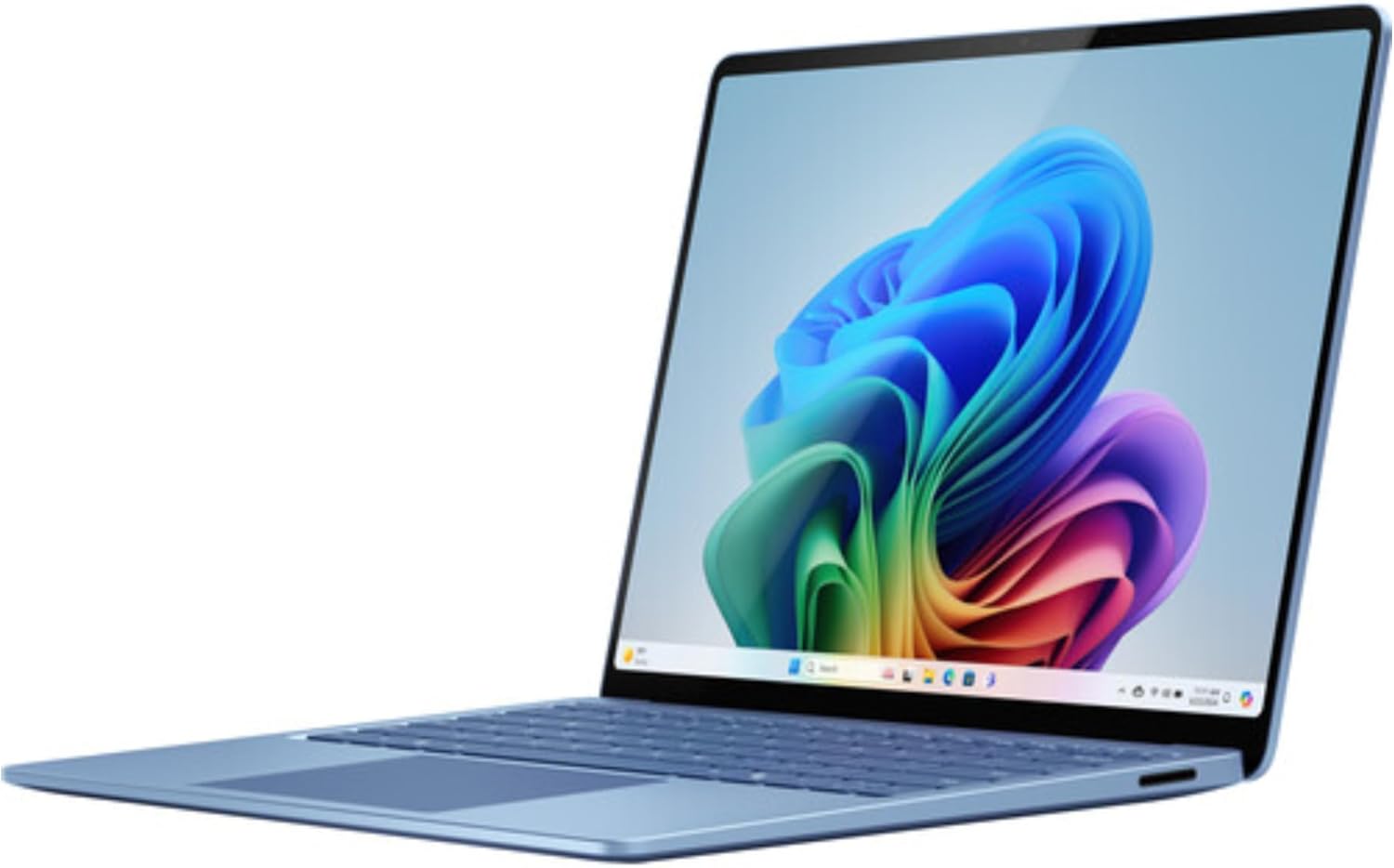
When I pulled this Microsoft Surface Laptop out of the box, the first thing I noticed was how aggressively Microsoft is chasing the aesthetic established by Cupertino. The chassis feels dense, cold, and remarkably rigid. There is zero flex in the keyboard deck, which is a welcome departure from the cheaper plastic shells flooding the market. The Sapphire finish is a nice touch, avoiding the fingerprints that usually plague darker aluminum machines, though it remains a dust magnet. It is light enough to disappear into a bag, yet it carries enough heft to feel like a premium piece of kit rather than a fragile toy.
The unboxing experience is standard corporate efficiency. You get the laptop, a proprietary power brick, and a mountain of regulatory paperwork. I find the move to keep the proprietary charging port alongside USB-C to be both a convenience and a nuisance; it is great for magnetic quick-attaching, but it just adds another cable to my already cluttered travel kit. The hinge tension is tuned perfectly, allowing for a one-finger lift that feels satisfyingly weighted. My initial impression is that Microsoft has finally matched the hardware build quality of the best in the industry, even if the design language feels borrowed.
The 13.8-inch display is a high-water mark for this category. The pixel density is high enough that individual pixels are invisible to the naked eye, and the color reproduction is punchy without appearing oversaturated. When I set the brightness to the upper end, it easily cuts through glare in a sunlit office. Touch responsiveness is snappy, though I remain skeptical of how many people actually use a laptop screen for touch inputs beyond the occasional scroll or tap. The thin bezels make the panel feel expansive, which is a significant improvement over the chunky frames of previous Surface generations.
Audio quality, however, is a mixed bag. While the speakers get loud enough to fill a small room, they lack the low-end punch that provides depth to music or video calls. At maximum volume, I detected a slight distortion in the upper mids, particularly during vocal-heavy tracks. It is sufficient for casual YouTube consumption or a Zoom meeting, but if you are looking for an immersive experience for movies, you will inevitably reach for headphones. The microphones are crisp, though, managing to isolate my voice from background fan noise quite effectively during testing.
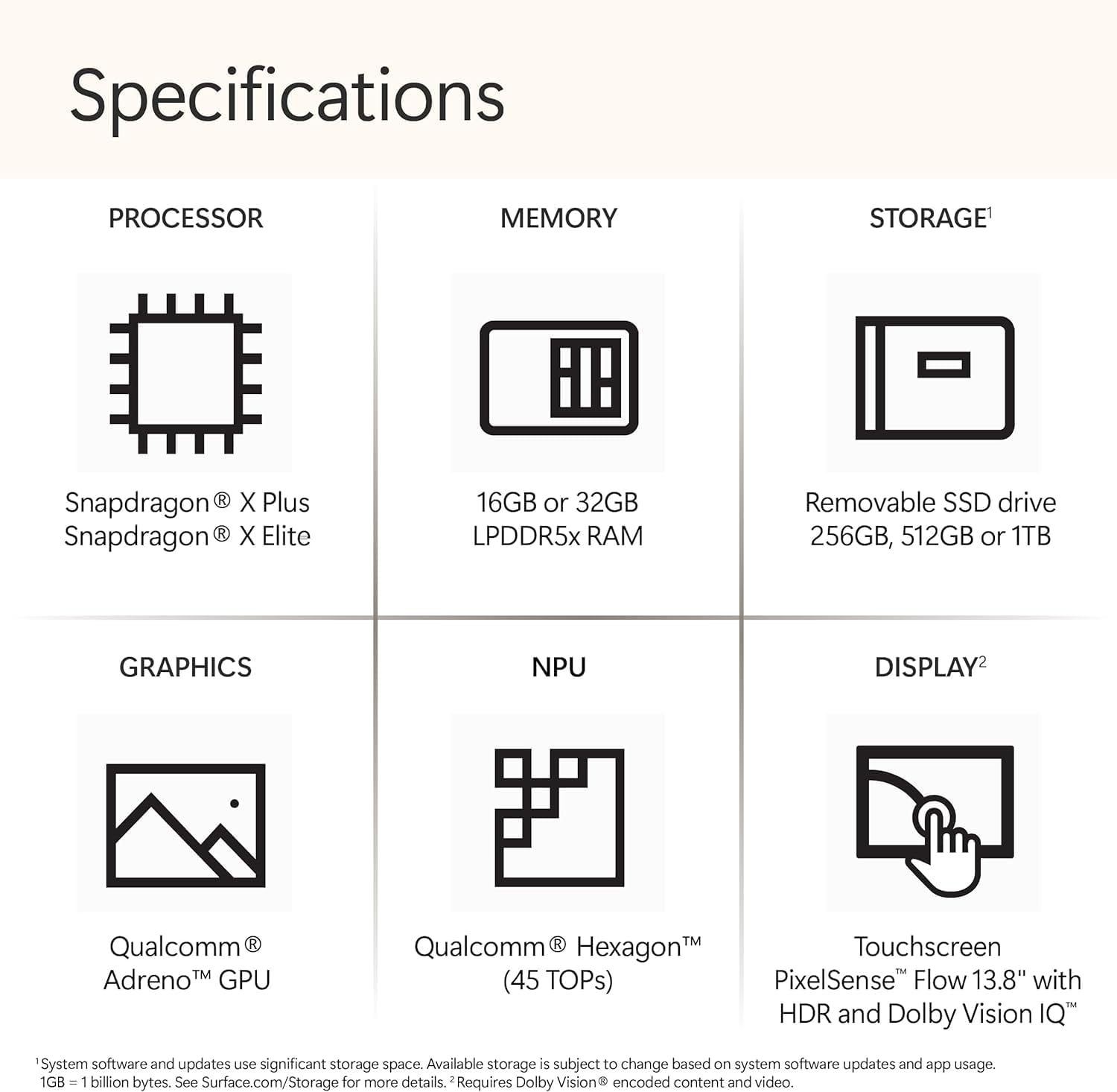
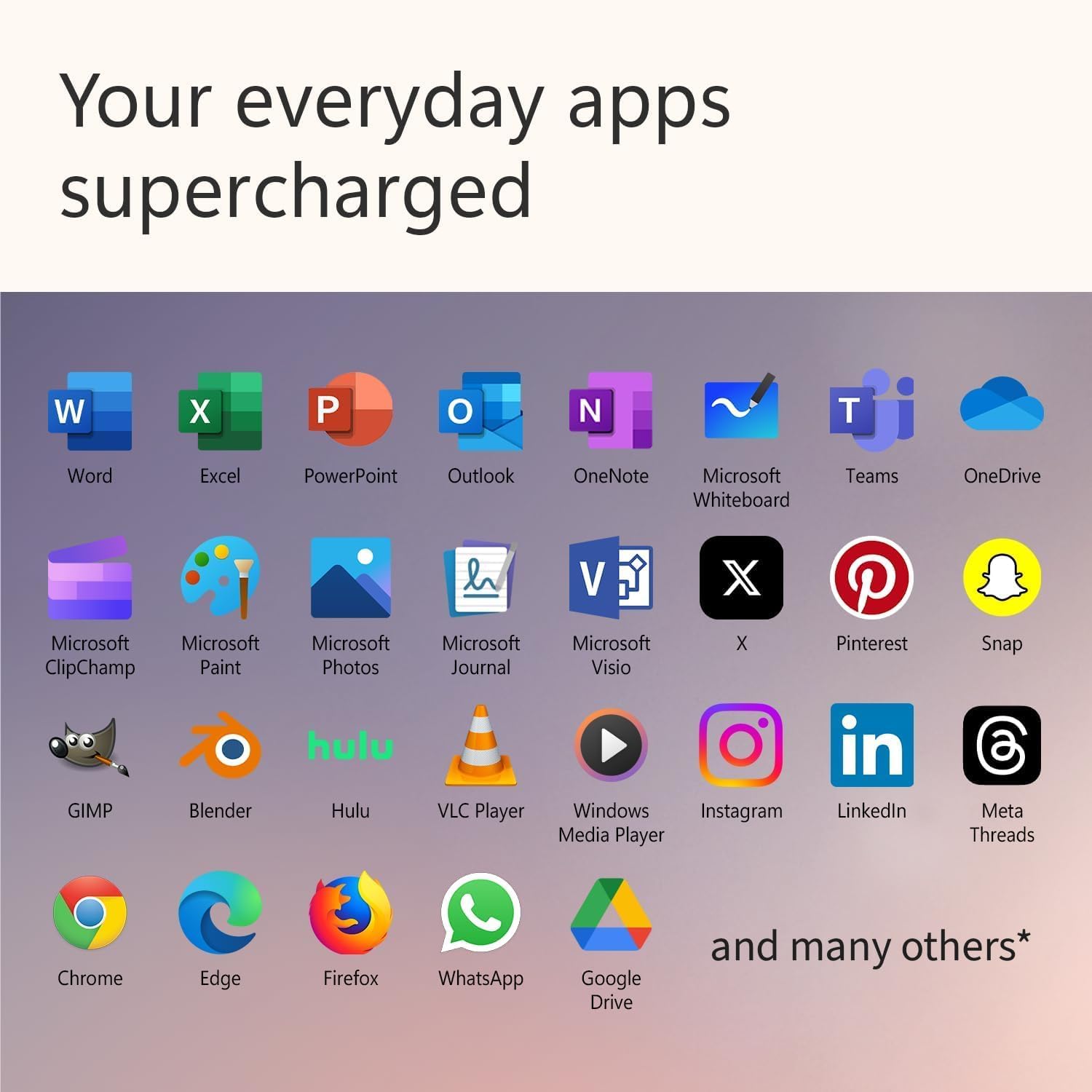
In terms of real-world performance, this machine is a strange beast. The Snapdragon X Elite processor manages basic multitasking—word processing, web browsing with fifty tabs open, and background streaming—without breaking a sweat. Everything feels responsive, and the transition between virtual desktops is fluid. However, once I pushed into emulation territory, I started to feel the friction. Some x86-based applications that lack native ARM support show a momentary stutter when launching, or they exhibit oddities in UI scaling. It is not a deal-breaker, but it is a reminder that we are still in the transition phase of Windows on ARM.
For professional workflows, the performance remains stable under moderate loads, but do not expect a workstation-grade experience here. Compiling code or editing complex RAW photo files is possible, but the thermal management kicks in early to prevent the internal components from cooking. I noticed that the machine stays cool while browsing, but it gets noticeably warm to the touch above the keyboard row when the NPU starts working on AI tasks or background indexing. It handles the “Copilot” suite as expected, though I question if the average user will find those AI features as life-changing as the marketing suggests.
Battery life is where this hardware finally justifies its existence. It comfortably lasts through a full day of actual office work without me hunting for a power outlet. This is a massive advantage over the previous generations of this laptop, which often struggled to survive until lunch. When I unplugged the device at eight in the morning, I was still seeing double-digit percentages by the time I closed it for the night. The power management settings in Windows 11 are finally optimized enough to handle the ARM architecture efficiently, allowing the machine to sleep and wake almost instantly, much like a smartphone.
The thermal strategy is aggressive. Under sustained synthetic loads or heavy browser usage, the fans spin up to a noticeable whine. It is not an abrasive sound, but it is audible in a quiet room. Connectivity is acceptable, but I find the port selection lacking for a machine at this price point. Two USB-C ports and a single USB-A port is the bare minimum, and I constantly found myself needing a hub. The lack of a built-in SD card slot is a frustration I cannot overlook for a device targeting creative professionals.
The biggest flaw of this machine is the storage strategy. Starting a premium device with a 256GB SSD in 2024 is borderline offensive. After Windows, system files, and a few essential applications, you are left with very little breathing room for actual work. This forces users into cloud-based storage or expensive external drives, which seems like a cost-cutting measure disguised as a “slim” design choice. Microsoft is clearly betting on their cloud ecosystem, but for anyone who works offline or manages large local files, this is an immediate bottleneck that ruins the user experience.
If you are a student or a corporate office worker who lives in web-based apps, this laptop is perfectly fine. However, if you are a power user who expects to store local media or run specialized software suites, this storage capacity is a massive oversight. The manufacturer clearly cut costs here to keep the starting price looking attractive, but it forces a compromise that the end user should not have to make. I suspect this will be the single most common reason for returns or buyer remorse within the first six months of ownership.
This device is clearly built for the mobile professional who values battery longevity over raw local storage or upgradability. If you live your life in a browser, use Microsoft 365, and value a high-quality screen, this is a solid investment. Conversely, if you are a gamer, a high-end video editor, or someone who refuses to pay for cloud storage, stay away. This is not the machine for power-hungry tasks, and it is not designed for users who want to modify their hardware in the future.
When considering long-term value, the outlook is mixed. The build quality suggests the chassis will last for several years, but the soldered components and the base storage configuration create an artificial expiration date. You are essentially buying a polished, high-end appliance that you cannot improve later. If you can justify the price for the convenience and the impressive battery life, it will serve you well, but do not expect it to be a machine you can grow into as your professional needs evolve.
Performance and Verdict
When I put this laptop side-by-side with the current crop of thin-and-light ultrabooks, the differences in ARM efficiency become clear. While traditional x86 laptops might offer better app compatibility, they lose the battle of thermals and battery runtime under the exact same usage scenarios.
| Feature | Microsoft Surface Laptop (2024) | Apple MacBook Air (M3) |
|---|---|---|
| Processor | Snapdragon X Elite | Apple M3 |
| Display | 13.8″ Touchscreen | 13.6″ Liquid Retina |
| Estimated Price | Check Latest Price | Check Latest Price |
The final verdict on this machine is that it is a beautiful, highly efficient, and frustratingly limited piece of hardware. It succeeds in its primary goal of being a reliable, all-day companion for mobile workers, but it fails to provide the headroom that a premium price tag demands. If Microsoft wants to truly own this segment, they need to stop skimping on base storage and acknowledge that power users need more than just a shiny exterior.
|
|