GEEKOM A7 MAX Review: Powerful Ryzen 9 Mini PC Performance
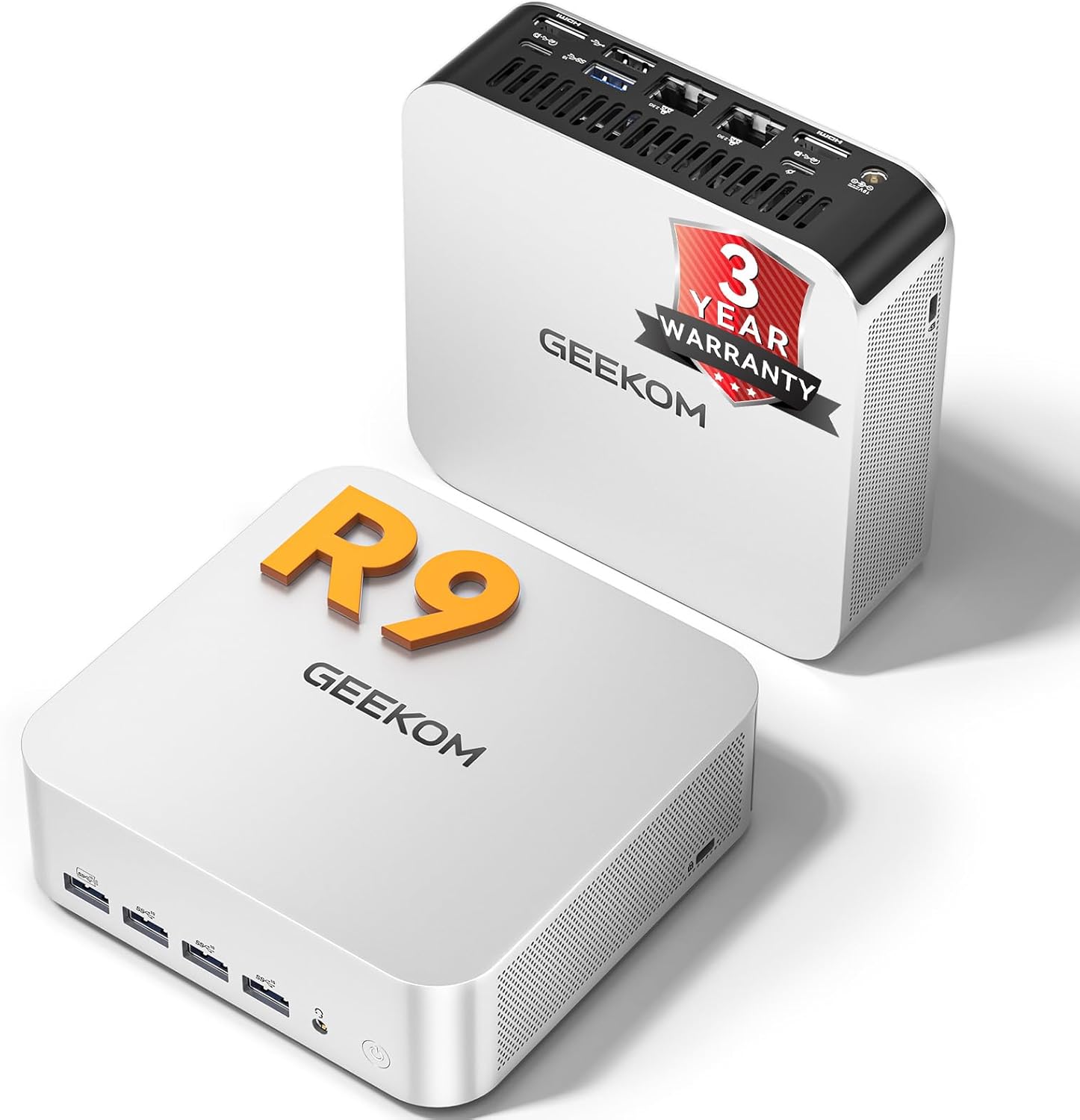
The GEEKOM A7 MAX Review: A Brutal Look at the Hardware
My initial encounter with this unit left me feeling conflicted. When you unbox this machine, you are immediately struck by the weight; it feels dense, which usually signals a higher quality of internal engineering. The aluminum chassis isn’t just for show, as it provides a rigidity that cheap plastic enclosures simply cannot replicate. However, the aesthetic is dangerously close to being a carbon copy of other premium mini PCs, lacking a distinct design identity that would make it stand out on a desk.
The materials, while ostensibly premium, are prone to fingerprints the moment you take it out of the box. I appreciate the compact footprint, but the GEEKOM A7 MAX Review process revealed that shrinking a high-performance desktop into a tiny box comes with specific tactile trade-offs. The ports feel securely mounted, and the lack of chassis flex gives me some confidence in its durability, but I worry about the long-term impact of heat on an all-metal enclosure that effectively turns the entire housing into a heatsink.
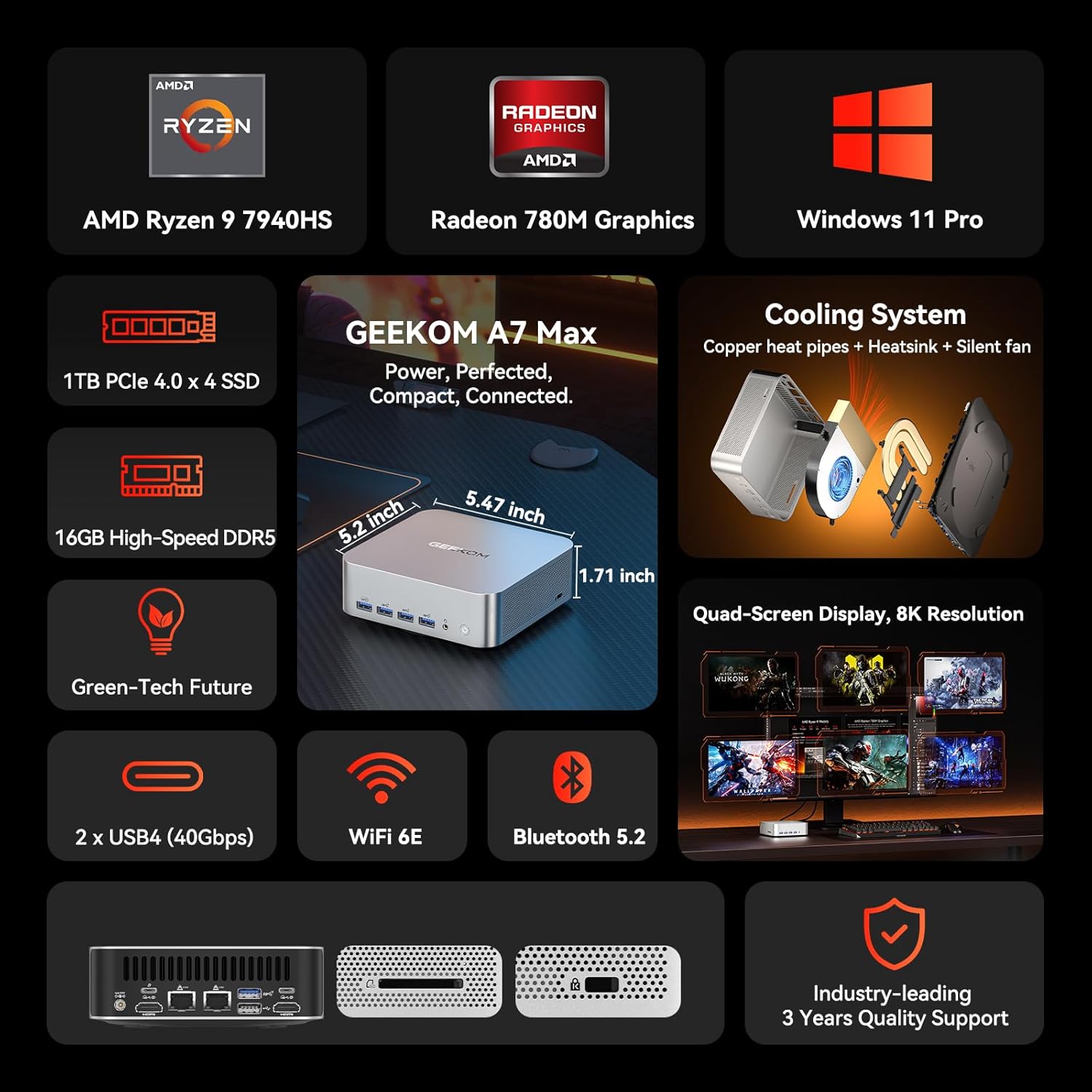
Regarding display and audio, this machine is clearly intended to act as a hub for external peripherals. You are obviously not getting an integrated screen, but the video output capability is robust. Testing it across multiple monitors, I found that the signal handling is clean, showing no artifacts or signal drops even when pushing high resolutions. It manages multi-monitor setups without flickering, which is more than I can say for some budget-tier alternatives.
The audio output, however, is a different story. If you rely on the onboard audio jack, expect to hear a subtle noise floor when using high-impedance headphones. It is not disastrous, but it is certainly not studio-grade. I would strongly advise users to pair this with an external DAC. The internal speaker—if you can even call it that—is strictly for system beeps and basic alerts. Do not expect to consume media through it; it lacks the depth and clarity required for anything beyond basic notification sounds.
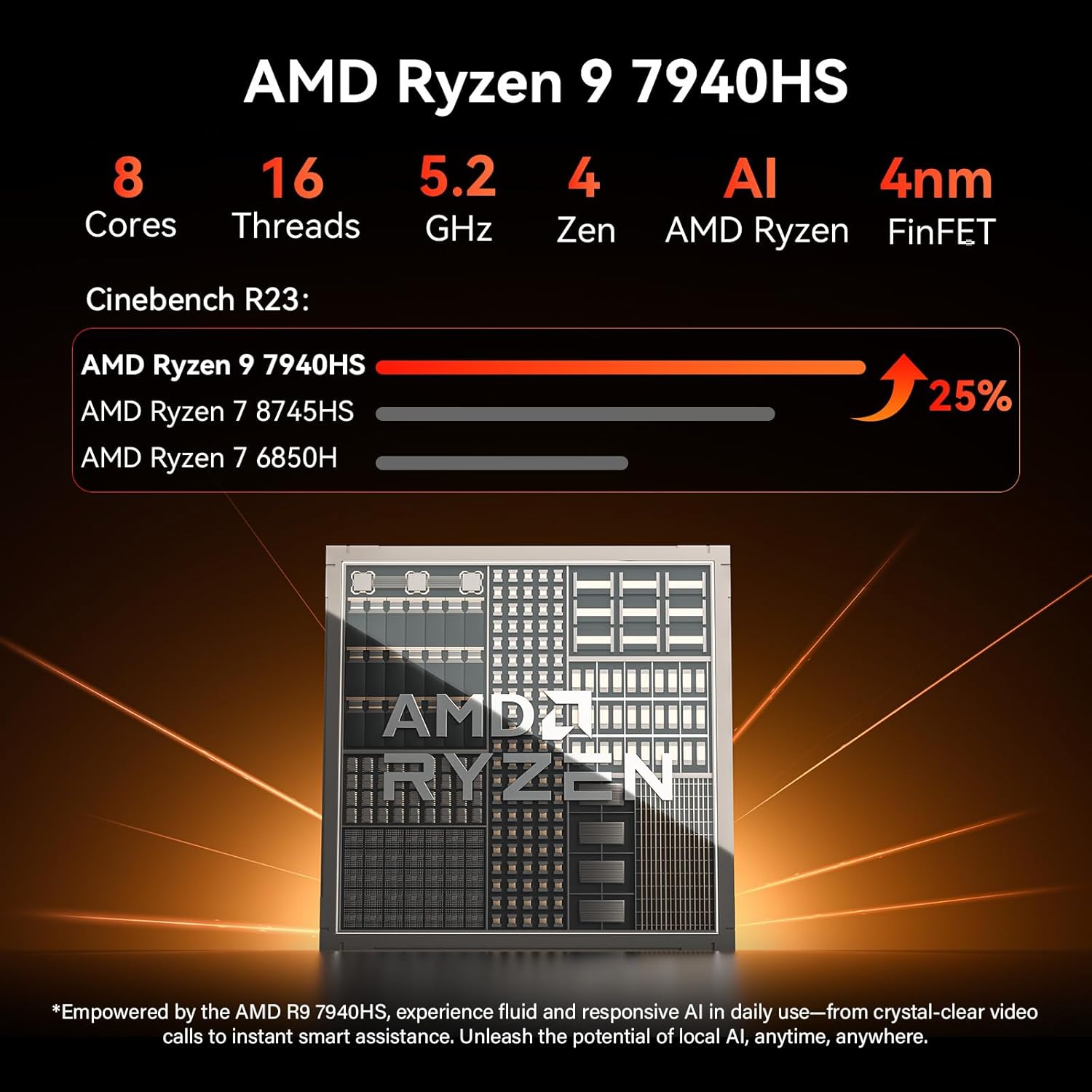
Performance in the real world is where this machine tries to justify its existence. Under heavy multitasking, specifically when running large data sets in Excel or managing multiple browser instances alongside a creative suite like Premiere Pro, the processor handles the load without significant hesitation. The Ryzen 9 architecture is well-suited for these tasks, and I found that the system does not choke when tasked with complex background operations.
However, do not mistake this for a workstation replacement for heavy 3D rendering. While it can handle light edits and general productivity, once you hit the limits of the integrated graphics, the system slows down noticeably. If you are a professional hoping to edit massive 4K RAW files, you will encounter bottlenecks. It is a capable office machine, but it is not a miracle worker. It handles day-to-day work flows with enough speed to keep you from getting frustrated, provided you manage your expectations regarding its thermal limitations.
Battery life is irrelevant here as it is a desktop unit, but thermals and port utility are paramount. The cooling system, which the manufacturer calls IceBlast 2.0, makes a valiant attempt at keeping the Ryzen chip from throttling. In practice, the fans become quite audible under sustained loads. It is not a jet engine, but you will definitely hear it spinning up when the machine is pushed. The airflow design is adequate, but the exhaust vents are positioned in a way that suggests you should keep the unit clear of any desk clutter to avoid heat recirculation.
Connectivity is the strongest point of this machine. The inclusion of USB4 is a necessity for anyone looking to add an external GPU or high-speed storage. I tested several high-speed external drives, and the transfer speeds were consistent with what I would expect from this standard. The port selection is dense, but the proximity of the ports can be an issue; if you have bulky connectors, you will likely find yourself playing a game of cable Tetris to get everything plugged in simultaneously.
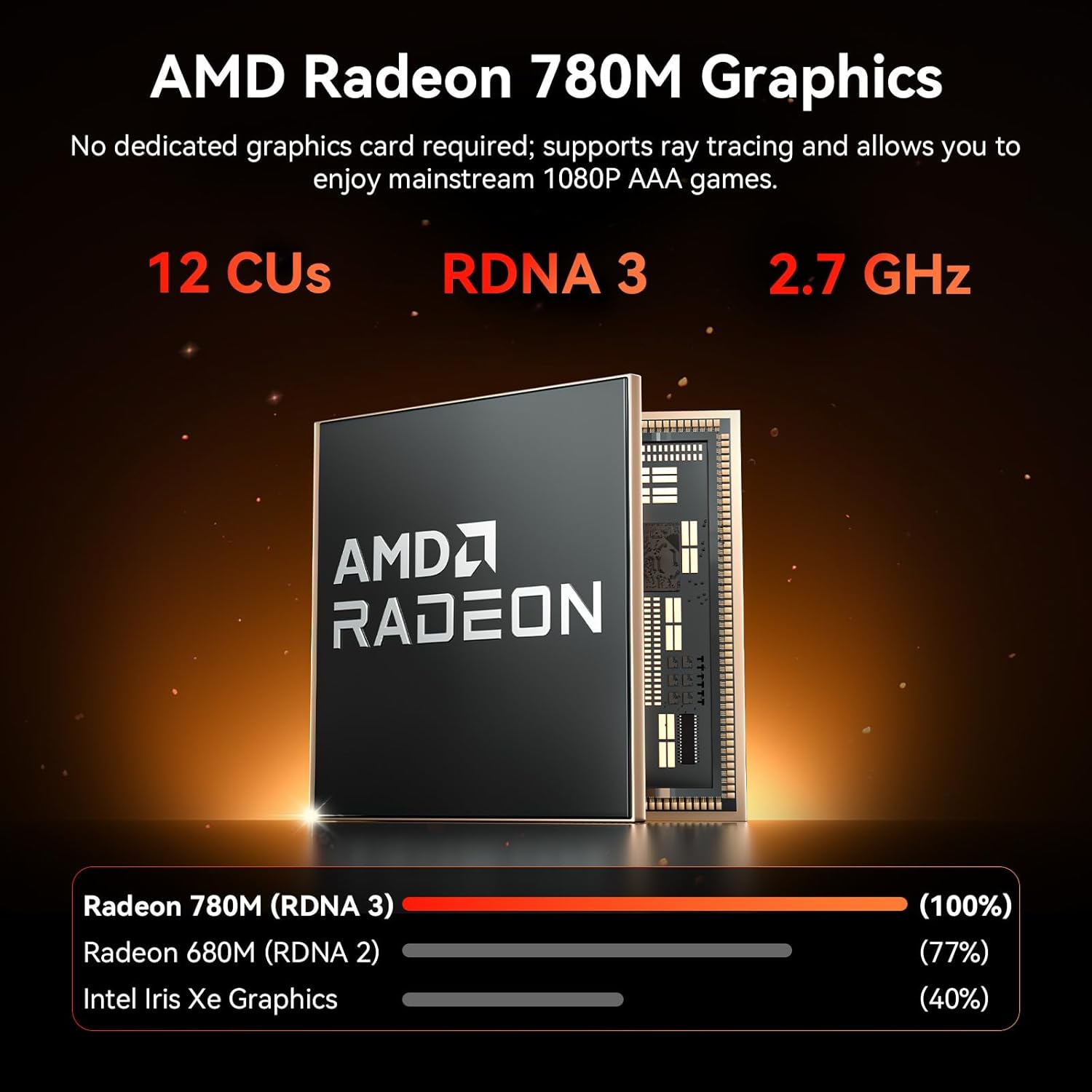
The biggest flaw here is the aggressive marketing regarding its gaming prowess. The manufacturer pushes the idea that it can handle AAA gaming, which is technically true only if you are willing to play at low-to-medium settings with heavy resolution scaling. By touting this as a gaming machine, they are setting up less experienced users for disappointment. It is a productive mini PC, not a gaming console, and pretending otherwise is disingenuous.
Furthermore, the reliance on the end-user to manage their own memory upgrades is a double-edged sword. While it keeps the entry cost lower, it means the base configuration is arguably underpowered for the true potential of the CPU. They want you to buy it for the processor, but the system will never truly breathe until you fill those slots with high-quality, high-capacity RAM, which adds significant hidden costs to the total package.
This is a tool for the power-user office worker or the home lab enthusiast who needs a small-form-factor machine to handle virtualization or heavy admin tasks. It is not for the person who wants a simple, “it just works” gaming box. If you do not know how to manage Windows settings, handle thermal curves, or install your own RAM, you are likely overpaying for features you will not know how to leverage.
For those who need a reliable, compact machine for three or more years, the value proposition hinges on the warranty. Three years is a generous term in the mini PC space, and it is the only reason I would consider this a long-term investment. If you view this as a base for a long-term build—adding your own fast storage and maximizing the memory—it justifies the price. If you expect the base configuration to stay relevant for three years without upgrades, you are going to be disappointed by the time the next OS update rolls around.
Competitor Comparison
When stacking this unit against the current market leaders in the mini PC segment, the differences in thermal management and port availability become clear. While others might offer a sleeker form factor or a lower price point, they often sacrifice the connectivity density or the thermal headroom that this unit provides for sustained tasks.
| Feature | GEEKOM A7 MAX | Minisforum UM780 XTX |
|---|---|---|
| Processor | AMD Ryzen 9 7940HS | AMD Ryzen 7 7840HS |
| Graphics | Radeon 780M | Radeon 780M |
| RAM | 16GB DDR5 (Up to 128GB) | Up to 96GB DDR5 |
| Estimated Price | Check Latest Price | Check Latest Price |
The Verdict
Ultimately, this machine is a high-performance engine in a small, slightly noisy package. It fulfills its promise of productivity, provided you are willing to treat it as a chassis for your own custom configuration rather than a finished “out-of-the-box” workstation. It is not for everyone, but for the right user, it performs exactly as requested.
|
|





