Acer Nitro V Review: High-Performance Gaming Laptop Specs & Features
Acer Nitro V Review: My Candid Take
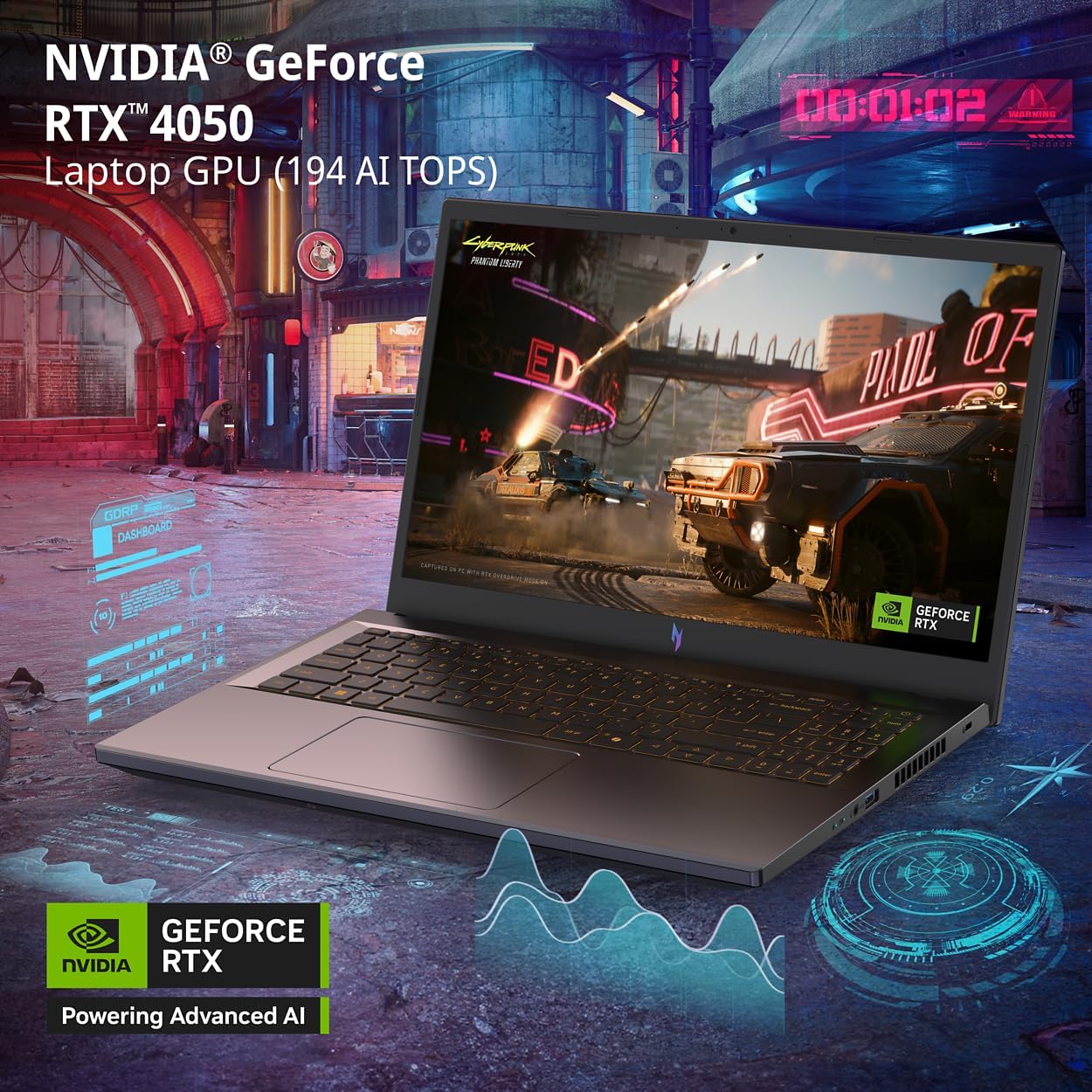
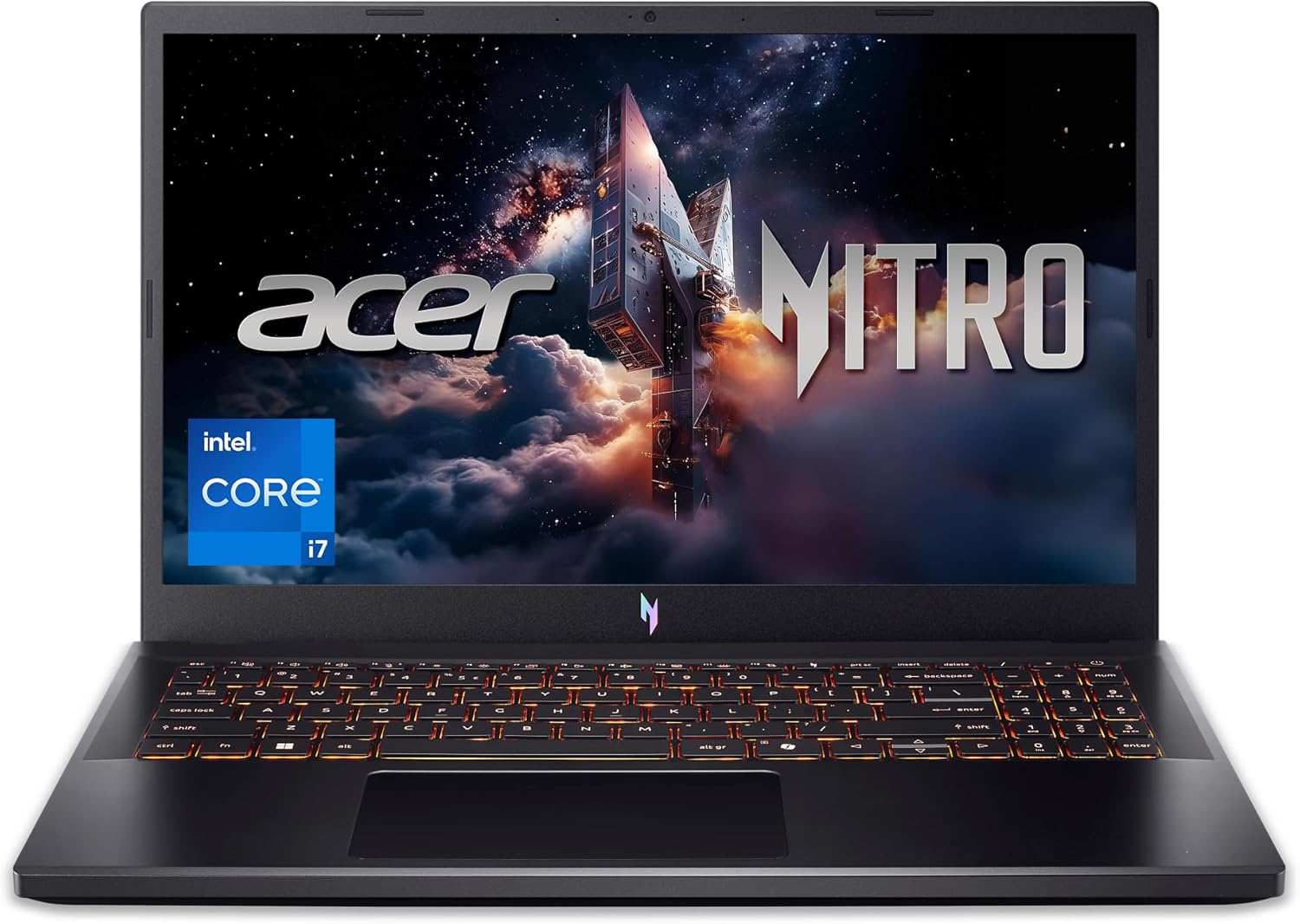
I approached the Acer Nitro V Review with a healthy dose of skepticism. When I pulled this machine out of its box, the first thing that struck me was the sheer reliance on plastic. The chassis feels lightweight, which is good for portability, but it lacks the structural rigidity I look for in a daily driver. There is noticeable flex on the keyboard deck, and the hinge, while functional, feels like it might struggle under the duress of daily backpack commuting over the next few years. It is an aesthetic that screams budget-gamer, with aggressive angular lines and a finish that unfortunately attracts fingerprints like a magnet.
My first impressions weren’t entirely negative, though. The weight distribution is balanced, making it feel less cumbersome than older, bulkier gaming laptops I have handled. The design language is consistent with the Nitro series, opting for a functional, utilitarian vibe rather than anything premium. It does not pretend to be a thin-and-light workstation, and I respect that, but the materials definitely remind you exactly which price bracket you are playing in. You are paying for the silicon, not the craftsmanship of the enclosure.

Moving to the display and audio, the 15.6-inch panel provides a decent experience for the price point. The 165Hz refresh rate makes motion look fluid, which is non-negotiable for competitive titles. However, the color accuracy is mediocre at best. When I view high-contrast media, the saturation feels a bit washed out, and the peak brightness struggles to combat glare in well-lit environments. It is perfectly fine for gaming in a darkened room, but do not expect professional-grade color reproduction for video editing.
The audio quality is frankly underwhelming. The speakers lack depth and low-end punch, sounding tinny when I push the volume above sixty percent. I found myself reaching for my dedicated gaming headset almost immediately. There is a clear lack of resonance, and while the stereo separation is adequate for positional cues in games, it is not something I would use for music or film consumption without external support. If sound quality matters to you, consider the built-in speakers a temporary, stop-gap solution.
When I put this laptop through its paces with modern titles and heavy multitasking, the performance is exactly what I expected from this hardware tier. The Intel Core i7 processor handles background processes and heavy browser tabs without breaking a sweat, but the RTX 4050 has its limits. In demanding AAA titles, I had to be realistic with my expectations regarding detail settings to maintain a smooth experience. It handles medium-to-high settings well, but attempting to push ultra settings at native resolution often forces the system to lean heavily on DLSS, which is a necessary crutch for this specific GPU configuration.
I also subjected this machine to my typical daily workflow, which includes heavy video rendering and dozens of active browser tabs. The 16GB of RAM is sufficient for now, but I could feel the system beginning to stutter when jumping between multiple resource-heavy applications. The SSD speeds are fast enough that I never noticed significant hitches during file transfers or application launches, but the overall system responsiveness under extreme load suggests that this is a machine built for focused tasks rather than true power-user multitasking.
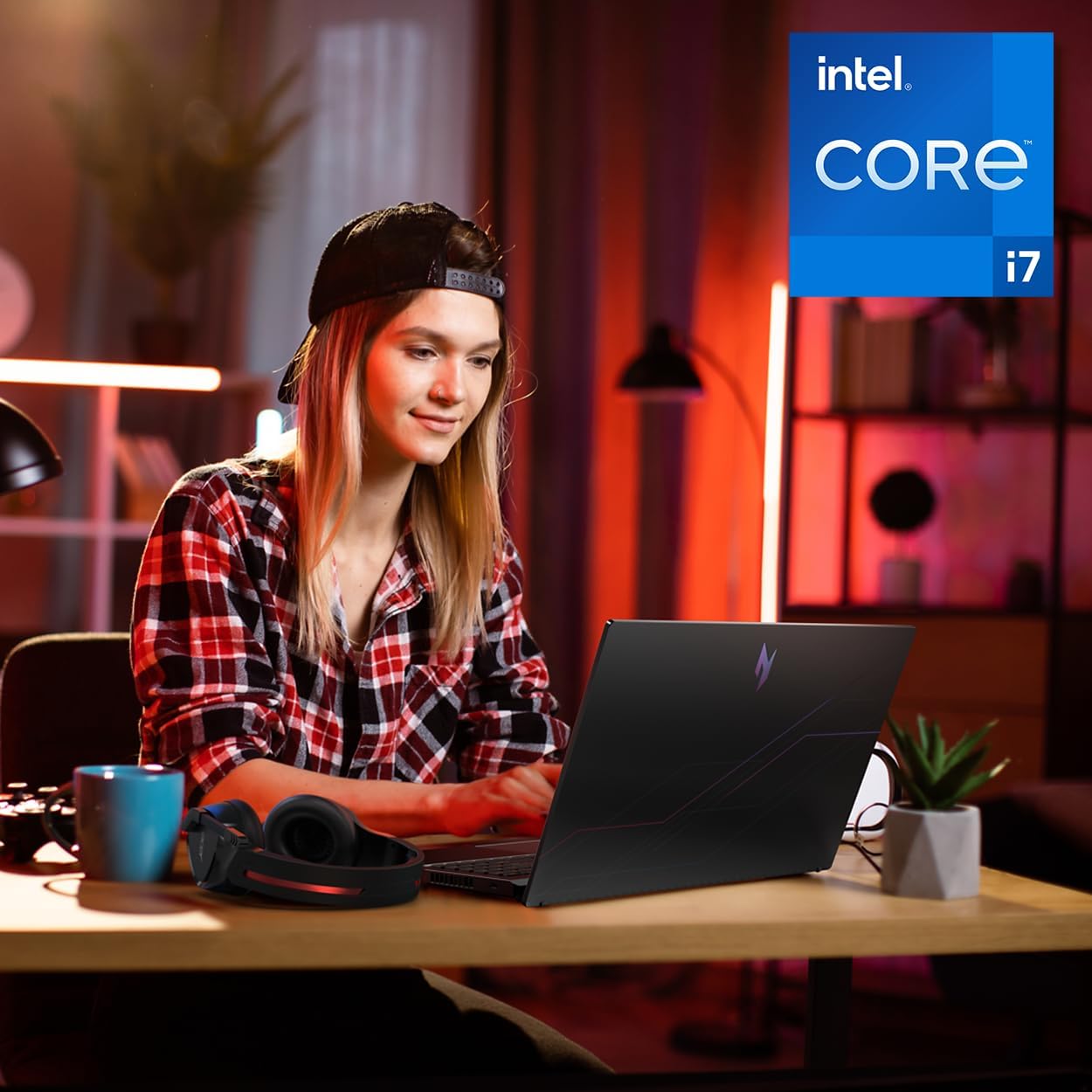
Battery life and thermals are the usual pain points for laptops in this segment. Under heavy gaming loads, the fans ramp up to a high-pitched whine that is hard to ignore without noise-canceling headphones. The thermal throttling is noticeably aggressive when the system is pushed for more than an hour, as the fans struggle to dissipate heat from the concentrated internal components. You can feel the heat radiating through the WASD keys, which is uncomfortable during long sessions.
Connectivity is a mixed bag. The inclusion of a Thunderbolt 4 port is a welcomed surprise, but I am disappointed by the layout and the lack of a full-sized SD card slot. If you are a creative, you will be forced to carry a dongle. Battery life is also abysmal; even with conservative settings and light office tasks, I found myself tethered to the wall plug before the workday ended. Do not expect to get through a flight or a long lecture without your charger.
The biggest flaw here is the aggressive cost-cutting in the build and cooling departments. Acer has clearly prioritized the raw numbers of the i7 and RTX 4050 over the long-term reliability of the thermal solution and chassis integrity. I suspect the thermal management will struggle to keep up as dust accumulates over the years. By choosing this hardware, you are accepting that the internals will likely outlive the physical casing, which is a common compromise in this tier of the market.
This laptop is aimed squarely at budget-conscious gamers who want the latest CPU/GPU features without the premium price of a flagship build. If you are a student or a casual gamer who needs something that can handle a bit of everything and you have a limited budget, this will serve you well. However, if you are a professional who needs color accuracy or a user who demands a premium, solid-feeling machine that can take a beating in a backpack, look elsewhere. Avoid this if you care about acoustics or if you plan on using the laptop away from a power outlet frequently.
Evaluating long-term value is tricky. While the internal specifications are modern, the physical build quality makes me doubt its longevity as a primary device for three years or more. If you treat this machine with extreme care, it will likely provide a solid gaming experience throughout its useful life, but the lack of high-quality materials means it will show wear and tear much faster than more expensive alternatives. Your money is buying you power, not longevity.
The Competition and Verdict
When stacking this against the broader market of entry-level gaming machines, the Acer Nitro V finds itself in a crowded space. Other manufacturers offer similar internal configurations, often with better cooling solutions or slightly more robust build materials, even if they sometimes sacrifice that Thunderbolt 4 port. You really need to weigh whether you value port versatility over thermal overhead before you commit your cash.
| Feature | Acer Nitro V (ANV15-52-76NK) | Lenovo LOQ 15 (Competitor) |
|---|---|---|
| Processor | Intel Core i7-13620H | Intel Core i7-13620H |
| GPU | NVIDIA GeForce RTX 4050 | NVIDIA GeForce RTX 4050 |
| RAM | 16GB DDR5 | 16GB DDR5 |
| Storage | 1TB Gen 4 SSD | 512GB SSD |
| Estimated Price | Check Latest Price | Check Latest Price |
Final Thoughts on the Acer Nitro V
I don’t think this laptop is a perfect purchase, but it is a functional one for the specific audience that needs raw power on a tight budget. It does what it says on the tin, provided you understand the limitations of its cooling and physical construction. If you can live with the noise and the plasticky feel, the performance per dollar is difficult to argue with.
|
|