Apple MacBook Pro Review: M5 Pro Power and AI Performance
Apple MacBook Pro Review: A Cold Look at the M5 Pro
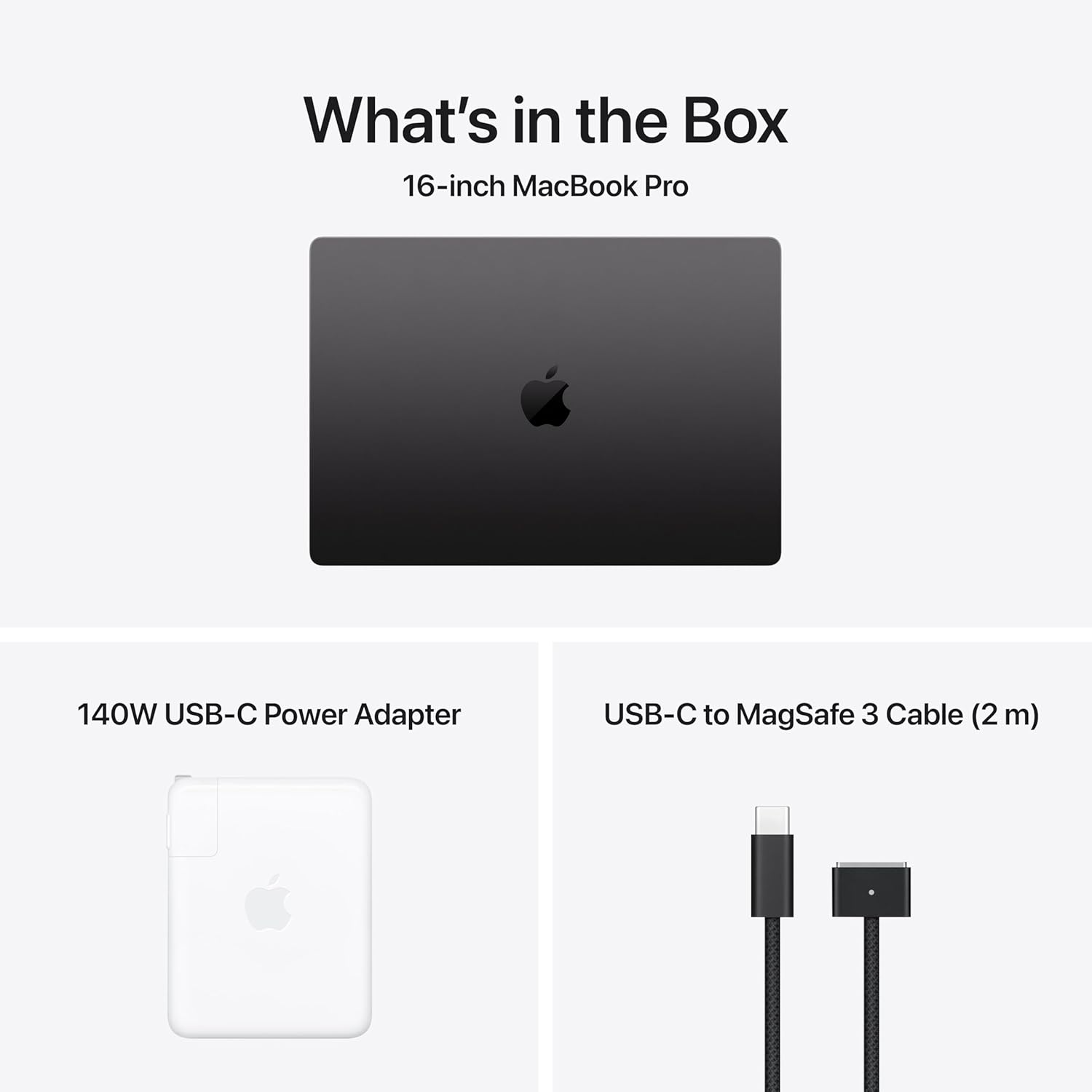
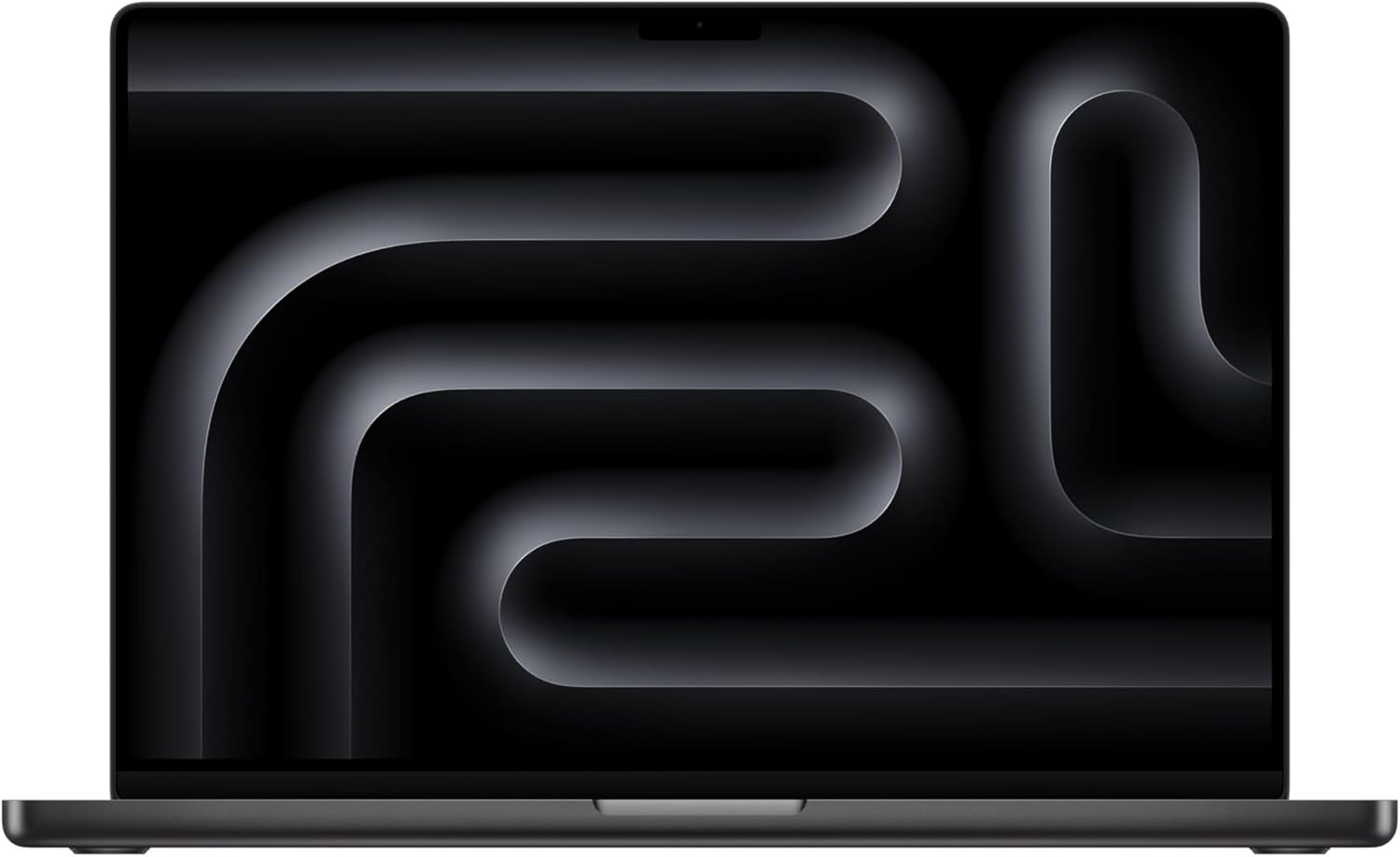
My first interaction with the Apple MacBook Pro Review unit was underwhelming, primarily because the design language has hit a plateau. I pulled it from the box and felt the familiar heft of the aluminum chassis. It is dense, cold, and undeniably premium, but at this point, the industrial design feels like a legacy product rather than something fresh. The Space Black finish remains a fingerprint magnet that requires constant maintenance if you value aesthetics, and the weight is significant enough that I would never call this a portable machine for the casual traveler. It is a desktop replacement masquerading as a laptop, designed for those who need a workstation that fits in a bag.
Opening the lid revealed the same hinge resistance I have criticized for years; it feels sturdy, yet lacks the tactile refinement one might expect at this price point. The port selection is functional, but the inclusion of the SDXC slot feels like a nod to a dying workflow for many professionals who have moved to cloud-based ingest. I examined the edges of the chassis and found the machining to be precise, as expected from Apple, but the overall presentation lacks a sense of excitement. It is a utilitarian slab of metal that prioritizes rigid durability over modern, lightweight ergonomics.
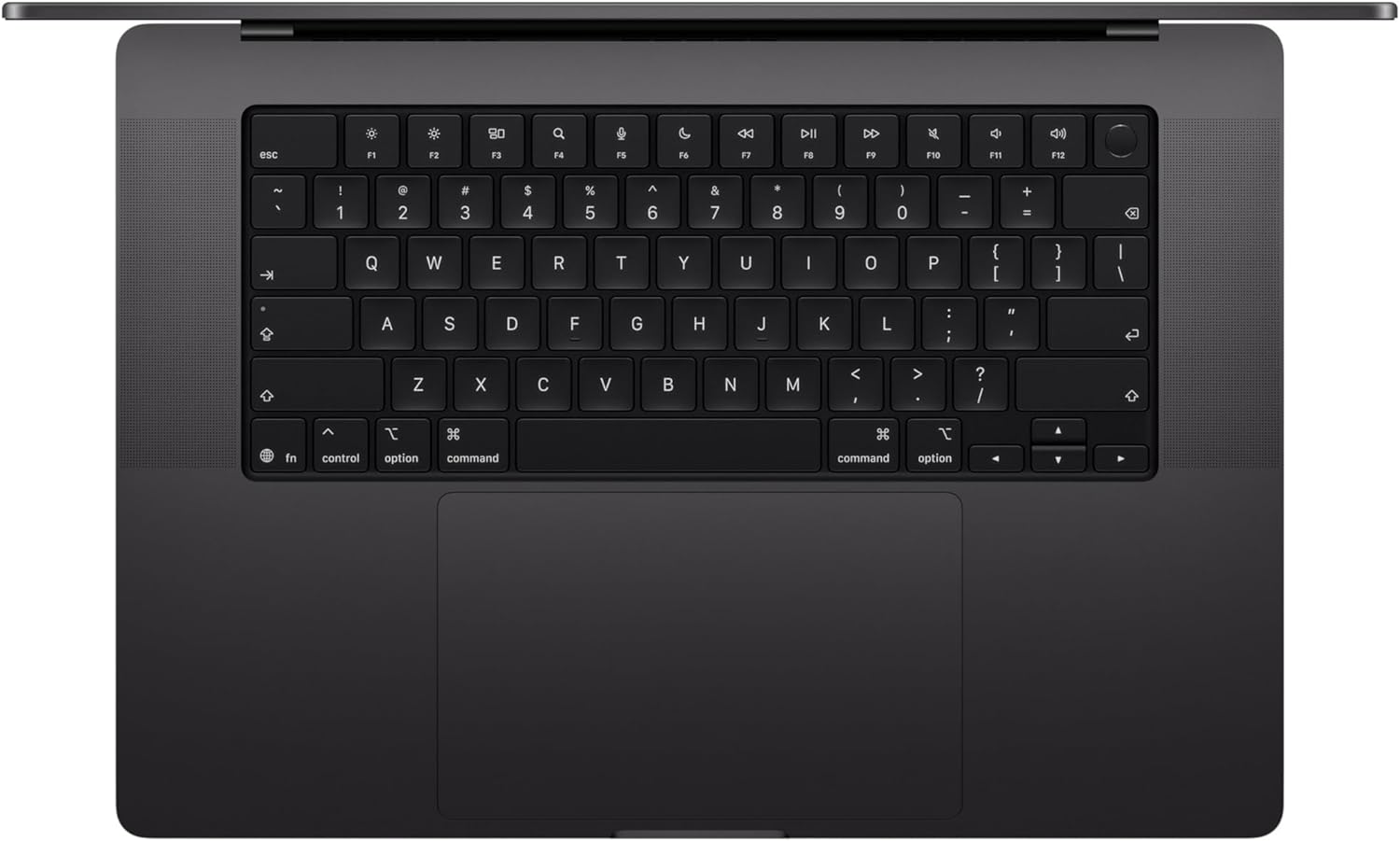
The 16.2-inch Liquid Retina XDR display is, predictably, the highlight of the hardware. I spent several hours editing high-bitrate video, and the contrast ratio is deep enough to make traditional LED panels look washed out. The peak brightness is blinding when viewing HDR content, and for color-critical work, the accuracy out of the box is acceptable enough that I felt no immediate need to reach for my colorimeter. However, the notch remains a visual parasite that encroaches on the menu bar, a design compromise that Apple continues to justify despite the lack of a sophisticated depth-sensing array that actually benefits the user experience in daily tasks.
Audio is where this machine separates itself from the generic Windows competition. I pushed the six-speaker array with complex orchestral tracks, and the lack of distortion at high volumes is impressive. Bass response is tighter than I have heard on any other laptop, though it still lacks the physical punch of dedicated studio monitors. The microphones are perfectly fine for Zoom calls, though the Center Stage software often feels like a gimmick that crops into the image to force a focus that I do not always want. It is a highly capable multimedia experience, marred only by the software integration that tries too hard to automate your environment.
When I put the M5 Pro through its paces with local LLM inference and heavy render queues, I noticed that the machine is remarkably consistent. I did not experience the erratic frame skipping or UI stutter that plagues lesser hardware when under duress. However, it is not a magic box. During sustained, heavy multi-core workflows, I observed that the OS manages thermal overhead by aggressively cycling the fans. It is not loud in a high-pitched way, but the constant low-frequency hum is impossible to ignore when the system is actually working at its limits. It handles multitasking well, but the 24GB of unified memory is a bottleneck waiting to happen for serious creative professionals who rely on large asset libraries.
I attempted to break the workflow with multiple browser instances, local code compilation, and background synchronization, and the machine held its ground without complaining. Yet, I refuse to buy into the marketing hype regarding AI performance. While the neural engine is undeniably fast, the real-world utility remains limited to specific software suites. For the average user, the speed increase over previous generations is marginal in daily office tasks. You are paying for headroom that you might not touch unless your daily routine involves heavy localized machine learning or massive data sets.
Battery life is the single area where I have to give credit where it is due. I took this machine off the charger at the start of a long workday and managed to get through a cycle of intense spreadsheet work and video playback without reaching for the MagSafe adapter. However, the moment you transition into heavy GPU-bound tasks, that “all-day” battery claim evaporates. The thermal management is efficient, but the heat dissipation is focused right where your palms rest, which becomes uncomfortable during long sessions. Connectivity is robust with Wi-Fi 7, though I found the lack of a native USB-A port—even at this size—to be a persistent nuisance for legacy hardware.
The biggest flaw that Apple is hiding is the memory scaling. By starting at 24GB, they are forcing a tier-based artificial scarcity that is purely anti-consumer. They know that power users will hit a wall with this capacity within two years of software inflation, yet the upgrade path is effectively non-existent. This is a closed-loop system designed to ensure that you cannot extend the life of your purchase through user-serviceable upgrades. They are selling you a high-performance machine that is designed to be obsolete the moment the next software iteration demands more than the soldered memory can provide.
This laptop is for the corporate creative or the software developer who is already locked deep into the ecosystem. If you are a Windows power user looking to switch, the frustration of the macOS file system and the restrictive nature of this hardware will outweigh the benefits of the silicon. You should absolutely avoid this if your primary goal is gaming or if you need a machine that can be repaired or upgraded after the warranty expires. The price-to-performance ratio is skewed heavily in Apple’s favor, not yours.
Long-term value is questionable. While the build quality will likely survive three years of travel, the internal specs will feel dated as AI-driven software demands more overhead. You are paying for a premium initial experience that will degrade as the soldered components fail to keep pace with the software ecosystem. It is a luxury purchase, not a pragmatic investment for someone who values long-term hardware flexibility.

The Competitive Landscape
When comparing this machine to the current high-end offerings from the Windows camp, the difference in silicon efficiency is obvious. While other manufacturers struggle with heat management and battery drain when performance is maxed out, this device maintains a level of composure that is difficult to replicate. However, you pay a steep premium for that efficiency, and you lose the ability to add your own storage or memory, which is a trade-off that many professionals are beginning to resent.
| Feature | Apple MacBook Pro (M5 Pro) | Dell XPS 16 (Core Ultra 9) |
|---|---|---|
| Display | 16.2-inch Liquid Retina XDR | 16.3-inch OLED Touch |
| Processor | Apple M5 Pro (18-core CPU) | Intel Core Ultra 9 |
| Connectivity | Thunderbolt 5 / Wi-Fi 7 | Thunderbolt 4 / Wi-Fi 7 |
| Estimated Price | Check Latest Price | Check Latest Price |
The Final Verdict
I have used this machine extensively, and my conclusion is that it remains a tool for a specific demographic that values consistency over freedom. If you have the budget and the specific need for the Apple silicon workflow, it is a formidable workstation. If you are looking for value, repairability, or a machine that you can call your own for half a decade, look elsewhere. It is a polished, locked-down, and ultimately expensive experience that does exactly what it promises, but nothing more.
|
|