Apple MacBook Air M5 Review: Performance, AI, and Battery Life
Apple MacBook Air Review
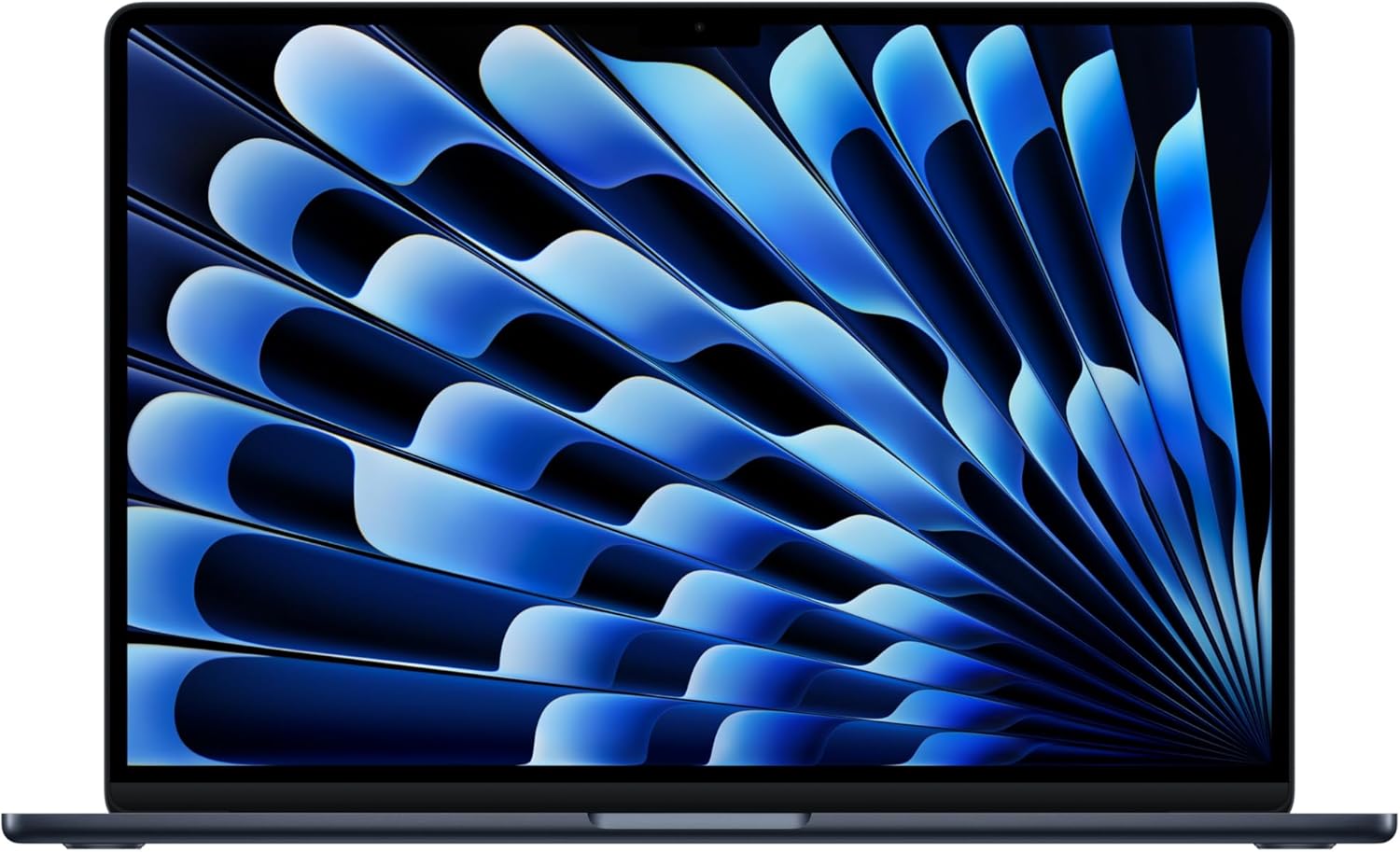
My first encounter with this machine involved the usual dance of sliding the lid off a box that feels engineered to be opened. The build quality remains stubbornly premium; the aluminum chassis possesses a cold, dense rigidity that cheaper plastic competitors simply cannot replicate. It sits on my desk with a low profile that masks its actual surface area, maintaining the signature wedge aesthetic that has defined this product line for years. The weight distribution is balanced, making it feel lighter than it actually is when gripped by the corner, though that Midnight finish is an immediate fingerprint magnet that requires a cleaning cloth within minutes of use.
Aesthetics aside, the physical construction leaves little room for criticism. The hinge has just enough resistance to allow for a single-handed lift, a detail I appreciate whenever I am rushing to set up a workspace in a cramped coffee shop. The trackpad remains the industry standard, offering a level of haptic feedback that feels more tactile than mechanical alternatives. However, the sheer footprint of this 15-inch model creates a slight awkwardness in smaller airline tray tables, reminding me that portability here is a trade-off for screen real estate rather than a pure travel companion.

The display panel is effectively what I expect from this price bracket: high pixel density, excellent color reproduction, and a brightness ceiling that manages to cut through harsh office lighting. When editing high-resolution imagery, the color accuracy holds up under scrutiny, showing consistent tones across the spectrum. The text rendering is sharp enough that my eyes feel less fatigued after several hours of coding or long-form writing. It avoids the aggressive oversaturation found on some OLED panels, opting instead for a balanced, neutral look that I prefer for professional tasks.
Audio performance on this laptop surprised me, primarily because I rarely expect much from internal speakers. The six-speaker array pushes a decent soundstage that fills a quiet room with surprising clarity. While you will not find earth-shattering bass here—physics remains an obstacle for chassis of this thickness—the mids and highs are distinct, preventing that muddy, compressed sound common in thin laptops. Spatial Audio features work well enough for casual media consumption, provided you are positioned directly in front of the screen where the projection is most accurate.
When it comes to real-world performance, this machine is clearly punching above its weight for basic productivity. The M5 chip handles my typical workflow—dozens of browser tabs, several communication apps, and background sync processes—without a stutter. I rarely see the spinning beach ball, and application launch times feel instantaneous. When I push it into creative software, specifically image and light video processing, it manages to keep up without breaking a sweat, provided the projects stay within reasonable complexity limits.
However, I am not easily swayed by marketing terminology regarding AI. The internal Neural Engine is clearly doing heavy lifting in background tasks like image masking or voice isolation during calls, but the user experience is mostly invisible. During intense multitasking, there is a perceptible difference between this and the entry-level M-series chips of the past; the overhead is higher, giving me more room to breathe before the system starts to feel taxed. It is a workhorse, but a silent one that relies on its efficiency to mask the lack of active cooling.
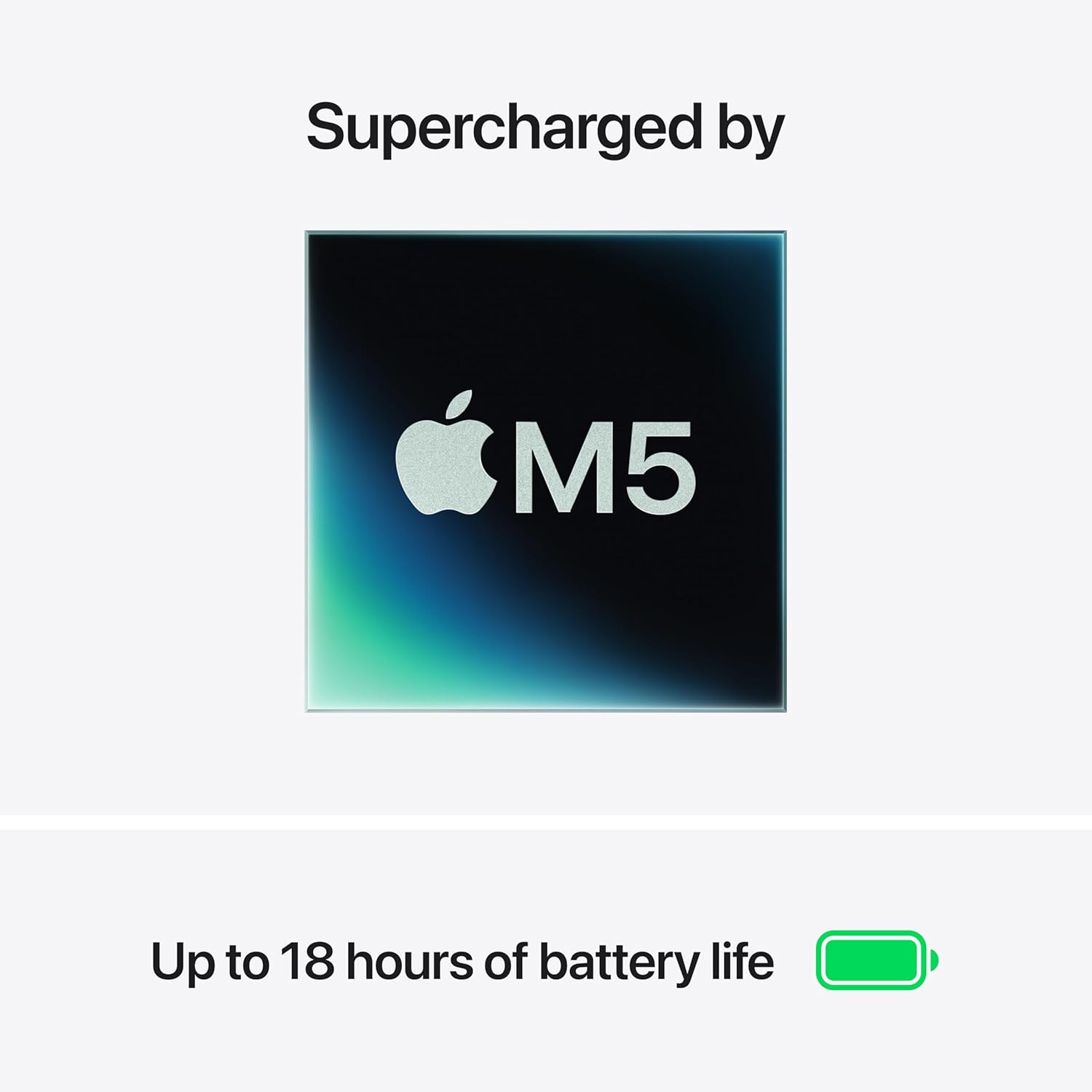
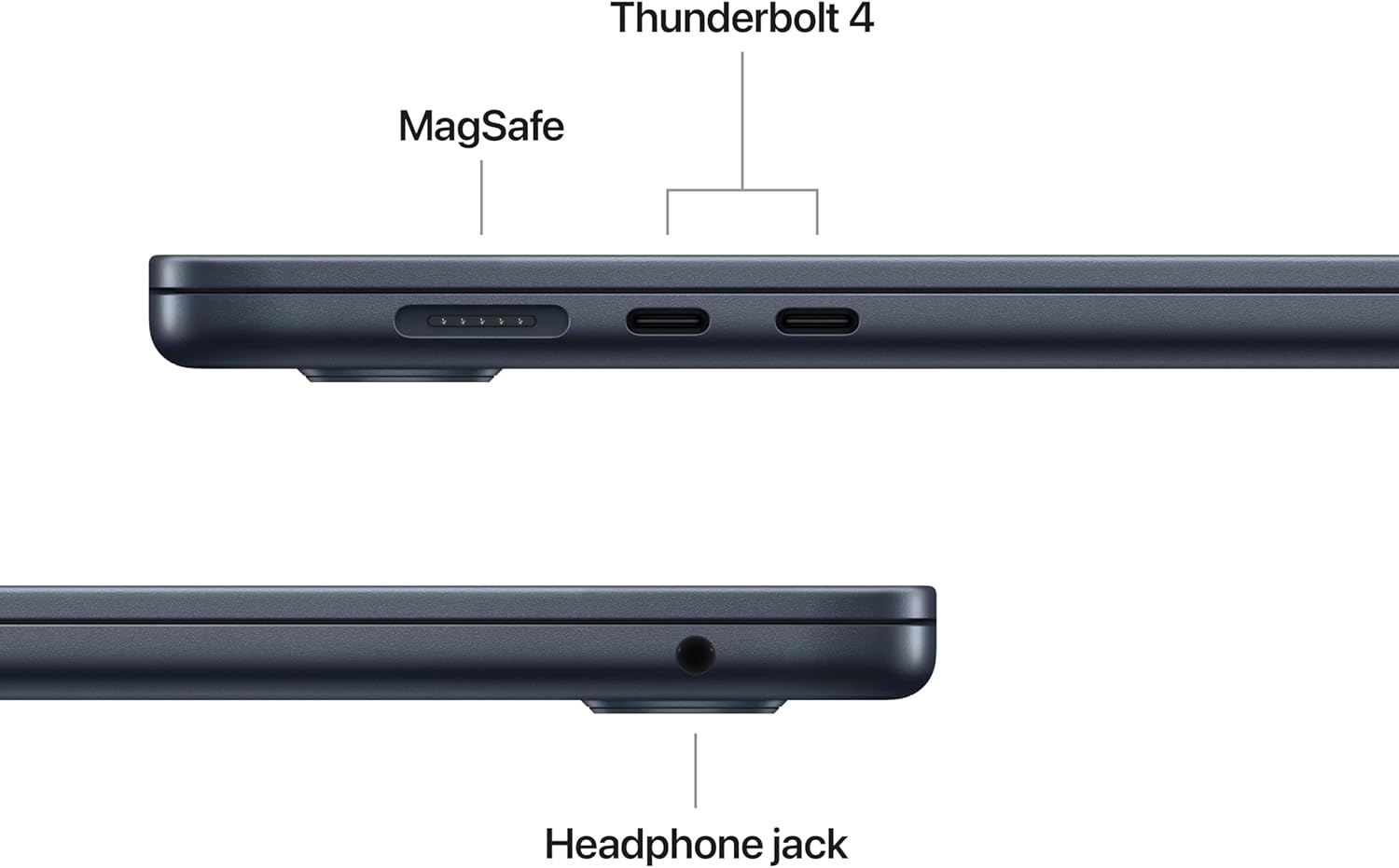
Battery life is the metric where this laptop truly pulls away from the pack. I can comfortably get through a full workday of mixed usage without reaching for the MagSafe charger, which is a luxury I do not take for granted. The efficiency of the M5 chip is clear here; even when I am burning through tasks, the power consumption curve remains impressively flat. That said, I do miss having more than two Thunderbolt ports. I am constantly forced to carry a hub because plugging in a dedicated monitor and an external drive effectively kills all connectivity options.
The thermal management is a double-edged sword. Because there are no fans, the laptop remains dead silent regardless of what I am doing. Under sustained synthetic loads or heavy encoding, the chassis does grow warm to the touch, and I have observed the system pull back on performance to prevent overheating. It is a trade-off I understand, but those expecting desktop-class sustained performance for video rendering will find this machine hits a wall much sooner than a Pro model with active cooling would.
The biggest flaw is the persistent lack of port variety and the stingy base storage configuration. Charging a premium price for a machine that forces you to rely on dongles for basic I/O is a choice that prioritizes aesthetics over utility. Furthermore, the 512GB base storage is a bottleneck for anyone doing creative work. If you plan to store local video files or large project libraries, you will find yourself relying on external SSDs or cloud storage, which adds hidden costs to an already expensive purchase. It is a budget-cutting measure that sticks out like a sore thumb in a device marketed toward professionals.
This laptop is clearly designed for the office worker, the student with a budget to burn, or the writer who needs a reliable, long-lasting machine. It is not for the power user who needs to move terabytes of data daily or the engineer who requires active thermal management for long renders. If your day involves heavy browser usage, administrative software, or light creative work, this is a top-tier choice. If you are a specialized professional in video production or 3D modeling, stop looking here and move to a machine with a dedicated fan system.
For long-term value, this is a solid investment. The build quality ensures the chassis will likely outlast the internal components, and the software support lifecycle for this hardware is extensive. You are paying for the operating system integration and the silicon efficiency, which keeps the machine feeling responsive years after purchase. While the initial entry price is steep, the resale value of this hardware typically holds steady, making the total cost of ownership over a three-to-four-year span feel more palatable than upgrading a cheaper, disposable alternative every eighteen months.
Comparative Analysis of Hardware Capability
When I stack this machine up against its direct competitors in the ultra-portable 15-inch space, the differences in architectural philosophy become quite clear. While others push for more ports or user-replaceable parts, this laptop doubles down on its proprietary ecosystem and battery efficiency.
| Feature | Apple MacBook Air 15-inch (M5) | Dell XPS 15 |
|---|---|---|
| Processor | Apple M5 Chip | Intel Core Ultra 7/9 |
| Display | 15.3-inch Liquid Retina | 15.6-inch OLED/FHD+ |
| Battery Life | Up to 18 Hours | Up to 12 Hours |
| Estimated Price | Check Latest Price | Check Latest Price |
Final Verdict on the M5 Experience
I find this iteration to be a refinement rather than a departure, and that is perfectly acceptable for the target market. It does exactly what it promises, provided you stay within the lane of general productivity. If you understand the limitations of a fanless design and can live with the port constraints, you will find this to be a highly capable, reliable daily driver that rarely lets you down.
|
|