Lenovo IdeaPad Slim 3x Review: AI-Powered Performance & Durability
Lenovo IdeaPad Slim 3X Review: The Reality of Budget ARM Computing
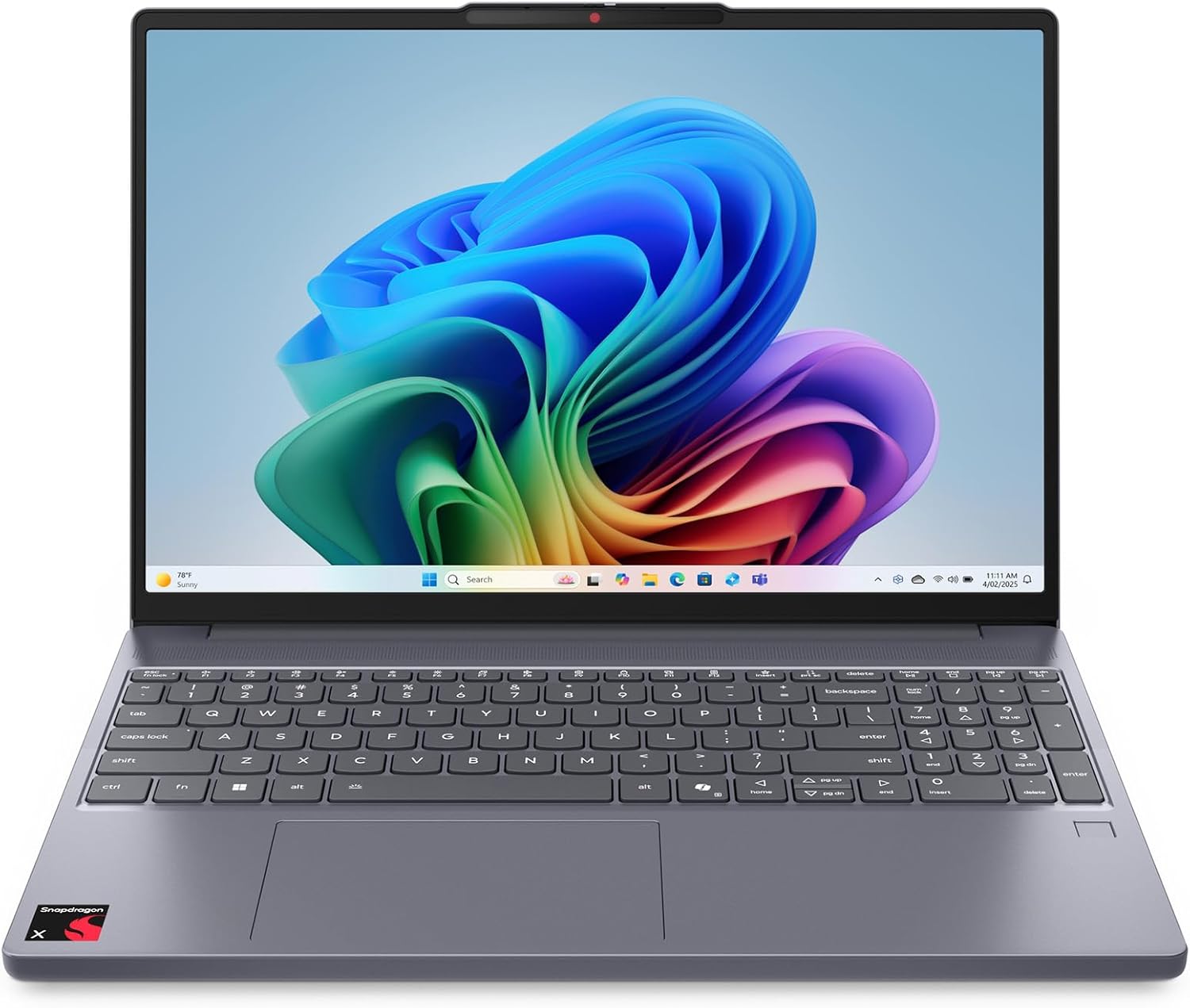
I have handled my fair share of ultrabooks, but the Lenovo IdeaPad Slim 3X arrives with a specific set of promises that usually collapse under actual scrutiny. Pulling this device from the box, I noticed the metal chassis immediately. It feels cold to the touch and possesses a density that defies its price point, which is a rare win for a budget-tier machine. The Luna Grey finish hides fingerprints surprisingly well, and the hinge tension feels deliberate, resisting the flimsy wobble that plagues cheaper plastic shells. It does not feel like a flagship device, but it lacks that hollow, rattling sensation that usually screams “bottom-of-the-barrel” assembly.
My first impression of the ergonomics is mixed. While the weight distribution is balanced, making it easy to carry with one hand, the edges of the base chassis are surprisingly sharp. It is not uncomfortable for short sessions, but after a few hours of typing, you will notice the corners digging into your palms. The aesthetic is understated to the point of boredom, which I actually prefer over the neon-lit, gamer-centric clutter found in other laptops at this cost. It is a tool, not a fashion statement, and the structural rigidity suggests it might actually survive a few drops in a backpack without the screen losing its integrity.
The display on this Lenovo laptop is a 15.3-inch WUXGA panel that serves its purpose without impressing anyone. Color reproduction is strictly average; it covers enough of the spectrum for spreadsheet work and basic document editing, but if you are an artist or a photo editor, you will find the saturation lacking. The brightness levels are sufficient for indoor office lighting, but the screen struggles significantly under direct sunlight or near a window on a bright afternoon. Glare is a constant adversary here, and the matte finish does only so much to mitigate the reflections from the overhead lights in my workspace.
Audio is where this device feels most like a compromise. The speakers are bottom-firing, which is an immediate red flag for acoustic quality. When the laptop is placed on a desk, the sound bounces off the surface and muddies the mid-range. I detected audible distortion when pushing the volume toward the upper registers, specifically with vocal tracks. If you are planning on attending a video conference, you will likely need a pair of headphones, as the built-in speakers lack the clarity and depth required to make dialogue sound natural rather than tinny and compressed.
Performance in the real world is an interesting experiment in the transition to ARM architecture. The Snapdragon X chip handles daily multitasking—web browsing with dozens of tabs, word processing, and light streaming—with impressive composure. I did not encounter the stuttering that usually follows opening too many applications on an entry-level processor. However, the software compatibility layer remains a noticeable bottleneck. Some legacy applications, especially those that rely heavily on specific x86 instructions, show hesitation when launching. It is not broken, but it is not the instant response you get on a native platform.
When you push this Lenovo laptop into more demanding territory, the limitations become apparent. While it handles basic AI-assisted tasks, the NPU is not a substitute for high-end dedicated hardware. Video rendering and heavy batch processing take their time. The system manages to stay functional, but do not expect this machine to crunch data at the speeds of a professional workstation. It is a capable companion for a student or a remote worker, but it is not built for the professional who relies on intense computation to finish their workday.
Battery life is the primary reason one buys into the Snapdragon ecosystem, and this machine does not disappoint in that specific area. I found that it lasts comfortably through a standard workday, provided you aren’t doing anything taxing. Thermal management is handled well, mostly because the hardware does not generate significant heat under light loads. The fans remain silent for most of the day, only ramping up to a subtle, unobtrusive whisper when I tasked the processor with sustained background updates or high-resolution video streams.
The connectivity suite is functional but sparse. You get the basics, but do not expect a plethora of ports to plug in your entire peripheral ecosystem without a dongle. The lack of an abundance of legacy ports is a sign of the times, and while it keeps the chassis slim, it forces you to spend more money on adapters. The webcam shutter is a welcome touch for privacy, and the fingerprint reader is fast enough that I rarely felt the urge to type in a PIN, but the port selection itself feels like a budget-conscious decision that ultimately inconveniences the end-user.
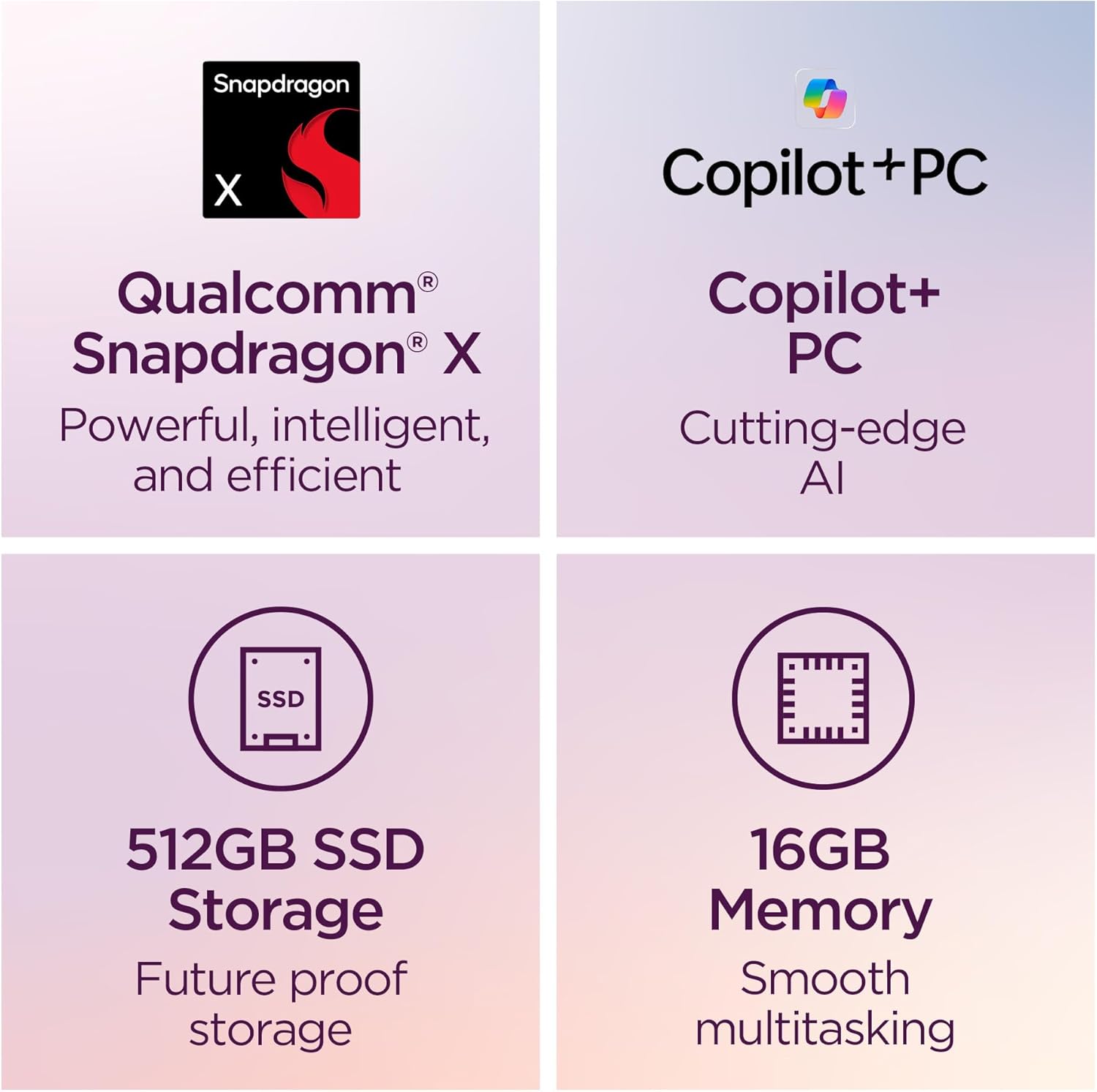
The biggest flaw here is the hidden cost of the ecosystem. Lenovo is pushing the “AI Laptop” narrative heavily, but they are essentially hiding the growing pains of a hardware shift behind marketing jargon. The internal component selection, specifically the memory, feels like it was chosen to keep the bill of materials low rather than to future-proof the machine. I suspect that in two years, the 16GB of RAM will feel like a cage for any user trying to keep up with more complex software updates, and the manufacturer knows this perfectly well.
Furthermore, the “upgradeable storage” claim is a bit of a stretch in terms of accessibility. While the SSD slot is technically accessible, getting into the chassis requires a level of comfort with internal hardware that the average consumer simply does not possess. They have marketed it as a DIY-friendly machine, but the internal layout is tight and filled with delicate ribbons that are easy to tear if you aren’t careful. It is a nice feature to have on paper, but in practice, most users will never touch the internals, leaving them stuck with the base storage once the warranty expires.

This machine is built for the student, the writer, or the office worker who values battery life above all else. If your day consists of emails, cloud-based applications, and research, this Lenovo laptop will serve you well. However, if you are a creative professional, a power user, or someone who relies on niche, proprietary software that hasn’t been optimized for ARM, you should absolutely avoid this device. You will spend more time troubleshooting compatibility issues than actually working, which makes the initial savings a waste of your time.
Looking at the market, the price point of this machine places it in direct competition with a sea of aging x86 ultra-portables. Most of the competition offers better port selection and more mature software environments, even if they sacrifice some battery longevity. The IdeaPad Slim 3X bets heavily on the future, but it requires the user to live in the present, where that future hasn’t fully arrived yet. If you need a machine that just works with every legacy piece of software in your toolkit, look elsewhere.
| Feature | Lenovo IdeaPad Slim 3X | Microsoft Surface Laptop 7 |
|---|---|---|
| Processor | Qualcomm Snapdragon X | Qualcomm Snapdragon X |
| Display | 15.3″ WUXGA | 13.8″ or 15″ PixelSense |
| Estimated Price | $480 | Check Latest Price |
The Verdict: Is it Worth Your Cash?
When I look at this device as a whole, it is a decent machine for the price, provided you have realistic expectations. It is not a powerhouse, and it is not a professional tool, but it is a reliable enough portable for the basics. If you are looking for something to last three years, you have to accept that you are buying into a transition period. You aren’t paying for raw performance; you are paying for efficiency and portability. If that aligns with your daily habits, the trade-off is fair.
|
|





