Apple MacBook Air M5 Review: Testing the Next-Gen AI Laptop
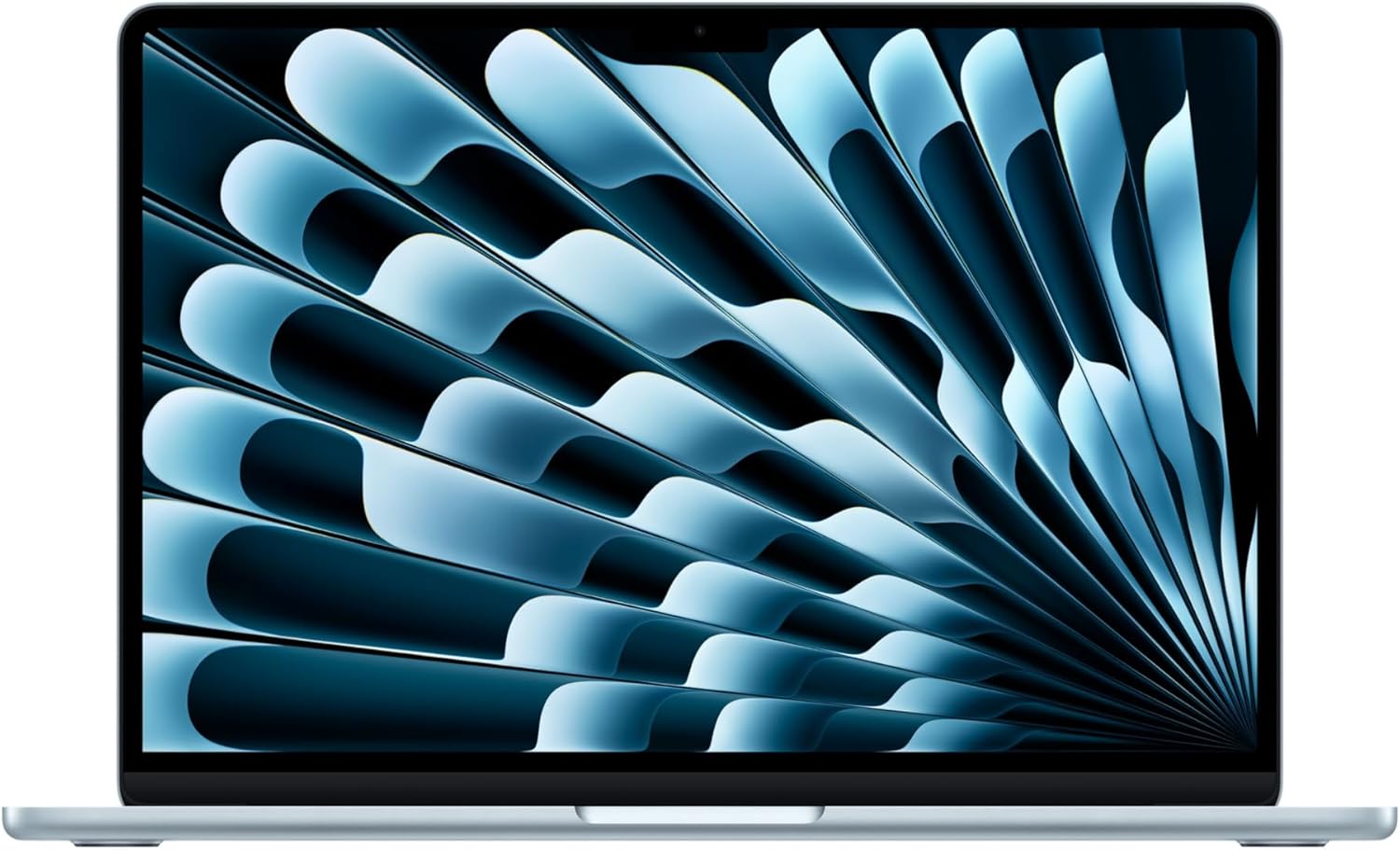
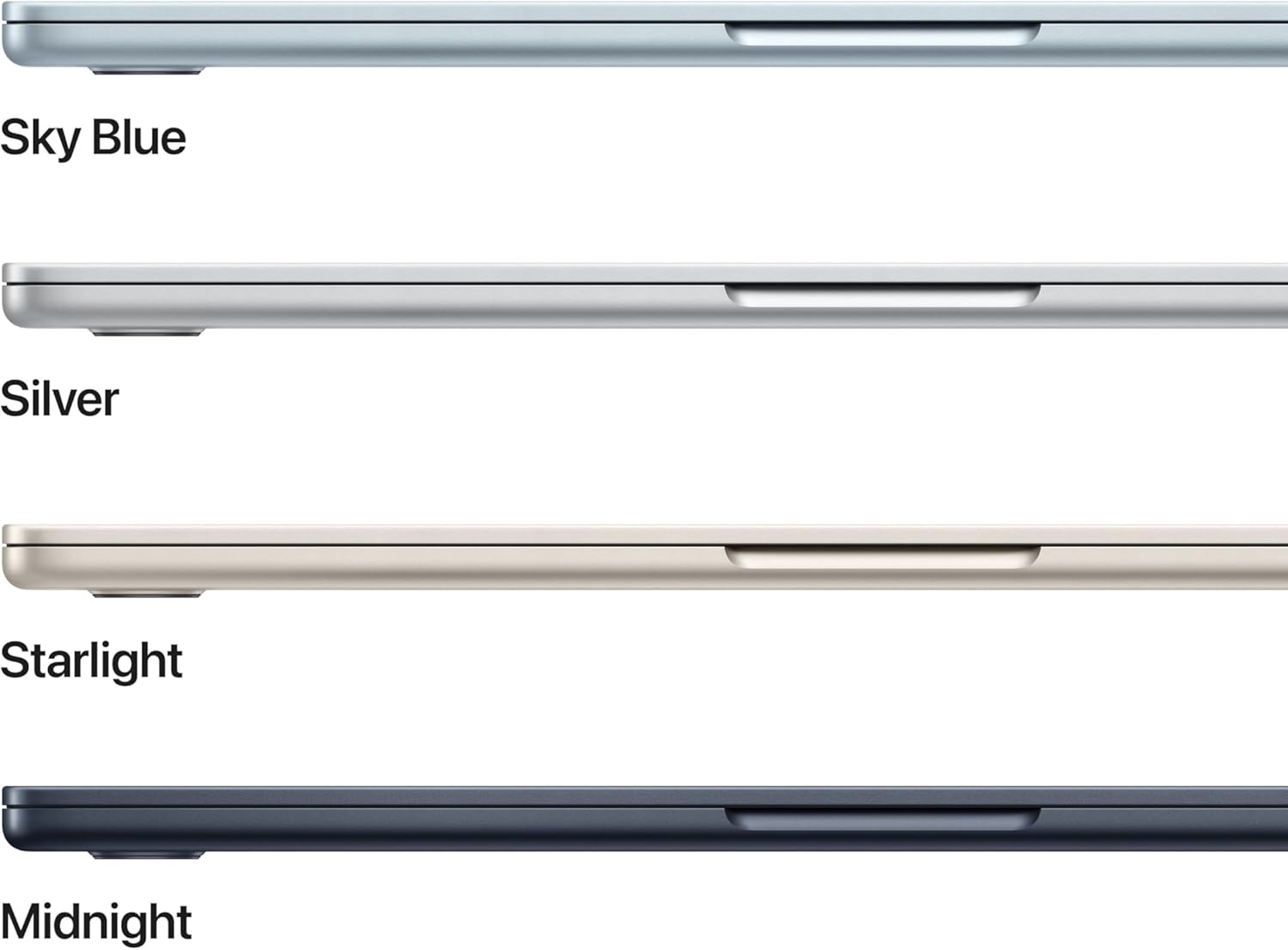
Unboxing the Sky Blue MacBook Air, the immediate chill of its aluminum chassis feels identical to the last three generations, proving Apple still refuses to redesign what already sells. The design language is static. It is a thin wedge of metal with a keyboard and a screen. But underneath this familiar exterior lies the M5 chip, a piece of silicon designed to run localized AI workflows without turning your lap into a furnace. I spent a week pushing this machine through real-world office tasks, photo editing, and sustained coding sessions to see if the hardware upgrades justify the price.
The M5 Silicon Is Built for Burst Speed, Not Sustained rendering
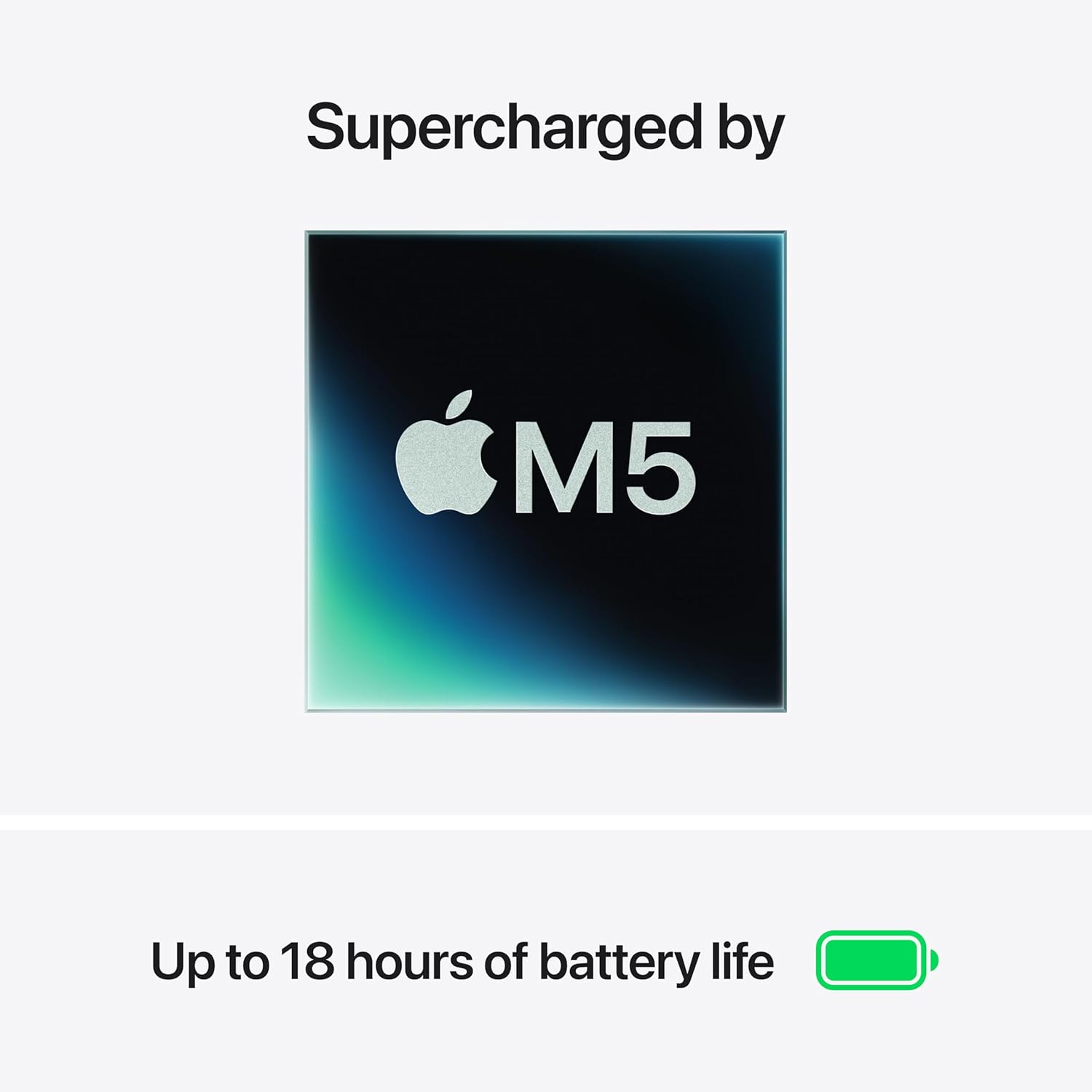
The M5 chip handles daily productivity tasks with zero hesitation. Web pages load instantly, and switching between dozens of open browser tabs is instantaneous. Apple finally made 16GB of unified memory the standard baseline. This is a massive relief. The old 8GB configurations were a bottleneck for anyone who kept more than five apps open.
However, the hardware has limitations. This laptop is completely fanless. Without active cooling, the M5 chip relies entirely on passive heat dissipation through the aluminum frame. When I pushed the system with sustained video rendering, the chassis grew warm to the touch and the system throttled its clock speeds to prevent overheating. It runs silent, but it slows down under pressure. The integrated neural accelerators handle locally run AI tasks quickly, but do not expect this machine to behave like a workstation during hour-long rendering pipelines.
A Beautiful Liquid Retina Screen Trapped in a 60Hz Time Warp
The 13.6-inch Liquid Retina display is bright, sharp, and renders colors with excellent accuracy. Outdoor visibility is decent, and text looks incredibly crisp. But Apple is still shipping a premium laptop with a 60Hz refresh rate. In a world where budget phones offer smooth 120Hz displays, navigating macOS at 60Hz feels sluggish. The notch at the top of the display remains a visual distraction, though it now houses a much-improved 12MP Center Stage camera.
The camera upgrade is highly noticeable. It keeps you centered during video calls, and the low-light performance is significantly better than the grainy 1080p sensors of previous generations. The four-speaker sound system is surprisingly full for a chassis this thin, though it lacks the deep low-end bass of the larger MacBook Pro models.
| Specification | Apple MacBook Air 13-inch (M5, 2026) | Dell XPS 13 (9340) |
|---|---|---|
| Estimated Price | Check Latest Price | ~$1,299 |
| Processor | Apple M5 Chip (with Neural Engine) | Intel Core Ultra 7 155H |
| Display | 13.6-inch Liquid Retina (2560 x 1664) | 13.4-inch FHD+ (1920 x 1200) Anti-Glare |
| Memory | 16GB Unified Memory | 16GB LPDDR5x |
| Storage | 512GB SSD | 512GB PCIe Gen 4 SSD |
| Camera | 12MP Center Stage Camera | 1080p FHD Camera |
| Wireless Connectivity | Wi-Fi 7 + Bluetooth 6 (Apple N1) | Wi-Fi 7 + Bluetooth 5.4 |
| Battery Life | Up to 18 hours | Up to 15 hours |
Wi-Fi 7 and Dual Monitor Support Address Old Complaints
Apple finally addressed some of the biggest connectivity complaints of past generations. The inclusion of Wi-Fi 7 via the N1 chip offers excellent wireless speeds, provided you have a compatible router. You can now connect up to two external displays without needing to close the laptop lid. This is a massive productivity boost for home office setups.
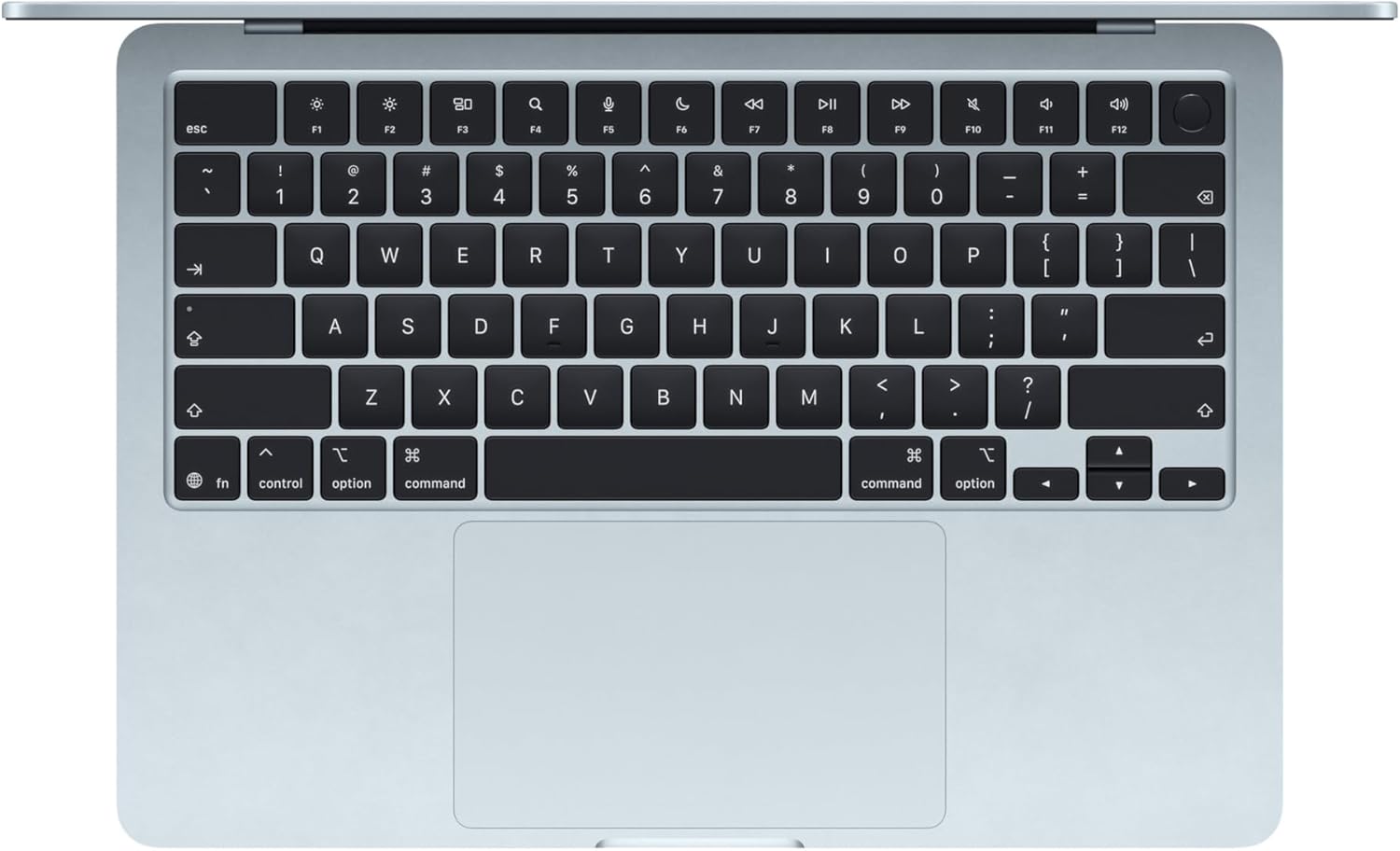
The port selection remains sparse. You get two Thunderbolt 4 ports, a MagSafe charging port, and a headphone jack. If you have legacy USB-A peripherals or need an SD card reader, you will live the dongle life. The keyboard is the standard scissor-switch Magic Keyboard. It is comfortable, quiet, and reliable, paired with the best haptic trackpad in the industry.
| Pros | Cons |
|---|---|
|
|
The Fanless Compromise: Who Should Avoid This Machine?
The absolute biggest compromise of the MacBook Air is its thermal management. Apple prioritizes silence and thinness over sustained performance. Because there is no fan, the system will throttle its performance by up to twenty percent during long, intensive workloads.
If your daily routine involves heavy video editing, 3D modeling, or compiling massive software projects, you should avoid this machine. The thermal throttling will frustrate you. For students, writers, office professionals, and casual creators, the fanless design is a benefit. It means zero fan noise and exceptional battery life that easily covers a full workday.