Apple MacBook Neo Review: Is This AI-Powered Laptop Worth It?
Apple MacBook Neo Review
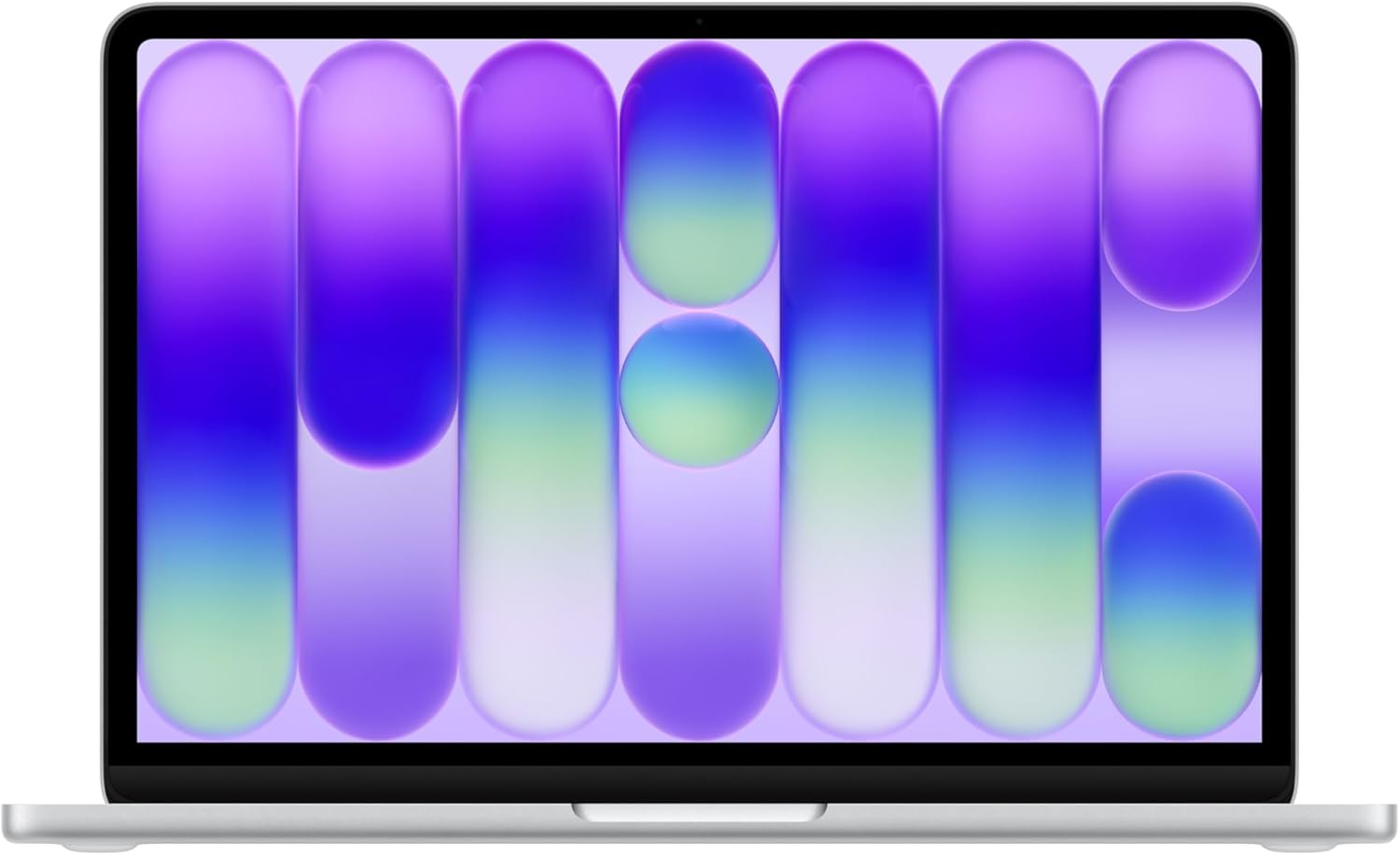
I have spent enough time with the Apple MacBook Neo to understand exactly where it sits in the current ecosystem. This machine is a study in calculated austerity. Out of the box, the aluminum chassis feels as dense and rigid as any professional-grade laptop I have handled, yet the silver finish remains a fingerprint magnet that requires constant maintenance if you value a clean aesthetic. The weight distribution is biased toward the base, which makes one-handed lid opening a pleasant, if minor, convenience. However, the first thing I noticed upon lifting the lid is the sheer lack of port variety; Apple continues to prioritize a slim profile over the functional necessity of a diverse I/O selection, which forces me to carry a dongle hub regardless of my location.
My initial impressions lean toward appreciation for the build quality, but skepticism regarding the user experience. The keyboard deck features a tactile feedback that is satisfying for long-form writing, though the travel distance feels slightly shallower than previous iterations. I found the hinge tension to be perfectly calibrated, allowing for a firm position that does not wobble when I am typing aggressively. Despite the premium tactile feel, the reliance on a single connector type for almost everything remains a persistent frustration that I simply cannot ignore in a modern professional tool.

Display and Audio Realities
The Liquid Retina display is, frankly, what you expect from this manufacturer. I found the color reproduction to be precise enough for casual photo editing, and the brightness levels are more than adequate for indoor office lighting. When working near windows, the anti-reflective coating does its job well, though it does not completely eliminate glare from direct overhead light sources. Text rendering is sharp, and the scaling options in macOS allow me to reclaim some screen real estate, which is vital given the 13-inch footprint. I have no major complaints about the panel quality itself, as it remains one of the most consistent aspects of this device.
Audio is a different story. The side-firing speakers produce a soundstage that is surprisingly wide for a chassis this thin, yet I found the low-end frequencies to be almost entirely absent. There is a clear mid-range focus that makes dialogue-heavy content or conference calls easy to understand, but listening to music reveals a metallic quality at higher volumes. The dual-mic array handles background noise suppression well during video calls, yet I still prefer an external headset for any recording that requires actual clarity. It is a functional audio system, but it lacks the depth required for professional media consumption.

Performance Under Pressure
I pushed the A18 Pro chip through my typical daily workflow, which includes heavy browser-based multitasking and local image processing. For general operations, the machine is responsive, with virtually no perceptible lag when switching between applications. However, once I pushed the system with multiple resource-intensive software suites open simultaneously, the 8GB of unified memory became a visible bottleneck. I observed the system swapping memory to the SSD much sooner than I would have liked, which introduces a perceptible hitch in responsiveness during heavy multitasking sessions.
Regarding AI-specific tasks, the silicon handles the local processing of text and image summarization with decent speed. I did not experience any major system hangs while testing these features, but I also did not feel like the performance was significantly faster than what I have seen on previous silicon generations. It is a capable chip for the average user, but power users who rely on heavy creative applications will find the internal architecture limiting. The hardware is designed for efficiency, not for raw, sustained computational dominance.
Thermal Management and Battery Endurance
I found the thermal profile of this laptop to be a mixed bag. Under light and medium loads, the system remains completely silent, as the passive cooling is more than sufficient. However, when I engaged in longer sessions of high-demand tasks, the heat buildup on the underside of the chassis became quite noticeable. There is a clear thermal ceiling here, and once the system hits it, the performance scaling drops off to maintain stability. You are not going to see this machine run cool under heavy pressure, and the fanless or limited-cooling design choice is clearly intended for silence over sustained performance.
Battery longevity is the strongest argument for this machine. In my testing, I managed to get through an entire workday without reaching for the charger, provided I kept the screen brightness at a moderate level. When I pushed the screen to its maximum brightness and performed continuous video playback, the battery drained significantly faster. It is a reliable machine for students or remote workers who need a device that lasts through a long day of meetings and documentation, but I would not trust it to survive a heavy, high-performance workload without a power brick nearby.
The Hidden Cost of the MacBook Neo
The biggest flaw here is the 8GB of RAM. In an era where operating systems and web browsers are increasingly memory-hungry, shipping a laptop in this price bracket with such limited memory is, in my view, a deliberate choice to force an upsell or shorten the lifespan of the machine. I suspect that within two years, this 8GB ceiling will become a major point of frustration for anyone doing more than basic web browsing or word processing. The manufacturer is banking on the efficiency of their OS to hide this limitation, but it is a temporary fix for a long-term problem.
Beyond the memory, the lack of storage expandability is another point of friction. Starting at a base level of storage that is easily filled by a few high-resolution video projects or large software installations is an outdated practice. I believe the manufacturer is cutting corners on the internals to maintain a specific price point, knowing full well that the average consumer will feel the pinch of these hardware limitations far sooner than they would on a more robustly configured model.
Target Audience and Verdict
Who should buy this? If you are a student, a light office worker, or someone whose digital life revolves entirely around a web browser and email, this device is perfectly adequate. It is sleek, the battery life is dependable, and the integration with other mobile devices is smooth. It is a “good enough” machine that prioritizes portability above all else. If you are a power user, a developer, or a content creator, you should avoid this specific configuration at all costs. You will outgrow the memory and storage limitations within a year, leading to a frustrating experience that no amount of software optimization can solve.
Long-term value is questionable. While the build quality will likely survive three years of physical wear, the internal specifications are not future-proof. You are paying a premium for the brand and the chassis, not for the internal hardware components. If you intend to keep this machine for the long haul, you are better off looking at models with higher memory capacity, as the base model will eventually become a bottleneck for modern software requirements.
Comparing the Field
When I compare this to other ultrabooks in the same tier, it becomes clear that the MacBook Neo exists in a vacuum of its own making. While competitors often provide better I/O options and more generous memory configurations at similar price points, they rarely match the build quality or the power efficiency of the internal silicon. My experience with Windows-based alternatives shows that while you might get more raw hardware for your money, you often lose out on the battery reliability that this machine provides.
| Feature | Apple MacBook Neo (13-inch) | Microsoft Surface Laptop 7 (13.8-inch) |
|---|---|---|
| Processor | A18 Pro Chip | Snapdragon X Elite |
| Display | 13-inch Liquid Retina | 13.8-inch PixelSense Flow |
| Battery Life | Up to 16 hours | Up to 20 hours |
| Estimated Price | Check Latest Price | Check Latest Price |
Final Verdict
Ultimately, this device is a polished, entry-level experience that hides its significant hardware shortcomings behind a premium facade. It is reliable for the tasks it was designed for, but it feels intentionally neutered to protect the sales of more expensive hardware. If you buy it knowing the limits, you will likely be satisfied, but do not expect a powerhouse.
|
|