Dell Optiplex 3060 Review: Reliable Refurbished Desktop PC
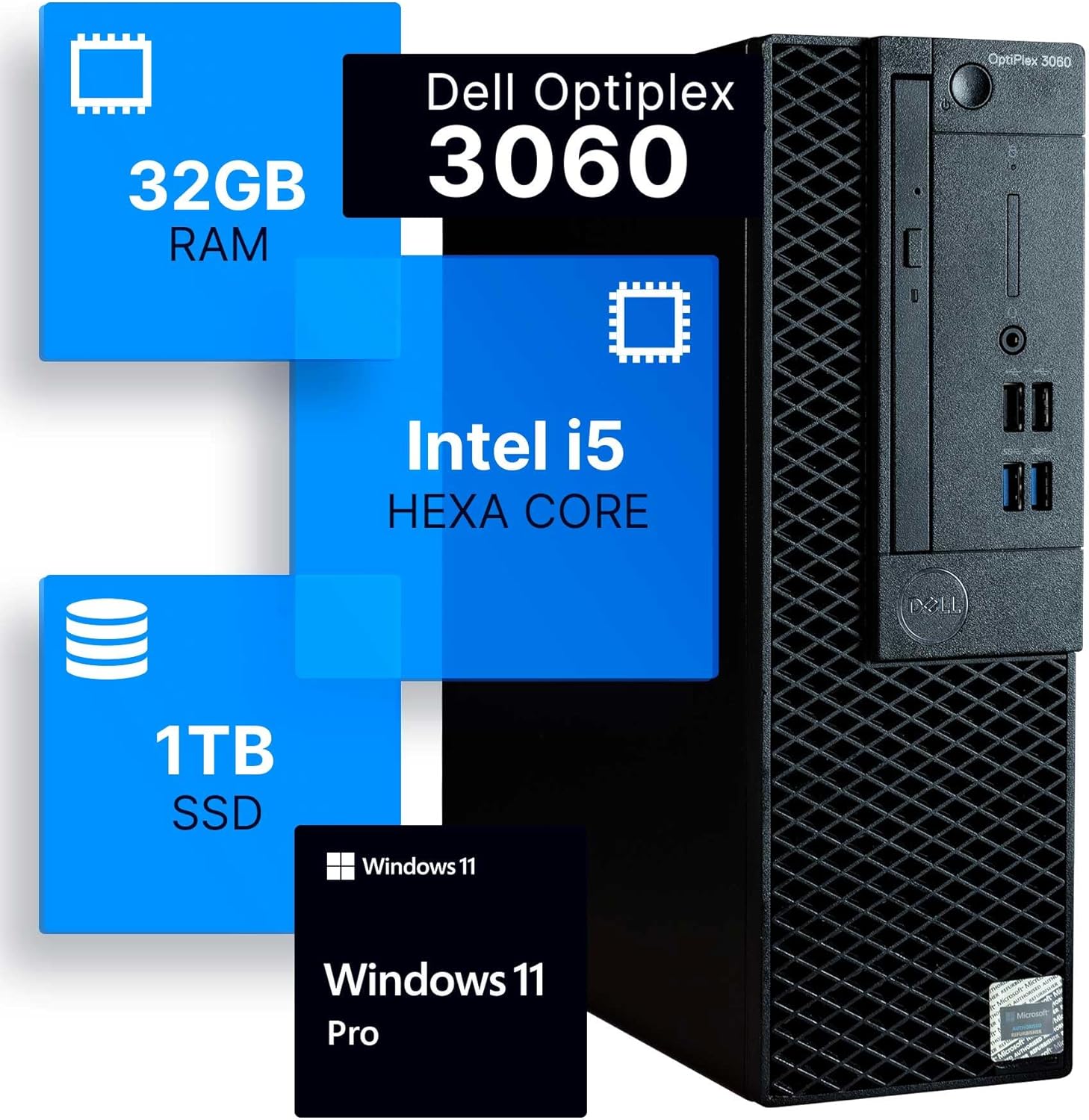
Dell Optiplex 3060 Review
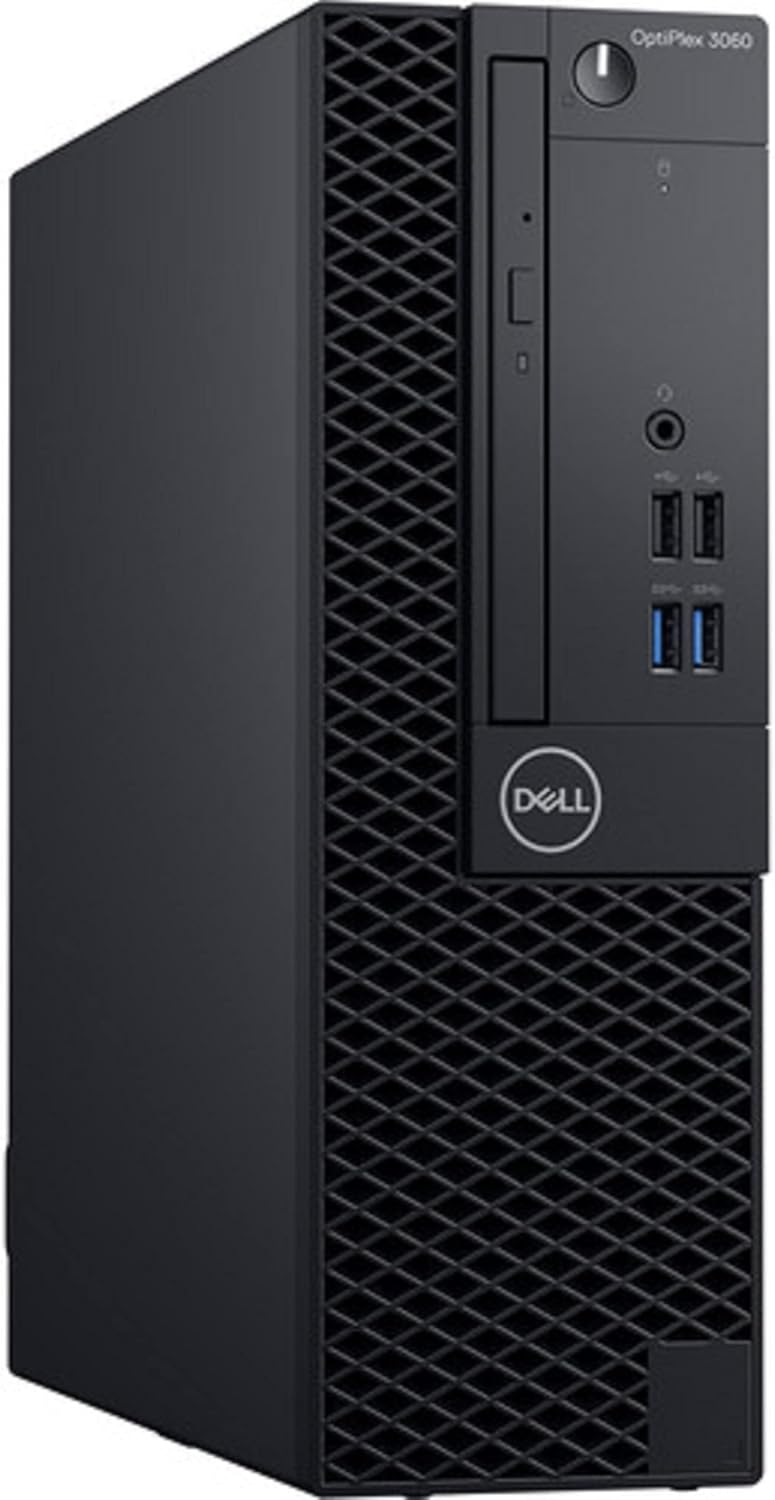
When I pulled the Dell Optiplex 3060 out of the shipping container, I was immediately struck by how archaic the chassis design feels compared to modern consumer desktops. This is a corporate workhorse that has been dragged out of a cubicle farm, refurbished, and slapped with a coat of RGB paint to masquerade as a modern multimedia machine. The build quality is quintessentially Dell from half a decade ago—mostly heavy-gauge steel and dense plastics. It is surprisingly compact, yet it possesses a utilitarian weight that reminds me these units were never meant to be moved once installed under an office desk.
The aesthetic is a bizarre clash of cultures. On one hand, you have the sober, professional-grade black plastic front panel with its signature Dell honeycomb ventilation; on the other, there is a tacked-on RGB strip that feels like an afterthought. It is a strange choice for a business machine, but if you are buying this for a home office, it provides a flicker of personality to an otherwise drab design. The weight distribution is centered, and despite the “renewed” status, the exterior finish on my unit was mostly free of significant scuffs, though the internal dust management left a bit to be desired upon close inspection.
Since this is a desktop unit, the display and audio quality depend entirely on what you connect to it. The system itself lacks any onboard amplification worth mentioning, meaning you are relegated to the standard 3.5mm jack on the front or rear panels. I found the audio output to be flat and prone to electromagnetic interference if you use low-quality shielded cables. Do not expect a high-fidelity experience here; this machine is strictly functional, designed for conference calls and basic system notification sounds rather than immersive media consumption.
I tested this system with a standard 1080p panel, and the integrated graphics solution handles basic desktop navigation without a hitch. However, do not mistake this for a creative powerhouse. If you are expecting rich color reproduction or high-bitrate video playback, you will need to invest in a dedicated low-profile GPU, as the internal components are strictly limited to basic office productivity tasks. The lack of a high-end display output is a reminder that this platform was built when VGA and standard DisplayPort were the reigning kings of the corporate world.
In terms of real-world performance, the Intel i5-8500 remains a respectable piece of silicon for basic tasks. When I put the system through a heavy multitasking workload—juggling dozens of browser tabs, a background document editor, and an active video conference—the machine held its own. The 32GB of RAM is the real hero here; it provides enough headroom to keep the Windows 11 environment snappy despite the aging processor architecture. You will not encounter the typical “stutter” found in cheaper, lower-RAM budget builds, which is a major advantage for administrative tasks.
However, the performance hits a wall the moment you try to push it into professional creative workflows. I attempted some light photo editing, and while the initial load times were acceptable, exporting large batches revealed the limitations of the processor’s architecture. It is perfectly capable of handling the mundane, but it struggles when asked to perform sustained computational tasks. You are getting exactly what you pay for: a reliable, predictable experience for word processing and light web browsing, nothing more.
Battery life is obviously non-existent, but thermals and ports are a different story. The cooling solution is the standard Dell air-flow design, which relies on a single intake fan. Under sustained synthetic loads, the thermal throttling is noticeably aggressive. The fan ramps up to a distinct, whiny pitch that is difficult to ignore in a quiet room. It effectively keeps the system from crashing, but the heat dissipation is mediocre at best, suggesting that the internal thermal paste likely hasn’t been refreshed to modern high-performance standards.
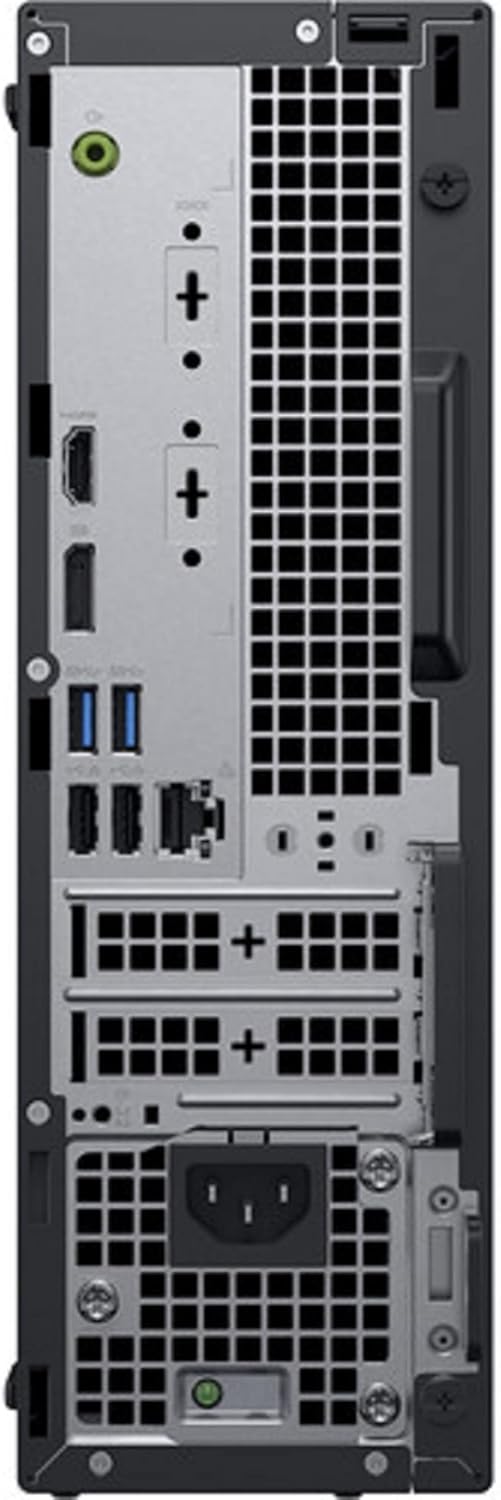
Connectivity is where this machine shows its age. While the included USB WiFi adapter is a nice gesture, it occupies a precious USB port and is never as stable as an integrated M.2 solution. The rear I/O is packed with legacy ports, which is fantastic if you still rely on older office peripherals, but the lack of high-speed modern standards like USB-C or Thunderbolt means you are stuck with slower, older transfer protocols. If you intend to use external SSDs for fast storage, you will be disappointed by the transfer ceilings.
The biggest flaw here is the age of the platform. Dell is banking on the fact that most users only care about the “32GB RAM” and “1TB SSD” headlines. What they are hiding is the underlying motherboard architecture that limits your upgrade path. You are essentially buying a dead-end socket. Once this i5-8500 dies or becomes too slow for the next iteration of operating system requirements, there is very little you can do to keep this rig relevant. The motherboard lacks modern features like PCIe 4.0 support, which keeps the potential of that 1TB SSD firmly locked in the past.
Furthermore, the “renewed” status often implies that the power supply unit (PSU) is a proprietary Dell component. If that power supply fails—a common occurrence in machines of this age—you cannot simply walk into a store and buy a standard ATX replacement. You are forced to hunt for expensive, proprietary parts from the secondary market. It is a ticking time bomb for anyone who doesn’t understand the restrictive nature of OEM office hardware.
This computer is squarely aimed at the home office user, the student on a shoestring budget, or the small business owner who needs a fleet of cheap machines that “just work” for Microsoft Office and web-based tools. If your workflow involves spreadsheets, email, and basic research, this machine is more than sufficient. You are paying for the convenience of a pre-configured, ready-to-run Windows 11 environment without having to build it yourself.
Conversely, gamers, video editors, and anyone expecting to do heavy lifting should stay far away. If you think you can turn this into a budget gaming rig by tossing in a GPU, stop. The proprietary PSU and the limited physical space will prevent you from fitting modern, power-hungry cards. Do not buy this if you value silence, modern connectivity, or the ability to upgrade your machine three years down the line.
When considering long-term value, the Dell Optiplex 3060 sits in a difficult middle ground. At this price point, you are paying for the labor of the refurbishment process. While the hardware is reliable, it is nearing the end of its useful life in terms of Windows compatibility and raw processing power. You can likely get three years of utility out of it for basic tasks, but don’t expect it to feel “fast” by the end of that period. It is a stop-gap machine, not a long-term investment.
The Competition and Verdict
Comparing this to a modern NUC or a base-level entry laptop is an exercise in contrast. While a modern small-form-factor PC will offer better efficiency and connectivity, it often comes at a higher entry cost. This machine wins on pure value-per-gigabyte of RAM, but it loses on every other metric regarding forward-looking technology.
| Feature | Dell Optiplex 3060 | HP EliteDesk 800 G4 |
|---|---|---|
| Processor | Intel i5-8500 | Intel i5-8500 |
| RAM | 32GB DDR4 | 16GB DDR4 |
| Storage | 1TB SSD | 512GB SSD |
| Estimated Price | $346.00 | Check Latest Price |
Ultimately, this computer is a functional tool for a specific type of user who values low cost over future-proofing. It is not pretty, it is not fast, and it is certainly not modern, but it gets the job done for the basics.
|
|





