Dell Optiplex 9020 Review: Reliable Renewed Desktop PC
Dell Optiplex 9020 Review
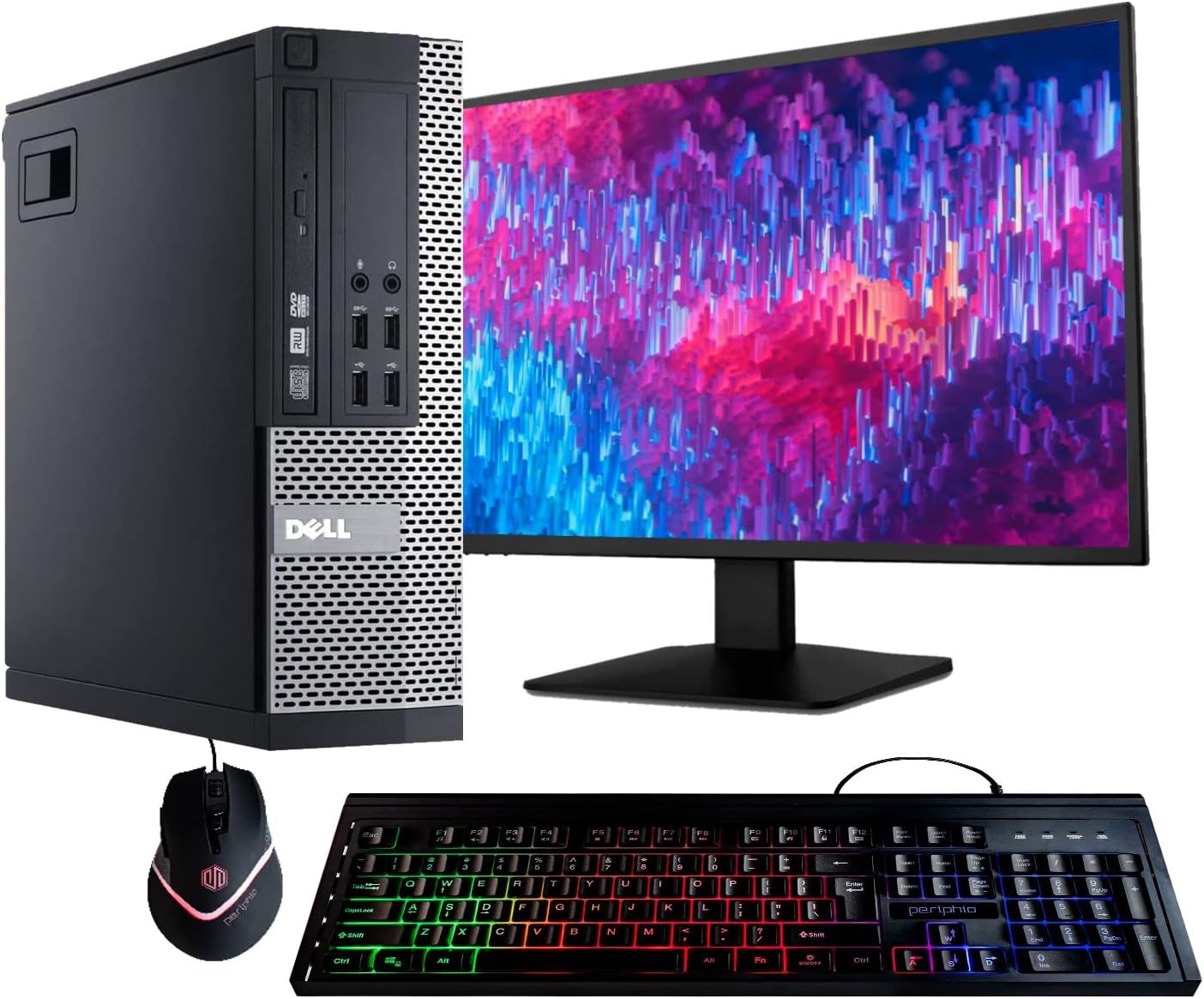
My initial encounter with the Dell Optiplex 9020 was a trip back in time to the era of beige office monoliths. The chassis is a heavy, utilitarian block of steel that prioritizes function over form to an extreme degree. It feels incredibly dense, which is expected from a machine originally destined for corporate cubicles rather than a modern home office. The build quality is surprisingly rigid, with thick metal paneling that refuses to flex, but the aesthetic is undeniably dated, featuring the classic front-facing grill work and a massive footprint that will consume a significant portion of your desk space.
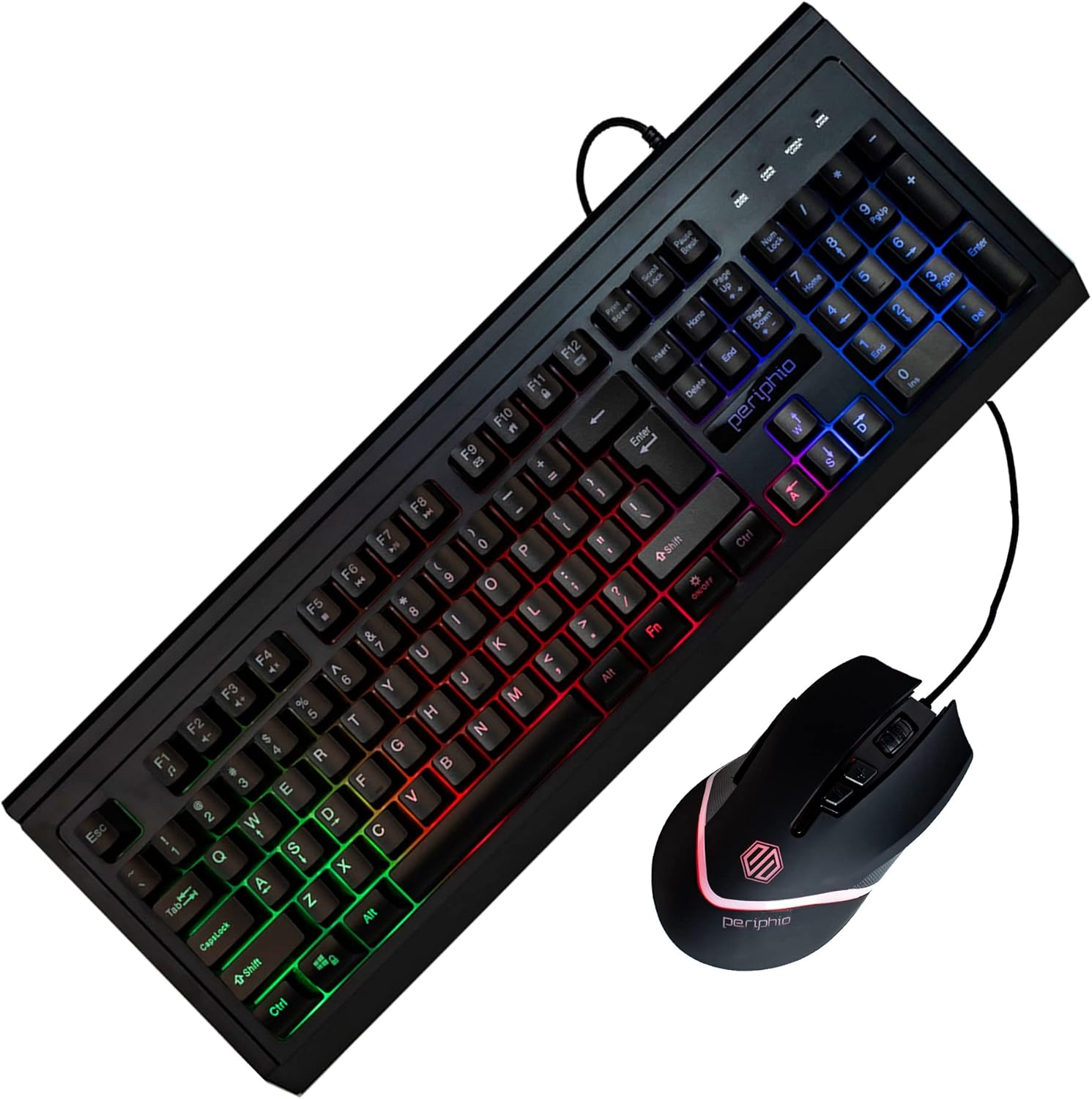
Unboxing this machine reveals a collection of peripherals that feel like an afterthought. The included monitor is a basic utility panel, and the RGB bundle adds a jarring, neon aesthetic to a chassis that was clearly built for serious, grey-toned productivity. While the weight of the unit suggests durability, the lack of modern design cues means it will stick out like a sore thumb in any contemporary setup. It is a brick of a computer, designed to survive a decade of being kicked under a desk, and that reality is apparent the moment you lift it out of the box.
The display included in this bundle is strictly for legacy productivity. It handles basic text and static imagery with passable clarity, but expecting deep blacks or high contrast ratios is a recipe for disappointment. The color accuracy is mediocre at best, and the refresh rate is strictly standard, which means you will notice ghosting during fast-paced movement. It is sufficient for word processing or reading emails, but creative work is completely off the table unless you value inaccurate color grading.
Audio performance follows the same path of extreme mediocrity. The onboard speaker is a tiny, internal affair that produces thin, tinny sound quality. If you are expecting a rich media experience for streaming or video calls, you will need to invest in external speakers immediately. The distortion at higher volumes is noticeable and distracting, reinforcing the fact that this hardware was designed for a quiet office environment where audio output was secondary to system stability.
When it comes to real-world performance, the Dell Optiplex 9020 is showing its age. Despite the claims of it being a powerhouse, the hardware is several generations behind current standards. Boot times are hampered by the mechanical hard drive, which creates a noticeable bottleneck compared to modern solid-state storage. Multitasking is possible if you keep your browser tabs limited, but once you push the system with several applications open, the 8GB of DDR3 RAM and the aging processor start to chug and stutter under the load of Windows 11 Pro.
Daily use involves waiting. You will wait for programs to launch, wait for menus to populate, and wait for the system to settle after a cold boot. While it handles basic document drafting and web browsing without crashing, it is not a machine for efficiency. If you try to run heavy software or keep too many background processes active, you will encounter significant input lag. It is a functional machine for a very specific, low-demand user, but it lacks the snappiness required for anyone who values their time.
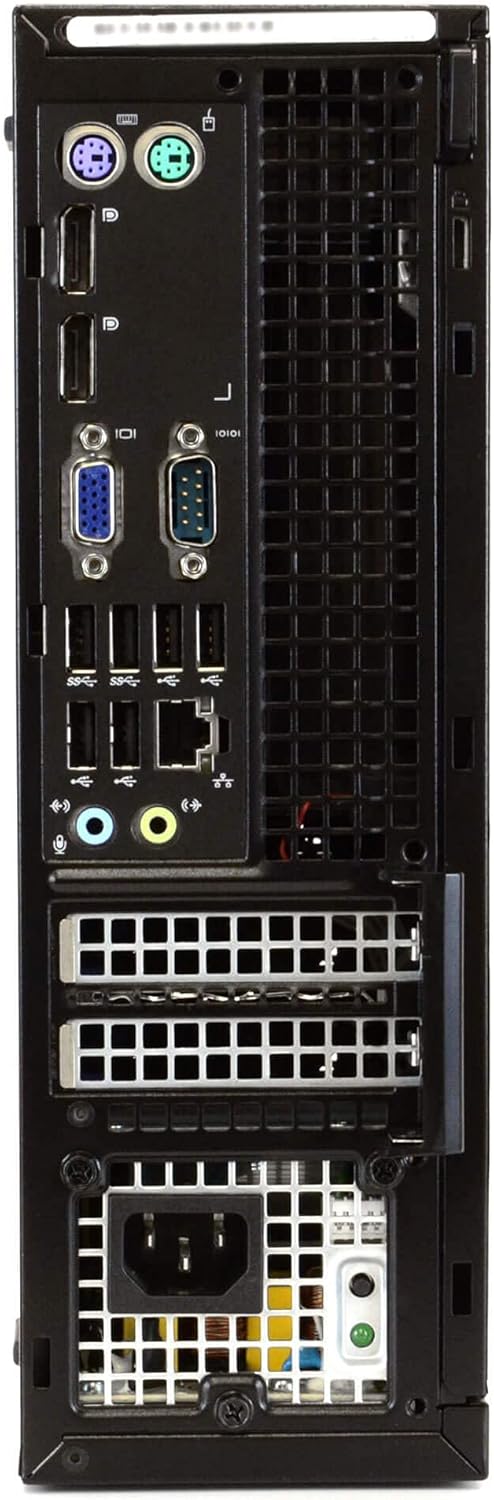
Battery life is non-existent as this is a desktop unit, but the thermal management of the Dell Optiplex 9020 is worth noting. The interior is cavernous, allowing for decent airflow, but the fans can become quite audible when the CPU is under load. The port selection is a testament to its corporate heritage; you have plenty of USB 2.0 and 3.0 ports, which is great for legacy peripherals, but the lack of native HDMI is an oversight. You are forced to rely on DisplayPort or adapters, which is a nuisance for modern setups.
The biggest flaw here is the storage bottleneck. Relying on a mechanical hard drive in an era where SSDs are the standard for operating systems is a cruel choice. It is the primary reason the machine feels sluggish. The manufacturer is clearly cutting costs by using older, refurbished spinning disks, which drastically hinders the responsiveness of Windows 11. They are hiding this performance ceiling behind the promise of “professional refurbishment,” but no amount of software optimization can overcome the physical limitations of a slow, dated hard drive.
This computer is intended for students on a strict budget or office users who need a dedicated terminal for basic data entry. If you simply need a machine to write papers, check email, and browse the web, it will do the job. However, if you are a gamer, a video editor, or someone who frequently switches between multiple intensive applications, you should absolutely avoid this purchase. The frustration you will feel with the slow storage and limited processor overhead will far outweigh the initial savings.
Regarding long-term value, I have my doubts. While it is cheap today, the machine is already at the end of its intended lifecycle. Spending money on this today is a gamble on hardware that has already been through years of corporate abuse. You might get a year or two of light use out of it, but after that, the cost of replacing components or dealing with inevitable hardware failures will likely exceed the price of a more modern, budget-friendly mini-PC. It is a stopgap, not a long-term investment.
The Reality of Budget Hardware
When you stack this machine against a modern entry-level desktop, the cracks in the Optiplex foundation start to show. You are trading modern speed and energy efficiency for a box of legacy parts that, while once reliable, have effectively reached their expiration date in terms of performance.
| Feature | Dell Optiplex 9020 | HP EliteDesk 800 G1 |
|---|---|---|
| Processor | Intel Core i5 (4th Gen) | Intel Core i5 (4th Gen) |
| RAM | 8GB DDR3 | 8GB DDR3 |
| Storage | 500GB HDD | 500GB HDD |
| OS | Windows 11 Pro | Windows 10 Pro |
| Estimated Price | Check Latest Price | Check Latest Price |
The Final Verdict
Ultimately, this Dell Optiplex 9020 is a machine for those who have zero expectations for speed and a very tight budget. It functions, but it does so with the grace of a machine that knows its best days are long behind it. If you need a cheap terminal to keep a child off your primary computer, it might suffice, but do not mistake it for a modern productivity powerhouse.
|
|





