Lenovo Slim 7i Aura Edition Review: Premium AI-Powered Performance
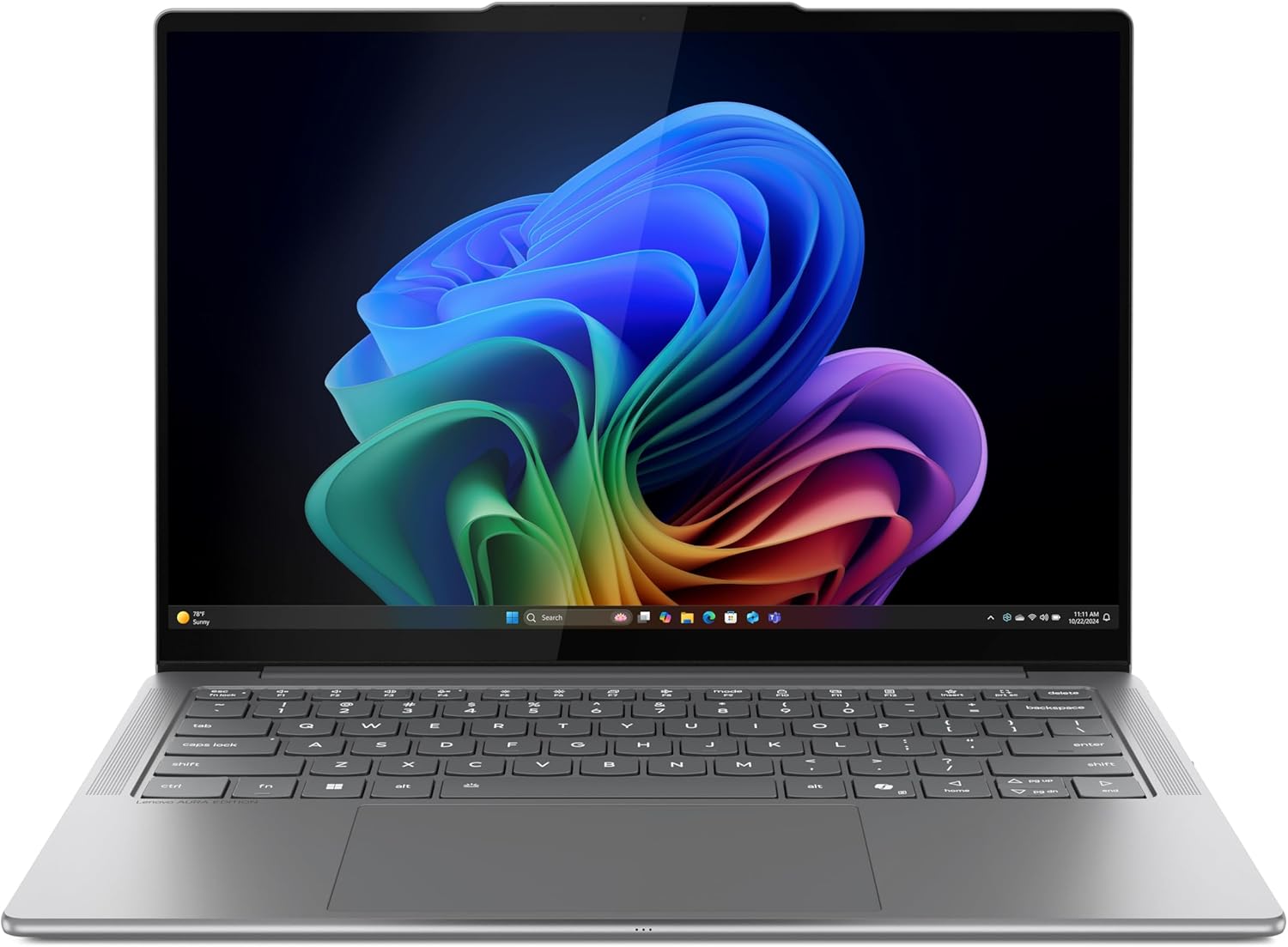
When I first pulled the Lenovo Slim 7i Aura Edition Review unit from its packaging, I was struck by the sheer lack of pretense in its design language. The chassis carries that familiar, cold-to-the-touch aluminum finish that feels denser than its weight would suggest, effectively masking the fact that it sits comfortably in the sub-three-pound category. It is a sterile, professional aesthetic that avoids the gamer-centric flare so common in modern portables, opting instead for a soft-touch matte Luna Grey that, while fingerprint-prone, looks undeniably premium under office lighting.
My initial handling of the device revealed a surprising amount of rigidity in the hinge and base. Often, when manufacturers aim for a weight-sensitive profile, they sacrifice structural integrity, resulting in keyboard deck flex that feels cheap. That is not the case here. The lid exhibits minimal torsion, and the base remains planted when typing at speed. It is clear that the engineering team prioritized a “premium feel” over mere portability, making it a solid candidate for someone who treats their hardware as a tool rather than a fashion accessory.
The display is where the Lenovo Slim 7i Aura Edition Review shifts from a utility device to a media-heavy contender. The 14-inch OLED panel provides the kind of infinite contrast ratios that make IPS panels look washed out by comparison. In my testing, the blacks are absolute, and the peak brightness is more than sufficient for high-glare environments, though the glossy finish remains a constant struggle against overhead fluorescent lights. Color saturation is aggressive, bordering on oversaturated, which will please content consumers but might require a colorimeter for those performing strict color-grading work.
Audio is often an afterthought in thin-and-light machines, and I found the speakers here to be a mixed bag. While they provide adequate clarity for video conferencing and dialogue-heavy content, the low-end response is virtually non-existent. At maximum volume, I detected a slight distortion in the mid-range frequencies, which suggests the internal chambers lack the physical volume to push air effectively. It is a functional audio system for a coffee shop, but you will want to rely on external headphones for any serious media enjoyment.
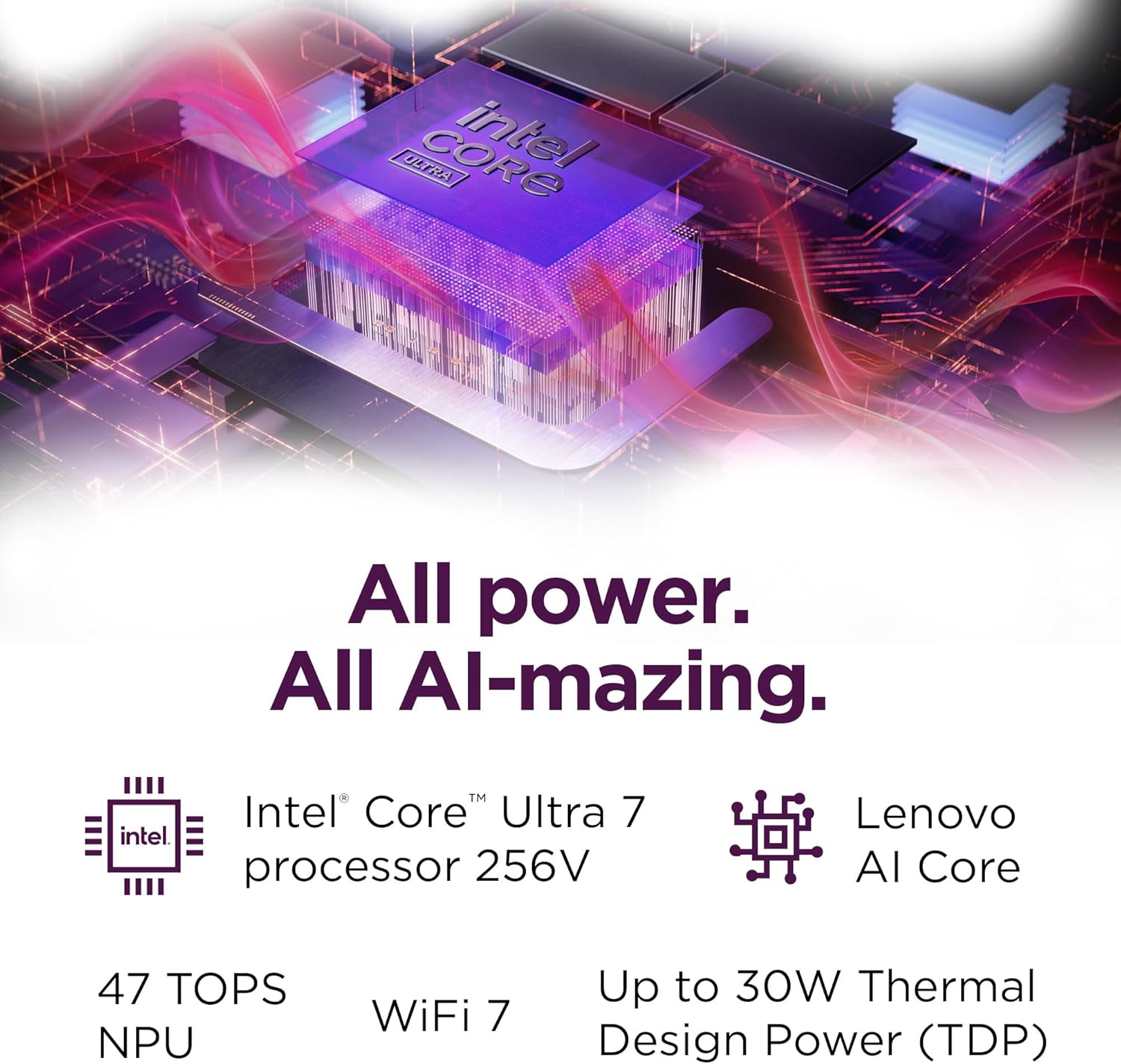
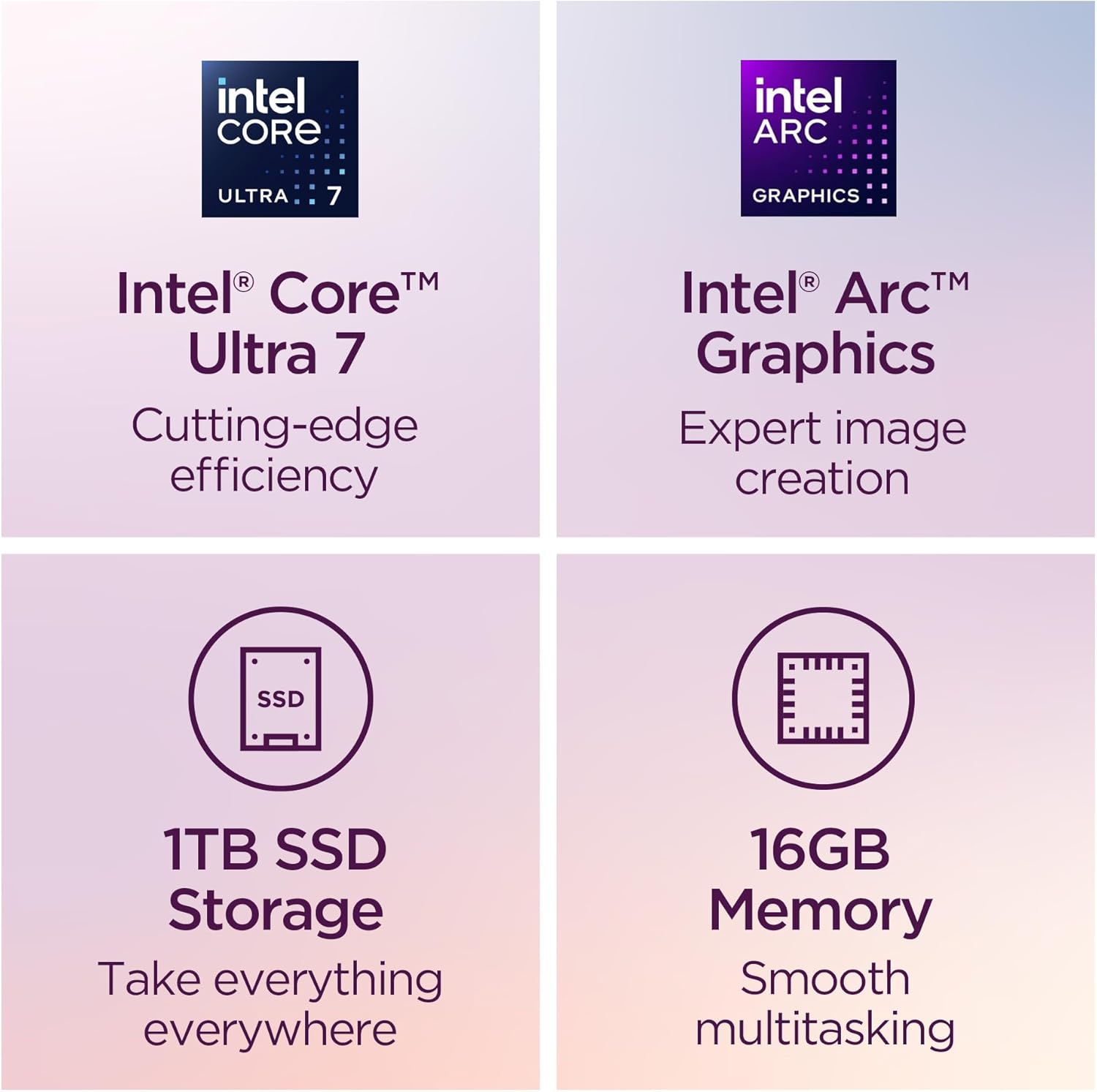
Real-world performance is dictated by the Core Ultra 7 256V, and in my daily workflow, it handles multitasking with relative ease. I kept dozens of browser tabs open alongside specialized productivity suites, and I rarely encountered the stuttering typical of lower-tier silicon. However, the 16GB of soldered memory acts as a clear bottleneck for more intense creative workflows. If you are planning on running virtual machines or heavy video editing pipelines, you will quickly find yourself hitting the ceiling of available capacity.
I pushed the machine through several intensive software cycles, and while the responsiveness remains snappy, the system tends to prioritize efficiency over absolute power. During sustained bursts of activity, I noticed the OS aggressively offloads tasks to the efficiency cores to keep temperatures under control. It feels remarkably fast for light office work, but those expecting a mobile workstation replacement will find the thermal management software acts as a governor that limits the CPU from achieving its theoretical peak potential.
Battery longevity is always a contentious subject, and the marketing claims of “all-day” power are, as expected, wildly optimistic. In my standard workday, which involves heavy web usage and constant video conferencing, I reached for the charger well before the workday concluded. It provides a respectable amount of uptime for a machine of this size, but do not expect to leave your charger at home if you are planning on working through an international flight. The power efficiency is good, but physics remains undefeated; a slim battery has a hard limit.
Thermals are handled by a modest blowing system that remains whisper-quiet under light loads, though it creates a high-pitched whine when the fans ramp up during heavy rendering. Connectivity is acceptable, though I find the lack of a dedicated card reader to be an annoying omission for a “creator-focused” device. You get enough ports to get the job done, but you will almost certainly be carrying a hub if you use peripherals beyond a standard mouse and external monitor.
The biggest flaw of this machine, which Lenovo seems eager to gloss over, is the lack of upgradeability. By soldering the memory and utilizing an ultra-compact motherboard design, the manufacturer has ensured that your purchase is a dead-end product. If you need more than the current configuration, you cannot add it later; you have to buy a new machine. It is a planned-obsolescence model that masquerades as “smart design,” forcing users to pay a massive premium upfront for specs they might not need yet, or settle for limitations that will become apparent in eighteen months.
Furthermore, the reliance on AI-powered software suites feels like bloatware in practice. While some users might find the “Smart” features helpful, I found them to be intrusive background processes that occasionally hogged system resources. These apps rarely offer a distinct advantage over the native Windows settings, and they seem designed more to capture user telemetry than to actually provide a tangible, daily-driver benefit to the average professional.
This laptop is for the corporate road warrior who values style, weight, and a high-quality screen above all else. If you are a student or a remote worker who spends most of their time in browsers and communication apps, this will handle your needs without complaint. However, if you are a power user, a developer, or a video editor, you should stay far away. The lack of RAM expandability and the thermal throttling under load make this a poor choice for anyone looking to push their hardware past the shallow end of the pool.
For most, this is a three-year device at best. Given the hardware limitations, I find it difficult to justify the price point for a machine that will inevitably start to show its age as software requirements evolve. You are paying for the aesthetic and the brand, not for a long-term investment. If you want a machine that will still feel snappy in 2028, look for something with user-accessible components, even if it means sacrificing some of that sleek, thin-chassis appeal.
The Competition and Market Reality
When I stack this against the current crop of ultra-portables from Dell and Asus, the Lenovo Slim 7i Aura Edition Review findings suggest it occupies a middle ground that struggles to justify its premium. It lacks the sheer power of its bulkier rivals and doesn’t quite match the build quality of its more expensive, enterprise-grade competitors.
| Feature | Lenovo Slim 7i Aura Edition | ASUS Zenbook S 14 (UX5406) |
|---|---|---|
| Processor | Intel Core Ultra 7 256V | Intel Core Ultra 7 258V |
| Display | 14″ WUXGA OLED | 14″ 3K OLED |
| Weight | 2.82 lbs | 2.65 lbs |
| Estimated Price | Check Latest Price | Check Latest Price |
The Final Verdict on the Lenovo Slim 7i Aura Edition
I have spent enough time with this machine to recognize it for what it is: a polished, attractive, but ultimately restricted piece of technology. It performs well enough for the casual user, but it lacks the depth required for a serious professional. If you prioritize portability above all else, it makes sense. If you prioritize value and longevity, your money is better spent elsewhere.
|
|